![AE ADRENALIN [ILLUMINATOR] icon](https://play-lh.googleusercontent.com/Mpd9sdkdUiycq4blMj5YqcB1mJmch07csltQRRPh_rpZ0mr1awFX8KprYgScUm95OTvaaq_AHwUIN2tDuPUOiA)
AE ADRENALIN [ILLUMINATOR] v1.0.0
Alithir Elements (Malaysia)![AE ADRENALIN [ILLUMINATOR] screenshot 0](https://play-lh.googleusercontent.com/fH3R99Yf06e7Le3ok-MSOOYIKSNl59R1CII5-nXAlckiie2VQKtrqxv_gpoGvsbucBGWAluAarmDEefA4SxxjsI)
![AE ADRENALIN [ILLUMINATOR] screenshot 1](https://play-lh.googleusercontent.com/INkH8sBl4IbKFP0LiSC8xHeguBDkuVq48sa8U09HTst0dGTJgopUNoESv7yv53neof2gOwGNzvASLhOMmDxo)
![AE ADRENALIN [ILLUMINATOR] screenshot 2](https://play-lh.googleusercontent.com/-XxtrQmJUq8DzNurms4W1HwYlaNyUf0H62Tcor4nElm4b4glXsoGqX5h_fUySz-B7p-CkHtbE49EjwjcmwFkZSw)
![AE ADRENALIN [ILLUMINATOR] screenshot 3](https://play-lh.googleusercontent.com/PfgV6XAiAcrCSPlZBCDMmAGLPzd8W4BwyG_8ttNVsFaIv5I2WZAI01B7l2DmoMhYk9LUnq5D7UA7CrNB_uME)
![AE ADRENALIN [ILLUMINATOR] screenshot 4](https://play-lh.googleusercontent.com/OCHhLq0trb4JLJFQNE9IQXxqH2M5HnyTb6RymR3NnJ7bNG9d0wkhxtuJD5XY0rCyKzpeq0VEzr8S0CO_41u19s8)
![AE ADRENALIN [ILLUMINATOR] screenshot 5](https://play-lh.googleusercontent.com/C8zuYxPWdu8v1nXVkkIcKxPJDqpiPsybbDpd5a9dx3Q9iowZIIuDFBj4AVQer6XAsAvwiv7_2zgdfXw-rFhkwOA)
![AE ADRENALIN [ILLUMINATOR] screenshot 6](https://play-lh.googleusercontent.com/gaTVpG_6-ZkpmPzIr-aB92ysh_MGl5BD_kXNYt9AFMUniZFAxjTyy41_UjaBuKBOMcSXV_8CW_h_6UzvrqNN)
![AE ADRENALIN [ILLUMINATOR] screenshot 7](https://play-lh.googleusercontent.com/8f8l_qhSYi54em579oTFW8wF9QkeutcuYXzCUFxrUfS1g0Utk5EiMkYvk4_B8UvZnQub1UDO6etGPSjRI4qC8A)
![AE ADRENALIN [ILLUMINATOR] screenshot 8](https://play-lh.googleusercontent.com/t5DgA-l-CI9-TApOSsqmbV8NCg8briG-C_pzwwQV6objgPb6Ym-5VLn17BMUtQnDM5cn_kHBYh8N8hoA3ezlOg)
![AE ADRENALIN [ILLUMINATOR] screenshot 9](https://play-lh.googleusercontent.com/bPktwyjuXEJPhQwDYA0ZGIw6rLrXsFbw5E0UycbcOqTFsooEXwtIwpd7P5-re22U1x_HQBI7ve2QSOvViPVI)
![AE ADRENALIN [ILLUMINATOR] screenshot 10](https://play-lh.googleusercontent.com/HRbxHV3UIS81t1ucAqy6oDhp-JkrH0dnXyb-9OiziczYWzcP0T1hC9mtDOJ3LwHr0EsfTGkUf0c7XqQgqFcQqdM)
![AE ADRENALIN [ILLUMINATOR] screenshot 11](https://play-lh.googleusercontent.com/vDqadYQwW2KJBFYhBRrMFzfjsC-RNZRsAtz4VitR10don7AlFOydIm2rksbTAtuNURI6lHwRFylKHlpMU90ARg)
![AE ADRENALIN [ILLUMINATOR] screenshot 12](https://play-lh.googleusercontent.com/cXcKCuqPL47CtudgSkvdHQqHJbtKfFs7cYtAwUjsoXvJUIOmij0ql22HcE9abpFl1qlN-_WwgWrLTkcKNIC9Ew)
![AE ADRENALIN [ILLUMINATOR] screenshot 15](https://play-lh.googleusercontent.com/44LscHAcD0tV5faXva2bZfpLZNzgDB3RP-_8ejE-yGeg8-PMzFDQqWUjpaf4eLbf4dgcWx0fDASzkgObs95b5l8)
![AE ADRENALIN [ILLUMINATOR] screenshot 16](https://play-lh.googleusercontent.com/GbieltIbMYvnACNieOwHsr_uDR325n2Hu1RXBFkShl2Fv3vKQa536jBT5Wcc_a5bXjqe8eF13wmI3cltqsOMBA)
![AE ADRENALIN [ILLUMINATOR] screenshot 17](https://play-lh.googleusercontent.com/TwyPBVJ_XuQJzUGiwHSslz7N5kpUs7L8sU04PA4qVO_PZykb5vY4Qxbk31UGpdaHPQ2hArSHv1WDDNKvDqc4)
![AE ADRENALIN [ILLUMINATOR] screenshot 18](https://play-lh.googleusercontent.com/4X32VHQuDwYVKhzNiMlX6WKhg65Pb1YHQ_rrd7BCgdHOfTc_0T0wEkZIX_WHgyYrwgxub99HfEh95U0kyAgeq9k)
![AE ADRENALIN [ILLUMINATOR] screenshot 19](https://play-lh.googleusercontent.com/26TqneAGhalVXzyhq5KPz0tmUjN4Jyz1VGNE3Im7Yj6CLg655i6K8mkMS3EvyyHFD5mBhzz7tHb2EMLu_iUXZw)
![AE ADRENALIN [ILLUMINATOR] screenshot 20](https://play-lh.googleusercontent.com/17vneNHAXnJnVubium32UUgNlNrXBA0zgJzF6Z_3wAWdmNaMZVqoCWkZmHJMsalBAYAHsPC5uRCMmPYPxZtSrA)
![AE ADRENALIN [ILLUMINATOR] screenshot 21](https://play-lh.googleusercontent.com/q5tktYyZB_M8hHFr_cczWI7zucWsKjQmbGh84wtPPAMnkXV9OVxl1do9ol7emA5akmIWu59l6wdvMP9C5wLd)
![AE ADRENALIN [ILLUMINATOR] screenshot 22](https://play-lh.googleusercontent.com/q0GLezVE4cSr1q0yRcR5PSJ-7i466xH2YNeVb9tjFGBOQ5RSRThRsKMWNVaGsmiIeveONlkRsLQsO2wHAC4aug)
![AE ADRENALIN [ILLUMINATOR] screenshot 23](https://play-lh.googleusercontent.com/1doLSY4RamwUsukEqj84-JDCuHkpQmNWOaWnWy-XZfqs0Q8_IA3i8BgzMLhAaPW6OSJ7lVYocJSNYXN1EePzxQ)
![AE ADRENALIN [ILLUMINATOR] screenshot 24](https://play-lh.googleusercontent.com/yTt81qc9xGOt10f6uVwjOAtnQC-WQdZwkz6B2rlng6c_tqJXPv_AUnQJp-ReweTOD0LBfTMDWS-TiW12h038PeA)
![AE ADRENALIN [ILLUMINATOR] screenshot 25](https://play-lh.googleusercontent.com/vGxqe3AZSml0Lg3QCwBu4ZJcEFz3IWIXORtkYU1MMwTV9rKdMwABiePLLuKcCGiEee9uAEJry-OTqJ4mK433)
![AE ADRENALIN [ILLUMINATOR] screenshot 26](https://play-lh.googleusercontent.com/n-dtmM0Pxs4JRCG9KoYEWf7asLXfuvyU7hSgkBKs5EJ1lepiAPb-DheLt9HpvsqD7PADqCekgSFUaR70uQZa-Q)
![AE ADRENALIN [ILLUMINATOR] screenshot 27](https://play-lh.googleusercontent.com/v3wYHm1XKtuyNNoHIFQNwP5Os7EVQFcxtDfeuIa61mFPDXIxBdpSRXGB4VRNZiIOQcYiOYm0E8jk--vCi01y)
![AE ADRENALIN [ILLUMINATOR] screenshot 28](https://play-lh.googleusercontent.com/Dn0StZA0aqodYIM6nEw0lWlLGTsOohwDxS5VXgzqI8KImcXwBtGWn2uooM93dIDbSi54AweLiQHOR32gMflmKQ)
![AE ADRENALIN [ILLUMINATOR] screenshot 29](https://play-lh.googleusercontent.com/rqwd1ZWtjoS-5WdGTUymm8AO4_UU9lbWRk00zPDp5VbImEZoVHsrxqF2EoRNUBBK_A4Cg7my-SAaJjjS7kcRUA)
![AE ADRENALIN [ILLUMINATOR] screenshot 30](https://play-lh.googleusercontent.com/k95wdDFVH4pbnu2_9Ok9mPgsdtIMl-oNuv0_dlGCsbVLk1iBMurmnQHFH7yUaZi47MfzsS8b8bF58yw1nKSw)
![AE ADRENALIN [ILLUMINATOR] screenshot 31](https://play-lh.googleusercontent.com/I4f8x6L4GbNWOfaQId9SRI8rN0Hl6VpKICtQ65WVNEYavYHWFFFRtLwhtFnKVm8q8shcPzTGZT_QccbY5UyO)
![AE ADRENALIN [ILLUMINATOR] screenshot 32](https://play-lh.googleusercontent.com/KvMZutxAesCK6tT6Oe0sdOxERpGSco4WudRziJFnkVG08oAz6AyE5w4AR9hj2Ns2ZkVtpiFQV2CHv6nz-Abj)
![AE ADRENALIN [ILLUMINATOR] screenshot 33](https://play-lh.googleusercontent.com/X1RKbg0mpxR3E43b6OgAi-VlOHKpjrB6p3FhF48e29Ygbk8Fjzheu_DrAsi0XEM9bDO_KBG-AJSPYjRsZPuw7B8)
About this app
Developer Description
Wear OS built with Watch Face Studio powered by Samsung.
The Illuminator is a health activity watch faces, evolved from the sucessful AE ADRENALIN series watch faces. Six striking luminosity that suits any occasions.
FEATURES
• 12/24H Digital clck
• Day, Month and Date
• Time Zone indicator
• Current Temparature C/F
• Current Weather (icon)
• Steps count
• Heartrate count
• Distance count
• Kilocalorie count
• Battery progress bar
• Five Shortcuts
• Ambient mode supported
PRESET SHORTCUTS
• Calendar
• Voice Recorder
• Alarm
• Heartrate
• Remove dial mesh
ABOUT THE APP
AE apps are built with Watch Face Studio powered by Samsung with an API of 30+ without fake masking. If your device (phone) prompts “this app is not compatible wih your device (phone)”, exit Play Store and try again or browse and download from web browser on your personal computer or search watch name from your Watch.
INITIAL DOWNLOAD & INSTALLATION
During download, place the watch firmly on the wrist and ‘allow’ access to data sensors. If the download does not take place immediately, pair your watch with your device. Long tap the watch screen. Scroll counter clock until you see “+ Add watch face”. Tap on it and look for the purchased app and install it.
What's New
Version Information
- Version
- 1.0.0
- Downloads
- 1K+
- Updated on
- Jul 31, 2025
- Released
- Jan 11, 2024
- Requires
- Android Varies with device
Statistics
Google Play Rating History
Rating Distribution
Downloads Over Time
AE ADRENALIN [ILLUMINATOR] has been downloaded times. Over the past 30 days, it averaged downloads per day.
Shaded area shows 30-day prediction based on historical trends
Historical data collection started recently. More data points will be available over time.
ApkTrusted Ratings & Reviews
More from Alithir Elements (Malaysia)
See more apps
AE BRENDON AVI
Paid
![AE ADMIRAL [EXPEDITION] icon](https://play-lh.googleusercontent.com/u-DcuJXAMneOvvPtMWmsAjrhF2cqRG9-aKG9OmfKZl9-q3za6Cto5_R9jVK5qOS0J7Uw)
AE ADMIRAL [EXPEDITION]
Paid
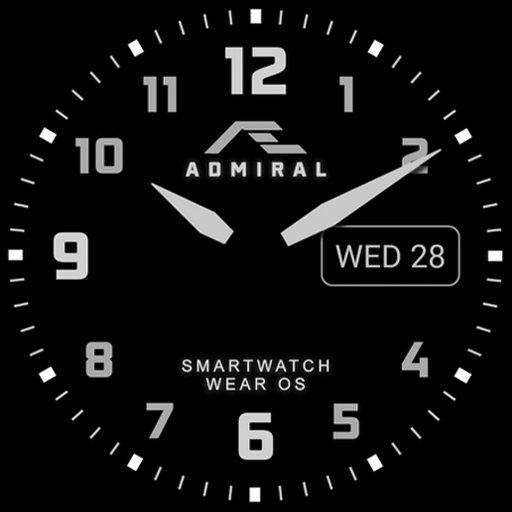
AE ADMIRAL PERPETUAL
Free
![AE ADRENALIN [LCI] icon](https://play-lh.googleusercontent.com/WV1-ZN8o4QY6hxmOCE63-IntN27kvRtwVGLhm64Z-FPIZA0zIsrPntOoNWULDhTWaTY)
AE ADRENALIN [LCI]
Paid

AE ADRENALIN
Paid
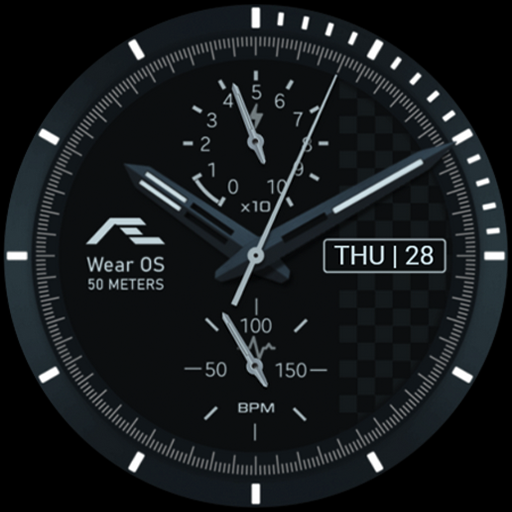
AE ADRENALIN
Free
![AE ADRENALIN [AMG] icon](https://play-lh.googleusercontent.com/p0IFIVWSsy0maMjQZsSCamhiSgiLur1T9zWoT-3VFNkMp6iyZ566QIx-3oQzM_GtOw)
AE ADRENALIN [AMG]
Paid
![AE ACTIVE [DIGITAL] icon](https://play-lh.googleusercontent.com/KxIH-scJxsAqsYQt3_EvF-2J8wkoK5Pd4HPbOyhH_b41gGOFi-DCHam1K7bZQO9OPJM)
AE ACTIVE [DIGITAL]
Paid
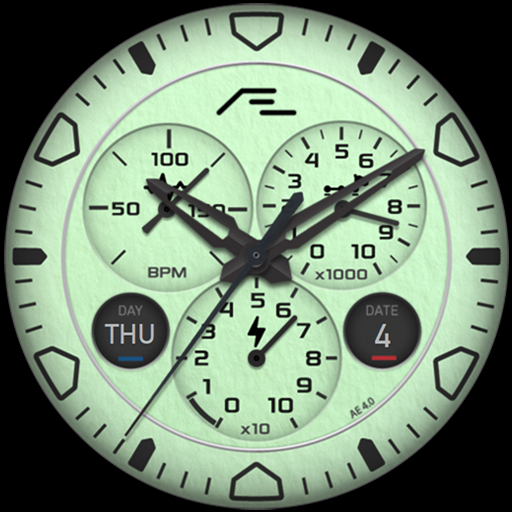
AE ACTIVE MOND
Free

AE ACTIVE SONNE
Free

AE AURORA I
Free
![AE AERONAUTE [LIMA] icon](https://play-lh.googleusercontent.com/n5HYBWSA4QdWe0ayTknK6b8arwkh_PnOBvY-yNO47Oj-X3JdDvEqRg_j_tjIrex0K8iW)
AE AERONAUTE [LIMA]
Free
![AE AERONAUTE [TORUK MAKTO] icon](https://play-lh.googleusercontent.com/yZkNtm5DXabYR7MIub9ZJDggO-dSsAbkjRbSJ9Hq-xW7Gh7_wJcMmhaH8LpemT1KFNM)
AE AERONAUTE [TORUK MAKTO]
Paid
![AE AERONAUTE [ANGKASA] icon](https://play-lh.googleusercontent.com/DLZm_ZAhCXayjAGk1tBh0DAu5BpbnLBlEtoHwbXMXz8hSVocXjAYwLgzCPZNkEd6jHE)
AE AERONAUTE [ANGKASA]
Free

AE AERONAUTE
Paid
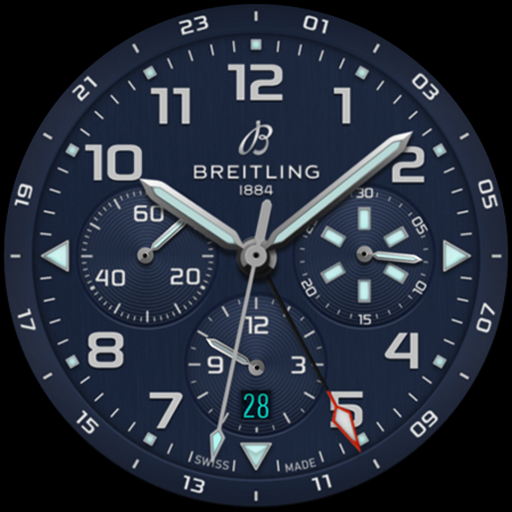
AE SUPER AVI
Paid
Similar Apps

A485 Digital Watch Face
Free

DIGI SPRAKLUS CTS04 Watch face
Paid
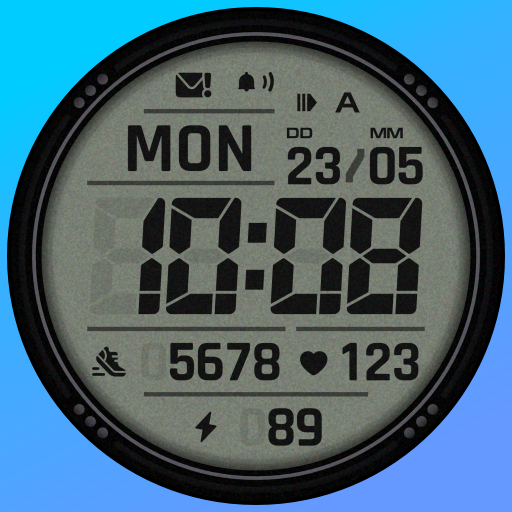
SH092 Watch Face, WearOS watch
Free

UsA Liquid Crystal - USA141
Paid

SamWatch Digital Tenth 2
Free

UsA LCD Weather Anim - USA181
Paid

Retro Digital Watch Face
Paid

Tancha S61 Retro Watch Face
Paid
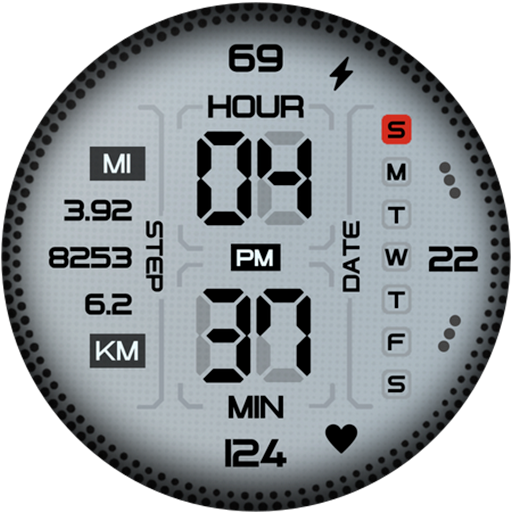
MW39 Sport Digital Watch
Free
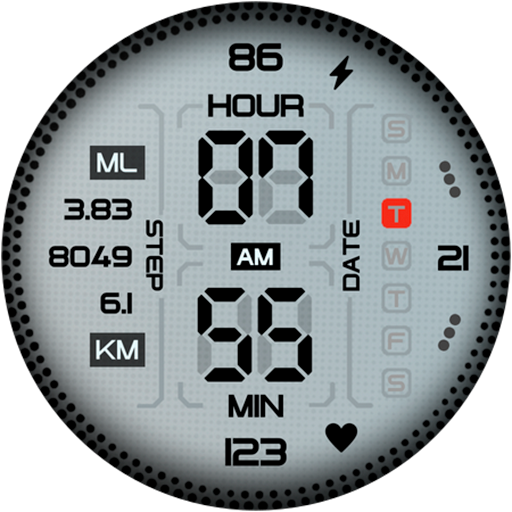
Digital Sport Watch Face Pro
Paid

TkuWatch S014 Retro Watch Face
Paid
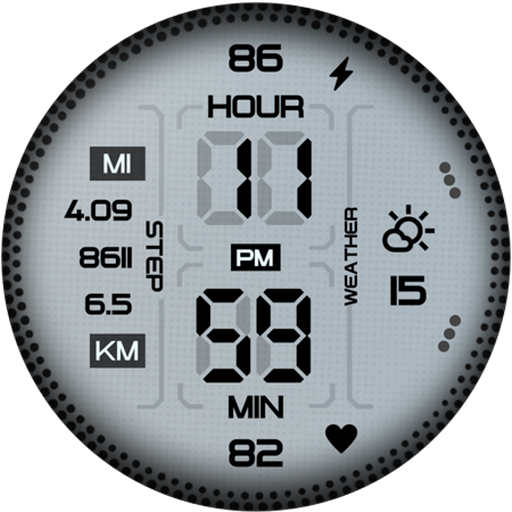
MW45 Sport Digital Watch
Free
Watch Face Military Digital
Free

N-SPORT647 Clear Digital Watch
Paid
SamWatch Digital Tenth 3
Paid

ACRO Energy Fit Watchface
Paid
Scan this QR code to download

Forwarding you to the page at Google Play market in seconds...
Open Google Play market now