
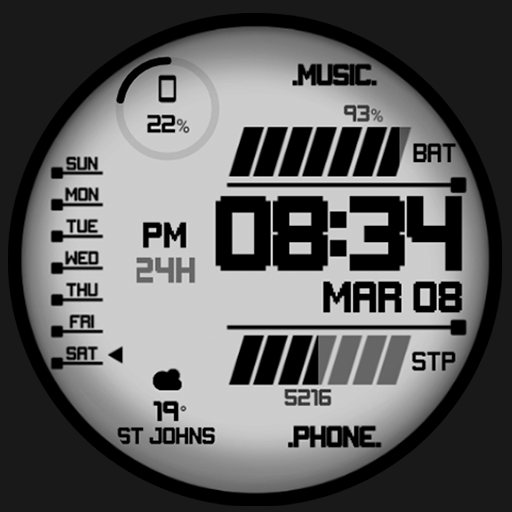
UsA Liquid Crystal - USA141 vVARY
USA Design Watch Face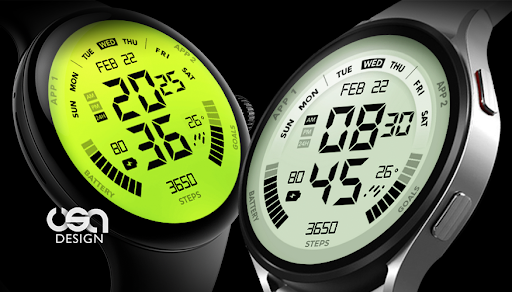



About this app
Developer Description
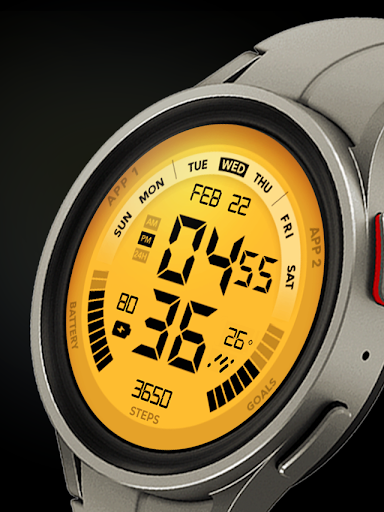
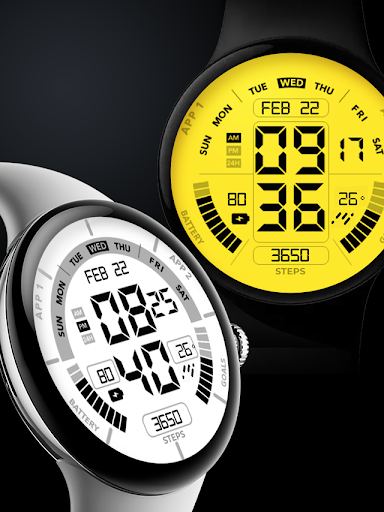
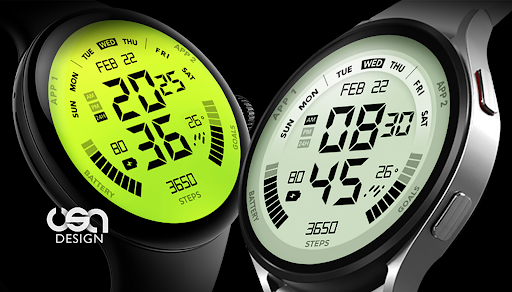
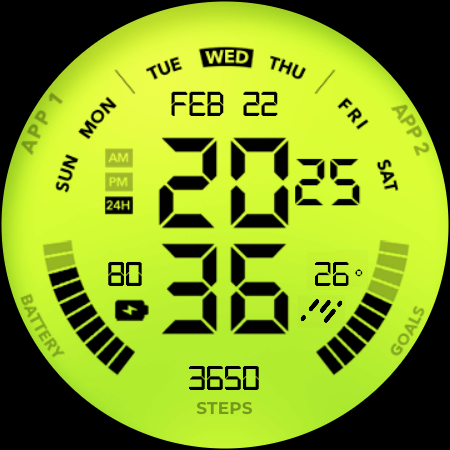
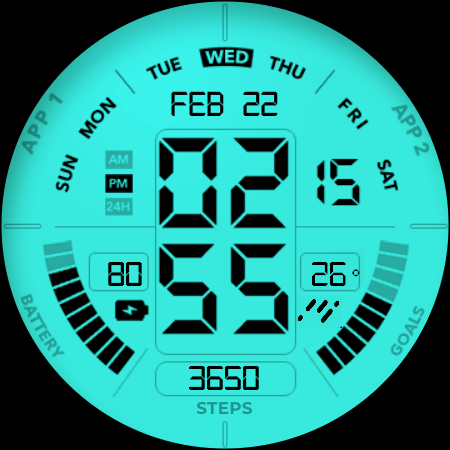
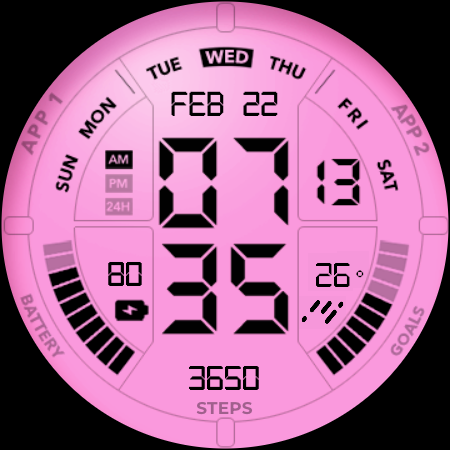
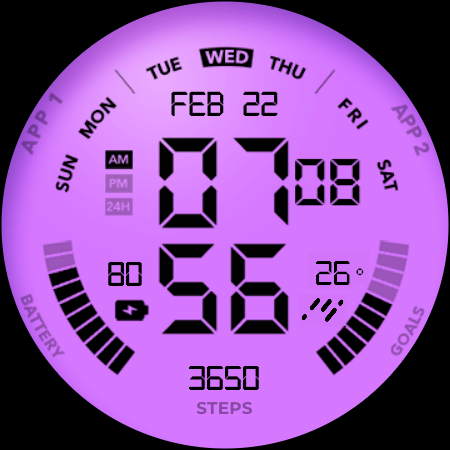
Independent 12 or 24 Hour mode digital LCD Style Watch Face for Wear OS
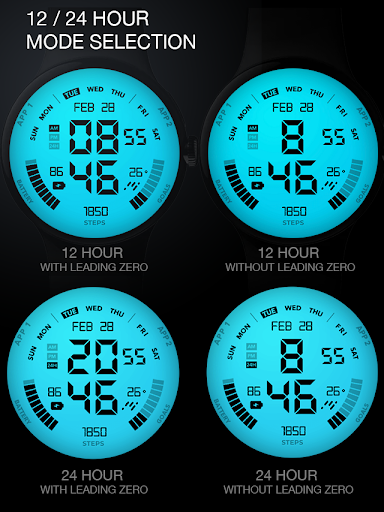
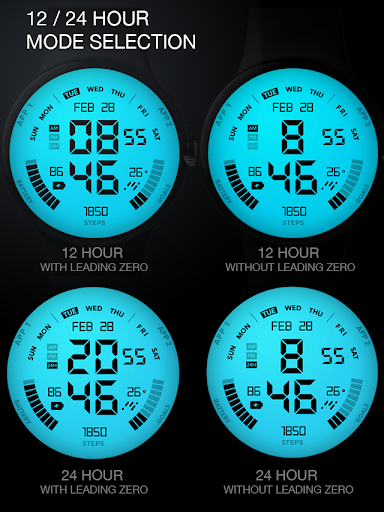
Featuring 12 - 24 hour mode selection from the customize menu, so you can select different modes between your phone and watch. And also you can select whether it is using a leading zero or not. The available mode :
- 12 hours with leading zero (default), e.g.: 06.00 am
- 12 hours without leading zero, e.g.: 6.00 am
- 24 hours with leading zero, e.g.: 18.00
- 24 hours without leading zero, e.g.: 6.00
Installing the watch face on your watch will be done automatically after the app is downloaded to your phone. It will take a few minutes or longer depending on the Store process. After the installation complete notification on your watch is shown, you can find the watch in the "downloaded" section on the wear app. Or you find it on the add watch face menu on the watch (check the companion guide). If you still can't get the watch face, follow the alternative installation guide on the phone companion app.
Features:
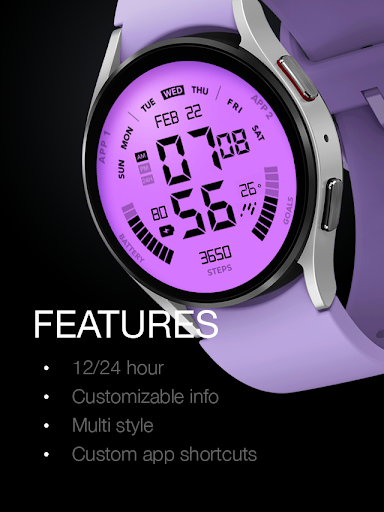
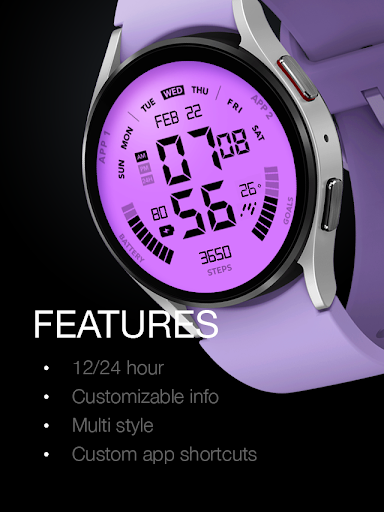
- 12/24 hour mode selection from the customize menu
- Battery Information
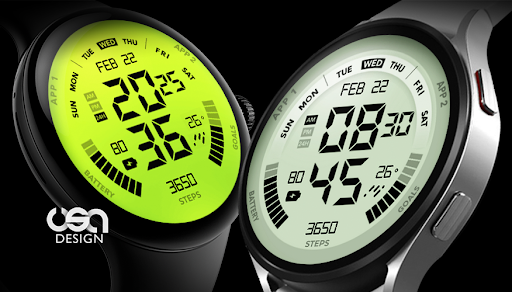
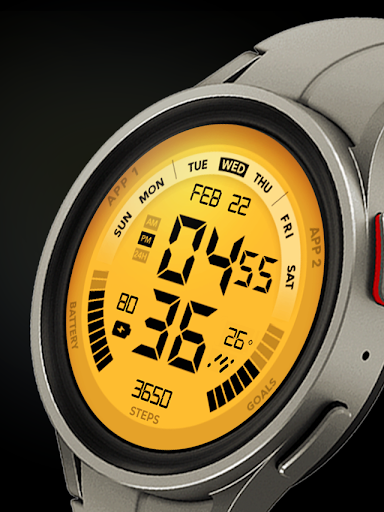
- Multiple backlight style
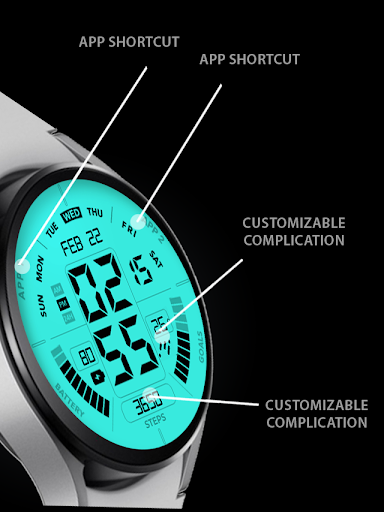
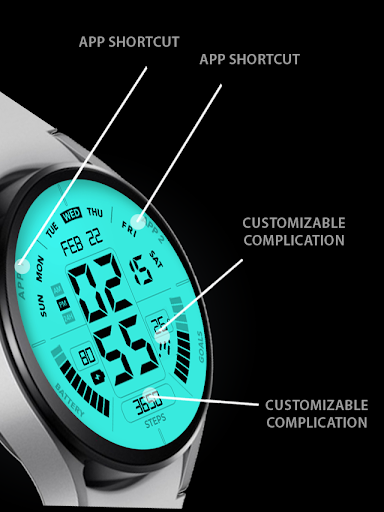
- 2 custom app shortcuts
- Short complication info (best for short info such as weather), please adjust the complication after installing the watch face
Data shown on the complication area may differ depend on the device and version.
Tap and hold the watch face and go to the "customize" menu (or settings icon under the watch face) to change the styles and also manage the custom shortcut complication.
If you have a problem customizing from your wearable app, please try again several times. Sometimes there is a sync problem on the wearable app.
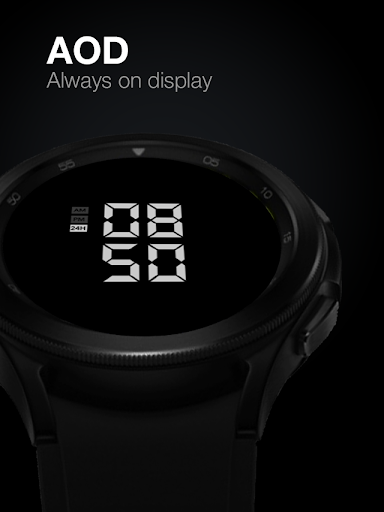
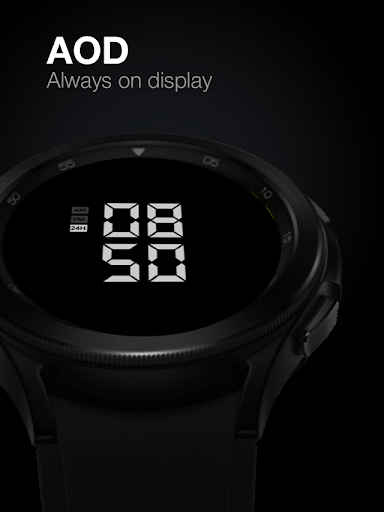
Special designed Always On Display ambient mode. Turn on the Always On Display mode on your watch settings to show a low power display on idle. Please be aware, this feature will use more batteries.
Installation and troubleshooting guide here:
https://developer.samsung.com/sdp/blog/en-us/2022/11/15/install-watch-faces-for-galaxy-watch5-and-one-ui-watch-45
Join our Telegram group for live support and discussion
https://t.me/usadesignwatchface
What's New
API 34 update
Version Information
- Version
- -
- Downloads
- 5K+
- Updated on
- Jul 20, 2025
- Released
- Mar 1, 2023
- Requires
- Android Varies with device
Statistics
Google Play Rating History
Rating Distribution
Downloads Over Time
UsA Liquid Crystal - USA141 has been downloaded times. Over the past 30 days, it averaged downloads per day.
Shaded area shows 30-day prediction based on historical trends
Historical data collection started recently. More data points will be available over time.
UsA Liquid Crystal - USA141 users say on Google Play
 Marius Oprisan
Awesome watchface with crisp and bright colors. Easily one of my all time favorite watchfaces. I'd love it more if it had slightly thicker fonts for complications. Font is so thin on my Galaxy Watch 5 Pro, that it's barely readable and can easily mistake numbers (e.g. 1 for 7)
 Michael Beattie
Excellent lcd-effect watch face. Very clear in daylight too. Would like more colour customisation options though, and ability to change text colour (like inverted LCD panels).
 William Sanders
Really like the watch face and the cool features but it's kinda Hard on a battery. I paid for it so I'll keep it in myist but I'm Uninstalled it till they can fix the Battery drain
 Cesar Torres
Heart rate does not work. I cannot get a refund .fml this is the same with many of these watch faces.
ApkTrusted Ratings & Reviews
More from USA Design Watch Face
See more apps
UsA Circular Analog - USA146
Paid

UsA Blazing Digital - USA144
Paid

UsA Bigger Watch Face - USA122
Paid

UsA Bigger Hybrid - USA123
Paid

UsA Golden Flower - USA157
Paid
UsA Circle Bar - USA121
Paid
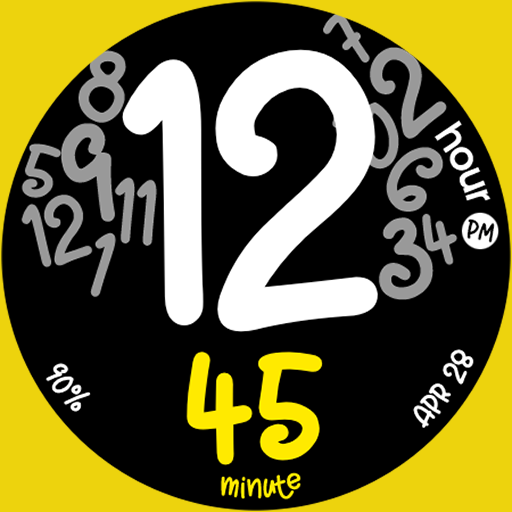
UsA Butter Animated - USA154
Paid

UsA Balancia - USA112
Paid

UsA Balancia Neo - USA178
Paid

UsA Big Color - USA101
Paid
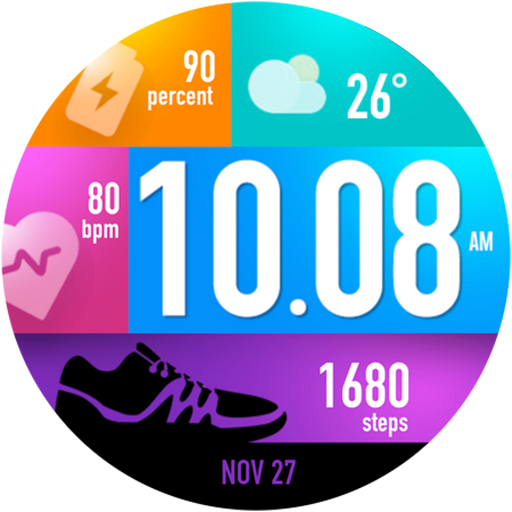
UsA Bubblegum Tiles - USA139
Paid

UsA Chalk - USA126
Paid
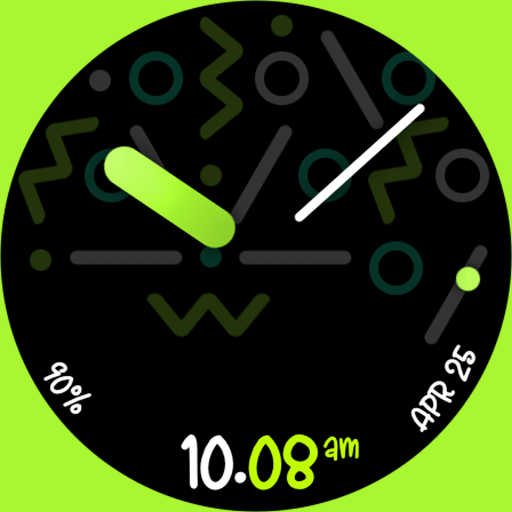
UsA Butter Analog - USA155
Paid

UsA Circle Bubble - USA118
Paid
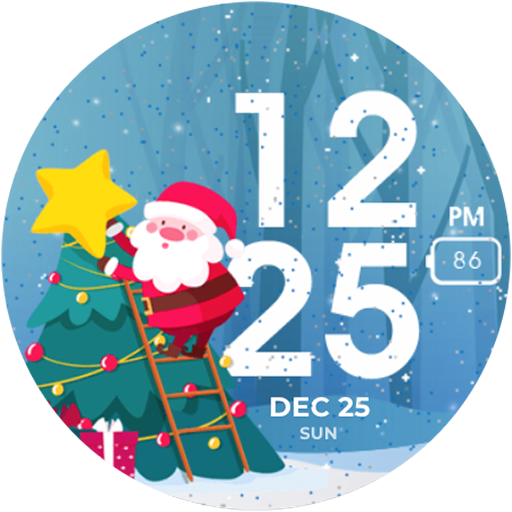
Santa Christmas Snow - USA135
Paid
UsA Circular Classic - USA148
Paid
Similar Apps
Digital Sport Watch Face Pro
Paid
MW39 Sport Digital Watch
Free
MW45 Sport Digital Watch
Free

Sport Galaxy Watch Face Wear
Free

TkuWatch S014 Retro Watch Face
Paid

aad25 Pastel
Free

Retro Digital Watch Face
Paid
Night 90 - watch face
Free

A485 Digital Watch Face
Free

SamWatch Digital Tenth 2
Free

Digital 6 watch face
Paid

HKR019
Free
![AE ADRENALIN [ILLUMINATOR] icon](https://play-lh.googleusercontent.com/Mpd9sdkdUiycq4blMj5YqcB1mJmch07csltQRRPh_rpZ0mr1awFX8KprYgScUm95OTvaaq_AHwUIN2tDuPUOiA)
AE ADRENALIN [ILLUMINATOR]
Paid

SG-112
Paid

HMK WD257
Free

Night 100 - watch face
Paid
Scan this QR code to download

Forwarding you to the page at Google Play market in seconds...
Open Google Play market now