
Alpha Dark - modern minimalist vVARY
Enkei Design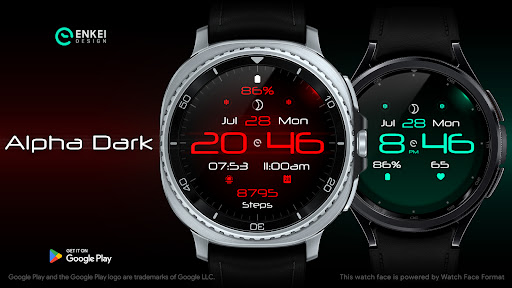






About this app
Developer Description
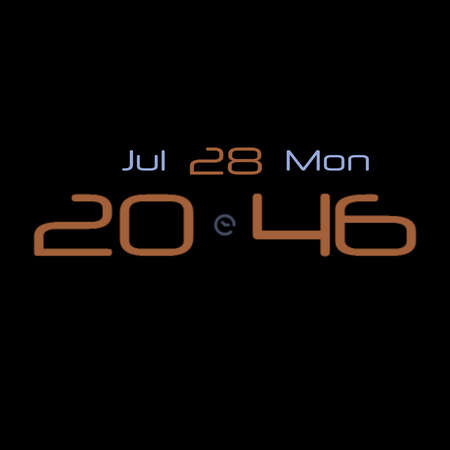
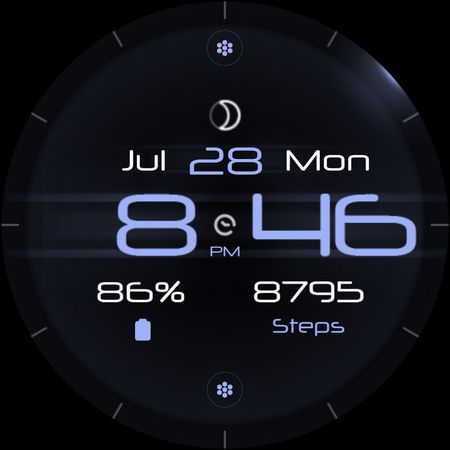
Modern minimalist digital design, with all you need in a watch face!
Based on one of our all-time most popular watch faces in the Samsung Galaxy Store (back when Tizen OS was supported), the "Alpha Dark 2.0".
Powered by Watch Face Format - offering expanded customization options and useful features!
Made only for devices running Wear OS 5.0 and newer versions (Target API 34)
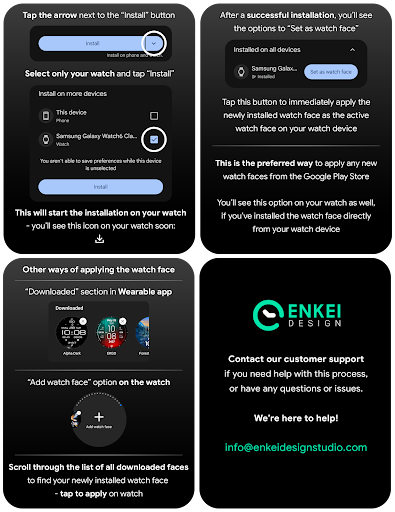
Please install only to your watch device.
Phone companion app serves only to help direct installation to your watch device.
Buy-One-Get-One PROMOTION
https://www.enkeidesignstudio.com/bogo-promotion
FEATURES:
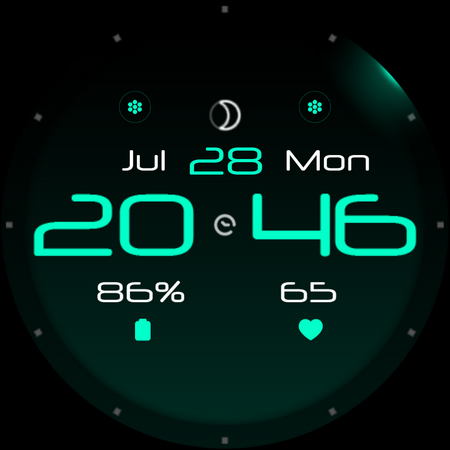
- Digital clock - 12h/24h
- TAP Hours or Minutes to open hidden Custom app shortcuts
- Month, Date and Weekday - Multi-language
- TAP to open Calendar
- Moon phase - Shows 1 of 8 main Moon phase images
- 4 Customizable short-text indicators
- Watch battery by default
- Next event by default
- Sunrise/Sunset by default
- Steps by default
- 4 Customizable app shortcuts
- 2 hidden ones (Hours & Minutes)
- 2 icons at the top
- Battery efficient AOD
- Uses just 2.5% - 4.5% active pixels
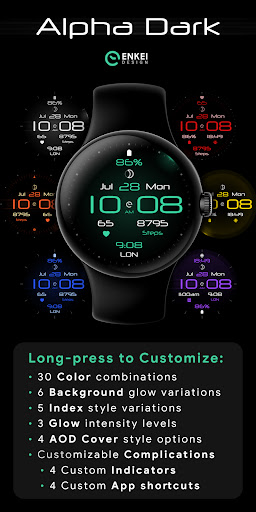
- Long-press to access Customize menu:
- Color - 30 accent colors
- Background - 6 glows
- Index - 5 styles
- Glow - 3 intensity levels
- AOD Cover - 4 options
- Complications
- 4 Custom indicators
- 4 Custom app shortcuts
INSTALLATION TIPS:
https://www.enkeidesignstudio.com/how-to-install
CONTACT:
info@enkeidesignstudio.com
E-mail us for any questions, issues or general feedback. We're here for you!
Customer satisfaction is our main priority, we make sure to respond to each e-mail within 24 hours.
More watch faces:
https://play.google.com/store/apps/dev?id=5744222018477253424
Website:
https://www.enkeidesignstudio.com
Social media:
https://www.facebook.com/enkei.design.studio
https://www.instagram.com/enkeidesign
Thank you for using our watch faces.
Have a great day!
What's New
Update 1.16.1 for Wear OS (Watch face)
- Added 10 additional color options
- Added 4 “AOD Cover” options
- Powered by Watch Face Format
- Target API level 34
HELP/INFO:
info@enkeidesignstudio.com
Thank you!
Version Information
- Version
- -
- Downloads
- 5K+
- Updated on
- Jul 15, 2025
- Released
- Sep 11, 2021
- Requires
- Android Varies with device
Statistics
Google Play Rating History
Rating Distribution
Downloads Over Time
Alpha Dark - modern minimalist has been downloaded times. Over the past 30 days, it averaged downloads per day.
Shaded area shows 30-day prediction based on historical trends
Historical data collection started recently. More data points will be available over time.
Alpha Dark - modern minimalist users say on Google Play
 Mark Gilborson
I love this watch face - the only one I have used on two watches and three phones. I have just installed it after buying a Samsung Ultra 22 and there is a glitch. It used to show my next calendar appointment but although I still select that it is just a blank space on my watch. any ideas?
 Dani Dubelaar
Loving this watchface. I only ask that you please give us the option of having the month and weekday switch places. A bonus request would be cool if we could hide the two + for the app shortcuts. Otherwise honestly it's one of the best faces around! Well done. 👍🏻
 Marc Du Preez
Disappointed... Had this on my Galaxy Active 2. Was always my favourite. Not as nice on my Watch 5. Even something as basic as displaying heart rate doesn't work. Instead of the number, like '68', it permanently displays 'Heart r...'. The content also feels Zoomed Out. There is more screen to work with here... But feels small. And I cannot customize the glowing dot that moves to indicate 'Seconds'. Update: Developers who respond deserve extra stars
 Daniel Dodge
Customization crashes on Galaxy Watch 4. You open the customization, shows a whole bunch of blank circles that does nothing, then it just crashes to the wear app screen. Can't do anything with this face.
ApkTrusted Ratings & Reviews
More from Enkei Design
See more apps
Cyber Cargo - animated health
Paid
Dark Sunset hybrid watch face
Paid

Cyber Agent - health animated
Paid
Bear Accessory - watch face
Paid

Christmas Magic - watch face
Paid

Cyberoid Ultra - watch face
Paid
Cyber Carbon - digital health
Paid

Boop Lite - colorful hybrid
Free
Cyberpunk Ambient - watch face
Paid

Boop - colorful hybrid watch
Paid
Bond 3.0 - digital minimalist
Free
Cyber Digit - digital colorful
Paid

Cyber Phantom - watch face
Paid

Ambient Lights - animated
Paid

Archeus - analog animated
Paid
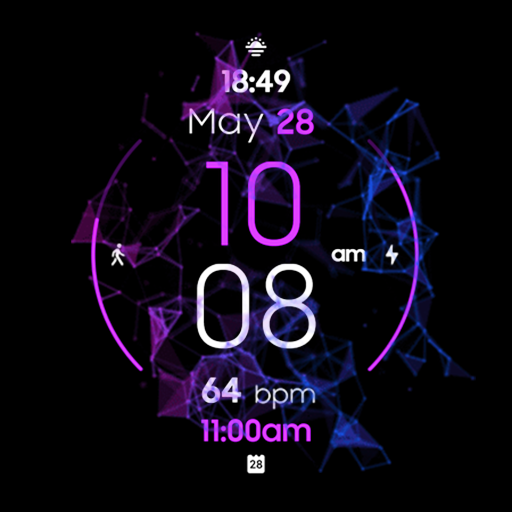
DEUS animated colorful hybrid
Free
Similar Apps

Key072 Analog Watch Face
Paid
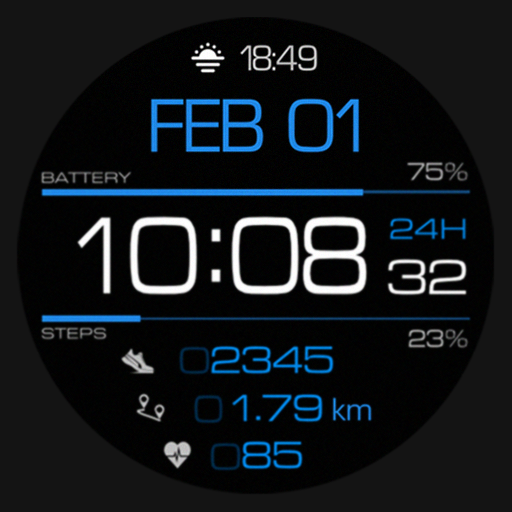
SG-98
Paid

TVV Minimal 4 Watch Face
Paid

Key101 Analog Watch Face
Paid

Key082 Analogue Watch Face
Paid
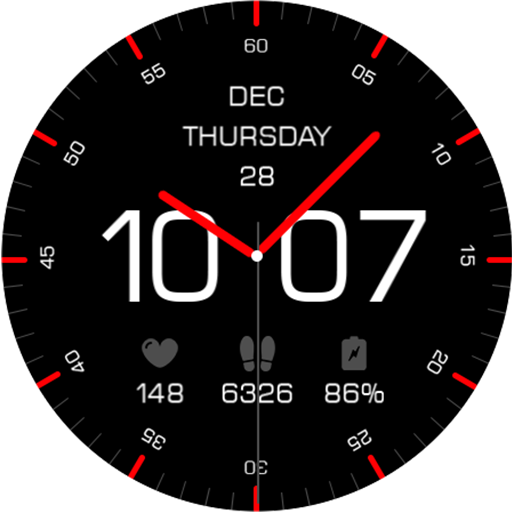
Key115 Analogue Watch Face
Paid
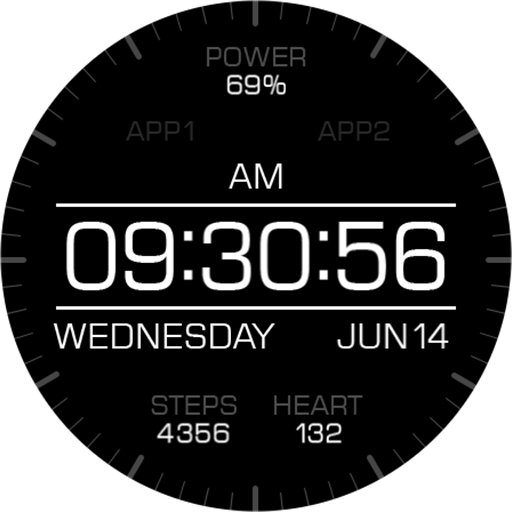
Key066 Digital Watch Face
Paid

PW93 Digit Ease Watch Face
Paid

Minimal - Classic - RE09
Paid
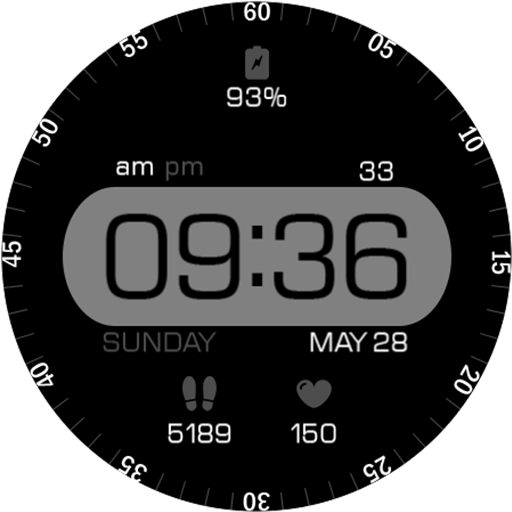
Key060 Digital Watch Face
Free

EXD156: Digital Watch Face
Paid
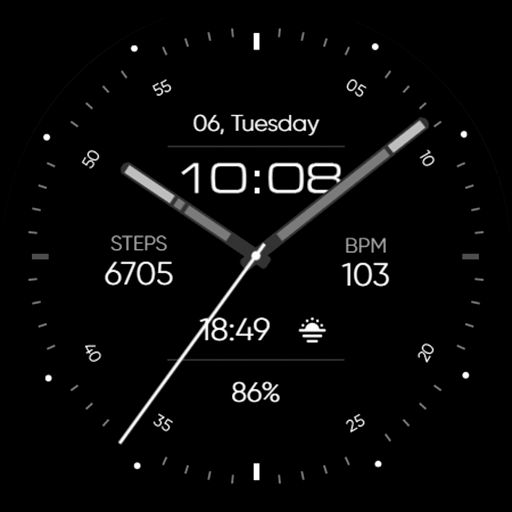
Minimal - Analog - RE17
Paid

MW34 Minimal Digital Watch
Free
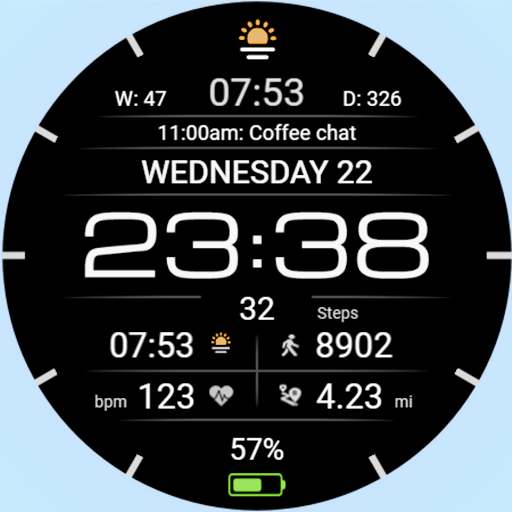
WFP 237 Digital watch face
Free

Elysian
Paid

Minimal & Digital Smart - RE26
Paid
Scan this QR code to download

Forwarding you to the page at Google Play market in seconds...
Open Google Play market now