
Boop Lite - colorful hybrid vVARY
Enkei Design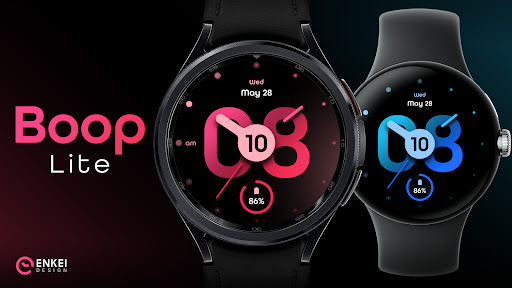

About this app
Developer Description
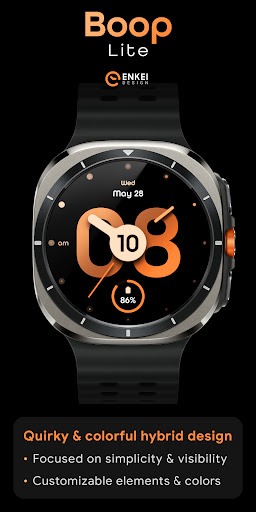
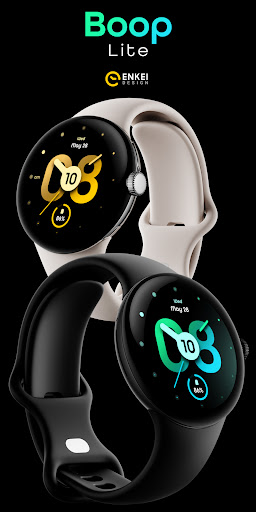
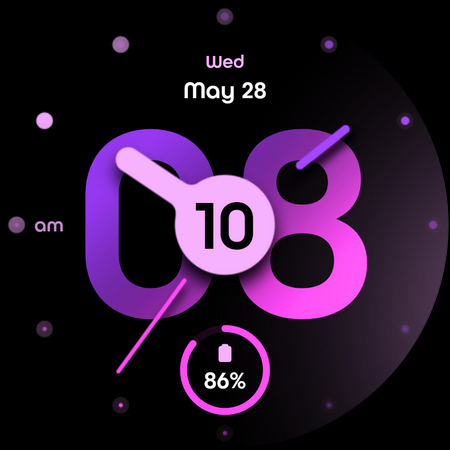
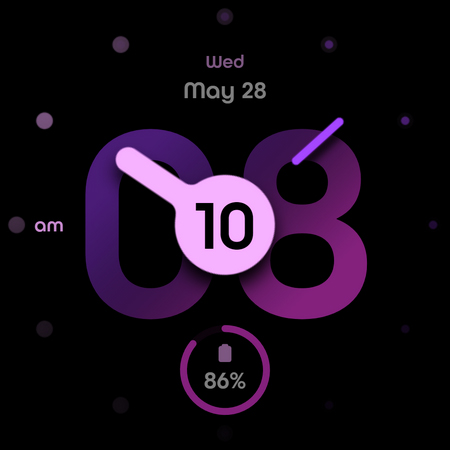
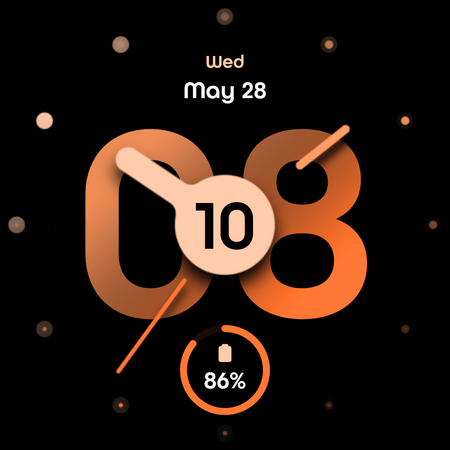
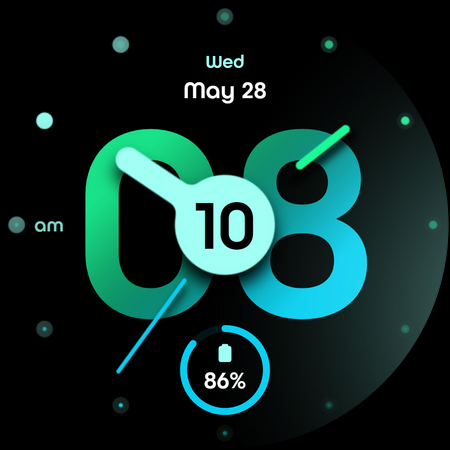
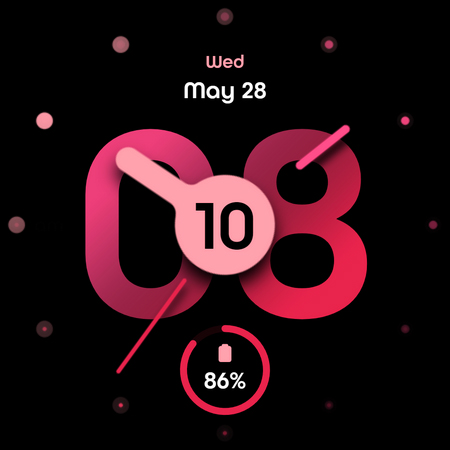
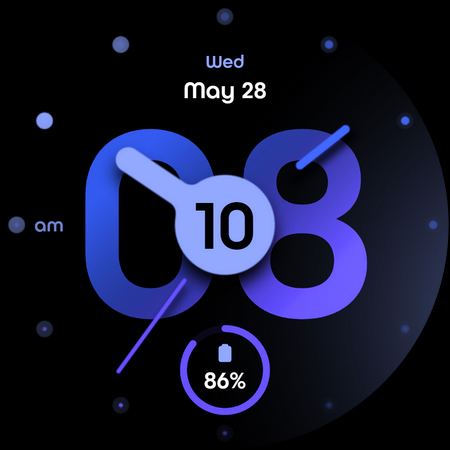
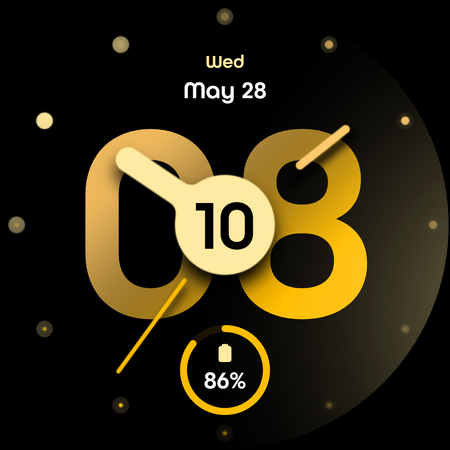
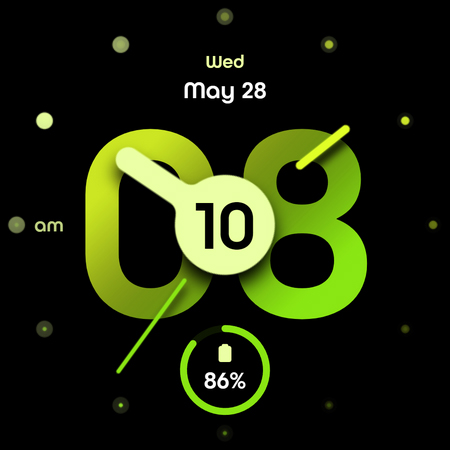
Minimalist colorful & quirky hybrid watch face with customizable colors!
Focused on simplicity & visibility with its large digits, high-contrast analog hands and beautiful color gradients, it offers a bold & unique look.
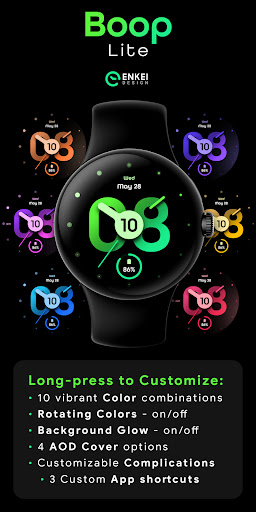
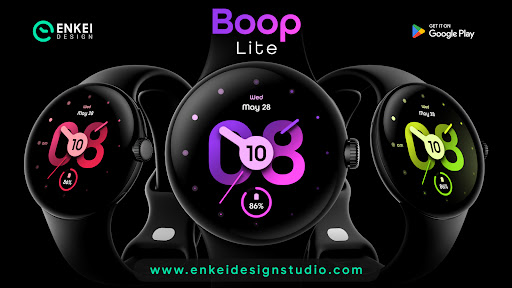
Customizable elements and colors allow you to choose from 10 basic color combinations and several visual elements!
Powered by Watch Face Format - offering expanded customization options and useful features!
Made only for devices running Wear OS 5.0 and newer versions (API 34+)
Please install only to your watch device.
Phone companion app serves only to help direct installation to your watch device.
Buy-One-Get-One PROMOTION
https://www.enkeidesignstudio.com/bogo-promotion
FEATURES:
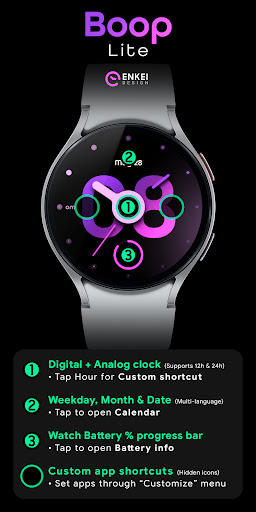
- Digital + Analog hybrid clock - Supports 12h/24h
- TAP Hours or edges of Minutes for Custom app shortcuts
- Weekday, Month & Date - Multi-language
- TAP to open Calendar
- Watch Battery % progress bar
- TAP to open Battery info
- 3 Customizable app shortcuts - hidden icons
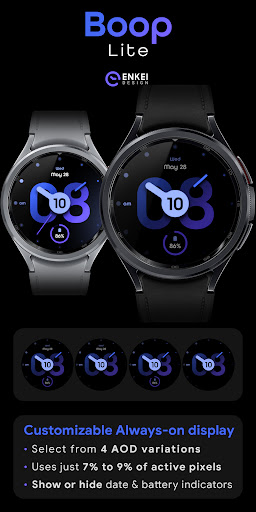
- Battery efficient & customizable AOD
- Uses just 7% - 9% active pixels
- Long-press to access Customize menu:
- Color - 10 color combinations
- Rotating Colors - ON/OFF
- Background Glow - ON/OFF
- AOD Cover - 4 options
- Complication
- 3 Custom app shortcuts (hidden)
INSTALLATION TIPS:
https://www.enkeidesignstudio.com/how-to-install
CONTACT:
info@enkeidesignstudio.com
E-mail us for any questions, issues or general feedback. We're here for you!
Customer satisfaction is our main priority, we make sure to respond to each e-mail within 24 hours.
More watch faces:
https://play.google.com/store/apps/dev?id=5744222018477253424
Website:
https://www.enkeidesignstudio.com
Social media:
https://www.facebook.com/enkei.design.studio
https://www.instagram.com/enkeidesign
Thank you for using our watch faces.
Have a great day!
What's New
Update 1.4.1 for Wear OS (Watch face)
- Powered by Watch Face Format
- Target API level 34
HELP/INFO:
info@enkeidesignstudio.com
Thank you!
Version Information
- Version
- -
- Downloads
- 10K+
- Updated on
- Jul 16, 2025
- Released
- May 15, 2025
- Requires
- Android Varies with device
Statistics
Google Play Rating History
Rating Distribution
Downloads Over Time
Boop Lite - colorful hybrid has been downloaded times. Over the past 30 days, it averaged downloads per day.
Shaded area shows 30-day prediction based on historical trends
Historical data collection started recently. More data points will be available over time.
Boop Lite - colorful hybrid users say on Google Play
 Rot Rose
beautiful watch face, amazing colors and elegant design👍
 Ak
Ak
Everything is good except hidden apps, please make watch face with more complications without being hidden
 طَیَّب مشتاق
Thank you for the previous response. As i already told you, i tried reinstalling it and Also formatted my watch to factory settings. everything working good. Just only this watch face make my watch slow. please fix it
 D Chris Jr
looks Good. But battery drainer ‼️
 James Rabiola
Terrible, can not see any customization on this watch face.
ApkTrusted Ratings & Reviews
More from Enkei Design
See more apps
Cyber Cargo - animated health
Paid
Dark Sunset hybrid watch face
Paid

Cyber Agent - health animated
Paid
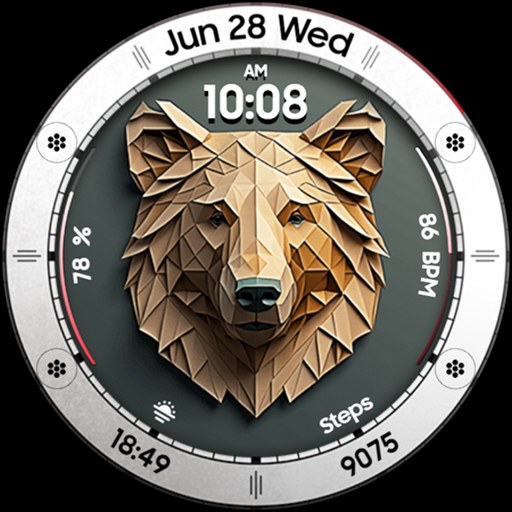
Bear Accessory - watch face
Paid

Christmas Magic - watch face
Paid

Cyberoid Ultra - watch face
Paid

Boop - colorful hybrid watch
Paid

Bond 3.0 - digital minimalist
Free

Archeus - analog animated
Paid
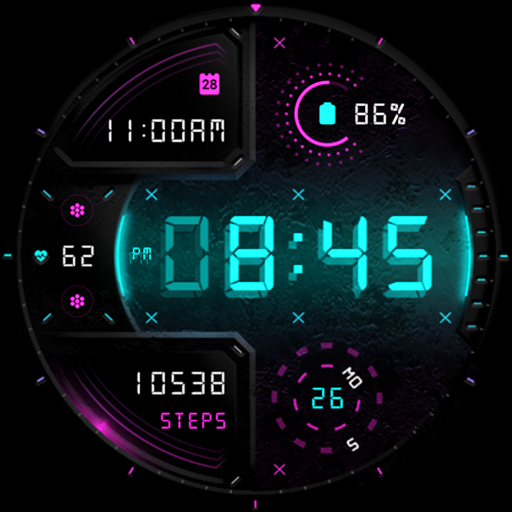
Cyber Digit - digital colorful
Paid

Cyber Phantom - watch face
Paid
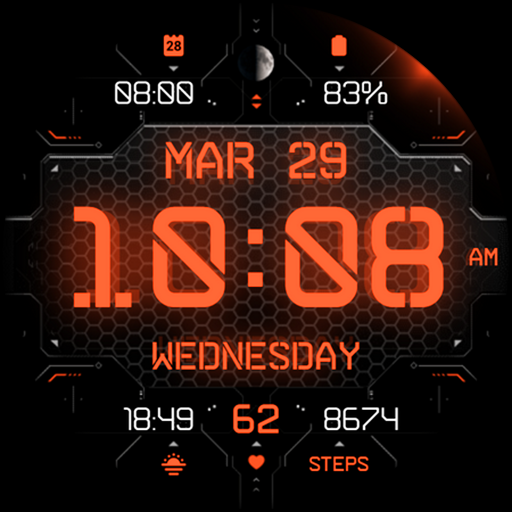
Cyber Carbon - digital health
Free

Alpha Dark - modern minimalist
Free
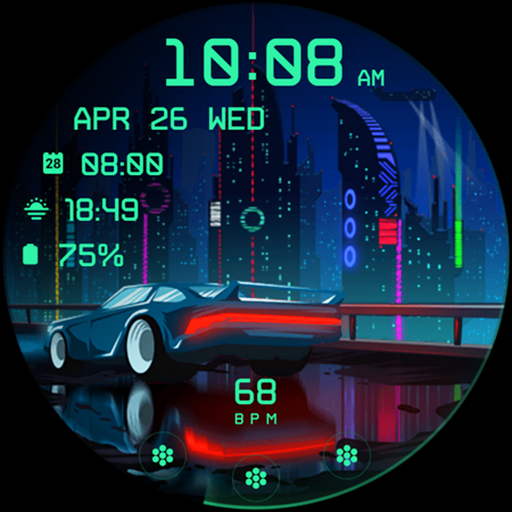
Cyberpunk Ambient - watch face
Free

Ambient Lights - animated
Paid
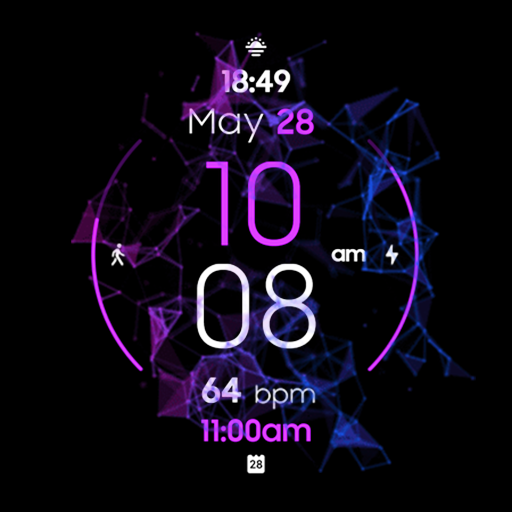
DEUS animated colorful hybrid
Free
Scan this QR code to download

Forwarding you to the page at Google Play market in seconds...
Open Google Play market now