
UX Analog: Watch face vVARY
amoledwatchfaces™





About this app
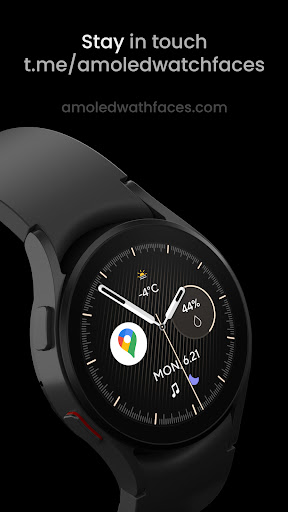
The UX Analog: Watch face app solves the problem of bland and uninspiring watch faces for Wear OS users, offering a high degree of customization to cater to individual tastes. This app benefits users who value personalization and are willing to pay a small fee for a premium experience. Compared to other personalization apps in its category, UX Analog stands out with its pixel-perfect design and extensive customization options. However, its relatively low download numbers and lack of free version may limit its appeal to a wider audience.
Pros
- With a 4.7/5 rating and over 1,000 downloads, UX Analog has demonstrated a high level of user satisfaction, indicating a well-designed and functional app.
- The app's paid model without ads or in-app purchases ensures a clean and uninterrupted user experience, which is a significant advantage for users who value simplicity and are willing to pay for it.
- The developer's reputation, as evident from their website and email support, suggests a commitment to customer service and potentially regular updates, which is crucial for an app that requires compatibility with various Wear OS devices.
- The absence of any permissions requests is a significant pro, as it ensures that users' data and device security are not compromised, making it an attractive option for privacy-conscious users.
- The app's focus on customization options allows users to personalize their watch face extensively, which can enhance the overall user experience and make the app more enjoyable to use.
Cons
- The relatively low number of downloads may indicate limited community support or fewer user-generated content and reviews, which could make it harder for new users to find the app or assess its quality.
- The paid model, while ensuring a clean experience, may deter some users who are accustomed to free alternatives or are not willing to pay for a watch face, potentially limiting the app's reach and user base.
- The lack of a free version or trial may make it difficult for potential users to assess the app's functionality and quality before committing to a purchase, which could lead to a higher refund rate or negative reviews.
- The app's compatibility with various Wear OS devices may vary, and users with older or less common devices may experience compatibility issues or limited functionality.
Best for: The ideal user for UX Analog is a tech-savvy individual, likely between the ages of 25 and 45, who values personalization, has a Wear OS device, and is willing to pay a small fee for a premium watch face experience, with a focus on customization and a clean, ad-free interface.
Developer Description
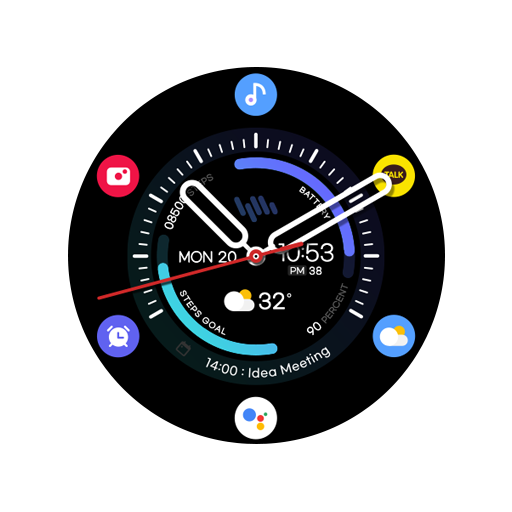
Pixel perfect analog Watch face with many customization options for Wear OS
// Not suitable for rectangular watches
Powered by Watch Face Format
amoledwatchfaces.com
BUY ONE GET ONE OFFER!
amoledwatchfaces.com/bogo
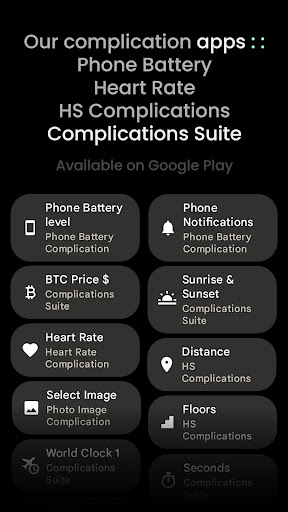
CUSTOM COMPLICATION APPS
amoledwatchfaces.com/apps
FEATURES
• pixel perfect design
• premium & sharp look
• RANGED_VALUE complication
• many customization options
• 8 watch hand styles (API 33+)
• mesh backgrounds
• 4 index styles
• true black background
• high resolution / pixel perfect design
• PNGQuant optimized layers > battery friendly
• ambient mode with low OPR, adaptive colors & many styling options
• 6x custom complications
USER CONFIGURATIONS
• Watch Hands (8x)
• Sec Hand (5x)
• Index (4x)
• Mesh Background (5x)
• Colorful Main Index (Toggle)
• AOD Style (2x)
• AOD Index (Toggle)
• Color (Default + 29x)
• Custom complications
Installation and troubleshooting guide
amoledwatchfaces.com/guide
Please send any issues reports or help requests to our support address
support@amoledwatchfaces.com
Join our Telegram group for live support and discussion
t.me/amoledwatchfaces
Newsletter
amoledwatchfaces.com/contact#newsletter
amoledwatchfaces™ - Awf
Privacy
Given that UX Analog requests no permissions, users can be confident that their data and device security are not at risk. However, as with any app, it's essential to monitor the app's performance and watch for any unexpected behavior or updates that may change its permission requests. Users should also be cautious when purchasing apps from the Play Store and ensure they are buying from reputable developers like amoledwatchfaces.
Tips
To get the most out of UX Analog, users should explore the various customization options to personalize their watch face according to their preferences. Additionally, users can optimize the app's performance by ensuring their Wear OS device is updated to the latest software version and by closing unnecessary apps to conserve battery life. Furthermore, users can visit the developer's website for potential tips, FAQs, or community forums to enhance their experience with the app.
What's New
• new vector watch hands backported from Classic M3
• new mesh background backported from Analog PRO
• AOD optimizations
v1.2.2
• optimizations & bugfixes
v1.2.1
• minified watchface.xml
v1.2.0
• rebuilt in Android Studio using Watch Face Format 1
• switched to BooleanConfigurations
• fixed memory footprint
NOTE: Please consider full watch face reinstall in case you're having issues with custom complications after recent update.
Version Information
- Version
- -
- Downloads
- 1K+
- Updated on
- Dec 3, 2025
- Released
- Jan 26, 2022
- Requires
- Android Varies with device
Statistics
Google Play Rating History
Rating Distribution
Downloads Over Time
UX Analog: Watch face has been downloaded times. Over the past 30 days, it averaged downloads per day.
Shaded area shows 30-day prediction based on historical trends
Historical data collection started recently. More data points will be available over time.
UX Analog: Watch face users say on Google Play
 Joe Thomas
Update: The dev responded and fixed the issue and is now perfect! Thanks! ---- Original: Nice, but text in the complication 6 spot is slightly cut off on the bottom and looks bad.
 Bogdan PLESA
Good on battery, but ... There is no heart monitoring complication included. You have to buy another application to enable heart rate complication.
 Joseph Klingbiel
Not as advertised. If you want the heart rate readout on the screen instead of just the shortcut, you need another app. Money was refunded
ApkTrusted Ratings & Reviews
More from amoledwatchfaces™
See more apps
Arcs N6 Watch Face
Paid

Angular Watch Face
Paid
Adventurer Watch Face
Paid

Apex SE Watch Face
Paid
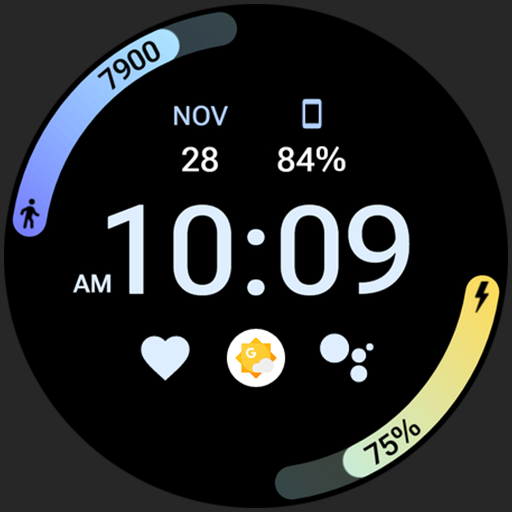
Athlete 2 Lite: Watch face
Free

Athlete 1 Watch face
Paid

Athlete 2: Watch face
Free
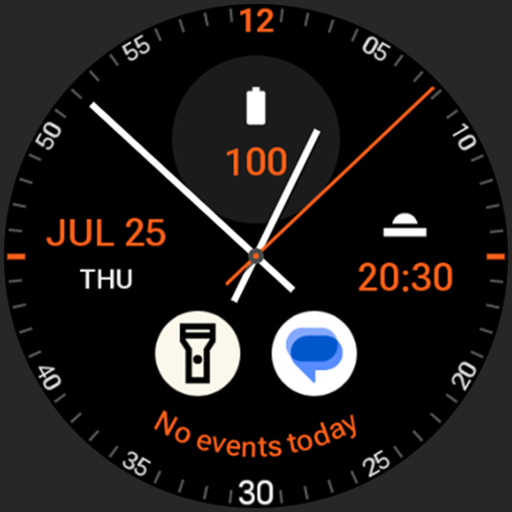
Analog xT: Watch face
Free
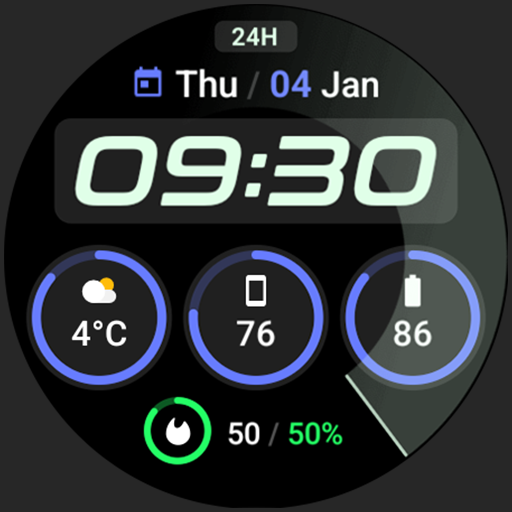
Active 2: Watch face
Paid

Analog PRO: Watch face
Paid

Adaptive Watch Face
Paid
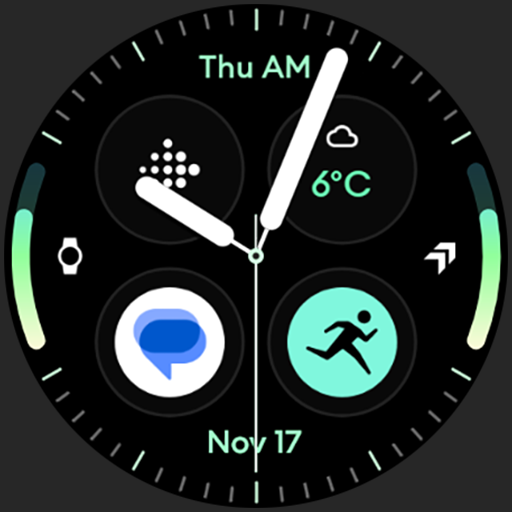
Analog M3 Watch Face
Paid
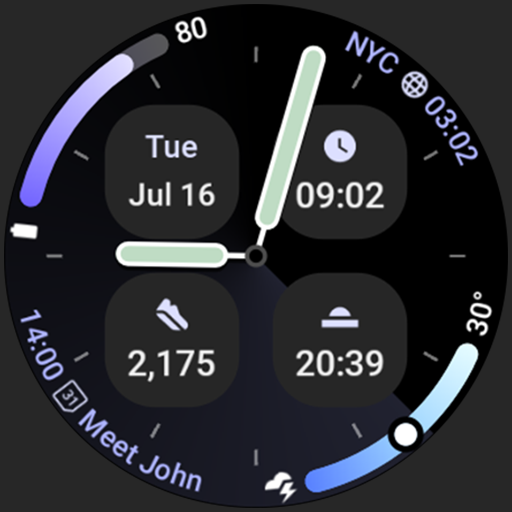
Analog M4 Watch Face
Paid

Apex 2.0 Watch Face
Free

Arcs D5 Watch Face
Free

Alpine Watch Face
Free
Similar Apps

TVV Minimal 6 Watch Face
Free

Neon Pulse Watch Face
Paid
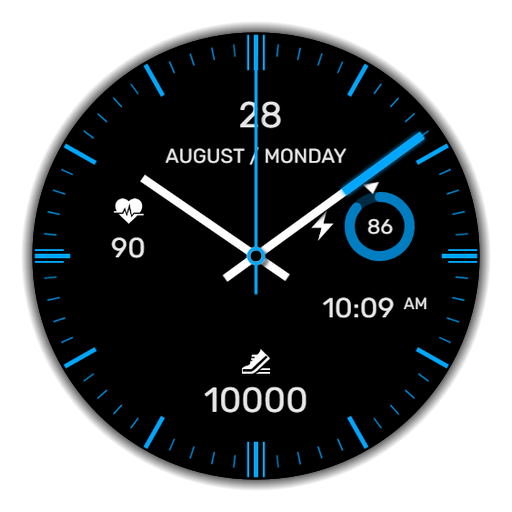
WaTchG005: Analog watch face
Paid

IA20 Hybrid Watchface
Paid

Time Essence Watch Face
Paid
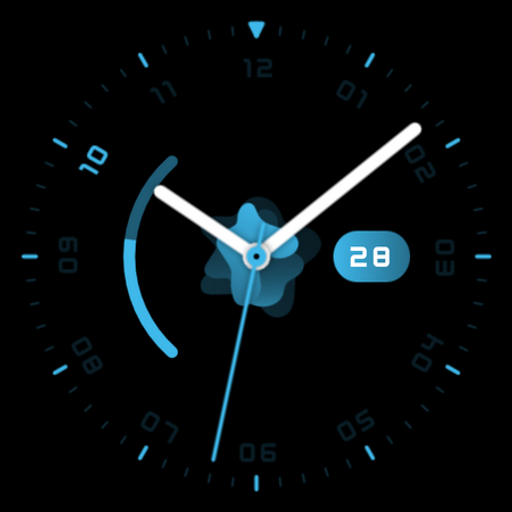
Flow watch face for Wear OS
Free
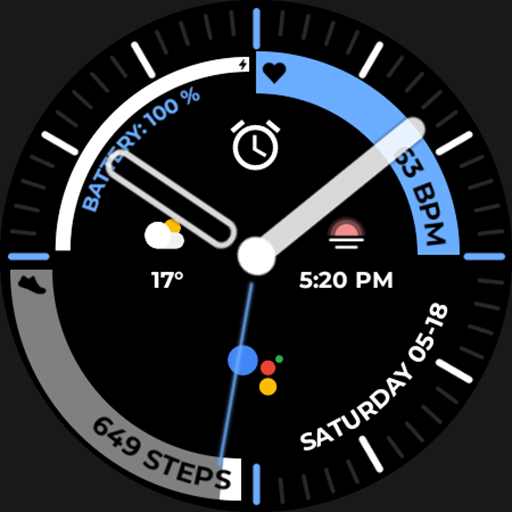
Night 65 - watch face
Paid
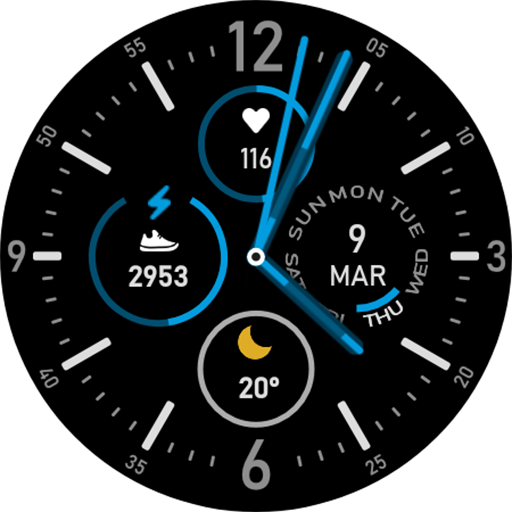
Endurance Watch Face
Paid
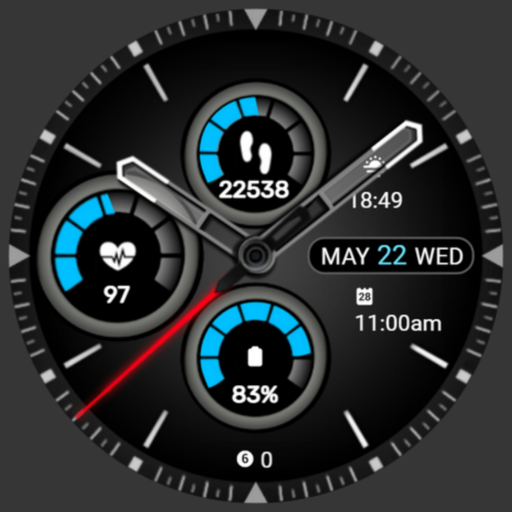
PKG010
Paid

Active Sport watch face
Free

Blue White Glass ZKin Watch
Paid

Nighty Digital 19 - watch face
Free
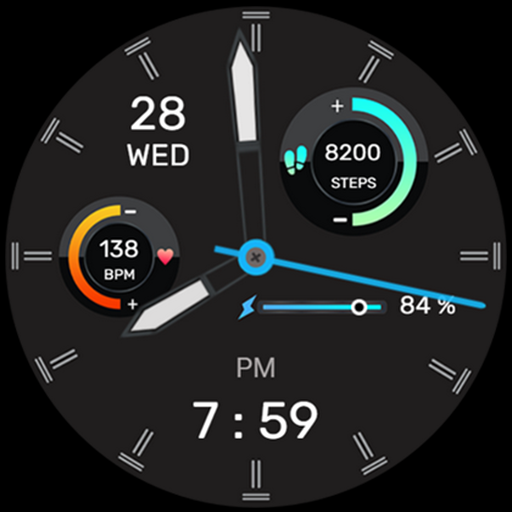
IA105 Hybrid Watchface
Paid

Elegant Analog Watch Face
Paid
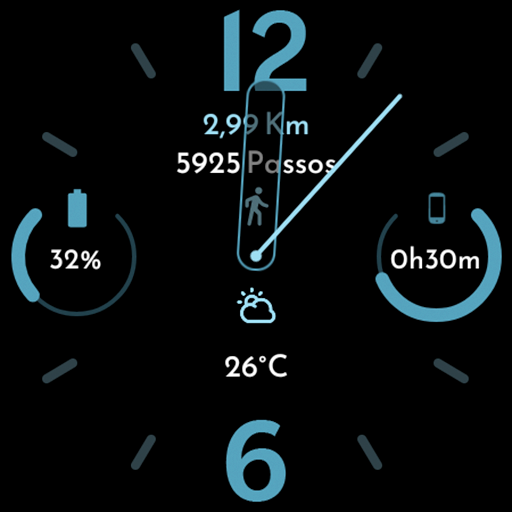
AD Pixel Index - Watch Face
Free
SamWatch Utility E
Free
Scan this QR code to download

Forwarding you to the page at Google Play market in seconds...
Open Google Play market now