
Ballozi BLAZON Hybrid v1.0.4
BALLOZI Watch Faces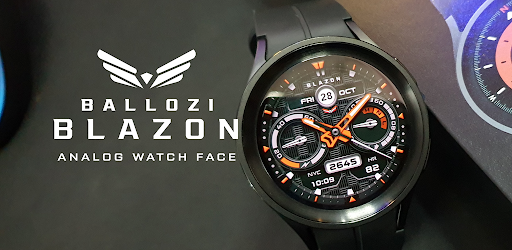
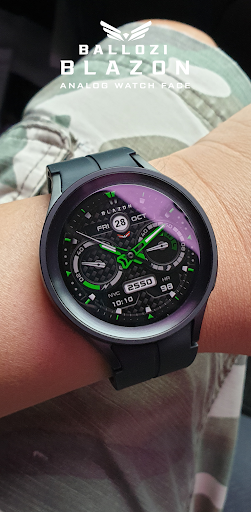
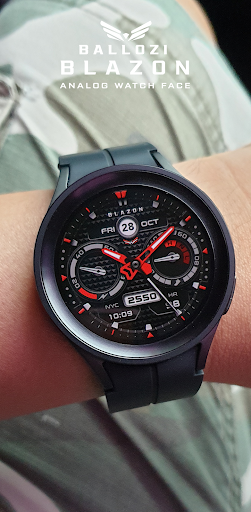
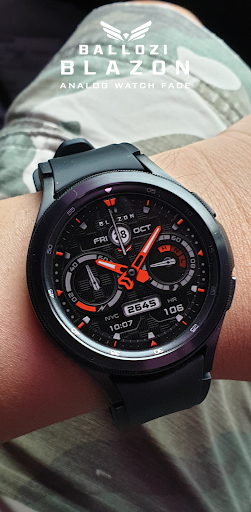
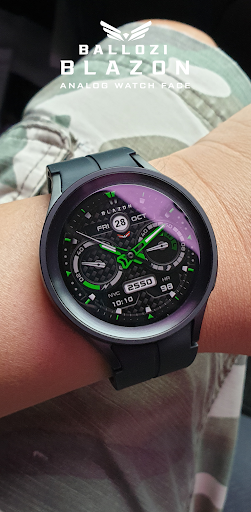
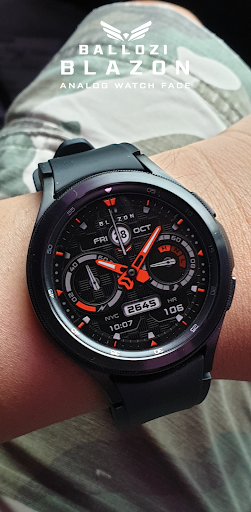
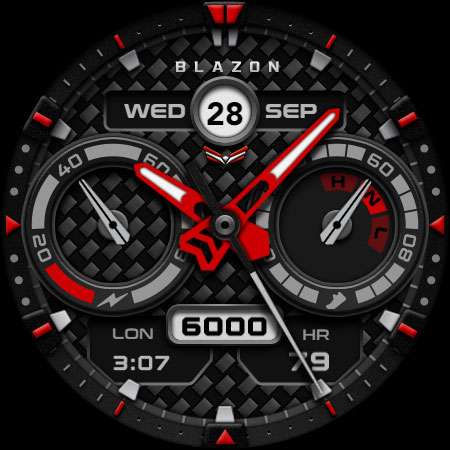
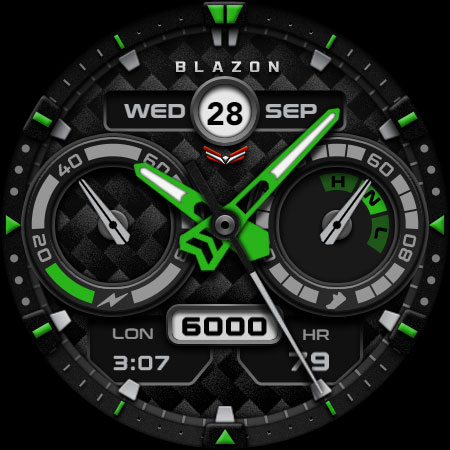
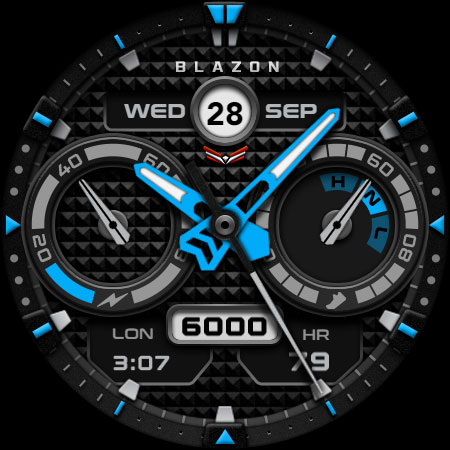
About this app
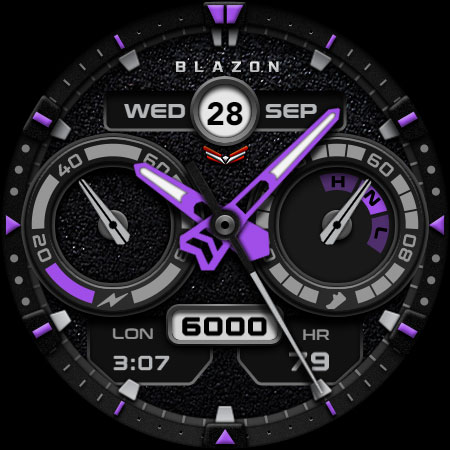
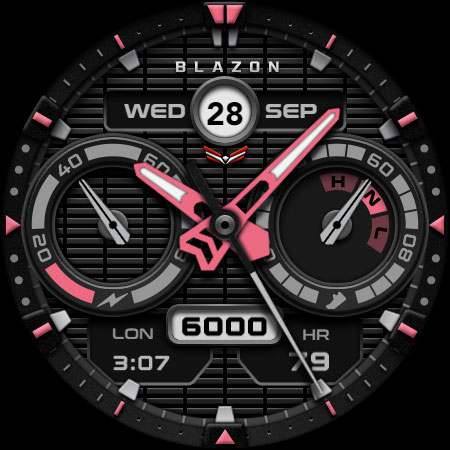
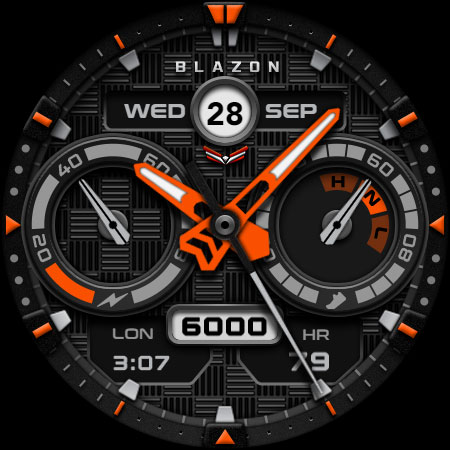
The Ballozi BLAZON Hybrid watch face solves the problem of bland and uninspiring Wear OS watch faces, offering a modern sporty analog design that benefits users seeking a stylish and functional timepiece. This app stands out in the Personalization category due to its unique design, but its lack of user ratings and limited download numbers may make it less visible to potential users. Compared to alternatives, Ballozi BLAZON Hybrid's paid model and absence of ads may appeal to users who value an ad-free experience. However, its limited functionality and lack of customization options may fall short for users seeking more features.
Pros
- The app's paid model ensures an ad-free experience, which may appeal to users who value a distraction-free watch face.
- The developer's email address is provided, offering a direct line of communication for users with questions or concerns.
- The app requires no permissions, which is a significant advantage in terms of user privacy and security.
- The modern sporty analog design may appeal to users who prefer a stylish and functional watch face.
Cons
- The app's limited download numbers and lack of user ratings may indicate a lack of social proof, making it less appealing to potential users.
- The app's functionality may be limited, with no apparent options for customization or personalization.
- The paid model may deter some users, especially considering the app's limited features and lack of user reviews.
Best for: The ideal user for this app is a tech-savvy individual, likely between the ages of 25 and 45, who values a stylish and functional watch face and is willing to pay for a high-quality, ad-free experience, with a focus on fashion and design rather than advanced features or customization options.
Developer Description
A modern sporty analog watch face for Wear OS from Ballozi
INSTALLATION OPTIONS:
1. Keep your watch connected to your phone.
2. Install in the phone. After installation, immediately check your watch face list in your watch by pressing and hold display then swipe to the very end and click Add watch face. There you can see the newly installed watch face and just activate it.
3. After installation, you can also check the following:
A. For Samsung watches, check your Galaxy Wearable app in your phone (install it if not yet installed). Under Watch faces > Downloaded, there you can see the newly installed watch face and then just apply it to connected watch.
B. For other smartwatch brands, for other Wear OS devices, please check the watch app installed in your phone that comes with your smartwatch brand and find the newly installed watch face in the watch face gallery or list.
4. Please also visit the link below showing many options how to install Wear OS watch face in your watch.
https://developer.samsung.com/sdp/blog/en-us/2022/11/15/install-watch-faces-for-galaxy-watch5-and-one-ui-watch-45
For support and request, you can email me at balloziwatchface@gmail.com
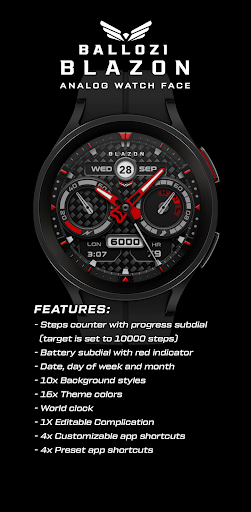
FEATURES:
- Steps counter with progress subdial (target is set to 10000 steps)
- Battery subdial with red indicator
- Date, day of week and month
- 10x Background styles
- 16x Theme colors
- World clock
- 1X Editable Complication
- 4x Customizable app shortcuts
- 4x Preset app shortcuts
CUSTOMIZATION:
1. Press and hold display then hit "Customize".
2. Swipe left and right to choose what to customize.
3. Swipe up and down to choose options available.
4. Hit "OK".
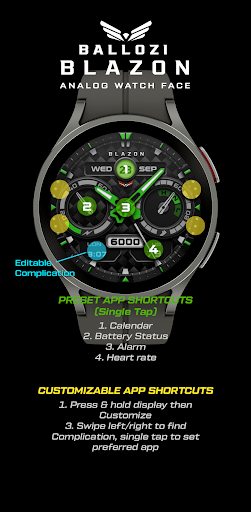
PRESET APP SHORTCUTS:
1. Calendar
2. Battery Status
3. Alarm
4. Heart rate
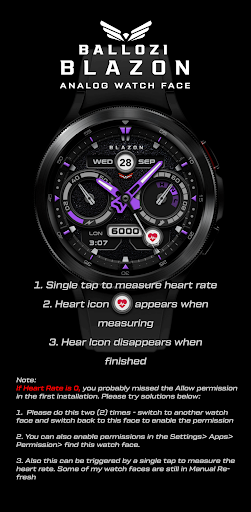
Measuring Heart Rate (Manual refresh). The Measuring Heart Rate shortcut takes independent measurement of heart rate and doesn't update the Wear OS heart rate app. This watch face displays the heart rate at the time of measurement and it may have different reading from the Wear OS app. To measure heart rate: Please make sure to wear your watch properly, screen turned on and stay still while measuring. Then single tap the shortcut to measure heart rate. Icon appears when measuring heart rate. Wait for a few seconds. Heart rate icon disappears once done. Heart rate will automatically measure every 10 minutes.
CUSTOMIZABLE APP SHORTCUTS
1. Press & hold display then Customize
3. Find Complication, single tap to set preferred app in the shortcuts.
Check out Ballozi's updates at:
Telegram group: https://t.me/Ballozi_Watch_Faces
Facebook page: https://www.facebook.com/ballozi.watchfaces/
Instagram: https://www.instagram.com/ballozi.watchfaces/
Youtube Channel: https://www.youtube.com/@BalloziWatchFaces
Pinterest: https://www.pinterest.ph/ballozi/
For support and request, you can email me at balloziwatchface@gmail.com
Privacy
Since the app requires no permissions, users can be assured that their data is not being collected or shared. However, users should still be cautious when downloading and installing apps from unknown sources. To ensure safety, users should only download the app from trusted sources, such as the Google Play Store.
Tips
To get the most out of this app, users should first ensure that their Wear OS device is compatible with the app. Users can then customize their watch face by selecting the Ballozi BLAZON Hybrid design from the available options. Additionally, users can optimize performance by closing unnecessary apps and background processes.
What's New
- Updated Wear OS app to target Android 14 (API level 34) or higher
Version Information
- Version
- 1.0.4
- Downloads
- 100+
- Updated on
- Aug 27, 2025
- Released
- Oct 27, 2022
- Requires
- Android Varies with device
Statistics
Google Play Rating History
Rating Distribution
Downloads Over Time
Ballozi BLAZON Hybrid has been downloaded times. Over the past 30 days, it averaged downloads per day.
Shaded area shows 30-day prediction based on historical trends
Historical data collection started recently. More data points will be available over time.
Ballozi BLAZON Hybrid users say on Google Play
 Bernard
Awesome watch face.. it suits my armor case.
ApkTrusted Ratings & Reviews
More from BALLOZI Watch Faces
See more apps
Ballozi ASCENT Hybrid Analog
Paid

Ballozi AFERO Digital
Paid

Ballozi SUPRO Hybrid Analog
Paid

Ballozi BELVORO
Paid

Ballozi AERONOX Digital
Paid

Ballozi AVEN Watch Face
Paid

Ballozi ASTIG Hybrid Analog
Paid

Ballozi ASPHALTON Hybrid
Paid
Ballozi ALTUM Diver Classic
Paid

Ballozi ASPHALTON 2 Hybrid
Paid

Ballozi FORZA Hybrid Analog
Paid

Ballozi CORSA Hybrid
Paid

Ballozi SLATE Digital Hybrid
Paid

Ballozi STEALTH FORTO Hybrid
Paid
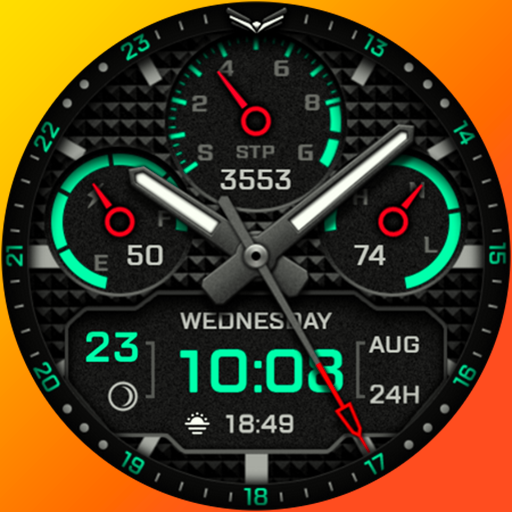
Ballozi AERONOX VERTEX Hybrid
Paid

Ballozi CIFERO Digital Retro
Paid
Similar Apps

Pars Analog Watch Face
Paid
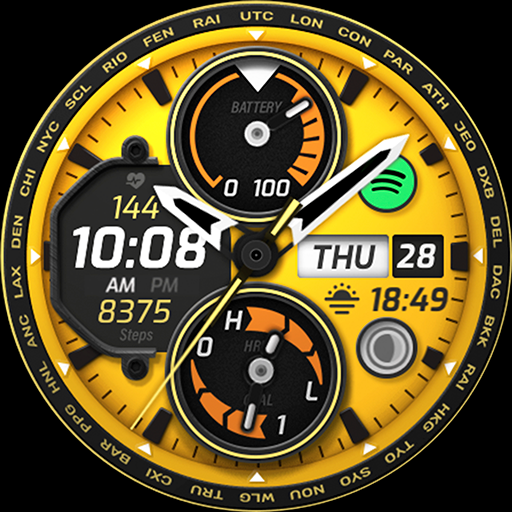
TMF12
Paid

Phantom - Hybrid | watch face
Paid
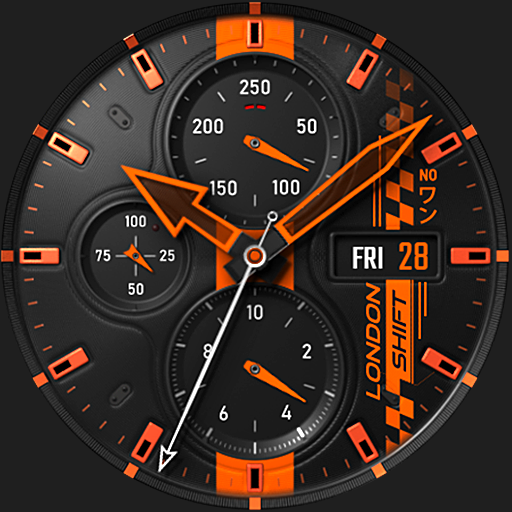
S4U Shift - Analog watch face
Paid
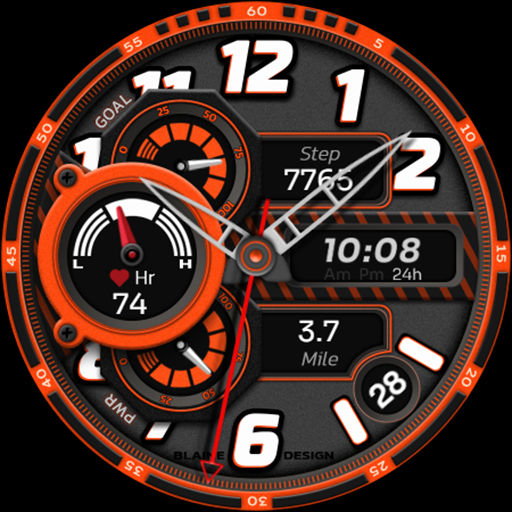
Blaine 021 Hybrid Watch Face
Free

Blaine 023 Sports Watch Face
Paid
TMF02
Paid

JND0003U
Paid

Pars Vera Analog Watch Face
Paid

PAS Watch Face
Paid

WFP 240 Modern watch face
Paid
Watch face CNW0023
Paid

JND0057
Paid

Classic Watch Face 028
Paid

JND0100
Paid

Inspire 17 - Analog Watch Face
Paid
Scan this QR code to download

Forwarding you to the page at Google Play market in seconds...
Open Google Play market now