
Ballozi CIFERO Digital Retro vVARY
BALLOZI Watch Faces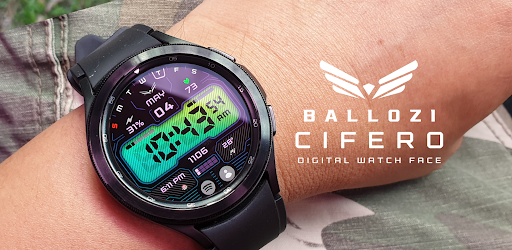





About this app
Developer Description
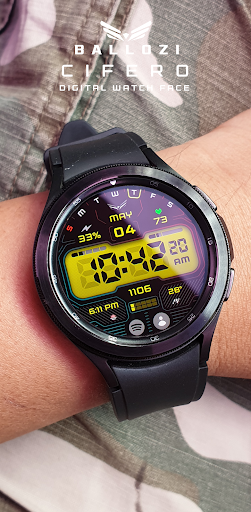
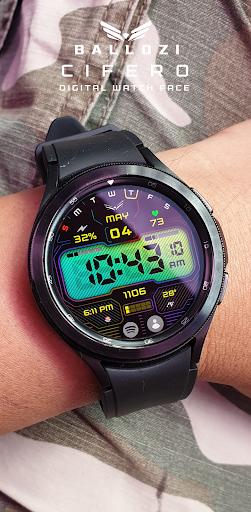
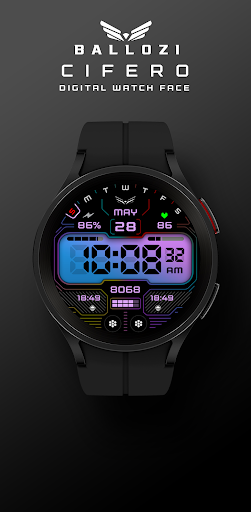
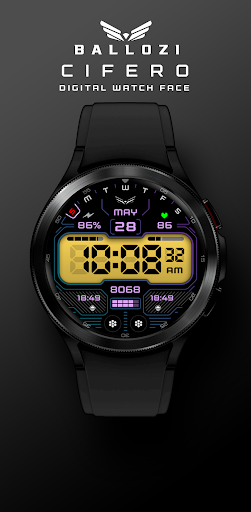
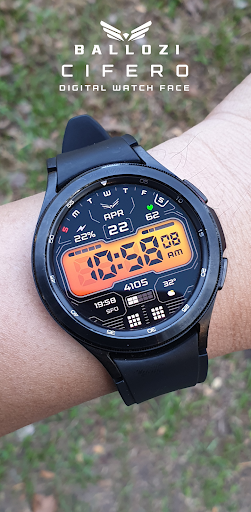
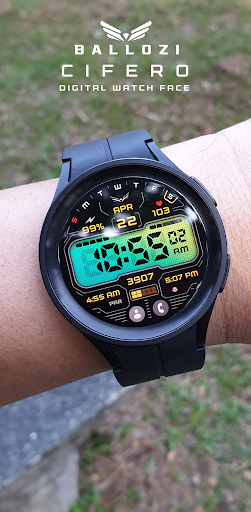
BALLOZI Cifero is a retro digital watch face for Wear OS by BALLOZI
⚠️NOTICE of Device Compatibility:
This is a Wear OS app and is only compatible with smartwatches running Wear OS 5.0 or higher (API level 34+)
FEATURES:
- Digital Clock switchable to 12H/24H format via phone settings
- Battery (customizable complication) simplified subdial with red indicator at 15% and below
- Steps counter and progress bar
- Heart rate (customizable complication) and progress bar
- Date, day of week and month
- Enabled Multilanguage in month
- 10x Multilanguage on DOW
- 10x LCD Colors (3x gradients)
- 4x Overlay patterns
- 8x Frame colors
- 4x Customizable complications
- 12x Theme colors for data
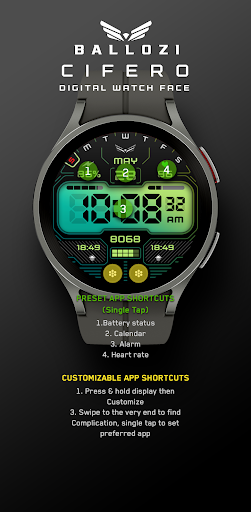
- 3x Preset app shortcuts
- 2x Customizable app shortcuts
CUSTOMIZATION:
1. Press and hold display then hit "Customize".
2. Swipe left and right to choose what to customize.
3. Swipe up and down to choose options available.
4. Hit "OK".
PRESET APP SHORTCUTS:
1. Alarm
2. Calendar
3. Steps counter
Note:
If Heart Rate is 0, you probably missed the Allow permission
in the first installation. Please try solutions below:
1. Please do this two (2) times - switch to another watch face and switch back to this face to enable the permission
2. You can also enable permissions in the Settings> Apps> Permission> find this watch face.
3. Also this can be triggered by a single tap to measure the heart rate. Some of my watch faces are still in Manual Refresh
Check out Ballozi's updates at:
Telegram group: https://t.me/Ballozi_Watch_Faces
Facebook page: https://www.facebook.com/ballozi.watchfaces/
Instagram: https://www.instagram.com/ballozi.watchfaces/
Youtube Channel: https://www.youtube.com/@BalloziWatchFaces
Pinterest: https://www.pinterest.ph/ballozi/
For support and request, you can email me at balloziwatchface@gmail.com
What's New
Version Information
- Version
- -
- Downloads
- 100+
- Updated on
- Jan 5, 2026
- Released
- Apr 20, 2023
- Requires
- Android Varies with device
Statistics
Google Play Rating History
Rating Distribution
Downloads Over Time
Ballozi CIFERO Digital Retro has been downloaded times. Over the past 30 days, it averaged downloads per day.
Shaded area shows 30-day prediction based on historical trends
Historical data collection started recently. More data points will be available over time.
Ballozi CIFERO Digital Retro users say on Google Play
 OrlyPR
Cool and beautiful watch face from one of the greatest designers ever! 5⭐
ApkTrusted Ratings & Reviews
More from BALLOZI Watch Faces
See more apps
Ballozi AERONOX Digital
Paid

Ballozi AVEN Watch Face
Paid

Ballozi AFERO Digital
Paid

Ballozi ASCENT Hybrid Analog
Paid

Ballozi ASTIG Hybrid Analog
Paid

Ballozi CYPHER Digital
Paid

Ballozi ASPHALTON Hybrid
Paid
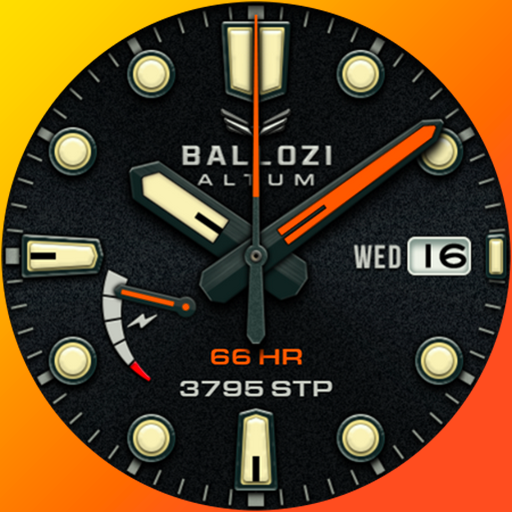
Ballozi ALTUM Diver Classic
Paid

Ballozi ASPHALTON 2 Hybrid
Paid

Ballozi CORSA Hybrid
Paid

Ballozi SLATE Digital Hybrid
Paid

Ballozi STEALTH FORTO Hybrid
Paid
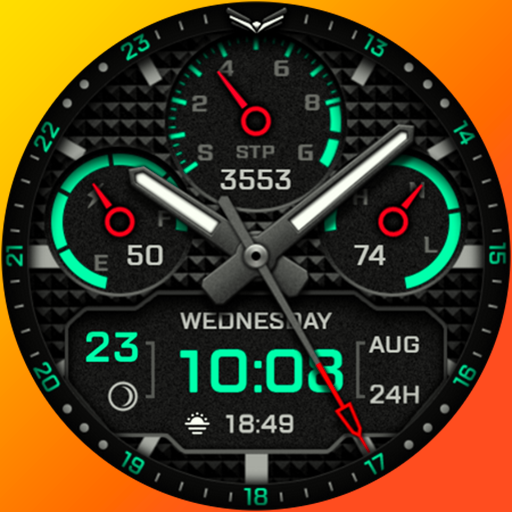
Ballozi AERONOX VERTEX Hybrid
Paid

Ballozi BELVORO
Paid

Ballozi BLAZON Hybrid
Paid

Ballozi CRONUS Hybrid
Paid
Similar Apps

DIGI MENTOM URX71 Watch face
Free

DIGI LONT CTS39 Watch face
Paid

SamWatch Digital Final 2 2022
Paid
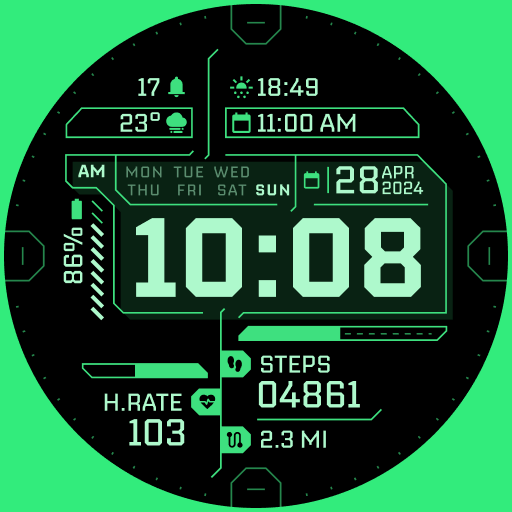
TKS 02 Fracture Watch Face
Paid

DIGI SERONTA URX67 Watch face
Paid
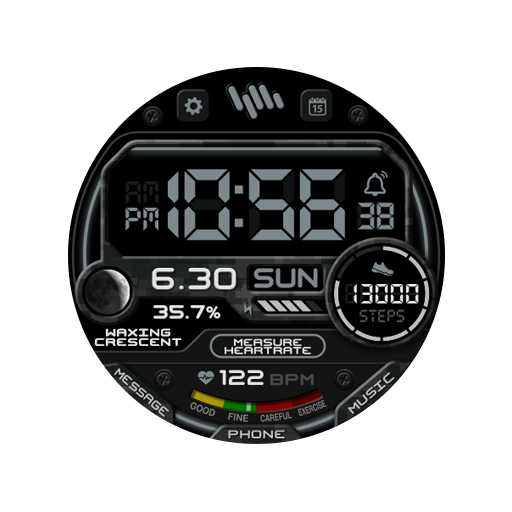
SamWatch Military U
Paid

SamWatch Digital Final 3
Paid

Phantom - LCD v4 | watch face
Paid

SH057 Watch Face, WearOS watch
Free

Game Watch Face Wear OS
Paid

DIGI DELTRON CTS31 Watch face
Free

SamWatch Dashboard D
Paid
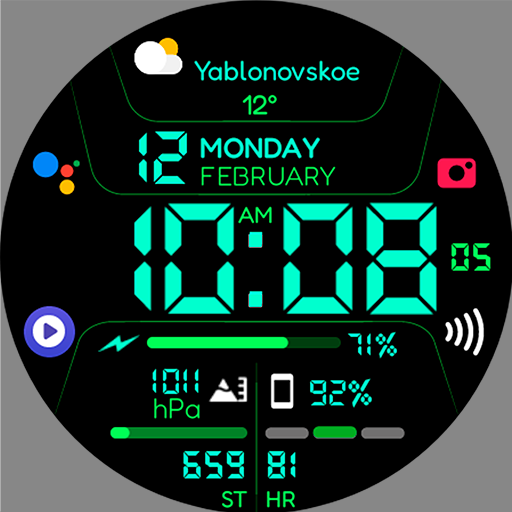
Chester Inform MOD LCD
Paid
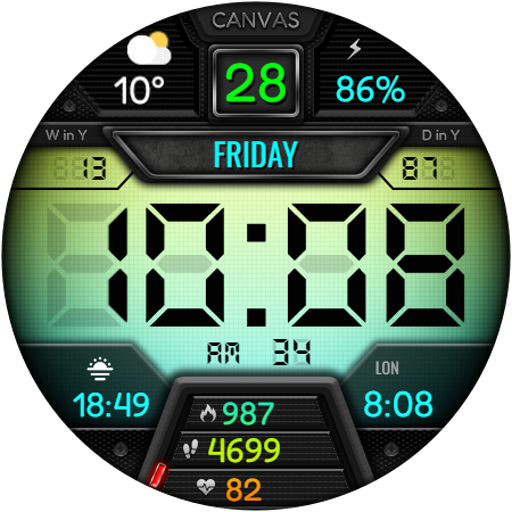
ZARDOMAN CTS16 Watch face
Paid

SamWatch Digital Aglaea
Paid
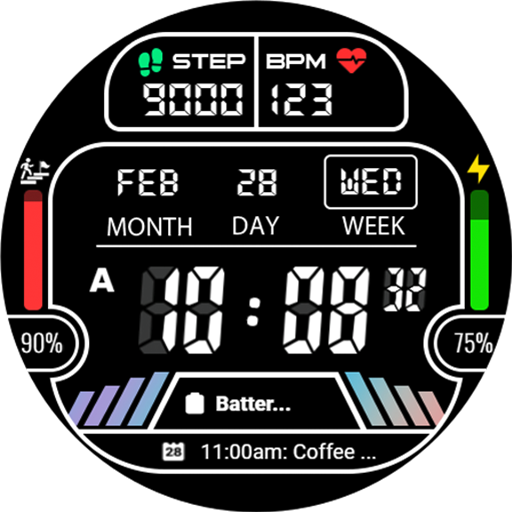
GYD011: GY Digital 011
Paid
Scan this QR code to download

Forwarding you to the page at Google Play market in seconds...
Open Google Play market now