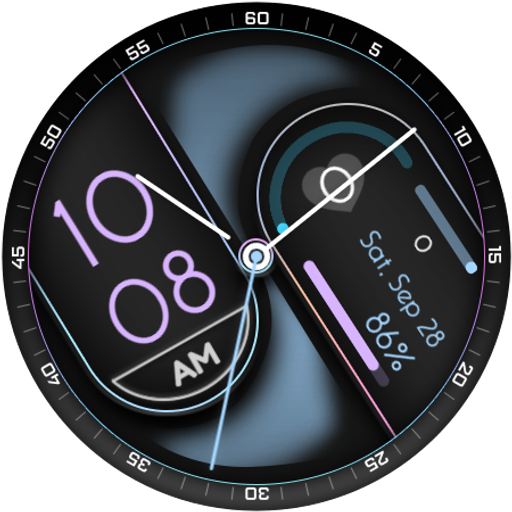
CAPSULE - Hybrid Watch Face vVARY
Interactive Awesome Apps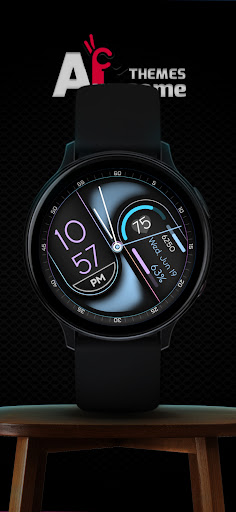
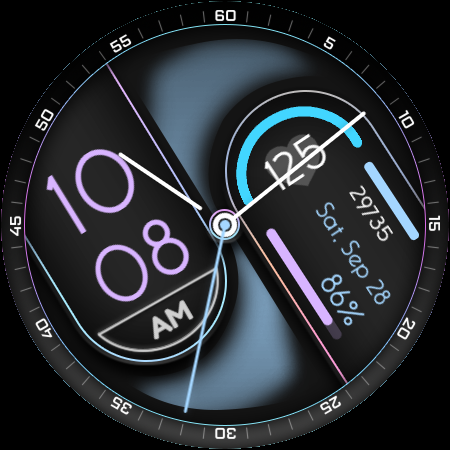
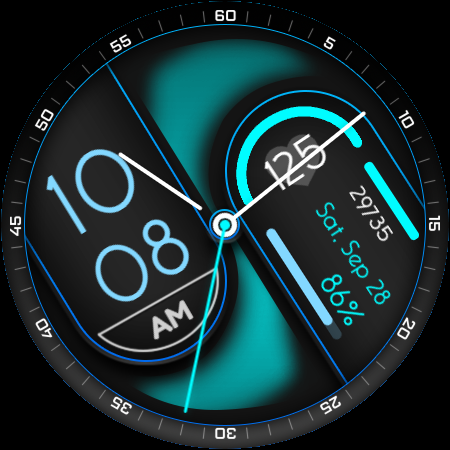
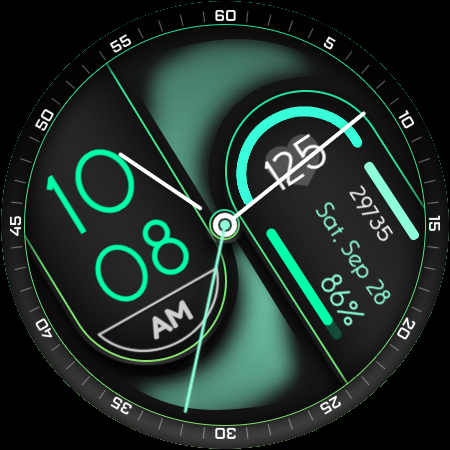
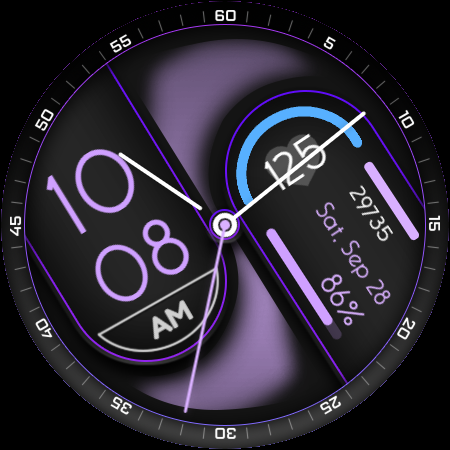
About this app
Developer Description
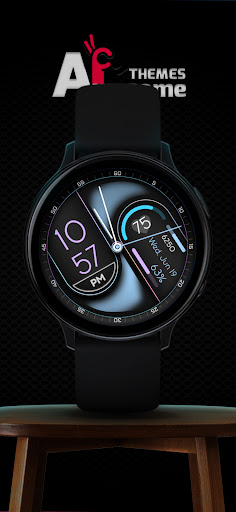
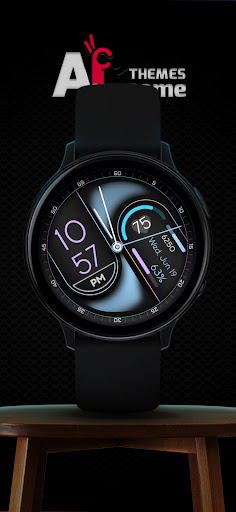
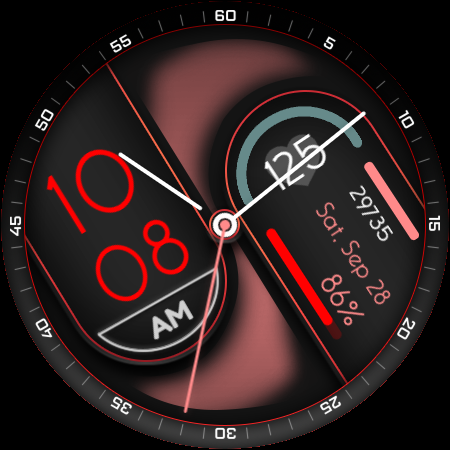
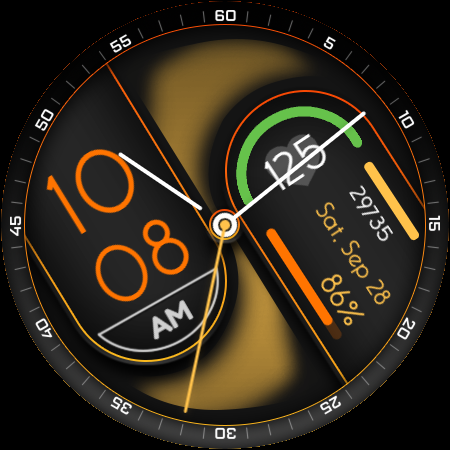
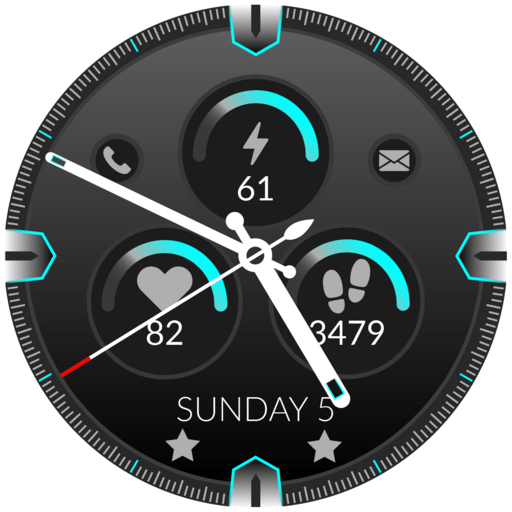
CAPSULE - Hybrid Wear OS Watch Face
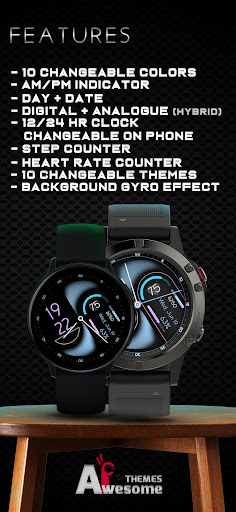
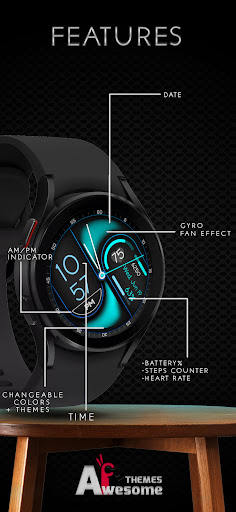
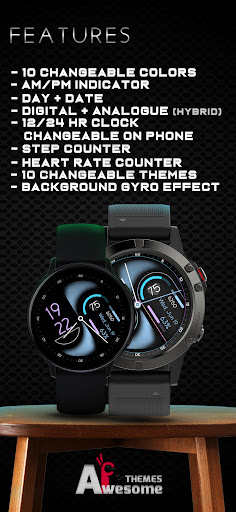
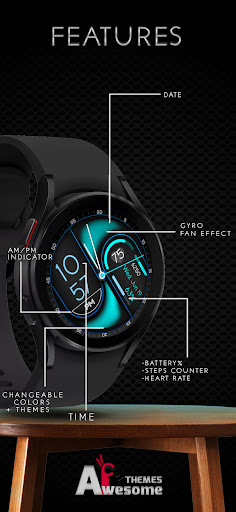
CAPSULE features:
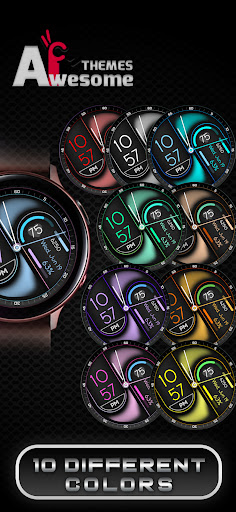
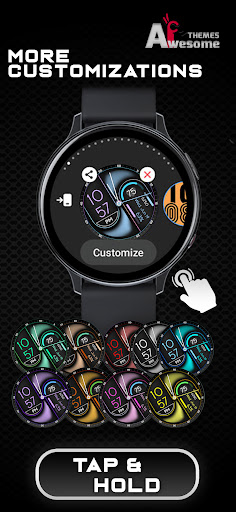
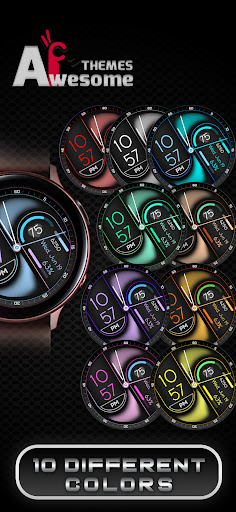
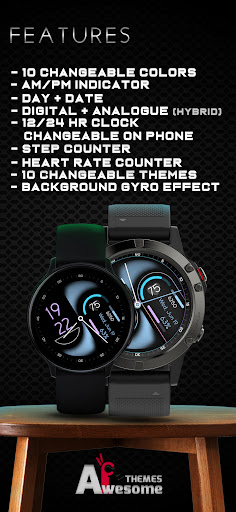
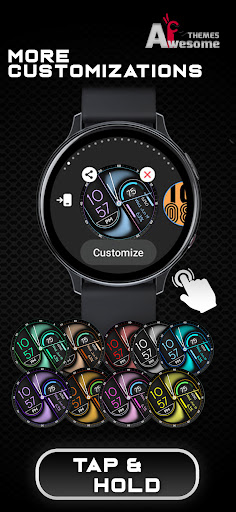
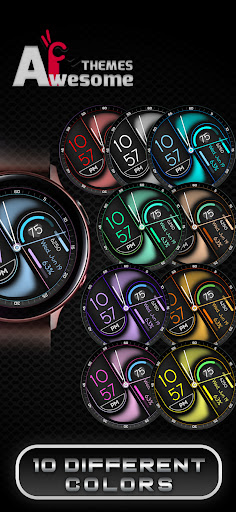
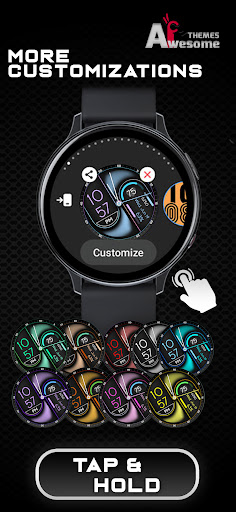
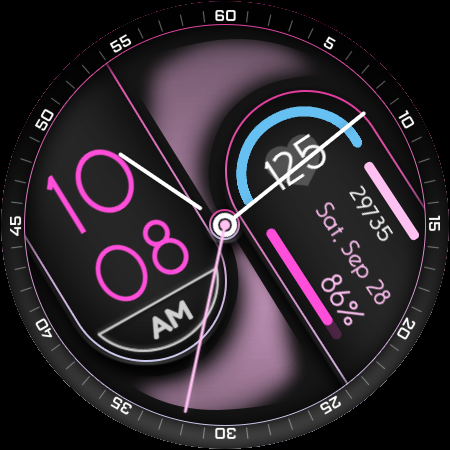
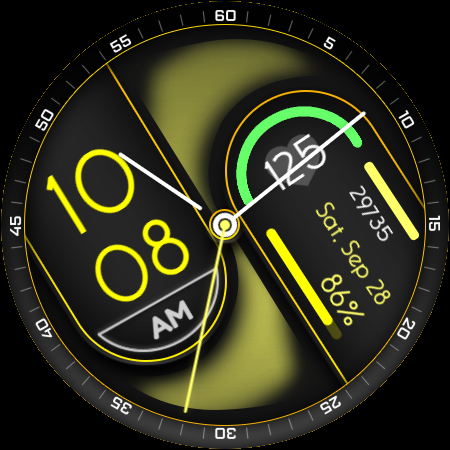
- 10 Changeable Colors-- TAP to change
- 10 Theme Color [can be edited on watch]
- Digital clock - supports both 12h and 24h mode
(depending on your device's clock settings)
- AM/PM Indicator (hide/show with 12 & 24 hour clocks)
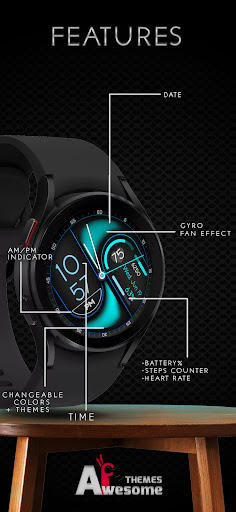
- Battery % indicator with progress bar
- Date indicator
- Day indicator
- Heart rate indicator with icon + rounded progress bar
- Steps indicator with daily steps & progress bar
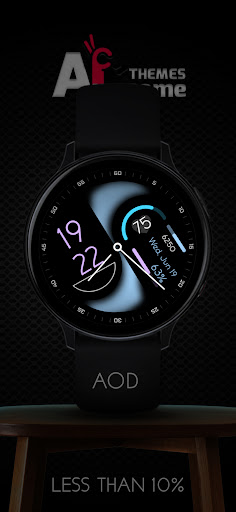
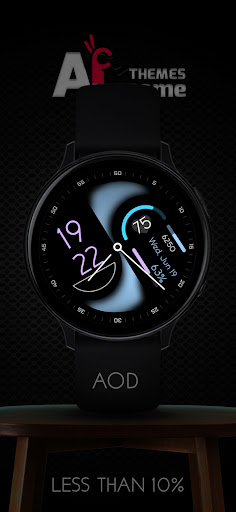
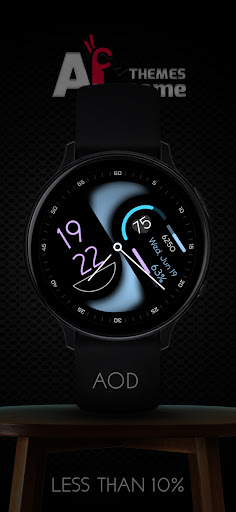
- AOD showing all indicators, averaging less then 14% active pixels
- (Gyro) fan style image in the background which rotates on moving the watch
at x-axis with the help of gyro effect
NOTE - This app is made only for Wear OS devices.
Select only your watch device from the "INSTALL" drop-down menu.
Alternatively, use our provided phone companion app to help you install the watch face directly on your watch.
Galaxy Watch 4/5/6 users: Find and apply the watch face from the "Downloads" category in the Galaxy Wearable app on your phone.
NOTE:
Please see the provided visuals for detailed info on all available features and app shortcuts!
This watch face is compatible with most Wear OS devices, but keep in mind that it will run best and smoothest on newer devices with latest Wear OS software versions.
All our watch faces are tested on Samsung Galaxy Watch 4 devices, where they are confirmed to work without any issues.
For full functionality of all indicators enable all Sensors permissions after installation, thank you!
CONTACT:
qasimghumang@gmail.com
E-mail us for any questions, issues or general feedback - we're here for you!
Customer satisfaction is our main priority, and we take every comment, suggestion and complaint very seriously, making sure to respond to each e-mail within 24 hours.
More from Interactive Awesome Apps:
https://play.google.com/store/apps/dev?id=8552910097760453185
Visit our Website:
https://www.hayattech.com
Thank you for using our watch faces, have a great day!
Version Information
- Version
- -
- Downloads
- 5+
- Updated on
- -
- Released
- Jun 19, 2024
- Requires
- Android Varies with device
Statistics
Google Play Rating History
Rating Distribution
Downloads Over Time
CAPSULE - Hybrid Watch Face has been downloaded times. Over the past 30 days, it averaged downloads per day.
Shaded area shows 30-day prediction based on historical trends
Historical data collection started recently. More data points will be available over time.
ApkTrusted Ratings & Reviews
More from Interactive Awesome Apps
See more apps
Digiglide - Digital Watch Face
Paid

Fancy Girl Wear OS Watch Face
Paid

Auraxis - Hybrid Watch Face
Paid
AnimatedSkull WearOS WatchFace
Paid
Auraxis - Hybrid Watch Face
Paid
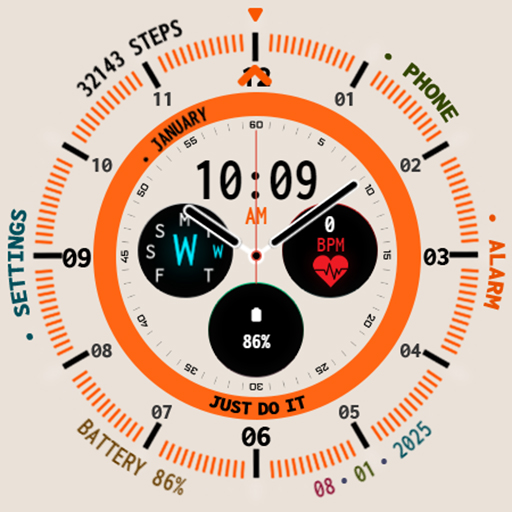
AuraxisLight - Dual Watch Face
Paid
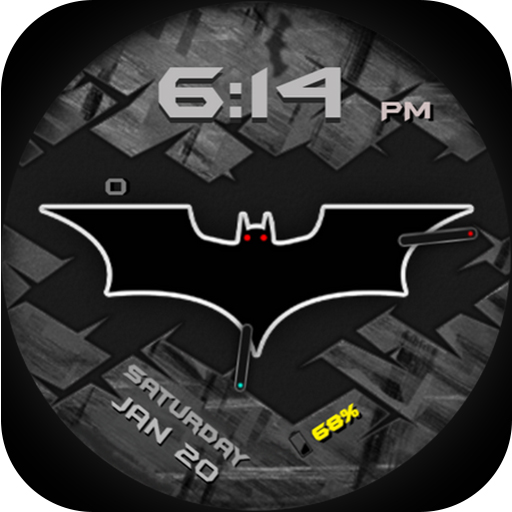
BatmanForever WearOS WatchFace
Paid

Boltic - Digital Watch Face
Paid

BUNE - Wear OS Watch Face
Paid
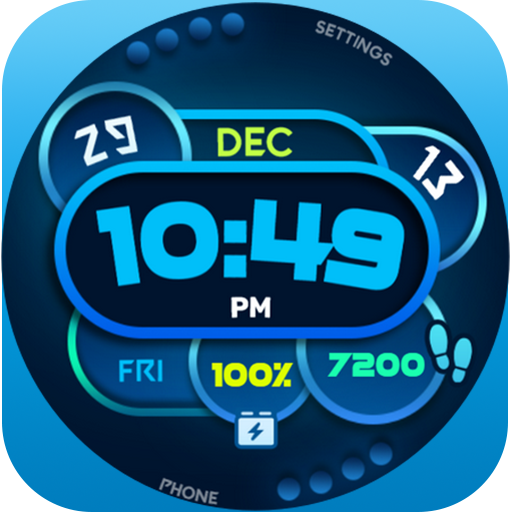
Colorful Box Wear OS WatchFace
Free

Crossover - Dual Watch Face
Paid

Darkwave - Animated Watch Face
Paid

Dash - Digital Watch Face
Free
Digiglide - Digital Watch Face
Paid

Dotline - Light Watch Face
Paid

Dotline - Dark Watch Face
Paid
Similar Apps

Dream 133 analog watch face
Free

KZY074
Free

Green Triangle ZKin Watch
Paid

Dancing Spring - for wear os 5
Paid

Fancy Digital Watch Face
Paid
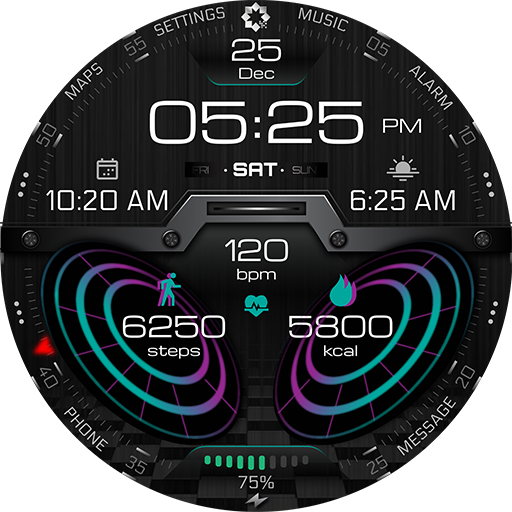
A375 Wear OS Watch Face
Paid

H315 Health Watch Face YOSASH
Free

CLA023 Hybrid Watch Face
Free

ML2U 176 Watch Face
Free
Laguna Watch Face
Free

TKS 14 Gauge Watch Face
Free

SY20 Watch Face for Wear OS
Free

SamWatch PointColor 2 2023
Free

SamWatch PointColor 35
Free

KZY119
Free

Elegant - Hybrid | watch face
Paid
Scan this QR code to download

Forwarding you to the page at Google Play market in seconds...
Open Google Play market now