
Crossover - Dual Watch Face v1.0.0
Interactive Awesome Apps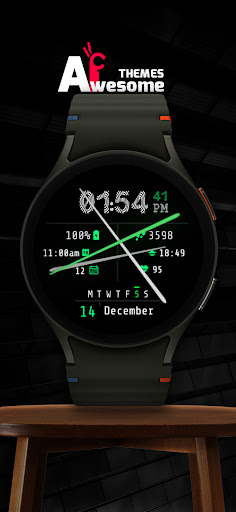



About this app
Developer Description
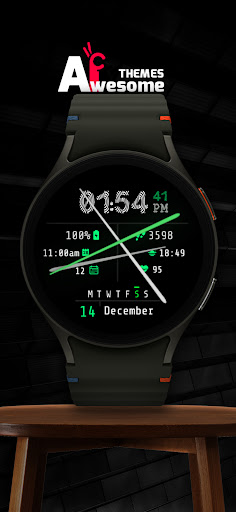
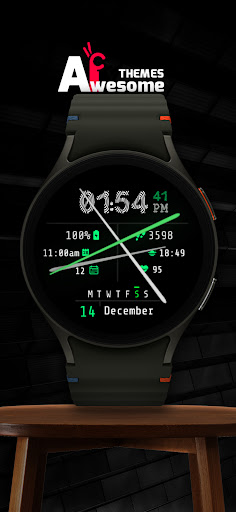
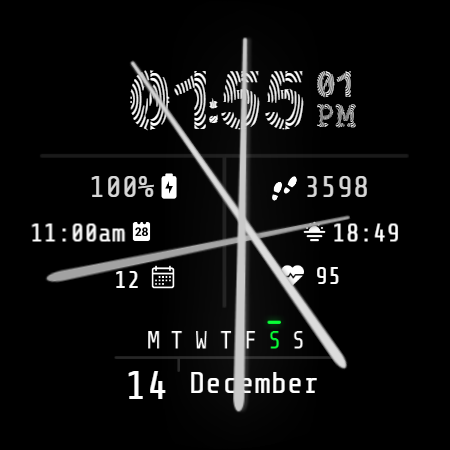
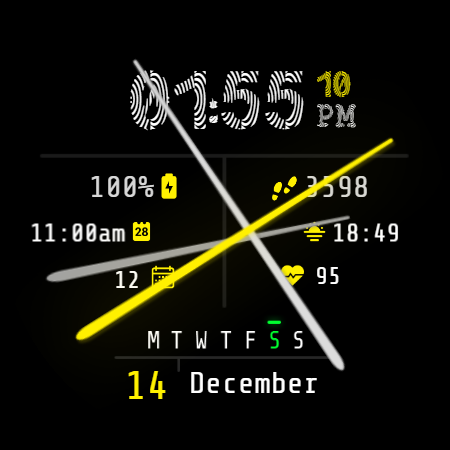
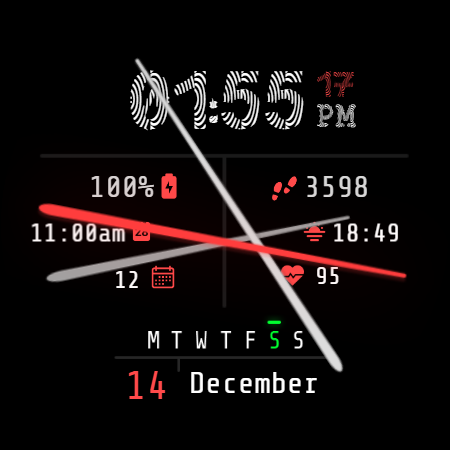
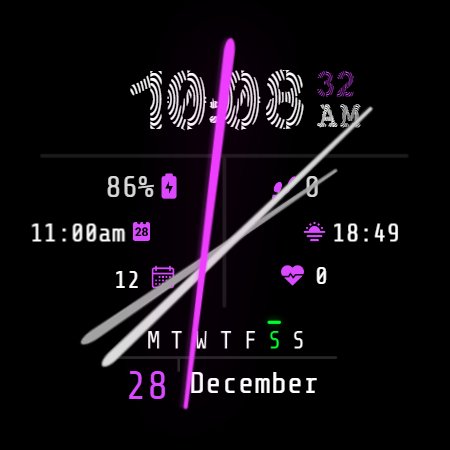
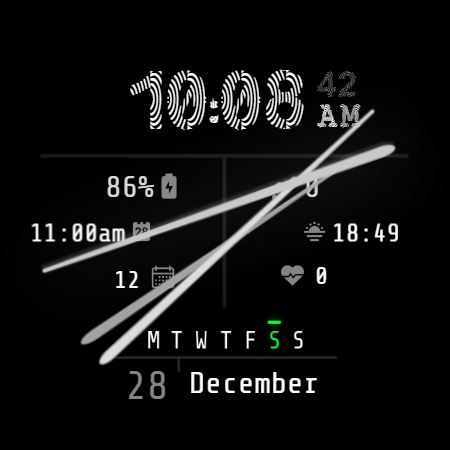
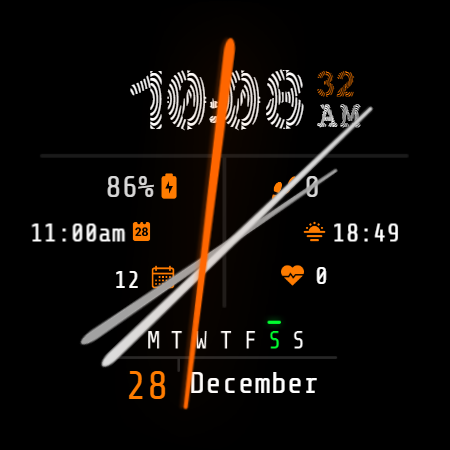
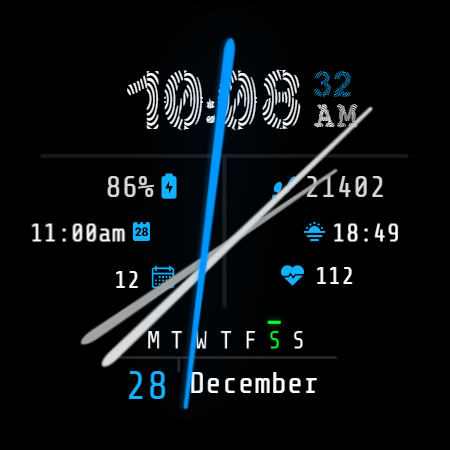
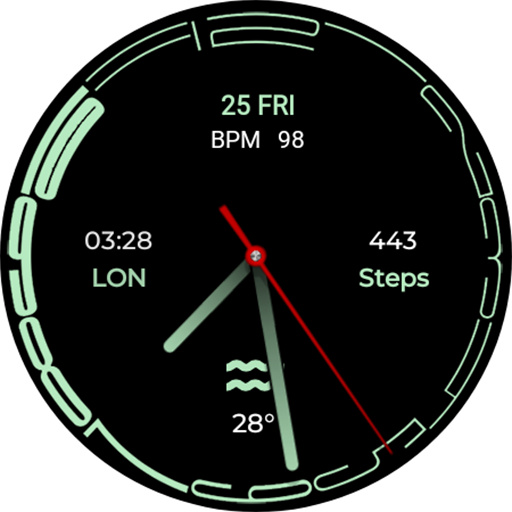
Crossover - Dual Wear OS Watch Face
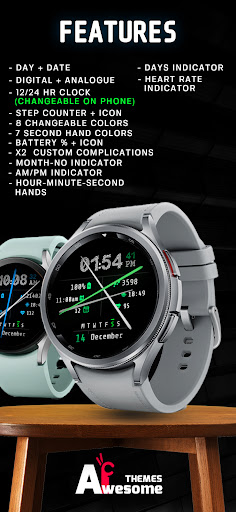
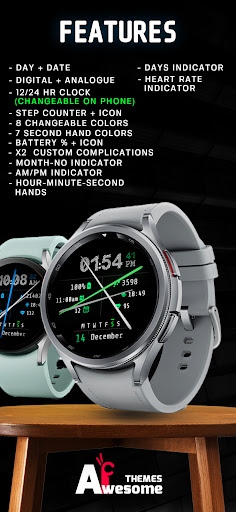
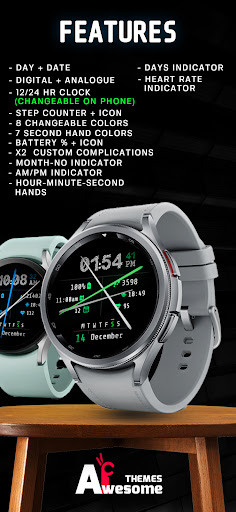
Crossover features:
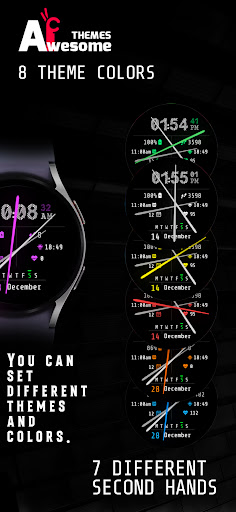
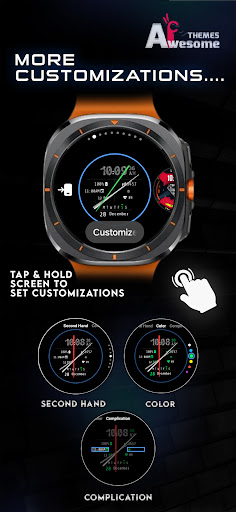
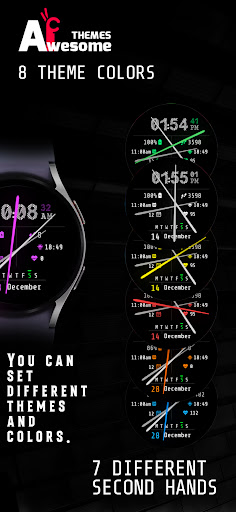
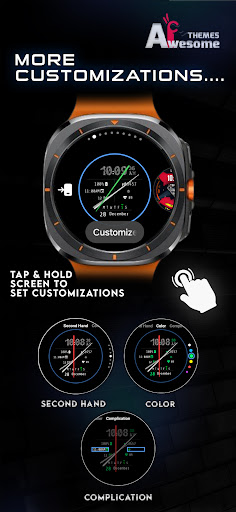
- 8 theme colors [can be edited on watch]
- 7 second hand colors [customizable]
NOTE: the feature provided above can be only edited on watch ( tap and hold on the watch face and then tap on customizations to change them).
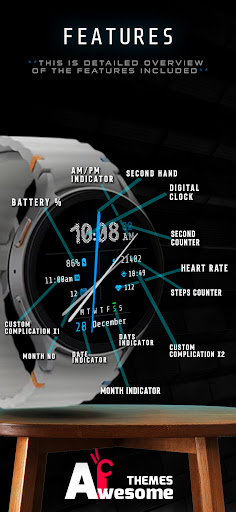
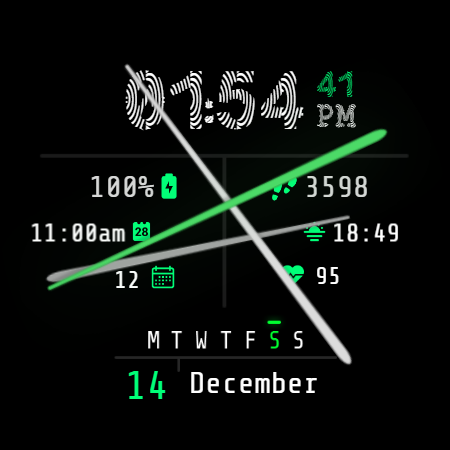
- Digital clock - supports both 12h and 24h mode
(depending on your device's clock settings)
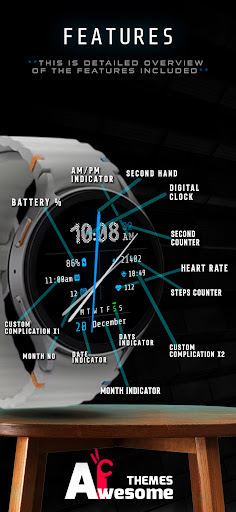
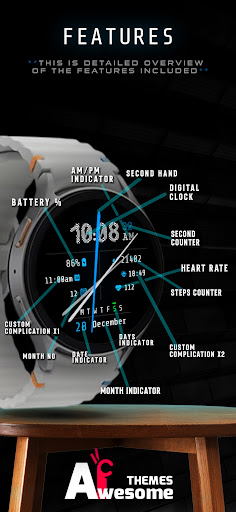
- Battery indicator with icon + battery %
- Date indicator
- Day indicator
- Month no indicator
- Month indicator
- Steps indicator with daily steps + icon
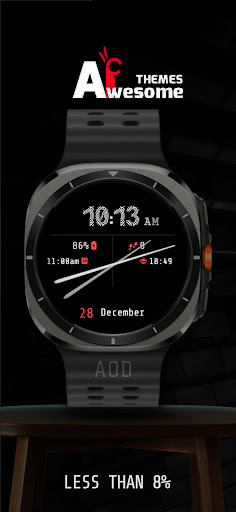
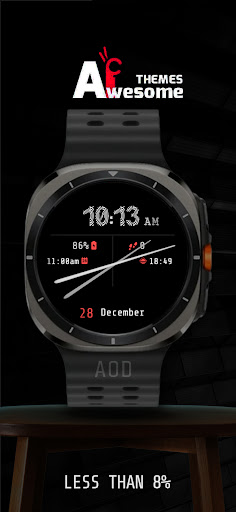
- AOD showing all indicators, averaging less then 7% active pixels
- Second hand
- Hour hand
- Minute hand
- X2 custom complication
NOTE - This app is made only for Wear OS devices.
Select only your watch device from the "INSTALL" drop-down menu.
Alternatively, use our provided phone companion app to help you install the watch face directly on your watch.
Galaxy Watch 4/5/6/7/Ultra users: Find and apply the watch face from the "Downloads" category in the Galaxy Wearable app on your phone.
NOTE:
Please see the provided visuals for detailed info on all available features and app shortcuts!
This watch face is compatible with most Wear OS devices, but keep in mind that it will run best and smoothest on newer devices with latest Wear OS software versions.
All our watch faces are tested on Samsung Galaxy Watch 4 and 7, where they are confirmed to work without any issues.
For full functionality of all indicators enable all Sensors permissions after installation, thank you!
CONTACT:
qasimghumang@gmail.com
E-mail us for any questions, issues or general feedback - we're here for you!
Customer satisfaction is our main priority, and we take every comment, suggestion and complaint very seriously, making sure to respond to each e-mail within 24 hours.
More from Interactive Awesome Apps:
https://play.google.com/store/apps/dev?id=8552910097760453185
Visit our Website:
https://www.hayattech.com
Pinterest:
https://pin.it/5b5DJQBNU
Thank you for using our watch faces, have a great day!
What's New
Version Information
- Version
- 1.0.0
- Downloads
- 0+
- Updated on
- Aug 4, 2025
- Released
- Dec 12, 2024
- Requires
- Android Varies with device
Statistics
Google Play Rating History
Rating Distribution
Downloads Over Time
Crossover - Dual Watch Face has been downloaded times. Over the past 30 days, it averaged downloads per day.
Shaded area shows 30-day prediction based on historical trends
Historical data collection started recently. More data points will be available over time.
ApkTrusted Ratings & Reviews
More from Interactive Awesome Apps
See more apps
Fancy Girl Wear OS Watch Face
Paid

Auraxis - Hybrid Watch Face
Paid
AnimatedSkull WearOS WatchFace
Paid
Auraxis - Hybrid Watch Face
Paid
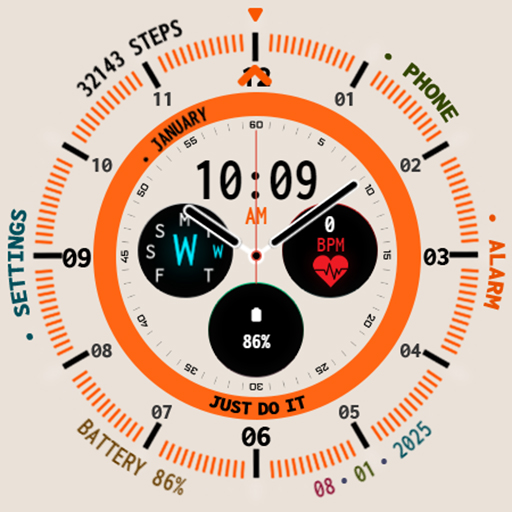
AuraxisLight - Dual Watch Face
Paid
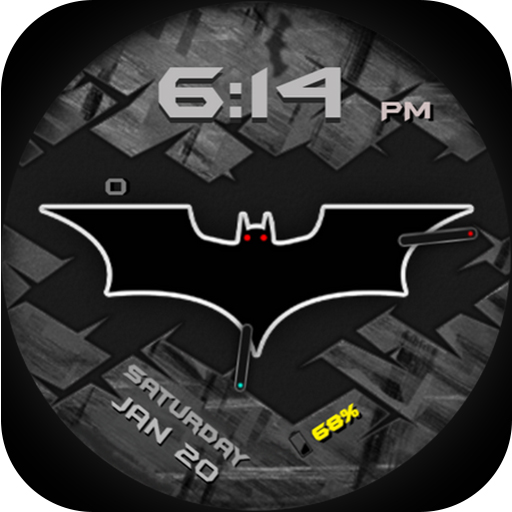
BatmanForever WearOS WatchFace
Paid

Boltic - Digital Watch Face
Paid

BUNE - Wear OS Watch Face
Paid
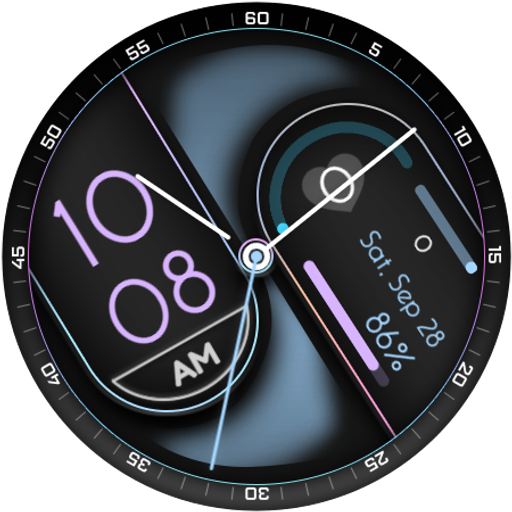
CAPSULE - Hybrid Watch Face
Paid
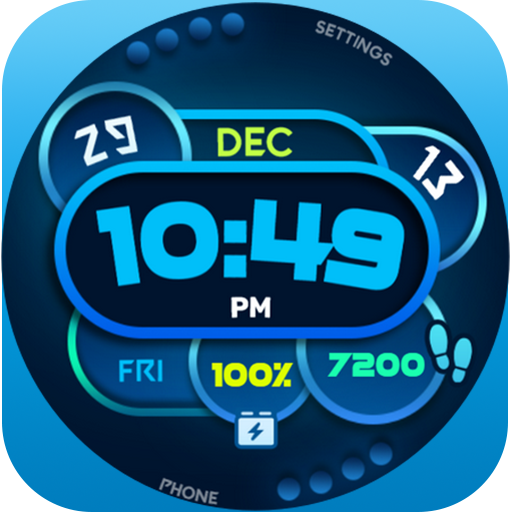
Colorful Box Wear OS WatchFace
Free

Darkwave - Animated Watch Face
Paid

Dash - Digital Watch Face
Free

Digiglide - Digital Watch Face
Paid

Dotline - Light Watch Face
Paid

Dotline - Dark Watch Face
Paid
Fancy Girl Wear OS Watch Face
Paid
Similar Apps

Digital Costa Watch Face
Paid
Rotation - Watch Face
Paid

Key026 Hybrid Watch Face
Free
Digital Weather Sport NTV318
Paid

Digital Pinab Watch Face
Paid

Advanced Time Watch Face
Paid

Digital Kornus Watch face
Free

Energy Dial Watch Face
Paid

PW28 Modern Metrics Watch
Paid

PW23 Pixel Precision Watch
Free

MW44 Digital Watch
Free
Key039 Analog Watch Face
Paid

Digital Sport color7 WatchFace
Free

Minimal Black v18 Watch Face
Free
Viltrex Watch Face
Free
Contour Analog WF Wear OS 4+
Free
Scan this QR code to download

Forwarding you to the page at Google Play market in seconds...
Open Google Play market now