
Cuckoo Clock vVARY
Eugeniy RadzivillScreenshots


/
About this app
Watch face for smart watches on the Wear OS platform
The watch face for smart watches on the Wear OS platform supports the following functionality:
- Display of the day of the week in two languages: Russian and English. English is a priority when synchronizing with the settings of your smartphone.
- Display of battery charge
- Animated movement of the pendulum of the clock
- Please note that the Cuckoo in the clock flies out of the house every 15, 30, 45 minutes once, and every hour according to the current hour. The cuckoo's cuckooing occurs silently - only in the form of animation.
I made an original AOD mode for this watch face. To display it, you need to activate it in the menu of your watch.
I also added 5 tap zones to the watch face, which you can configure to quickly call applications installed on your watch. Configuration and assignment occurs through the watch face menu
IMPORTANT! I can guarantee the correct operation of tap zones only on Samsung watches. Unfortunately, I cannot guarantee operation on watches from other manufacturers. Please consider this when purchasing a watch face.
For comments and suggestions, please write to e-mail: eradzivill@mail.ru
Join us on social networks
https://vk.com/eradzivill
https://radzivill.com
https://t.me/eradzivill
https://www.facebook.com/groups/radzivill
Sincerely,
Eugeniy Radzivill
- Display of the day of the week in two languages: Russian and English. English is a priority when synchronizing with the settings of your smartphone.
- Display of battery charge
- Animated movement of the pendulum of the clock
- Please note that the Cuckoo in the clock flies out of the house every 15, 30, 45 minutes once, and every hour according to the current hour. The cuckoo's cuckooing occurs silently - only in the form of animation.
I made an original AOD mode for this watch face. To display it, you need to activate it in the menu of your watch.
I also added 5 tap zones to the watch face, which you can configure to quickly call applications installed on your watch. Configuration and assignment occurs through the watch face menu
IMPORTANT! I can guarantee the correct operation of tap zones only on Samsung watches. Unfortunately, I cannot guarantee operation on watches from other manufacturers. Please consider this when purchasing a watch face.
For comments and suggestions, please write to e-mail: eradzivill@mail.ru
Join us on social networks
https://vk.com/eradzivill
https://radzivill.com
https://t.me/eradzivill
https://www.facebook.com/groups/radzivill
Sincerely,
Eugeniy Radzivill
Version Information
- Version
- -
- Downloads
- 50+
- Updated on
- -
- Released
- Nov 22, 2024
- Requires
- Android Varies with device
Ratings & Reviews
Developer Response
More from Eugeniy Radzivill
See more apps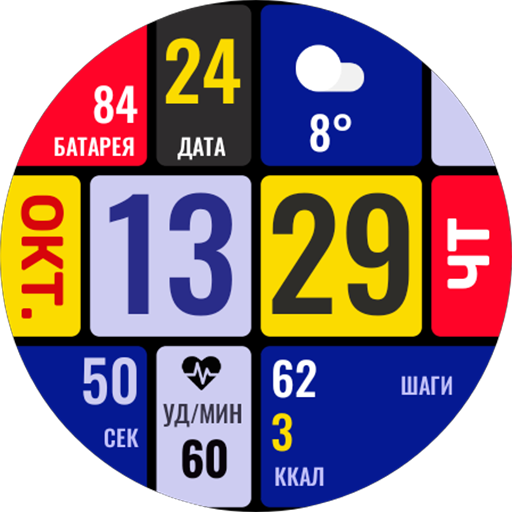
Умные плитки
Paid
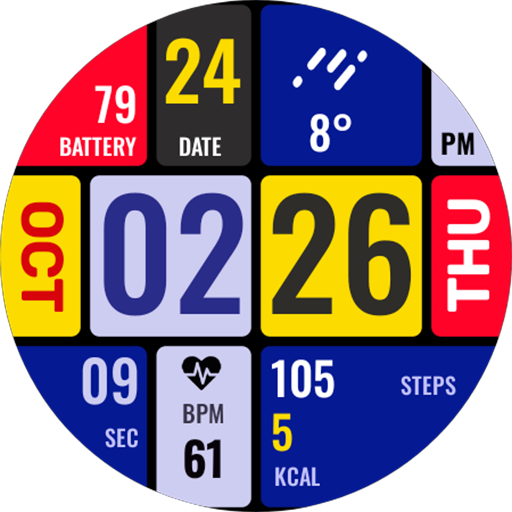
Smart Tiles (English version)
Paid

Living Abstraction
Paid
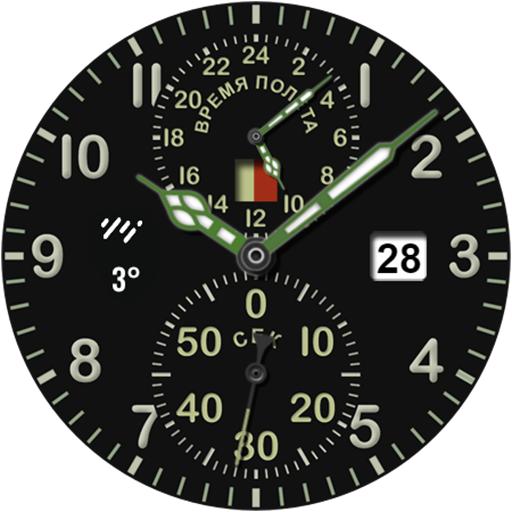
ACHS-1
Paid

Analog Sport
Paid

Andro Watch
Free
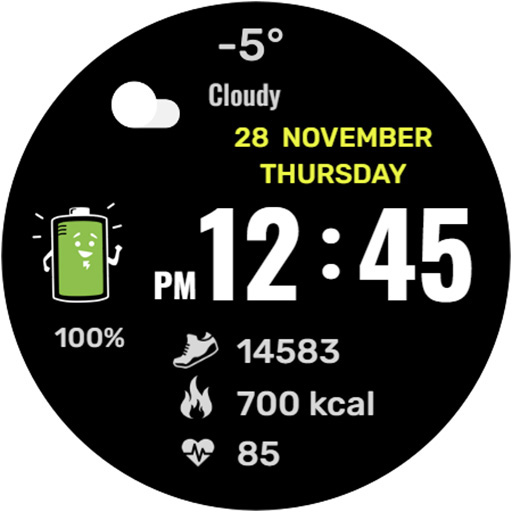
Mr. Battery
Paid
Nice Classic
Paid

Boxer Watch
Paid
Da Vinci's Cat
Paid

Classic with battery
Paid

Funny watch
Free

Diamonds Watch
Paid

Space Dog
Paid

DOTS Light
Free

Modern Classic LCD
Paid