
Modern Classic LCD vVARY
Eugeniy RadzivillScreenshots


/
About this app
Watch face for Wear OS smartwatches
Wear OS watch face supports the following functions
- Automatic switching of 12/24 hour time modes. The modes are synchronized with the settings of your smartphone
- Display of the day of the week in Russian and English. English is a priority and is always displayed when the smartphone language is different from Russian
- Display of battery charge
- Display of date in DD-MM format
- The bell icon has no functionality and is added to give a retro style to the LCD display
CUSTOMIZATION
You can choose one of four colors of the dial background through the settings menu
You can set the imitation of the LCD screen backlight in the dial settings menu. The item is called "Light (On / Off)". When the backlight is turned on, the shadows from the LCD elements disappear and there is a full sensation of the small LED working
You can customize the color of the numbers and letters in AOD mode. White is set by default. But you can choose one of four additional colors through the dial settings menu.
I have added 5 tap zones to the dial, which you can customize in the dial menu for quick launch of applications installed on your watch.
IMPORTANT! I can guarantee the correct operation of the tap zones only on Samsung watches. On watches from other manufacturers, these zones may not work correctly or not work at all. Please consider this when purchasing.
I have made an original AOD mode for this dial. To display it, you need to activate it in the menu of your watch.
For comments and suggestions, please write to e-mail: eradzivill@mail.ru
Join us on social networks
https://vk.com/eradzivill
https://radzivill.com
https://t.me/eradzivill
https://www.facebook.com/groups/radzivill
Sincerely,
Eugeniy Radzivill
- Automatic switching of 12/24 hour time modes. The modes are synchronized with the settings of your smartphone
- Display of the day of the week in Russian and English. English is a priority and is always displayed when the smartphone language is different from Russian
- Display of battery charge
- Display of date in DD-MM format
- The bell icon has no functionality and is added to give a retro style to the LCD display
CUSTOMIZATION
You can choose one of four colors of the dial background through the settings menu
You can set the imitation of the LCD screen backlight in the dial settings menu. The item is called "Light (On / Off)". When the backlight is turned on, the shadows from the LCD elements disappear and there is a full sensation of the small LED working
You can customize the color of the numbers and letters in AOD mode. White is set by default. But you can choose one of four additional colors through the dial settings menu.
I have added 5 tap zones to the dial, which you can customize in the dial menu for quick launch of applications installed on your watch.
IMPORTANT! I can guarantee the correct operation of the tap zones only on Samsung watches. On watches from other manufacturers, these zones may not work correctly or not work at all. Please consider this when purchasing.
I have made an original AOD mode for this dial. To display it, you need to activate it in the menu of your watch.
For comments and suggestions, please write to e-mail: eradzivill@mail.ru
Join us on social networks
https://vk.com/eradzivill
https://radzivill.com
https://t.me/eradzivill
https://www.facebook.com/groups/radzivill
Sincerely,
Eugeniy Radzivill
Version Information
- Version
- -
- Downloads
- 100+
- Updated on
- -
- Released
- Dec 1, 2024
- Requires
- Android Varies with device
Ratings & Reviews
Developer Response
More from Eugeniy Radzivill
See more apps
Умные плитки
Paid
Smart Tiles (English version)
Paid

Living Abstraction
Paid
ACHS-1
Paid

Analog Sport
Paid

Andro Watch
Free
Mr. Battery
Paid
Nice Classic
Paid

Boxer Watch
Paid
Da Vinci's Cat
Paid

Classic with battery
Paid

Cuckoo Clock
Paid

Funny watch
Free

Diamonds Watch
Paid

Space Dog
Paid

DOTS Light
Free
Similar Apps
Classic Digital 027
Free

SamWatch Digital Shu 3 2024
Free

ACRO Genix Digital watchface
Paid

HMKWatch Digital 163 K
Free

ULTRA Digital Retro watch face
Paid
GYD001: Retro watchface
Free

HMKWatch Digital 037
Free

HMKWatch Digital 163
Free
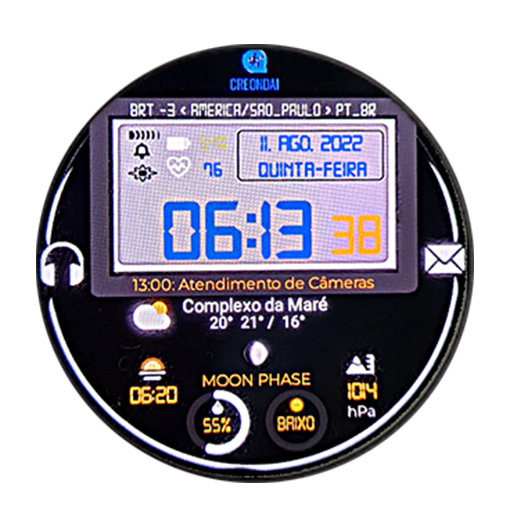
C04 - Classic Digital Watch
Paid

CELEST5402 Retro Digital Watch
Paid
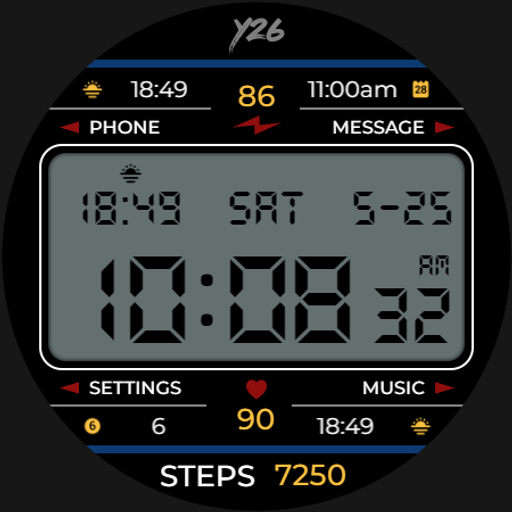
Y26 Retro-licious Watch Face
Free

SamWatch Digital Shu 2 2024
Free

SamWatch Digital XIX 2025
Free

CELEST5480 Retro Digital Watch
Free

JW207 jwstudio watchface
Free

CELEST5556 Retro digital Watch
Free