
Damian Wf v1.0.0
Passioner






About this app
Developer Description
Press on persistently
For all Wear OS devices.
Buy the app and Install it on your Phone.
Open BREGUIR app
Tap on the "Install on Watch" button.
In your Watch, tap the "Install" button.
Then you can go to the app that manages your Watch device on your Phone.
Go to Watch Faces, then scroll down to "downloads", and tap over the BREGUIR app.
That is it!
If you need help with installation, please email: breguir.contact@gmail.com
Remarks:
Always make sure your watch is paired to your phone when installing.
When it says "installing soon," please wait 3-4 minutes, then check your watch to see if the installation is complete.
Be sure you have all device permissions allowed.
Features:
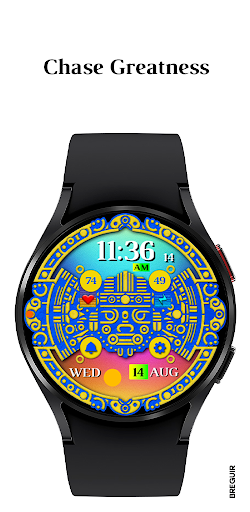
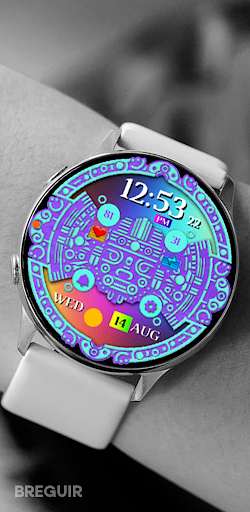
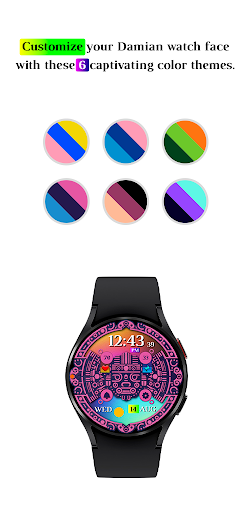
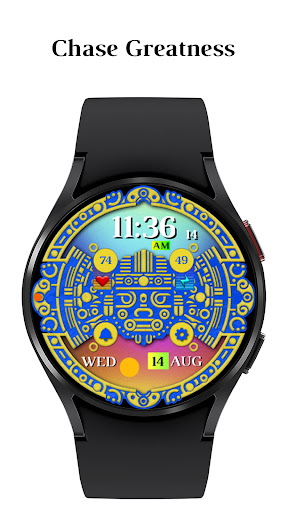
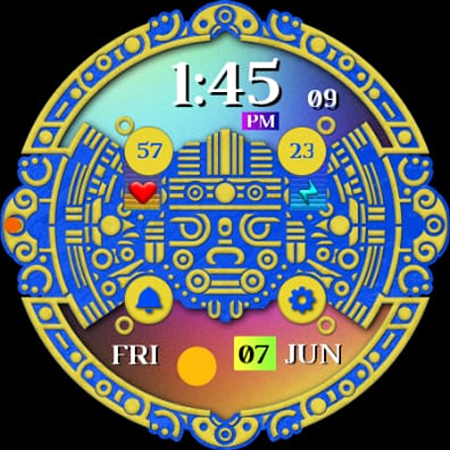
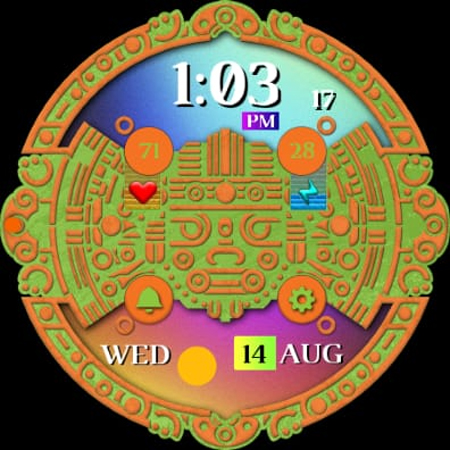
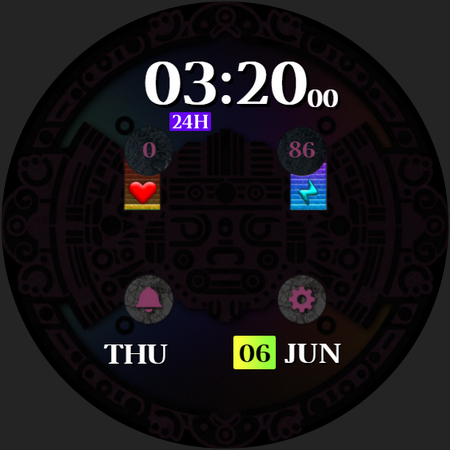
Damian Digital Watch Face
Features:
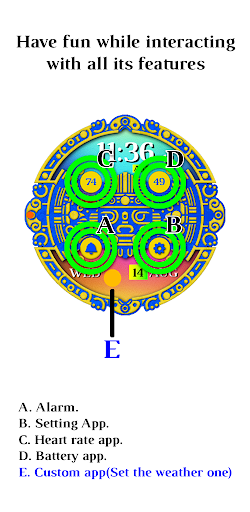
- Digital time
- Heart rate
- Battery level
- 12/24 hour time format
- Day of the week / Day of the Month
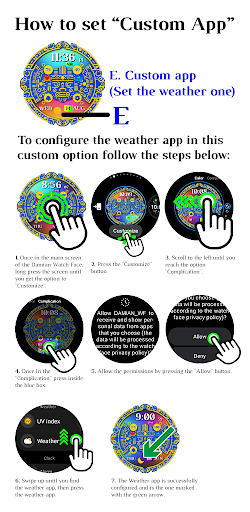
- Weather
Breguir
What's New
Version Information
- Version
- 1.0.0
- Downloads
- 1+
- Updated on
- Jun 8, 2024
- Released
- Jun 7, 2024
- Requires
- Android Varies with device
Statistics
Google Play Rating History
Rating Distribution
Downloads Over Time
Damian Wf has been downloaded times. Over the past 30 days, it averaged downloads per day.
Shaded area shows 30-day prediction based on historical trends
Historical data collection started recently. More data points will be available over time.
ApkTrusted Ratings & Reviews
More from Passioner
See more apps


Similar Apps
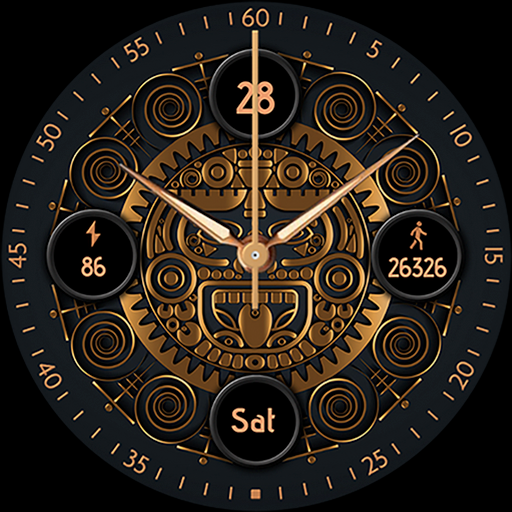
Pars Aztec Analog Watch Face
Paid
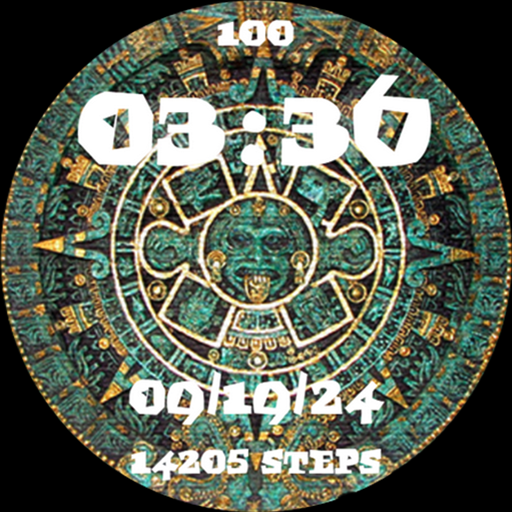
Aztec Calendar Mexico Azteca
Free

Spining Manddala WatchFace 12
Paid
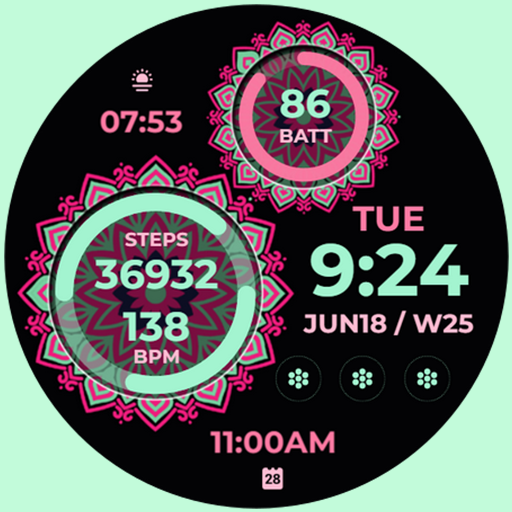
Mandala Fit (H008)
Paid

Pars Golden Turbine
Free

Abstract Fit
Paid

Papel picado analog watch face
Paid

MB293
Free

Digital L: Wear OS
Paid

Multi Function Digital Iris534
Paid

Vintage 2
Paid
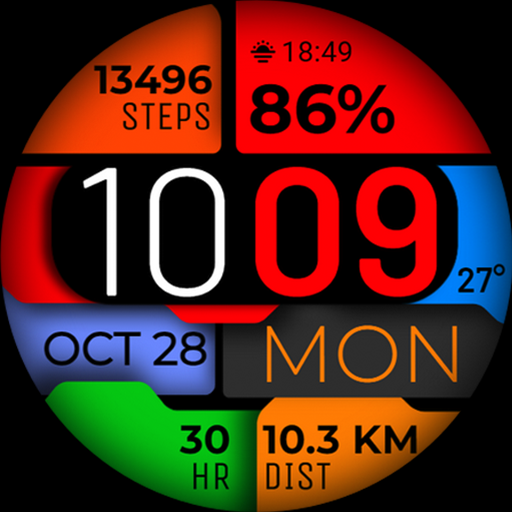
Watch Face WF108
Paid

Page Turning Info ZKin Watch
Free

Pars Mandala
Paid
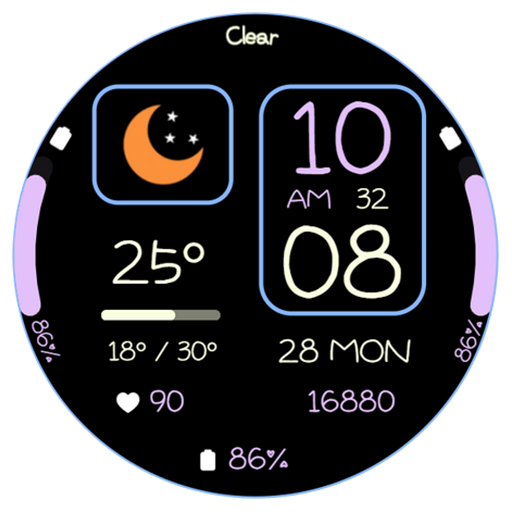
AWD Weather G02 watchface
Paid

Ukraine Watch face 2
Paid
Scan this QR code to download

Forwarding you to the page at Google Play market in seconds...
Open Google Play market now