
FSW293 Hybrid watchface vVARY
FS Watch faceScreenshots


/
About this app
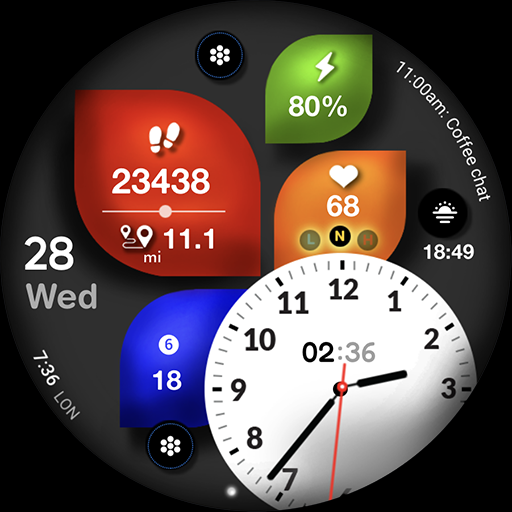
Stylish and great watch face for Wear OS by FS Design
FSW293 Hybrid watchface
Stylish and great watch face for Wear OS by FS Design
If you can't see the watch face on your watch after installing the app, don't worry. Please follow the steps below.
1-Long press on your watch screen, scroll to the right, click on the + sign and go to the bottom page, select your watch face from there.
FSW293 Hybrid watchfacel is a Digital watch Face for Wear OS by FS Design
[For Wear OS devices only]
FEATURES
- Low battery consumption
- Battery Dial
- Date
Note: If you can't see the watch face on your watch after installing it, please follow the steps below
1-long press on your watch screen and scroll the screen to the last screen
2-click add watch and find your watch face
How to install?
1.Swipe to on the watch screen
2.Click on the Google Play app icon
3.Click it a type ''FSW293 Hybrid watchface' and search
4.Select watch face and click ''Install.'
NOTE:
if you see message "Your devices are not compatible", use Play Store on WEB browser from PC / Laptop instead of app on phone.
PLEASE FOLLOW ME:)
FS WATCHFACES WEB SITE: http://fswatchfaces.com/
FACEBOOK: https://m.facebook.com/groups/717379668440579?ref=bookmarks
FACEBOOK PAGE: https://www.facebook.com/Fs-design-2300540343310561/?ref=bookmarks
İNSTAGRAM: https://www.instagram.com/fs.watchface/?hl=tr
TWİTTER :https://twitter.com/FS Watch face
TELEGRAM:https://web.telegram.org/k/#@fswatchface
YOUTUBE : https://www.youtube.com/channel
Stylish and great watch face for Wear OS by FS Design
If you can't see the watch face on your watch after installing the app, don't worry. Please follow the steps below.
1-Long press on your watch screen, scroll to the right, click on the + sign and go to the bottom page, select your watch face from there.
FSW293 Hybrid watchfacel is a Digital watch Face for Wear OS by FS Design
[For Wear OS devices only]
FEATURES
- Low battery consumption
- Battery Dial
- Date
Note: If you can't see the watch face on your watch after installing it, please follow the steps below
1-long press on your watch screen and scroll the screen to the last screen
2-click add watch and find your watch face
How to install?
1.Swipe to on the watch screen
2.Click on the Google Play app icon
3.Click it a type ''FSW293 Hybrid watchface' and search
4.Select watch face and click ''Install.'
NOTE:
if you see message "Your devices are not compatible", use Play Store on WEB browser from PC / Laptop instead of app on phone.
PLEASE FOLLOW ME:)
FS WATCHFACES WEB SITE: http://fswatchfaces.com/
FACEBOOK: https://m.facebook.com/groups/717379668440579?ref=bookmarks
FACEBOOK PAGE: https://www.facebook.com/Fs-design-2300540343310561/?ref=bookmarks
İNSTAGRAM: https://www.instagram.com/fs.watchface/?hl=tr
TWİTTER :https://twitter.com/FS Watch face
TELEGRAM:https://web.telegram.org/k/#@fswatchface
YOUTUBE : https://www.youtube.com/channel
Version Information
- Version
- -
- Downloads
- 500+
- Updated on
- -
- Released
- Aug 14, 2025
- Requires
- Android Varies with device
Ratings & Reviews
Developer Response
More from FS Watch face
See more apps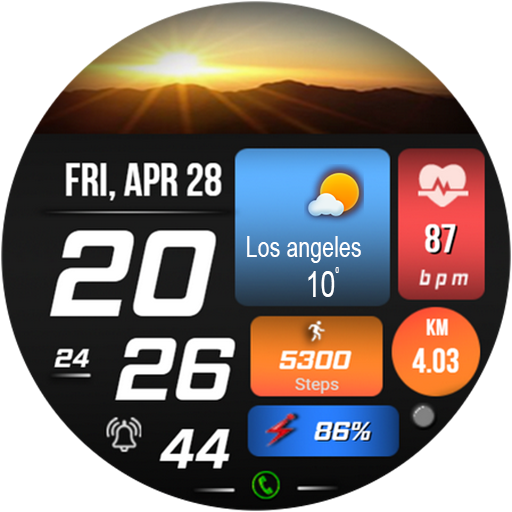
FSW231 WATCHFACE
Paid
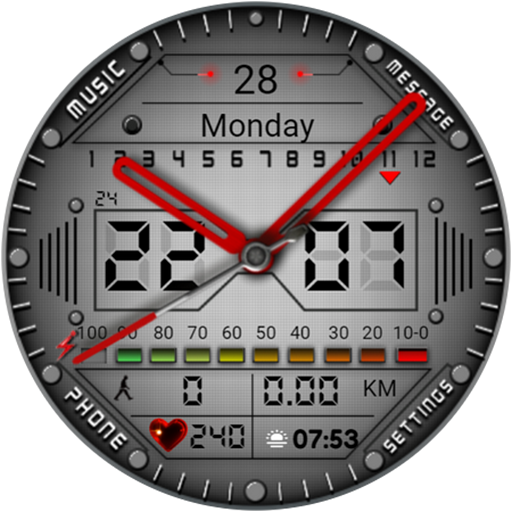
FSW213 WATCHFACE
Free
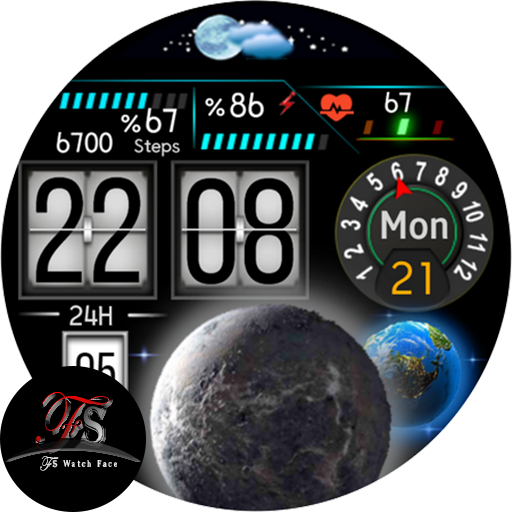
FS W158 DIGITAL WATCHFACE
Free

FS W246 Watchface
Paid
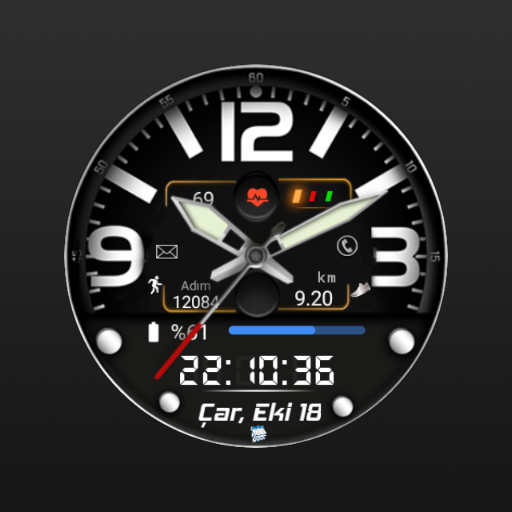
FSW244 Hybrid Watchface
Paid
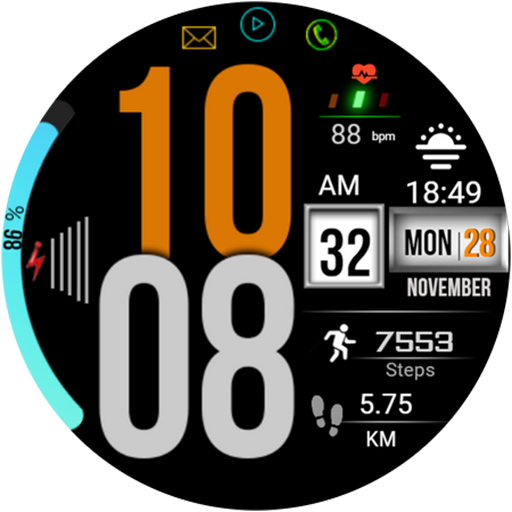
FSW214 WATCHFACE
Paid

FSW215 WATCHFACE
Paid
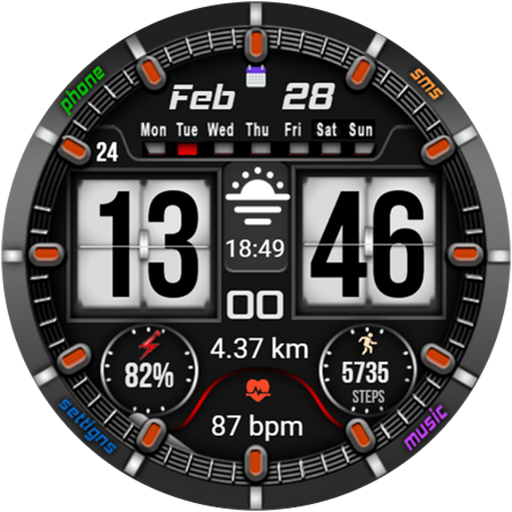
FSW222 WATCHFACE
Paid
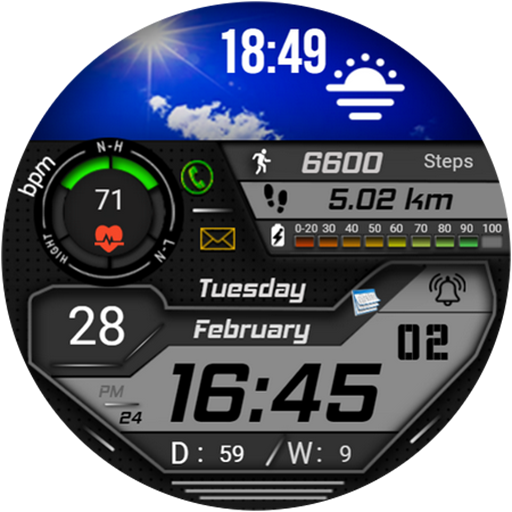
FSW223 Watchface
Paid

moon&earth themed watchface
Free
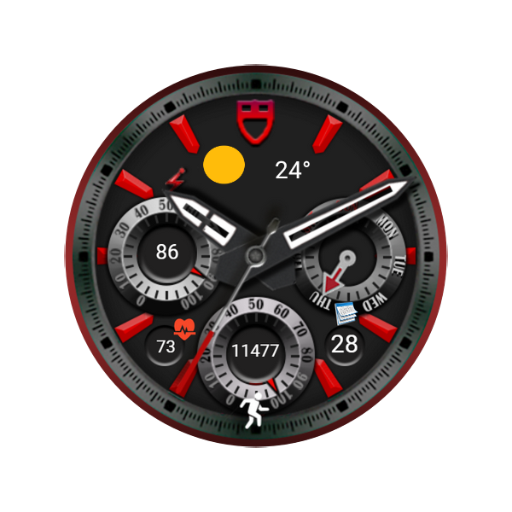
FSW240 Analog Watch face
Paid

FS W243 Watchface
Paid

fsanimal watchface
Paid

FSW 245 Watchface
Paid

FS Gamer Digital Watchface
Paid
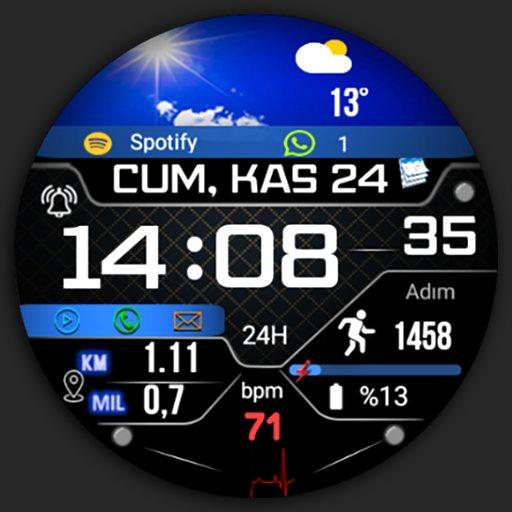
FSW247 Watchface
Paid
Similar Apps
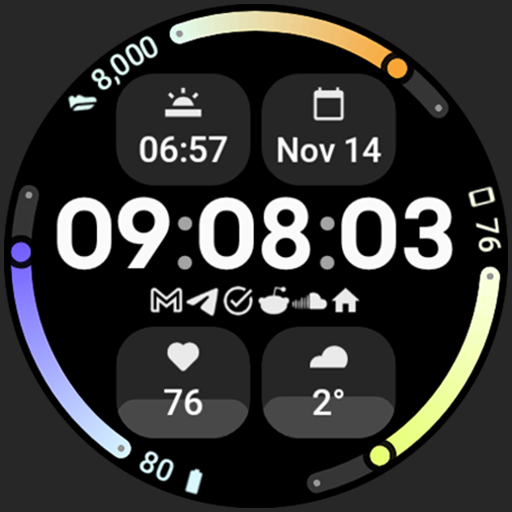
Summit Watch Face
Paid

SamWatch Utility A
Paid
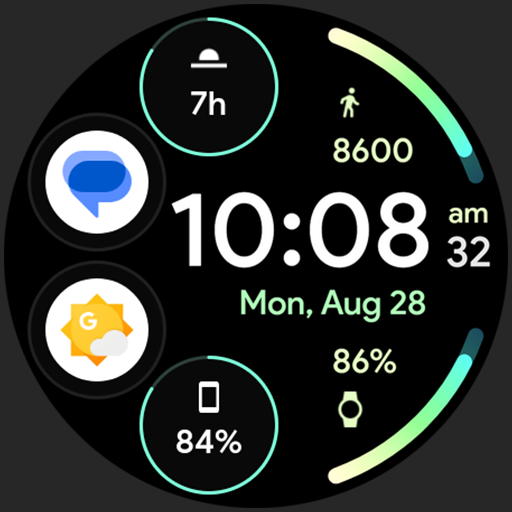
Pulse 2: Watch face
Free

Analog Weather Circle NTV571
Paid

Classic Time
Paid

DMM7 Diabetic Watch Face
Free

TVV Sport 8 Digital Watch Face
Paid

Lucina Digital Watch Face
Free
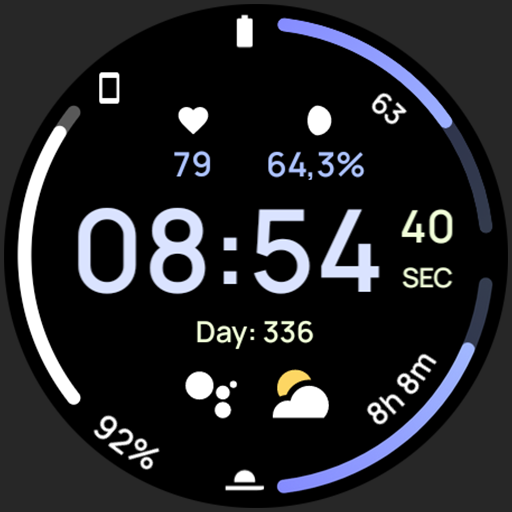
Pulse Watch Face
Free

Commutator Watch Face Wear OS
Paid

Apex SE Watch Face
Paid
ML2U 78 Watch Face
Paid

Parade of the Planets
Paid

ZKin Watch Brilliant Splendid
Paid

TVV Fitness 2 Watch Face
Paid

ZKin Watch Dark Color Function
Paid