
Futurizm vVARY
Eugeniy Radzivill











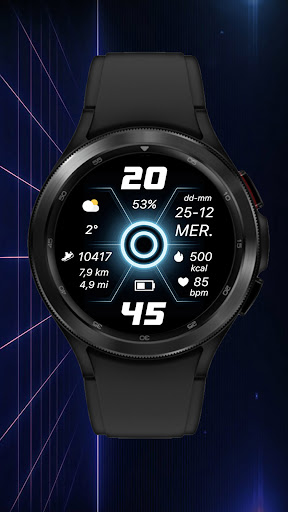


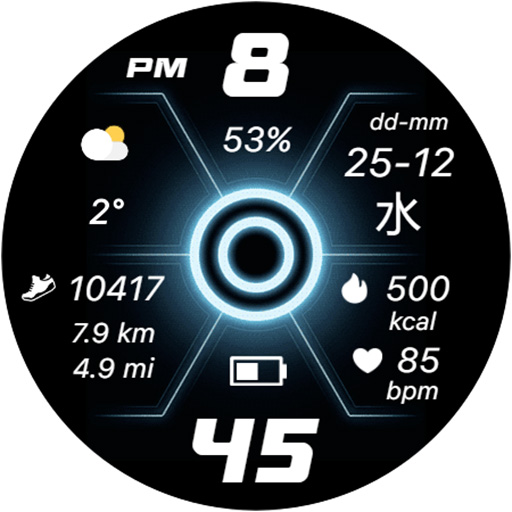


About this app
Developer Description
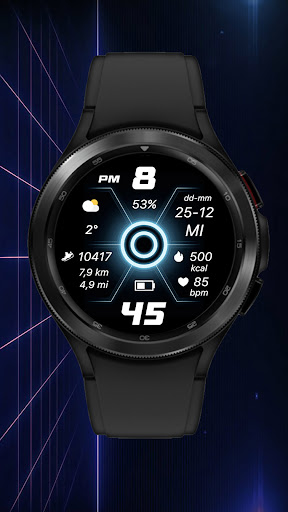
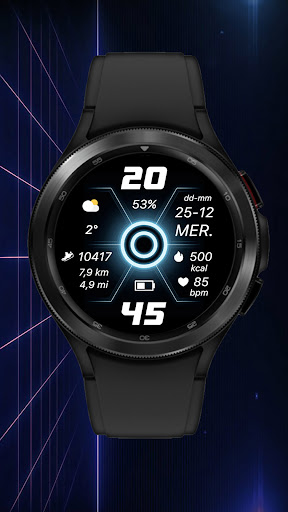
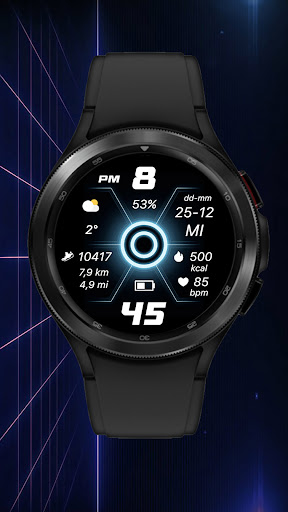
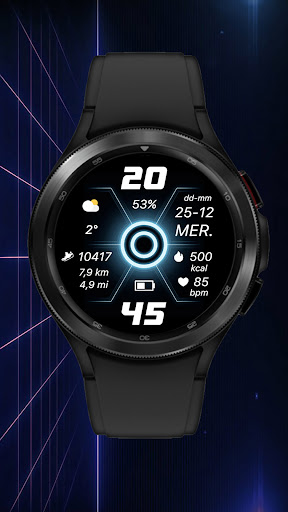
Watch face for Wear OS smartwatches
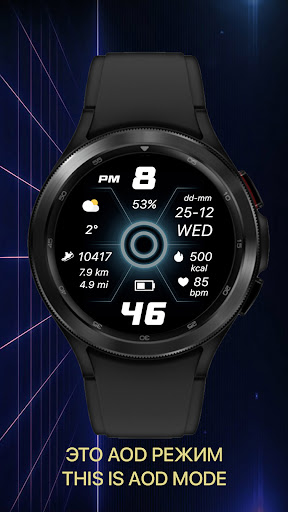
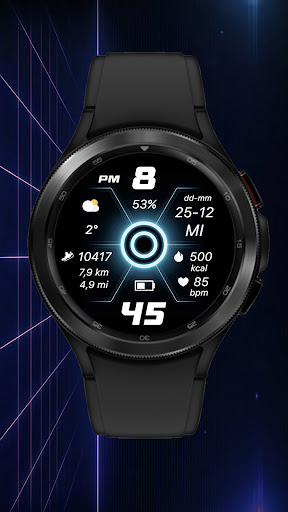
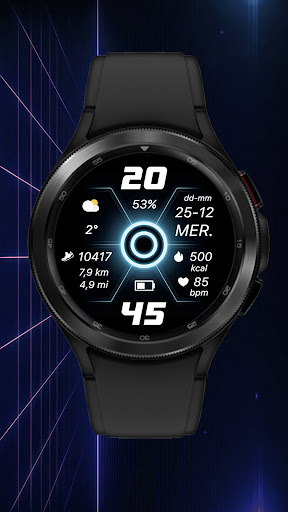
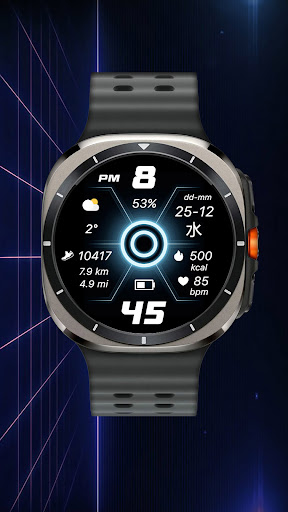
- Current date display in DD-MM format
- Multilingual display of the day of the week. The language is synchronized with the settings of your smartphone
- Automatic switching of 12/24 hour modes. Synchronization occurs in accordance with the settings of your smartphone
- Display of battery charge
- Display of the number of steps taken, as well as the average distance traveled simultaneously in kilometers and miles
- Display of burned calories in accordance with the steps taken
- Display of the current heart rate (please note that for the heart rate sensor, the presence of tattoos in the area of the watch is an obstacle, and if they are present, the heart rate may not be displayed)
CUSTOMIZATION
You can customize the information zone on the watch face to display the current weather. To do this, set the Weather app data output to this complication in the watch face menu. Of course, you can set the data output from any other app on your watch. But I want to warn you that they may not be optimized for display on the watch face and may either be displayed incorrectly or not be displayed at all.
IMPORTANT! I can only guarantee the correct operation of the information zone on Samsung watches. Unfortunately, I cannot guarantee operation on watches from other manufacturers. Please take this into account when purchasing a watch face.
There is also one peculiarity in displaying the weather on the Samsung Galaxy Watch Ultra watch - as of 11/25/24, weather data (Samsung stock app) is displayed incorrectly in this watch due to software. You can use weather data from third-party applications.
I made an original AOD mode for this watch face. To display it, you need to activate it in the menu of your watch.
For comments and suggestions, please write to e-mail: eradzivill@mail.ru
Join us on social networks
https://vk.com/eradzivill
https://radzivill.com
https://t.me/eradzivill
https://www.facebook.com/groups/radzivill
Sincerely,
Eugeniy Radzivill
Version Information
- Version
- -
- Downloads
- 100+
- Updated on
- -
- Released
- Nov 24, 2024
- Requires
- Android Varies with device
Statistics
Google Play Rating History
Rating Distribution
Downloads Over Time
Futurizm has been downloaded times. Over the past 30 days, it averaged downloads per day.
Shaded area shows 30-day prediction based on historical trends
Historical data collection started recently. More data points will be available over time.
Futurizm users say on Google Play
 Gopal Goenka
Excellent watchface. Thank you.
ApkTrusted Ratings & Reviews
More from Eugeniy Radzivill
See more apps
Умные плитки
Free
Smart Tiles (English version)
Paid

Living Abstraction
Paid
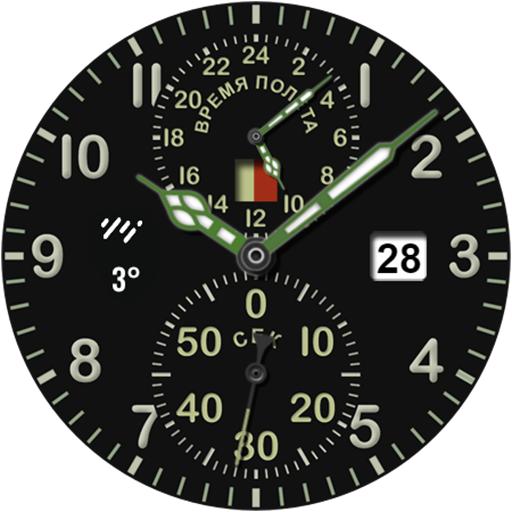
ACHS-1
Free

Analog Sport
Paid

Andro Watch
Free
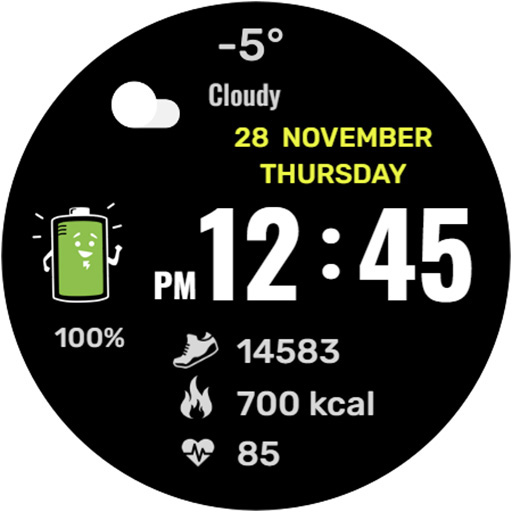
Mr. Battery
Paid
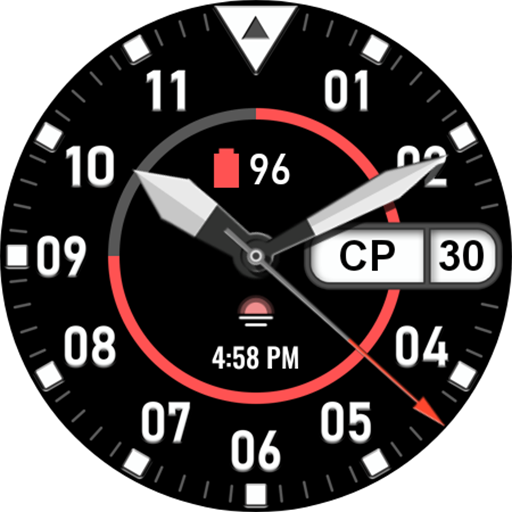
Nice Classic
Paid

Boxer Watch
Free
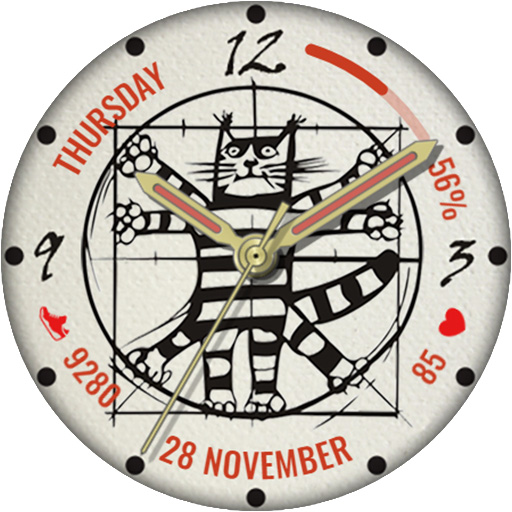
Da Vinci's Cat
Paid

Classic with battery
Paid

Cuckoo Clock
Free

Funny watch
Free

Diamonds Watch
Paid

Space Dog
Paid

DOTS Light
Free
Similar Apps

DF074
Free

Future Animated Watch Face
Paid

Future GUI Animated Watch Face
Paid

TKS 04 Dash Watch Face
Paid

SamWatch Simple Zeta 2024
Paid

KZY087
Free

CC Clean 11 Watch Face
Paid
SamWatch FIT I 2021
Paid

Km/Mi Tracking Sport - RE05
Paid

G003
Paid

ML2U 92 Watch Face
Free

ZKin Watch Aurora Universe
Paid

Dotline - Dark Watch Face
Paid
Informative Km & Mile - RE06
Paid

One One Lab Holo HUD Watch
Free

Watch Face WF102
Paid
Scan this QR code to download

Forwarding you to the page at Google Play market in seconds...
Open Google Play market now