
Golden Floral Watch Classic v1.0.8
Talex Watch Faces




About this app
Developer Description
Elegant watch face for ladies, high quality graphics, battery optimised.
1. Once you purchased a Watch Face please allow about 10-15 minutes for syncronization between google store and watch device.
2. IF new WF doesn't appear on your Watch automatically please try the following: long tap to the watch screen > swipe through the list of your watch faces till its End > tap + (plus) > another list would open. Please check it totally, your Newly bought Watch face should be there.
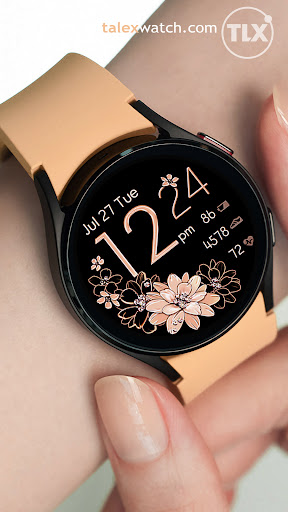
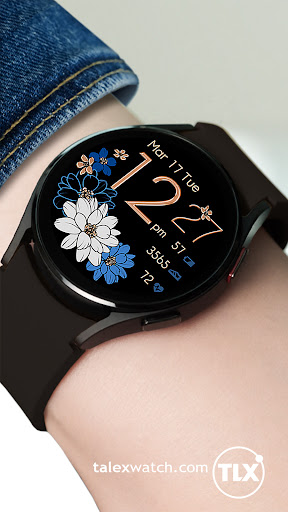
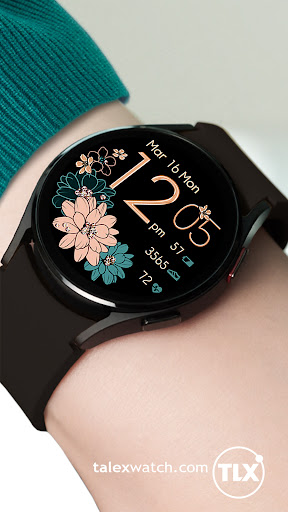
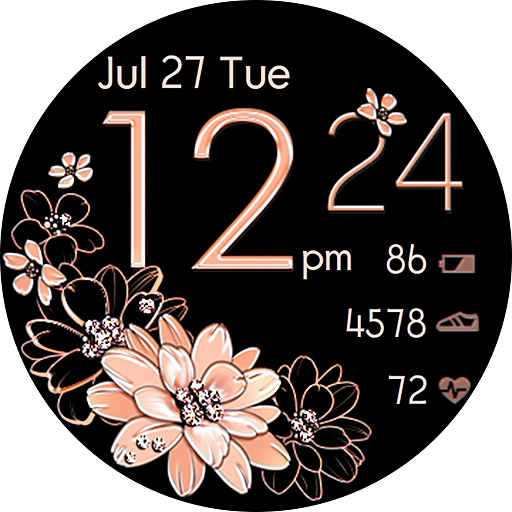
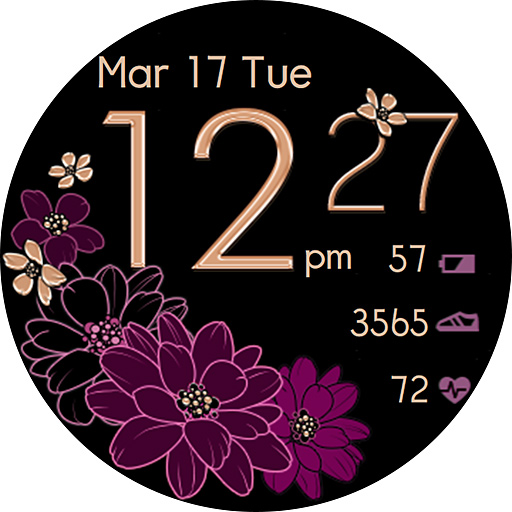
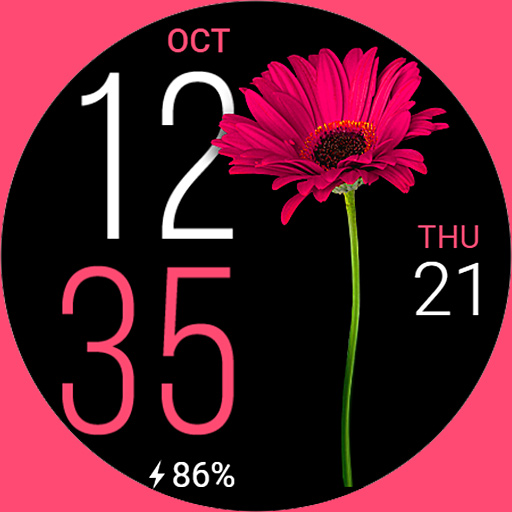
Golden Floral watch face is an elegant watch face for Wear OS. Lovely feminine design, high quality graphics, battery friendly, multi language.
12/24 Digital time HH:MM (AUTO-sync with your Phone time)
No leading '0' in HH of 12hr time mode.
Bright & Big digits - easy to read.
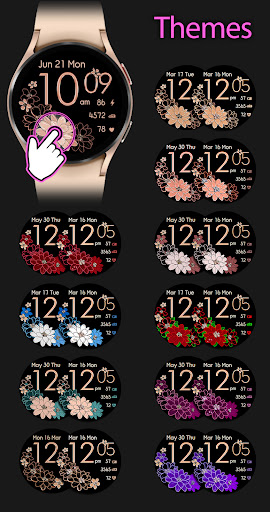
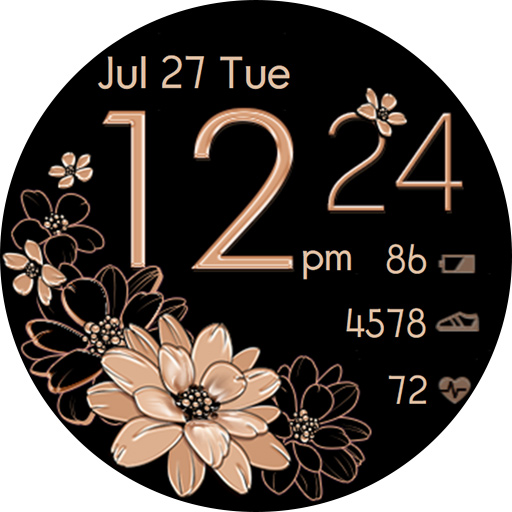
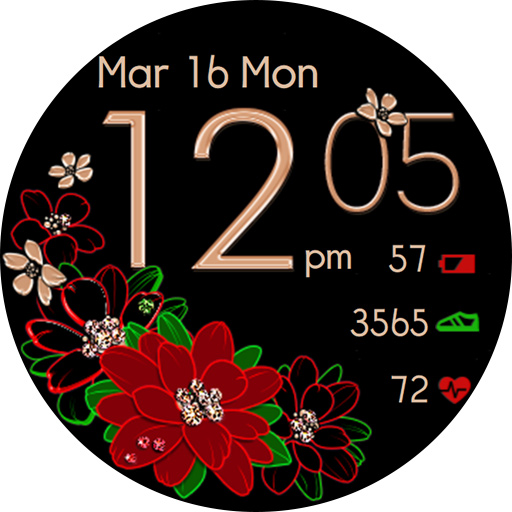
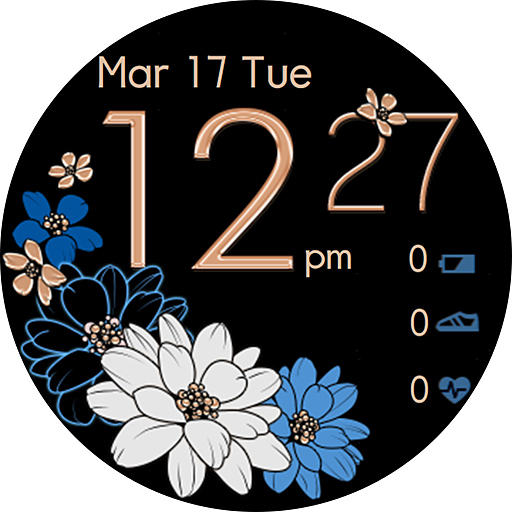
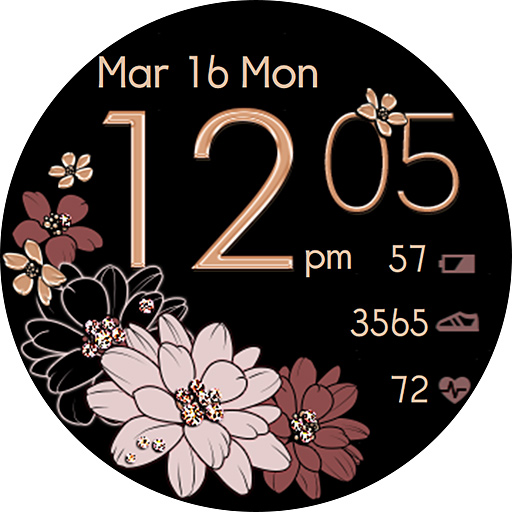
20 Floral Themes. Easy way to select the one you prefer. SingleTAP the Big Flowers to switch between themes. Check the Themes screen to see the active area.
NOTE: sometimes Installation from Google store to your watch might delay. If a watch face doesn't appear on your watch in a few minutes You might try to install it Directly from your Watch: swipe up, tap Google play icon, search "Golden Floral Watch" from Play Store on the watch and hit “Install” button. That way a WF would be downloaded directly to your watch.
Active mode FEATURES
- 20 floral Themes - 10 Original ones+10 Diamond ones - SingleTAP to change
- 12/24 Digital time HH:MM (auto-sync with your phone time)
- No leading '0' in HH of 12hr time
- Day of Week/Date/Month (EN, DE, RU, FR, IT, ES, TR languages supported)
- Schedule Shortcut
- Battery % + Battery Status Shortcut
- Seconds ON/OFF - SingleTap to the Minutes digits to switch on/off
- Step counter + SHealth Shortcut
- Heart Rate + Shortcut to Measuring Heart Rate(Tap to start measuring )
Tap the heart icon to measure your heart rate. The heart icon will start to blink while measuring. Keep still while measuring.
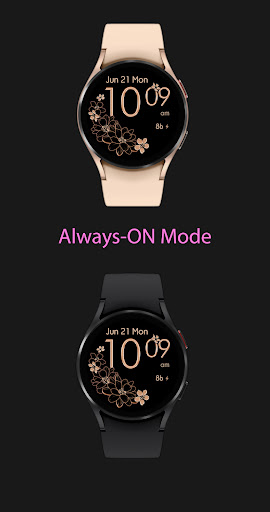
Always-On FEATURES
- 12/24 Digital time HH:MM
- Day of Week/Date/Month
- Battery %
What's New
Version Information
- Version
- 1.0.8
- Downloads
- 10K+
- Updated on
- Jul 16, 2025
- Released
- Aug 27, 2021
- Requires
- Android Varies with device
Statistics
Google Play Rating History
Rating Distribution
Downloads Over Time
Golden Floral Watch Classic has been downloaded times. Over the past 30 days, it averaged downloads per day.
Shaded area shows 30-day prediction based on historical trends
Historical data collection started recently. More data points will be available over time.
Golden Floral Watch Classic users say on Google Play
 Darlene Lee
Beautiful and elegant watch face that I have had on my previous Samsung Galaxy Active2 Watch and now my new Samsung Galaxy Watch4. In addition to its design, I love the personalization of the many color combinations. However, when I downloaded the watch face app on my new watch, I was unable to change the watch face colors by double tapping the flower. I wrote to the developers and within hours, they responded instructing me to single tap the large flower to cycle through the colors.
 Eliška
Ok, I can't customize this so I have only one face and no more possibilities. It's suprising bcs on my old phone note galaxy 8 everything worked perfectly but on my new phone s20 no so I don't know. I have the same watch s4 *no themes included for my phone or watch. I have only one. Believe me I tried switching themes on phone or on watch and it doesn't work. *ok after reinstall it's start working.
 Jennifer L.
On my old watch it was double tap to change the flower color and now it's single tap which I hate. Every time my watch touches something the colors change and then I have to tap it a 1000 times get it back to the one I want. But i love the layout so i keep doing it. I hope they go back to the double tap
 A Mansell
Sadly, this didn't load to my watch. I have an older version from about 5 years ago, but the hour stopped showing (only minutes show). I thought maybe this newer version would fix that, but doesn't load to my phone. So sad cuz I really love this watch face, only one I've used for years. How do I get refund?
 Malea Ortloff
I tried to download this app and it does not show up on my watch. The instructions on the phone are cut off and when I tap the button it indicates no phone is connected. I read that other people had this problem and I saw the answer by the developer. I tried the steps that the developer provided; however, Golden floral watch does not come up when I try to install it via my watch. I have requested a refund, twice... Because I have tried to make this work so many times.
ApkTrusted Ratings & Reviews
More from Talex Watch Faces
See more apps
Christmas Snow On/Off Watch
Paid

Diamond Butterfly Watch Face
Paid

Diamond Hearts Watch Face
Paid

Bloomy Digital Watch Face
Paid
Blue Glossy Watch Face
Paid
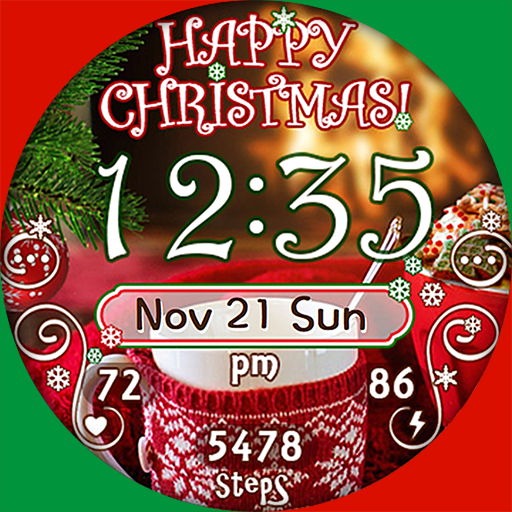
Christmas Time Watch Face
Paid

Flamingo Summer Watch Face
Paid
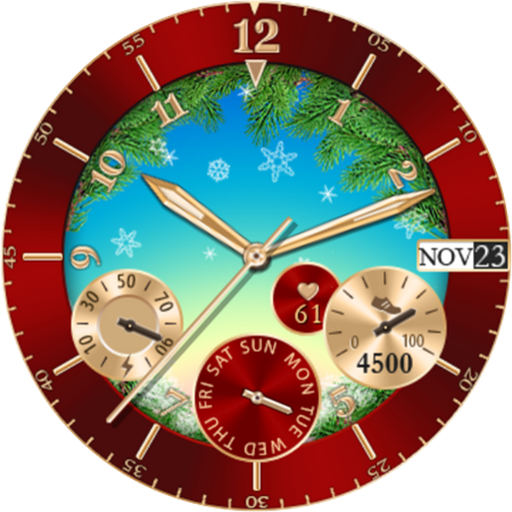
Christmas Snowing Watch Face
Paid

Bloomy Time Watch Face
Paid

Christmas Snow Watch Face
Paid

Talex Classic Watch Face
Paid
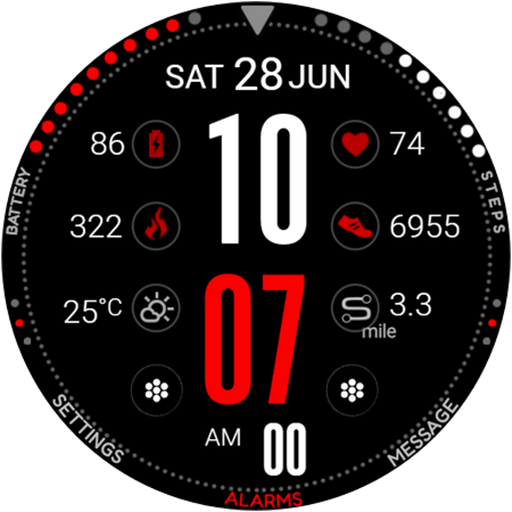
DG Info Watch Face
Paid

Autumn Flowers Watch Face
Paid
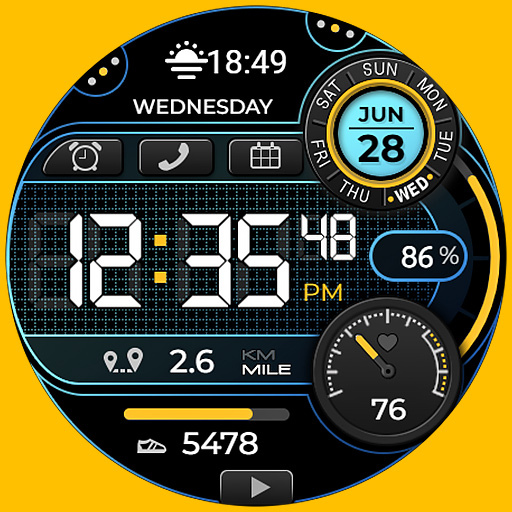
Smart Digital Black Colors
Paid

Talex Elegant Watch Face
Paid
Fine Flowers
Paid
Scan this QR code to download

Forwarding you to the page at Google Play market in seconds...
Open Google Play market now