
Iris518 Digital Watch Face vVARY
Iriswatchfaces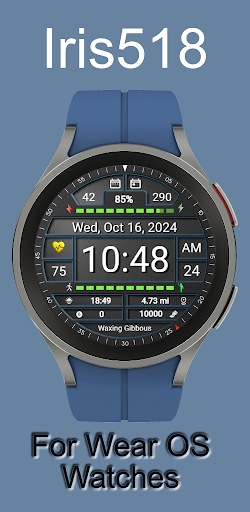



About this app
Developer Description
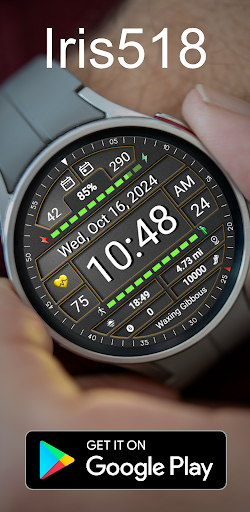
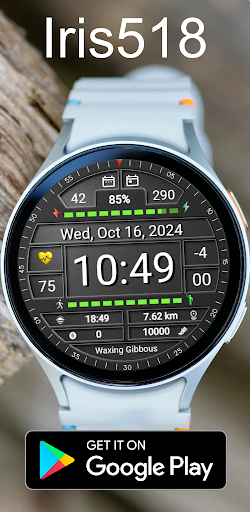
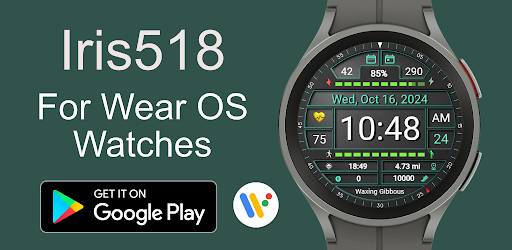
Watchface for Wear OS Watches
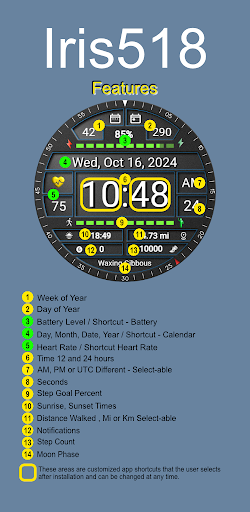
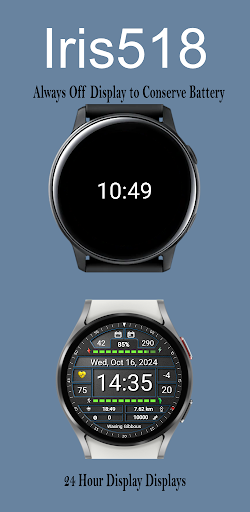
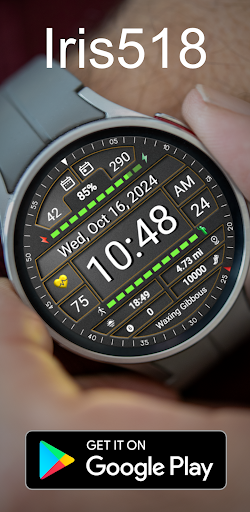
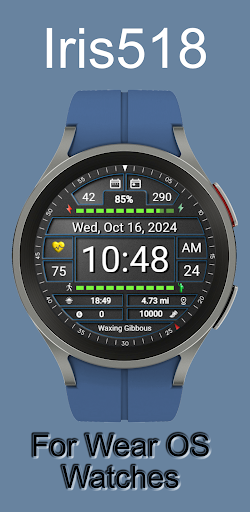
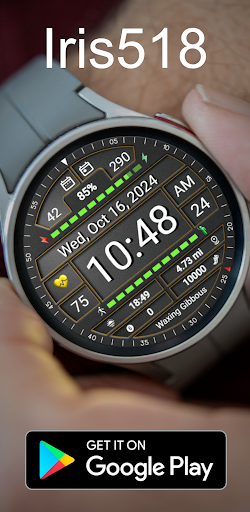
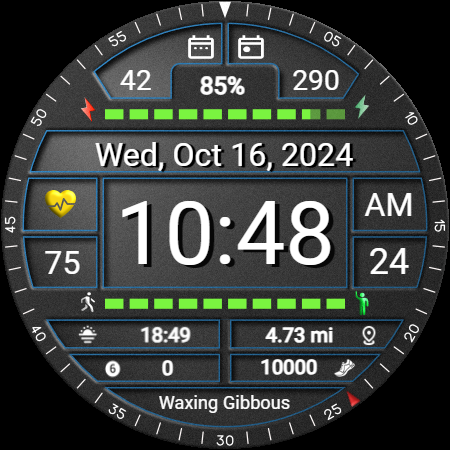
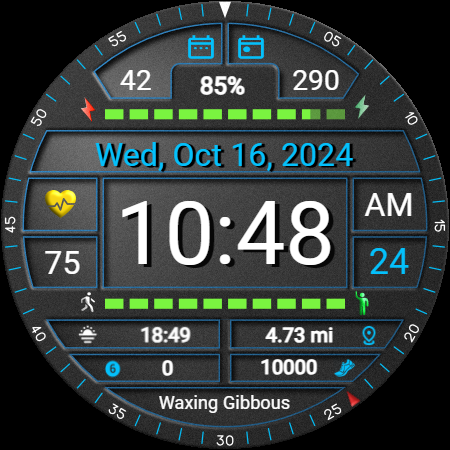
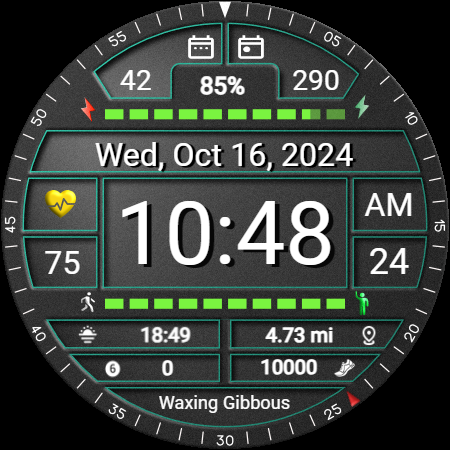
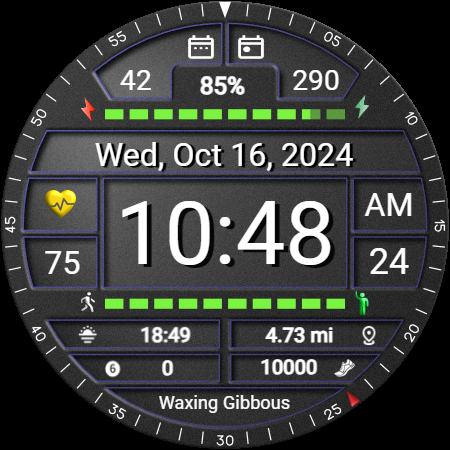
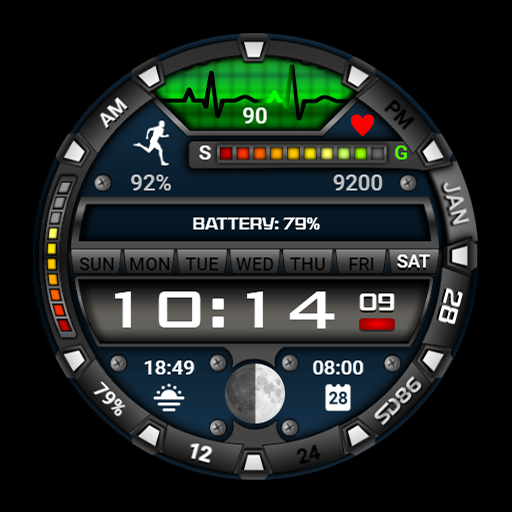
• Time & Date: Displays day, date, month, and year with time shown in either 12-hour or 24-hour format, synced to the smartphone’s time settings.
• Battery Information: Shows battery percentage with a progress bar as well.
• Heart Rate is displayed with a colored heart that will change from White low, Yellow average, and Red high heart rates
• Steps There is a step counter as well as a progress bar for step goal.
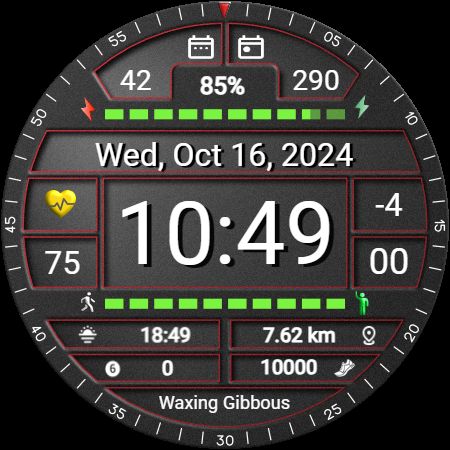
• Distance is displayed in miles or kilometers and is selectable when customizing the watch face
• Notifications a display shows if you have any notifications
• Moon Phase a display stating the state of the Moon Phase is displayed as well
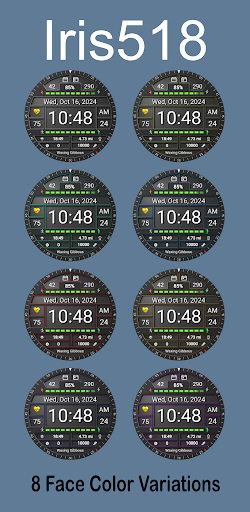
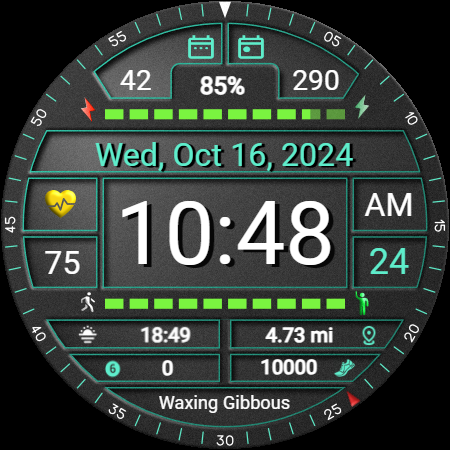
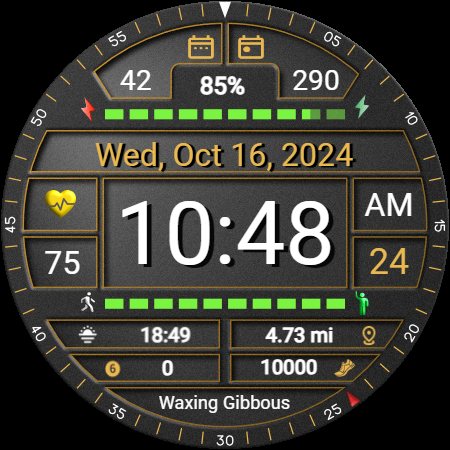
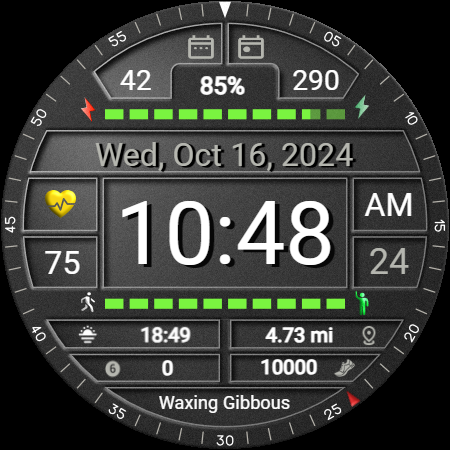
• Customization: Features 8 color themes to change the appearance of the watch face and 9 color changes to change text on the watch face as well. The Always-On Display (AOD) displays just the time to save battery as other information does not update on the AOD.
• Shortcuts There are 3 set shortcut and 2 custom shortcuts that can be set and changed at anytime through the customizing setup
• Language Support: Supports multiple languages (refer to the feature guide for details).
This makes Iris518 an appealing choice for users looking for aesthetic customization in a watch face.
https://www.instagram.com/iris.watchfaces/
Website
https://free-5181333.webadorsite.com/
Special Notes:
This watch face is for Wear OS devices only
The Iris518 watch face aims to provide a consistent experience across various smartwatch platforms, but some features may vary depending on the watch model. While the core features like time, date and battery options are designed to be accessible on most devices, certain functions might behave differently or may not be available on all watches due to hardware or software differences.
Additionally, the Always-On Display (AOD) and theme customization features may offer more or fewer options depending on the platform.
Shortcut areas and function may also differ depending on the model and specifications of the watch platform.
The goal is to keep common features available across all supported watches, but some variations may exist depending on the model and its specifications.
What's New
Version Information
- Version
- -
- Downloads
- 50+
- Updated on
- Jul 3, 2025
- Released
- Oct 21, 2024
- Requires
- Android Varies with device
Statistics
Google Play Rating History
Rating Distribution
Downloads Over Time
Iris518 Digital Watch Face has been downloaded times. Over the past 30 days, it averaged downloads per day.
Shaded area shows 30-day prediction based on historical trends
Historical data collection started recently. More data points will be available over time.
ApkTrusted Ratings & Reviews
More from Iriswatchfaces
See more apps
Iris502 Digital Watch Face
Free
Iris4013 Digital Watch Face
Free

Iris509 Digital Watch Face
Free
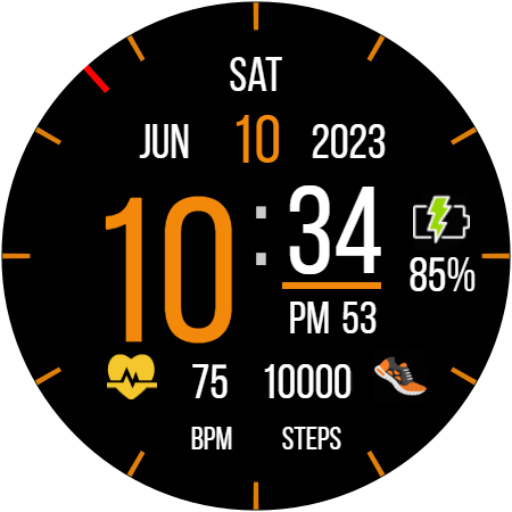
Iris22 Digital Watch Face
Free

Iris4012 Digital Watch Face
Free

Iris4010 Digital Watch Face
Free

Iris500 Digital Watch Face
Free

Classic Analog Watch Iris501
Paid

Multi Function Digital Iris534
Paid

Iris503 Digital Watch Face
Paid

Iris505 Digital Watch Face
Paid

Iris506 Digital Watch Face
Paid

Iris508 Digital Watch Face
Paid
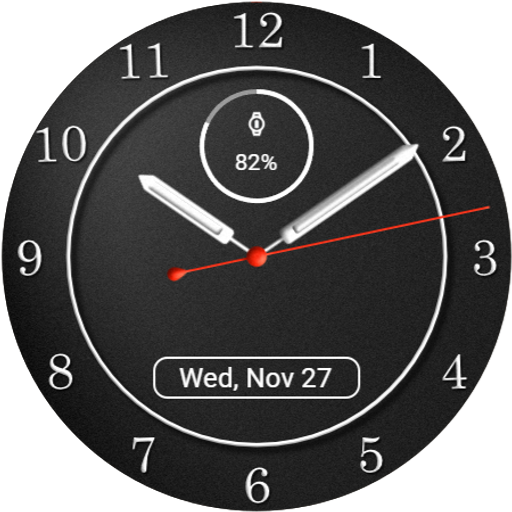
Iris526 Classic Analog Watch
Paid

Iris512 Multi-Function Digital
Paid
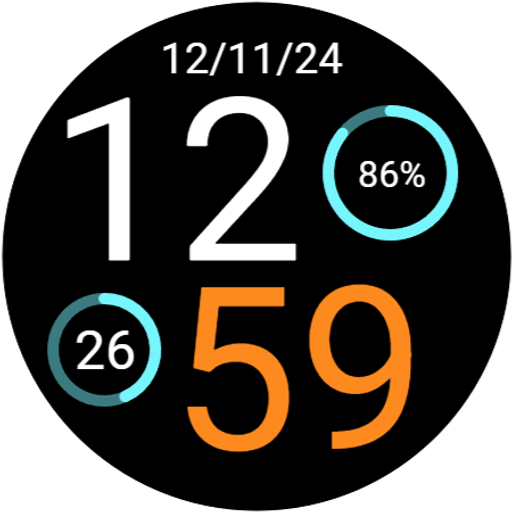
Digital Watch Face Iris513
Paid
Similar Apps

Digital Watch Face CRC071
Free

Merge Labs KS 3
Paid

TVV Sport 9 Digital Watch Face
Free

TVV Sport 7 Digital Watch Face
Free

PRADO 11 Digital Watch Face
Paid

PK003
Paid
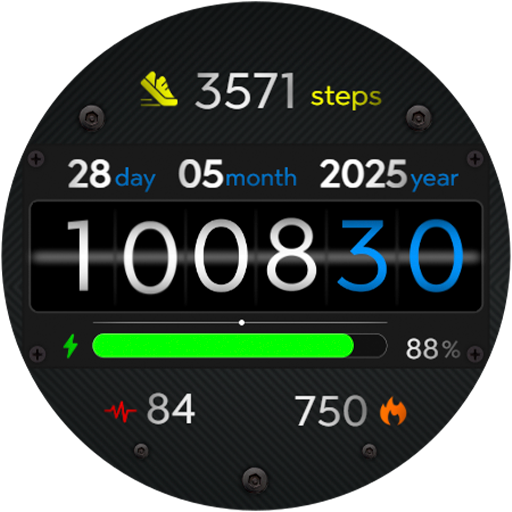
Animated FitRoller Wath Face
Paid

ZKin Watch Scalelike Grey
Free

ES WR0015
Paid

Futorum H6.5 Digital watchface
Paid

OT | Digital Watch Face 5
Free

PW108 Smart Data Watch Face
Paid
SD86
Free

WFP 051 Military watch face
Paid

OT | Digital Watch Face 4
Paid

HKR064
Paid
Scan this QR code to download

Forwarding you to the page at Google Play market in seconds...
Open Google Play market now