
Sleek Modern Digital Watch vVARY
Iriswatchfaces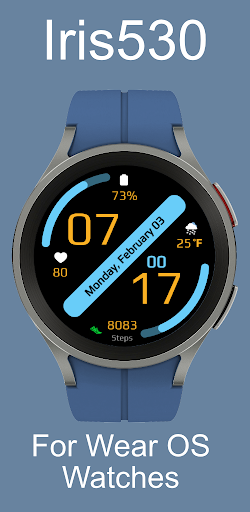


About this app
Developer Description
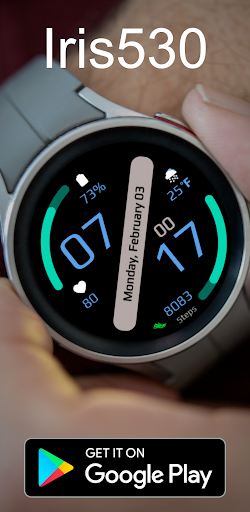
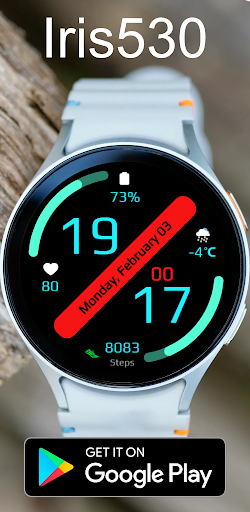
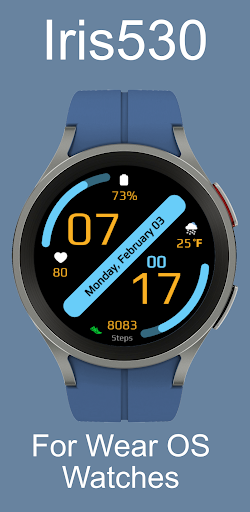
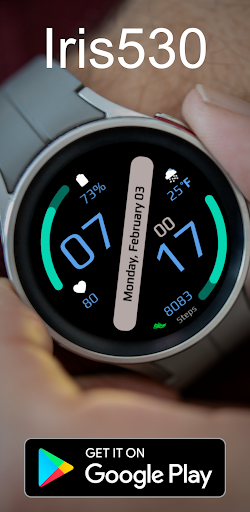
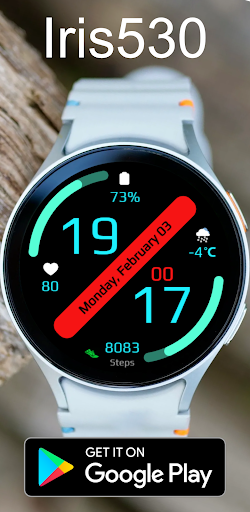
Watch Face for Wear OS Watches Iris530
Here’s a detailed overview of its features:
Key Features:
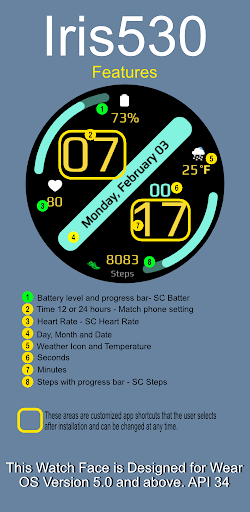
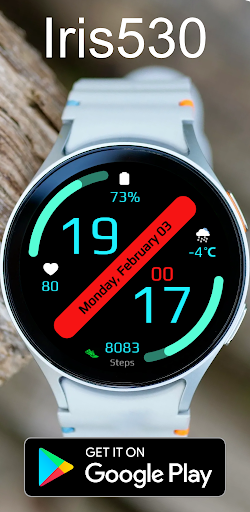
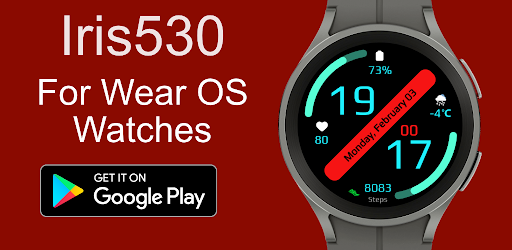
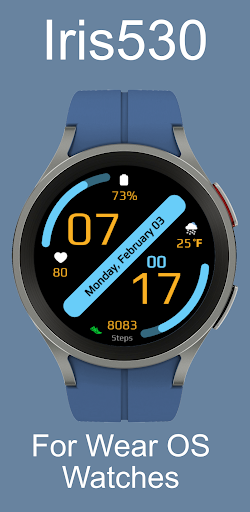
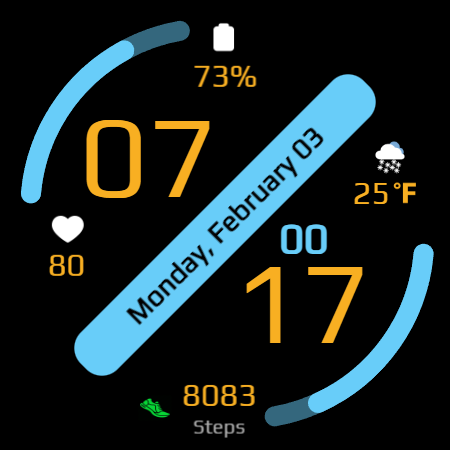
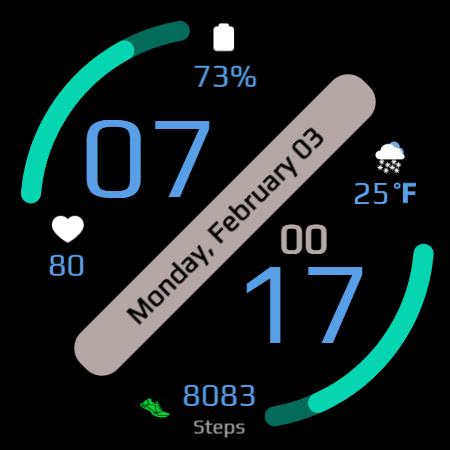
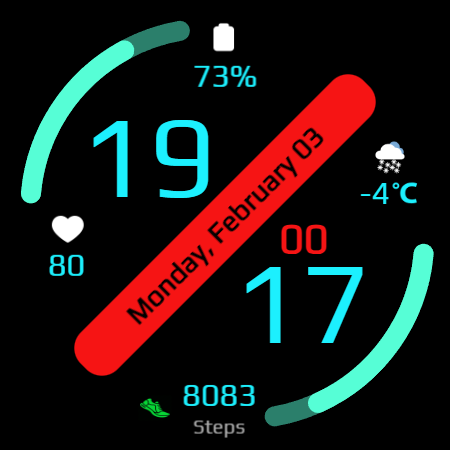
• Time & Date Display: Displays the current digital time along with the day, month, and date.
• Battery Information: Shows the battery percentage along with a progress bar helping users keep track of their device's power status.
• Step Count: Counts your step count throughout the day.
• Heart Rate: Heart rate is displayed and updates based on your settings.
• Weather: A weather icon is displayed along with the current temperature. It will be displayed in °C or °F based on your phone settings.
• App Short-cuts: The watch face has a total of 5 shortcuts. There are 3 fixed shortcuts and 2 hidden shortcuts. You can modify the hidden shortcuts at any time through customized settings, offering easy access to frequently used apps or functions. The hidden shortcuts will not display any icon but when tapped take you to the shortcut app.
Customization Options:
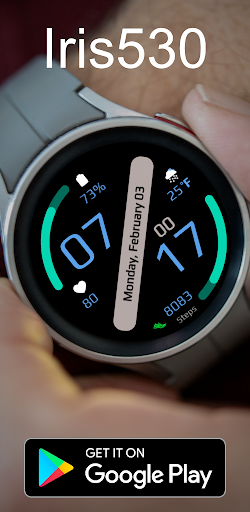
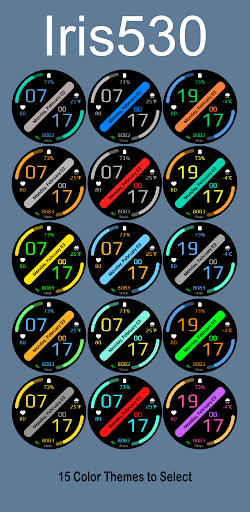
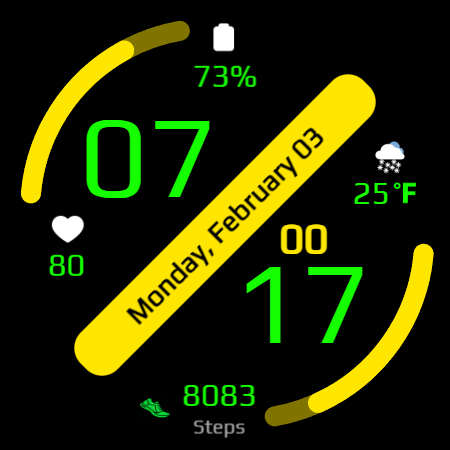
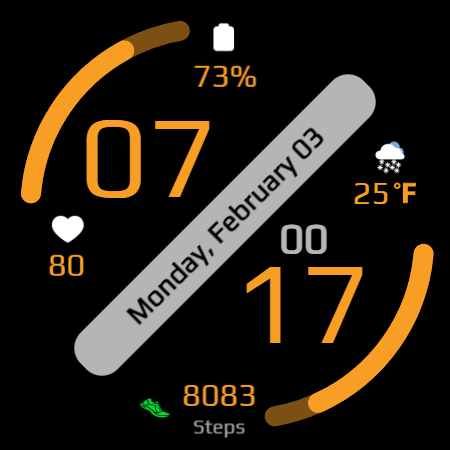
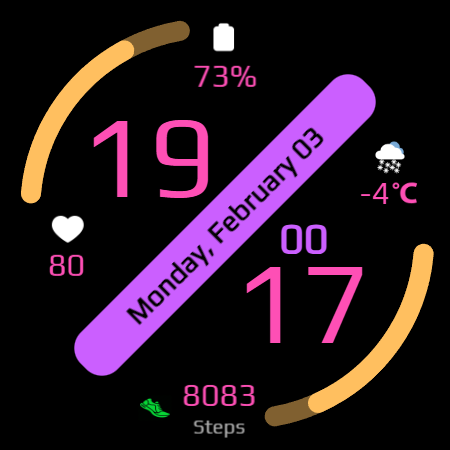
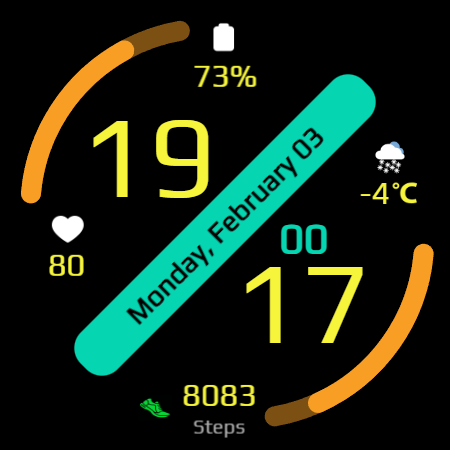
• Color Themes: You will have 15 color themes to choose from to change the look of the watch.
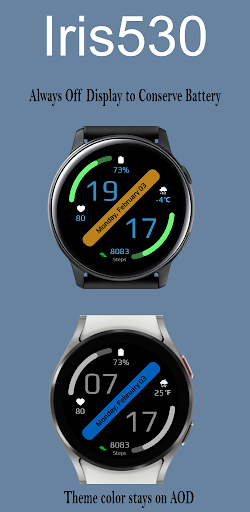
Always-On Display (AOD):
• Limited Features for Battery Saving: The Always-On Display reduces power consumption by displaying fewer features and simpler colors compared to the full watch face.
• Theme Syncing: The color theme you set for the main watch face will also be applied to the Always-On Display for a consistent look.
Compatibility:
• Compatibility: This watch face is compatible with Wear OS version 5.0 and above, and API level 34
• Wear OS Only: The Iris530 watch face is designed specifically for Wear OS devices.
• Cross-Platform Variability: While the core features like time, date, and battery information are consistent across devices, certain features (such as AOD, theme customization, and shortcuts) may behave differently depending on the specific hardware or software version of the device.
Language Support:
• Multiple Languages: The watch face supports a wide range of languages. However, due to varying text sizes and language styles, some languages might slightly alter the visual appearance of the watch face.
Additional Information:
• Instagram: https://www.instagram.com/iris.watchfaces/
• Website: https://free-5181333.webadorsite.com/
Iris530 masterfully blends classic digital aesthetics with contemporary features, making it a standout choice for Wear OS users who value both form and function. Designed for high visibility and ease of viewing, it offers a stylish and practical solution for everyday wear. With its sleek design and user-friendly display, Iris530 provides a versatile option for those seeking both fashion and utility in a single device.
What's New
Version Information
- Version
- -
- Downloads
- 10+
- Updated on
- Jul 3, 2025
- Released
- Feb 4, 2025
- Requires
- Android Varies with device
Statistics
Google Play Rating History
Rating Distribution
Downloads Over Time
Sleek Modern Digital Watch has been downloaded times. Over the past 30 days, it averaged downloads per day.
Shaded area shows 30-day prediction based on historical trends
Historical data collection started recently. More data points will be available over time.
ApkTrusted Ratings & Reviews
More from Iriswatchfaces
See more apps
Iris502 Digital Watch Face
Free
Iris4013 Digital Watch Face
Free

Iris509 Digital Watch Face
Free
Iris22 Digital Watch Face
Free

Iris4012 Digital Watch Face
Free

Iris4010 Digital Watch Face
Free

Iris500 Digital Watch Face
Paid

Classic Analog Watch Iris501
Paid

Multi Function Digital Iris534
Paid

Iris503 Digital Watch Face
Paid

Iris505 Digital Watch Face
Paid

Iris506 Digital Watch Face
Paid

Iris508 Digital Watch Face
Paid
Iris526 Classic Analog Watch
Paid

Iris512 Multi-Function Digital
Paid
Digital Watch Face Iris513
Paid
Similar Apps
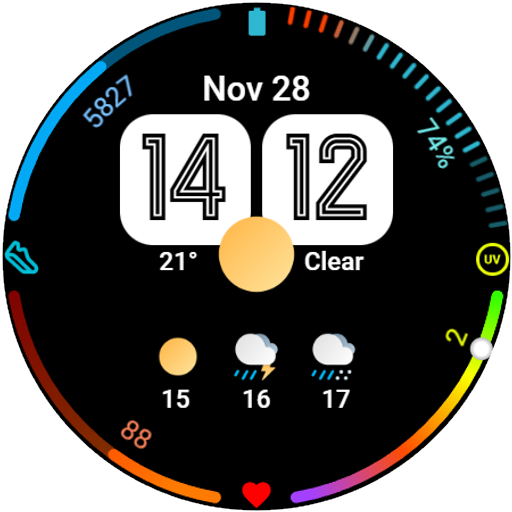
Weather Watch face
Paid
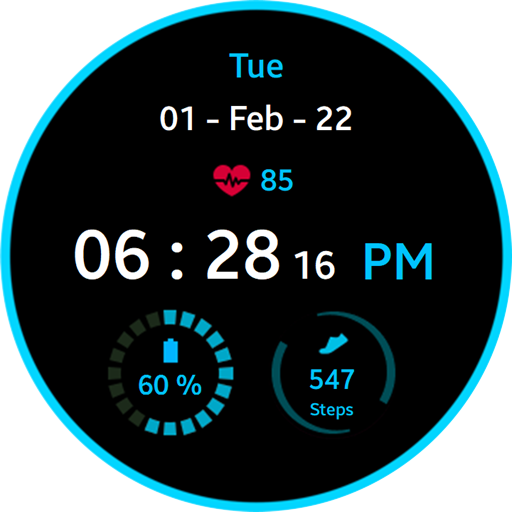
Blue Ring Watch Face
Free

Night ver 16 - watch face
Paid

WaterUP Ratio Watchface
Free

Swoop D Watch Face
Paid

Digital Weather Sports Face
Free
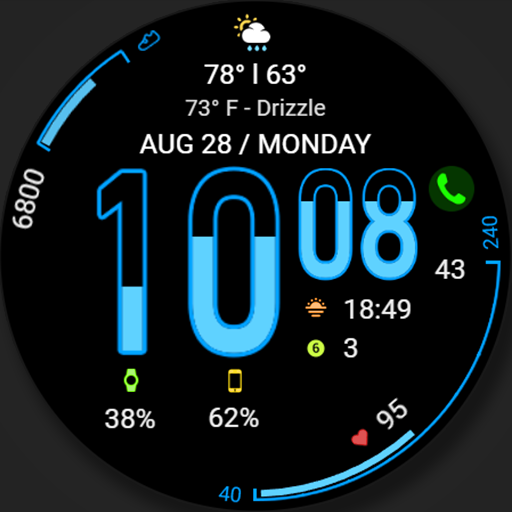
WFP 107 Hourglass watch face
Free

NOD Watch Face
Paid

Digital Watch Face CUE124
Free
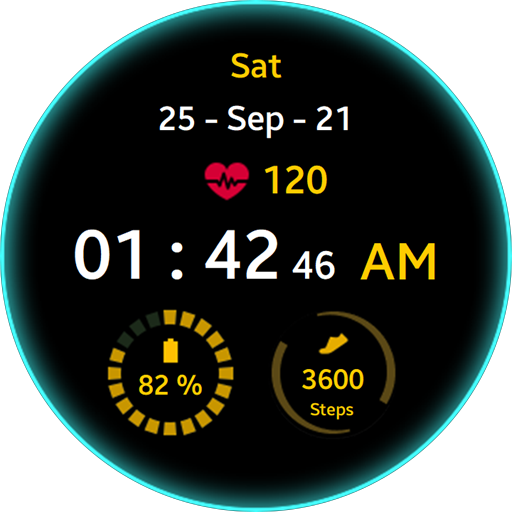
Green Glow Watch Face
Free
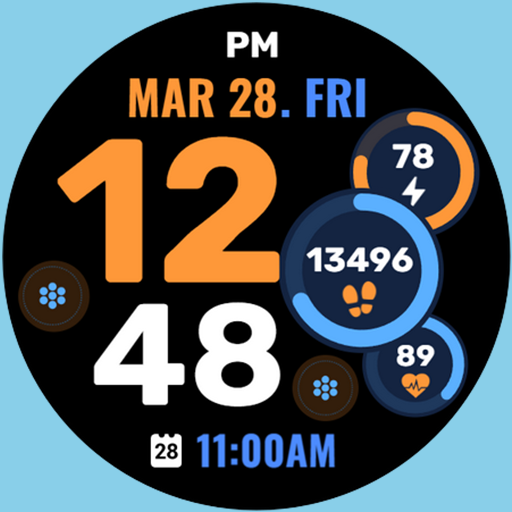
Chroma Fit 2
Paid

Digital Watch Face: OMG 53
Paid

Dens Digital 1 Watch Face
Paid

Digital Watchface D16
Paid
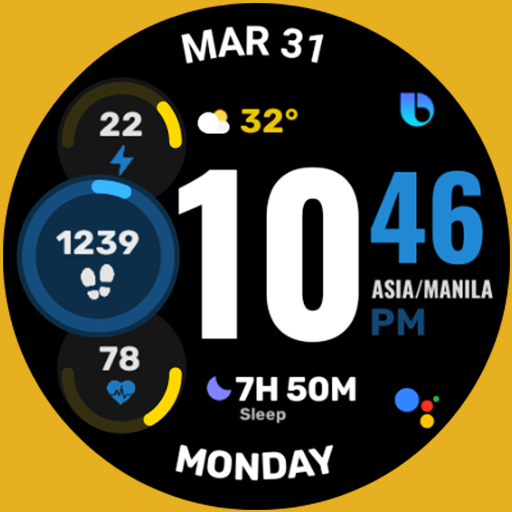
Active Wear Watchface 3
Paid
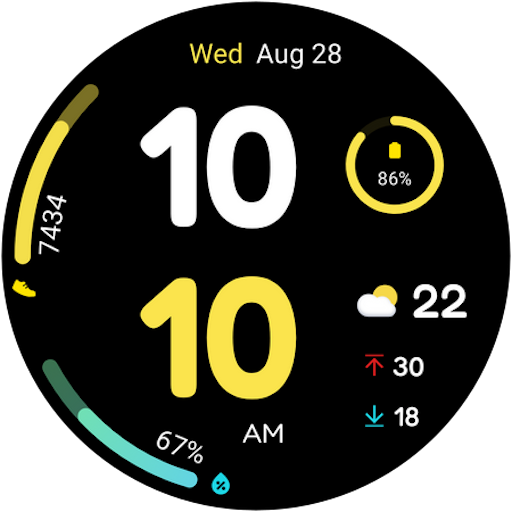
Color Time- For Wear OS 5
Paid
Scan this QR code to download

Forwarding you to the page at Google Play market in seconds...
Open Google Play market now