
Digital Watchface Liquid glass vVARY
VG Faces

About this app
Developer Description
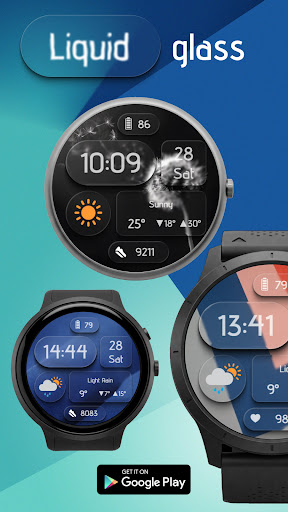
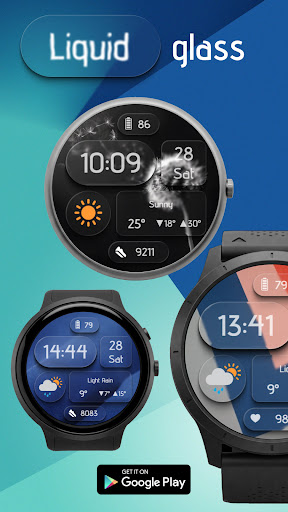
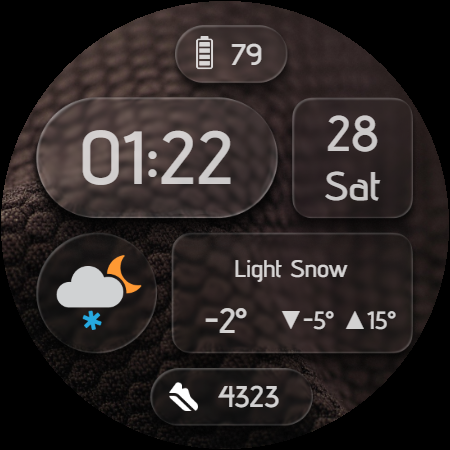
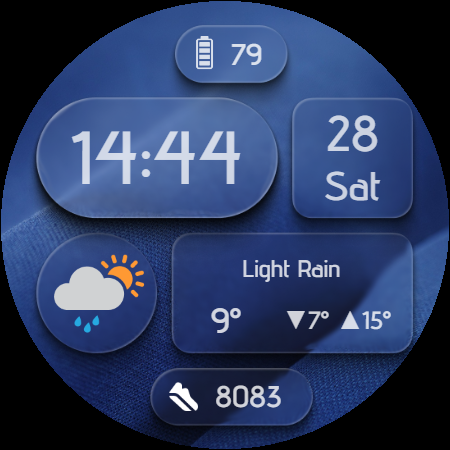
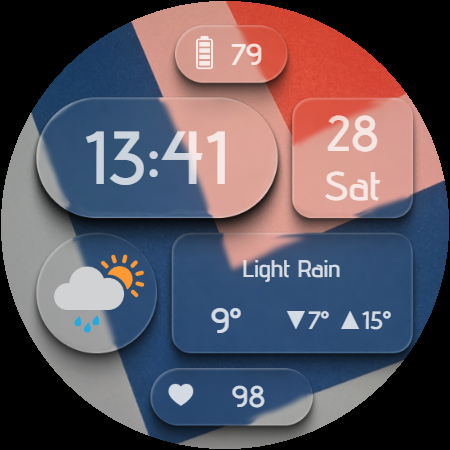
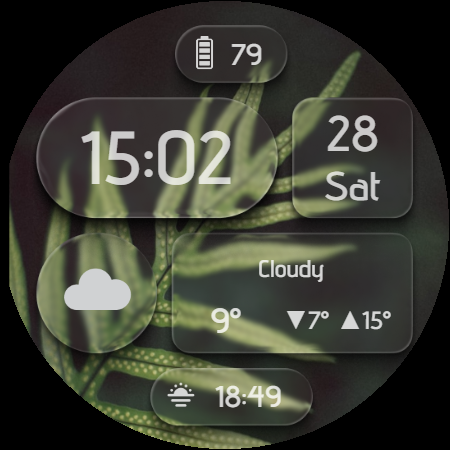
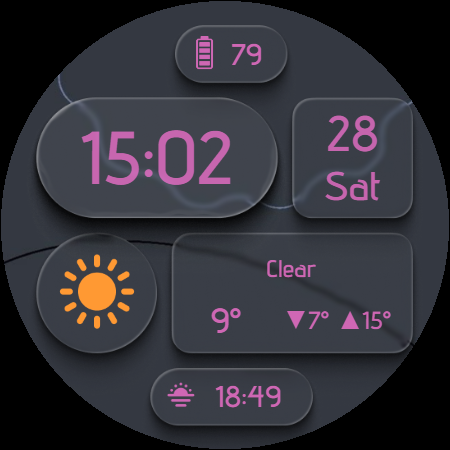
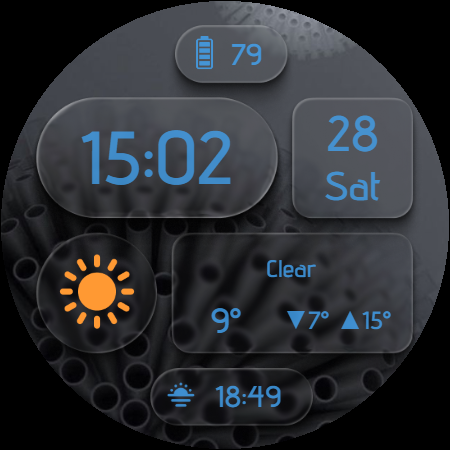
Liquid Glass - Elegant Weather Watch Face for Wear OS
🌦️ Weather, Style, and Function – All in One!
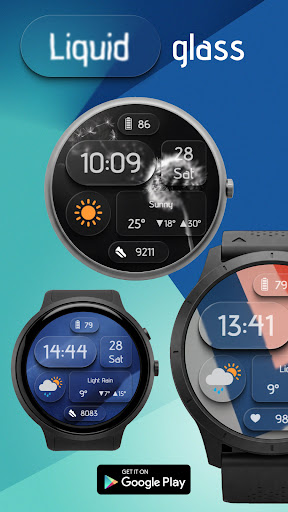
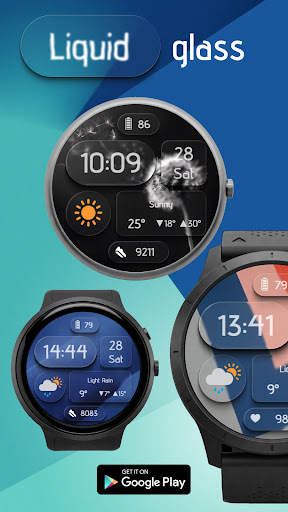
Bring your smartwatch to life with Liquid Glass, a beautifully animated watch face that combines dynamic weather info with a clean, modern design.
🔍 Key Features:
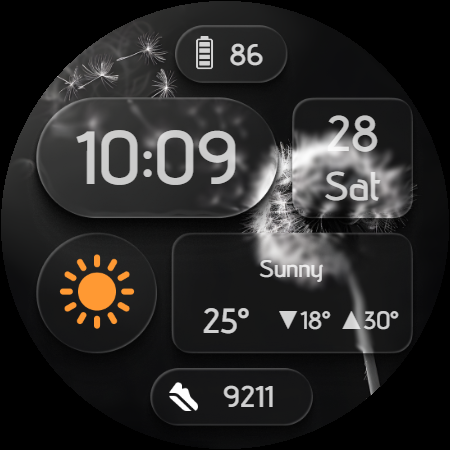
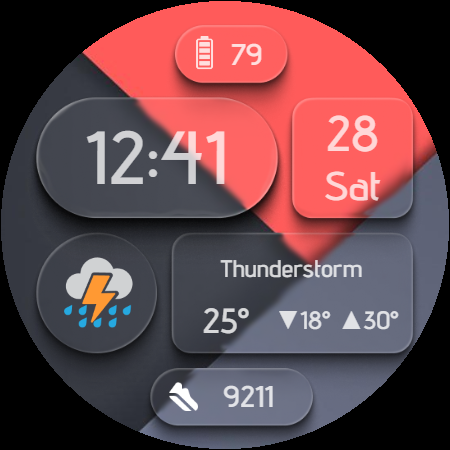
- Real-time weather conditions
- Current temperature
- High/Low daily temperature
- Time and date display
- Battery level indicator
- 1 customizable complication
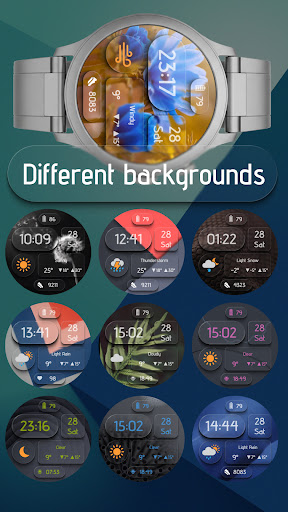
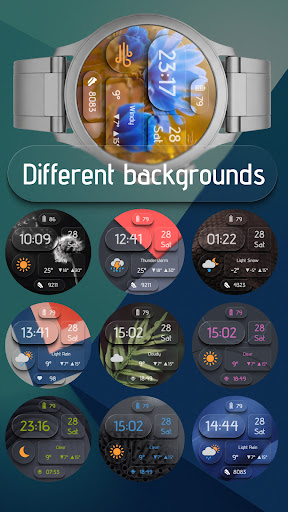
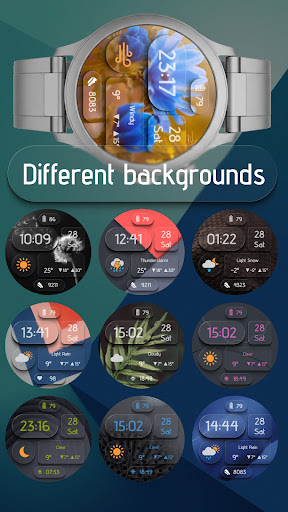
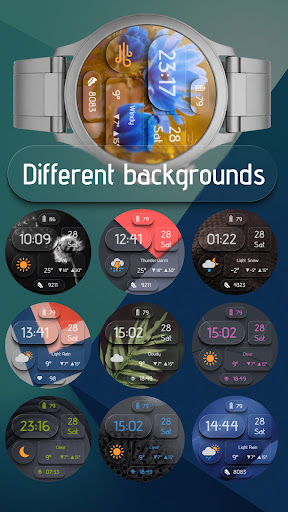
- Multiple stylish backgrounds
- Switchable text colors
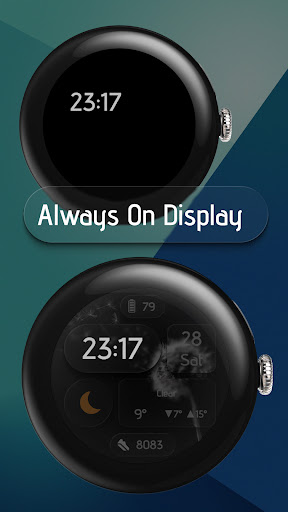
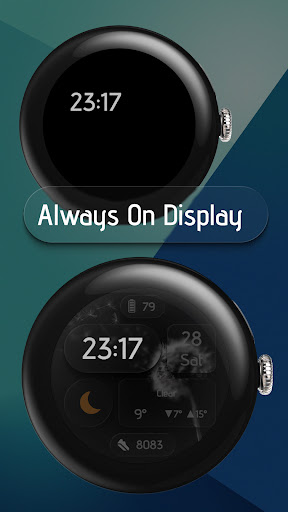
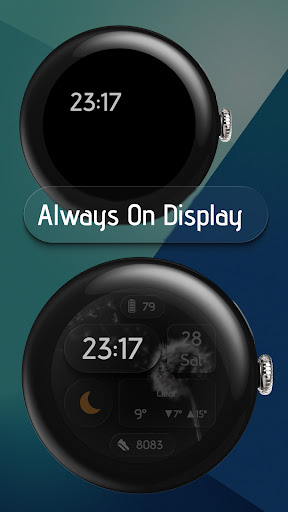
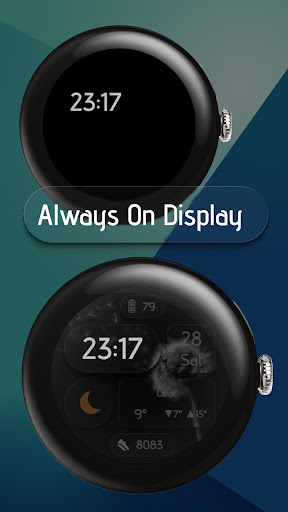
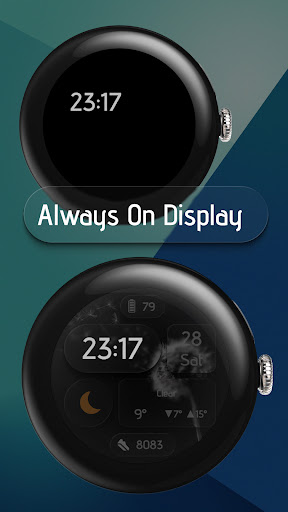
- Smooth Always On Display support
🎨 Custom Backgrounds
Choose from a variety of vibrant or minimalistic themes – from nature textures to tech patterns – to match your mood or outfit.
🌙 AOD Optimized
Stay connected with an elegant low-power Always On Display mode that shows time and weather at a glance.
📲 Works Perfectly With:
- Samsung Galaxy Watch
- Google Pixel Watch
- Fossil, TicWatch, and other Wear OS devices (SDK 34+)
💡 How to Set Up:
After installation → Long tap your watch face → Choose “Liquid Glass” → Customize it directly on your watch or via the Wear OS app.
📥 Download Liquid Glass now – and give your smartwatch a cool, fresh look!
What's New
- 3 fixed shortcuts: Battery, alarm clock, calendar
- 2 customizable shortcuts: tapping on the weather icon and weather information
- the ability to turn on/off the leading zero
Version Information
- Version
- -
- Downloads
- 100+
- Updated on
- Nov 7, 2025
- Released
- Jun 23, 2025
- Requires
- Android Varies with device
Statistics
Google Play Rating History
Rating Distribution
Downloads Over Time
Digital Watchface Liquid glass has been downloaded times. Over the past 30 days, it averaged downloads per day.
Shaded area shows 30-day prediction based on historical trends
Historical data collection started recently. More data points will be available over time.
Digital Watchface Liquid glass users say on Google Play
 Eve Bell
Simple, clean and readable. I'm hooked.
 michele petersen
Great watch face, but weather never changes on watch.....
ApkTrusted Ratings & Reviews
More from VG Faces
See more apps
Christmas WF for Wear OS
Paid

Watchface Art 1
Free

Digital Watchface D11
Paid

Digital Watchface D8
Free

LCD Watch face
Free

WatchFace M2
Free
Watch Face Minimalism
Paid

Watch Face Minimalism 3
Paid

Paper weather Watch face
Paid

PRIDE Watch Face
Paid

Ukraine Watch face
Paid

Tacho Watch Face
Paid

Digital Watchface D1
Free

Analog Watchface A2
Paid
Analog Watch face A3
Paid

Analog watchface A5
Paid
Similar Apps
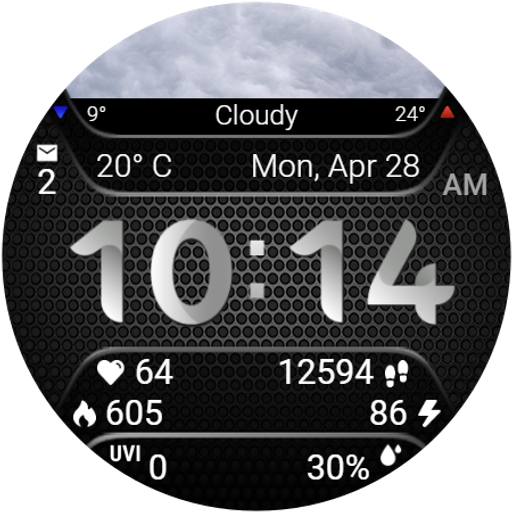
Weather Info Watchface
Paid

DB052 Multiface
Paid

Weather smo502
Free

SamWatch Digital Weather 4
Paid

Mountain Landscape - ReS24
Paid
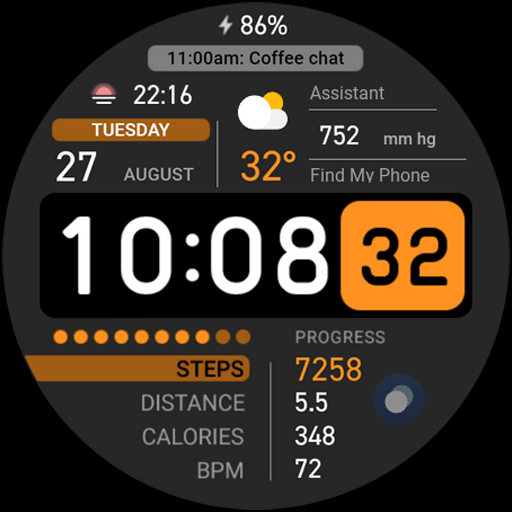
Digital Informer
Paid
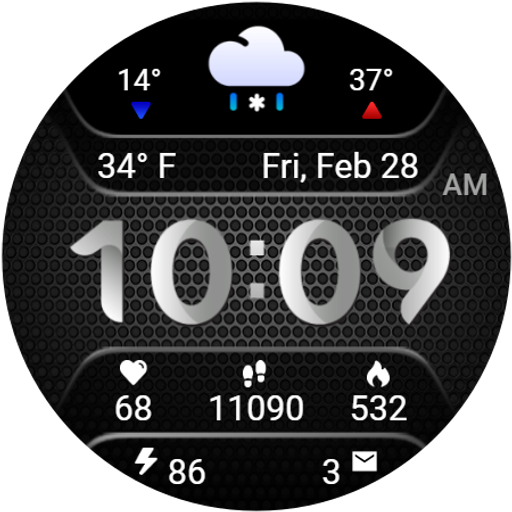
Weather Carbon
Paid
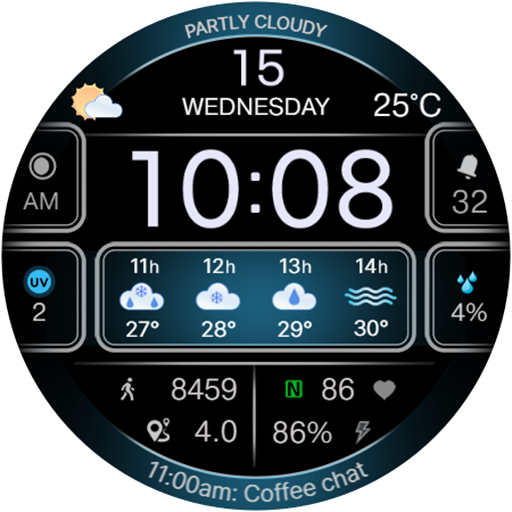
CFS103 Weather
Paid

Iris552 Multi-Function Digital
Paid

SamWatch Digital Weather
Paid

Watch Face CUE154
Paid
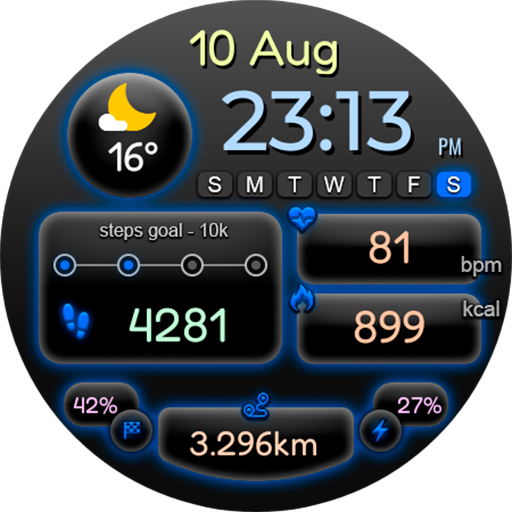
Digital Deefon Watch Face
Free

Watch Face CUE146
Paid

CELEST5568 Data Hub Watch
Paid
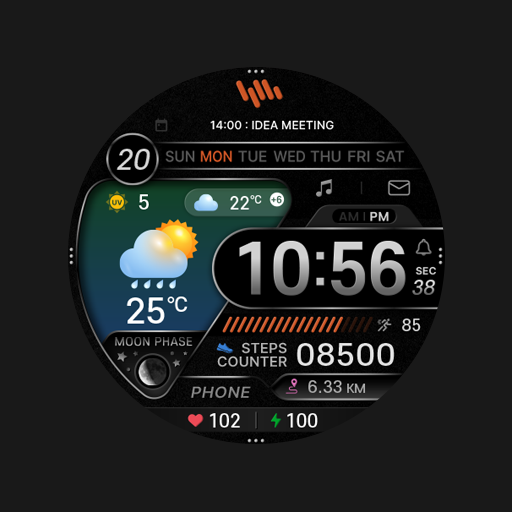
SamWatch Digital Weather 2
Paid

Night ver 66 - watch face
Paid
Scan this QR code to download

Forwarding you to the page at Google Play market in seconds...
Open Google Play market now