
Pars Pop Art Fancy vVARY
Pars Watch Faces













About this app
Developer Description
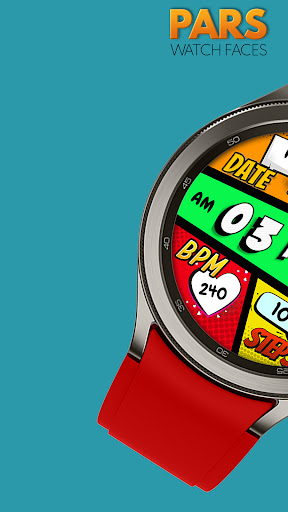
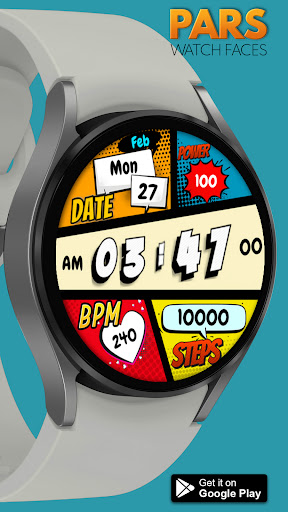
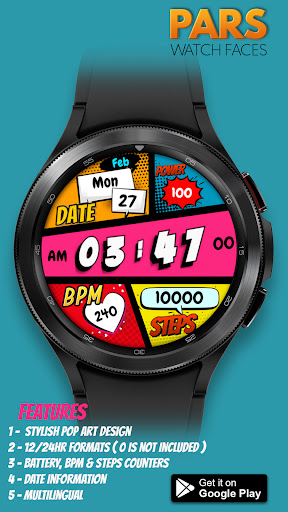
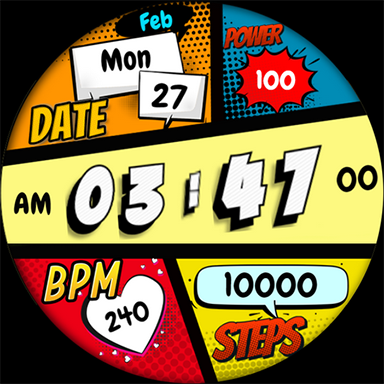
The perfect looks and easy to read digital watch face
Pars Pop Art Fancy Watch Face is designed for Wear Os devices and compitable with Wear Os Api 34+ devices.
FEATURES
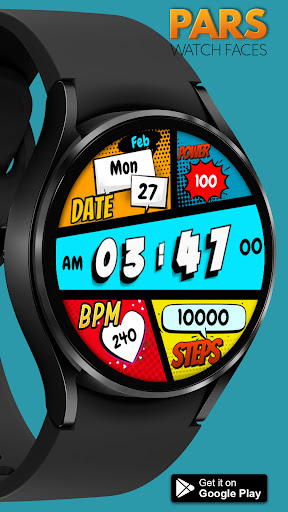
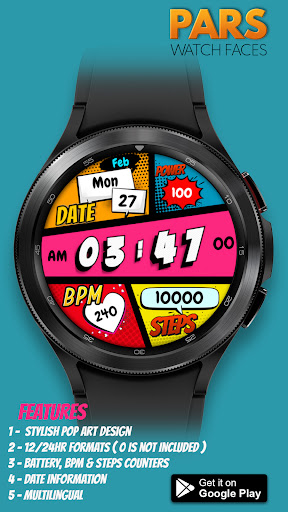
* Digital clock with 12/24Hr Formats ( 0 is not included in12hr)
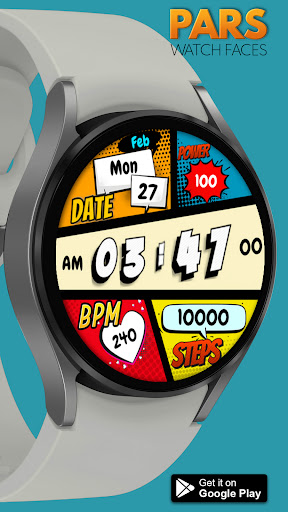
* More Than 10x background colors
* Day of the week (multi-languages).
* Date of the month
* Battery, Steps & Bpm Counters
* Always on view
* Battery, Heart Rate, Alarm & Steps App Shortcuts
MY WATCH FACES CATALOG
https://play.google.com/store/apps/dev?id=7655501335678734997&hl=tr&gl=US
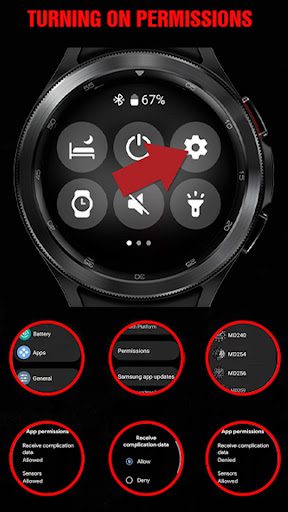
NOTE :Make sure you have allowed the access sensor.
IMPORTANT NOTICE :
After installation, the watch face can load the last heart rate measurement result, but it doesn't have to.
The watch face does not automatically measure and does not automatically display the heart rate result.
To view your current heart rate score, you'll need to take a manual measurement.
To do this, sit still, wait a few minutes and click on the heart rate display area.
Wait a few seconds. The watch face will take a measurement and display the current result.
Do this whenever you want to see your current heart rate.
*At the moment, Oppo watch models are not supported! *
NOTE : If you get the message "Your devices are not compatible" instead of app on phone, please use Play Store in WEB browser from PC or Laptop.
FOLLOW US :
https://www.facebook.com/profile.php?id=100078915463662
https://www.instagram.com/parswf/
TELEGRAM
https://t.me/parswatchfaces
if you have any question, please contact with me: wfpars@gmail.com
I would be very grateful for the rate and review in the Store.
Thanks.
What's New
Version Information
- Version
- -
- Downloads
- 500+
- Updated on
- Aug 30, 2025
- Released
- Feb 22, 2023
- Requires
- Android Varies with device
Statistics
Google Play Rating History
Rating Distribution
Downloads Over Time
Pars Pop Art Fancy has been downloaded times. Over the past 30 days, it averaged downloads per day.
Shaded area shows 30-day prediction based on historical trends
Historical data collection started recently. More data points will be available over time.
Pars Pop Art Fancy users say on Google Play
 Kordez '
I love this watch face.
 Pamela Cisneros
No text notifications with this app and hard to read.
ApkTrusted Ratings & Reviews
More from Pars Watch Faces
See more apps
Happy Halloween Watch Face
Free

Adore Digital Watch Face
Free

Adore Hybrid Watch Face
Paid

Alya Digital Watch Face
Free
Analog Prime Watch Face
Paid

Pars Analog Watch Face
Paid

Ankara Digital Watch Face
Free

Argos Digital Watch Face
Free

Aria Digital Watch Face
Free

Artemis Digital Watch Face
Paid

Astana Digital Watch Face
Paid

Athena Digital Watch Face
Paid
Athena Hybrid Watch Face
Paid

Aura Digital Watch Face
Paid

Autumn Floral Digital
Paid
Autumn Flowers
Paid
Similar Apps

SamWatch Toon C 2021
Paid
SamWatch Toon B 2021
Paid

SamWatch Toon E 2025
Paid

SamWatch Toon E
Paid

SamWatch Toon C 2024
Paid

Tancha S63 Pop Art Watch Face
Paid

DIGI COMICON CTS43 Watch face
Paid

SamWatch Toon B 2024
Paid
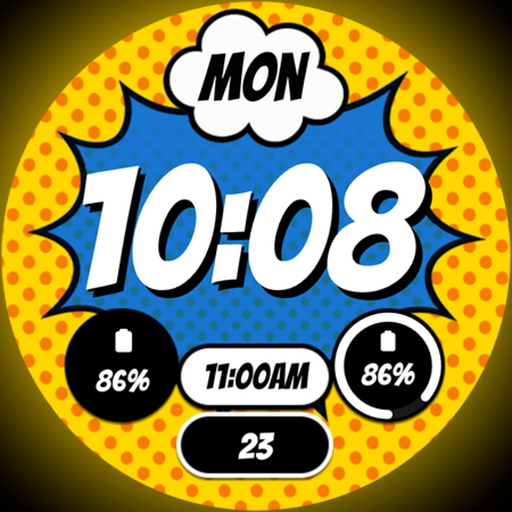
Comic Blast - Watch face
Paid

SamWatch Toon A 2024
Paid
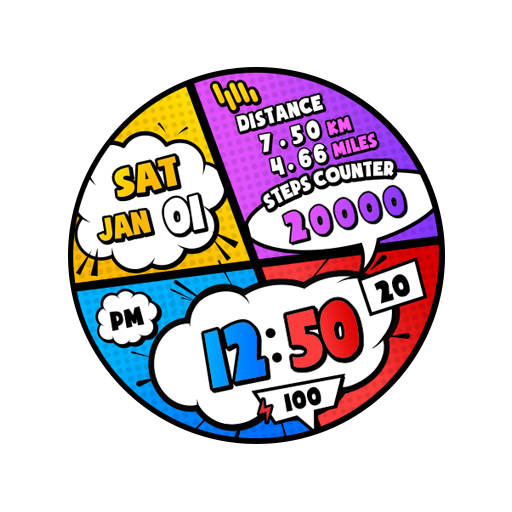
SamWatch Toon A 2021
Paid

Simple Comic Watch Face
Paid

POP Time Watch Face
Free

Digital Watchface Comic 2
Free
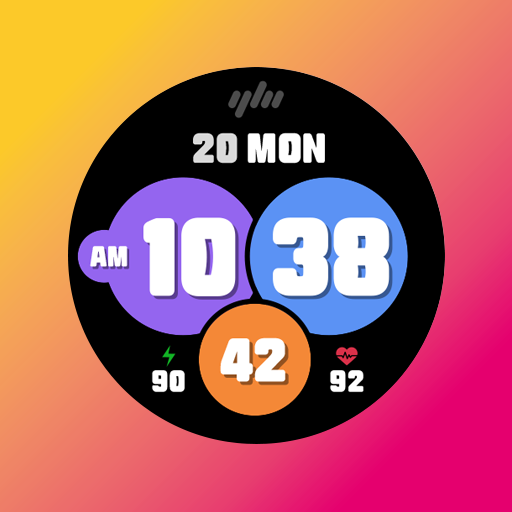
YamWatch Digital 5
Paid
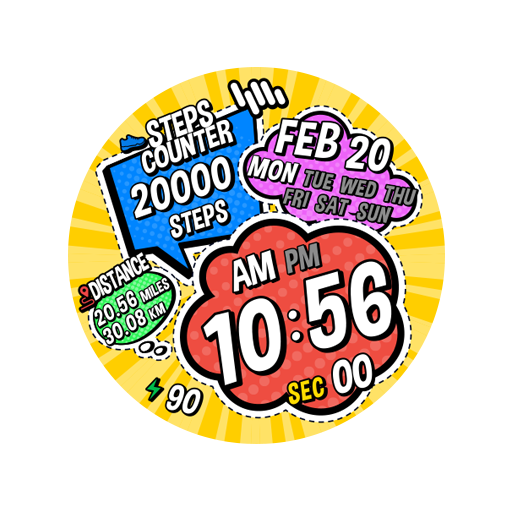
SamWatch Toon D
Paid
Scan this QR code to download

Forwarding you to the page at Google Play market in seconds...
Open Google Play market now