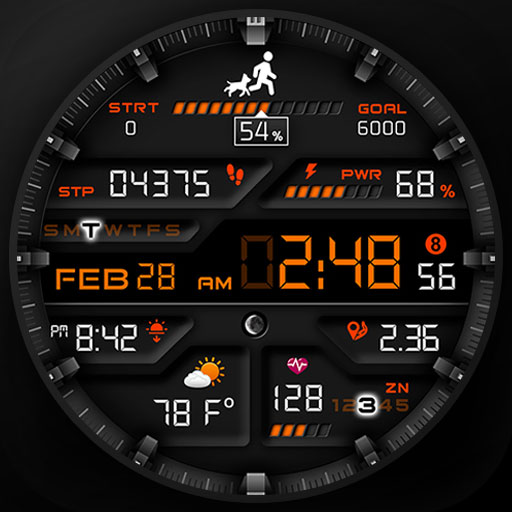
PER001 Smart Sport Watch Face vVARY
PERSONA Watch Face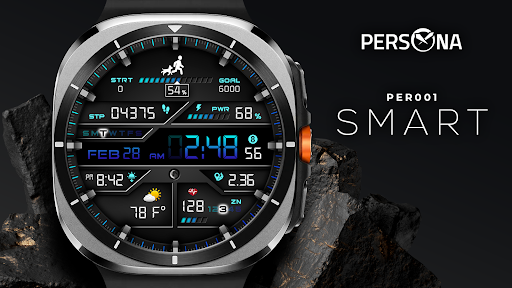








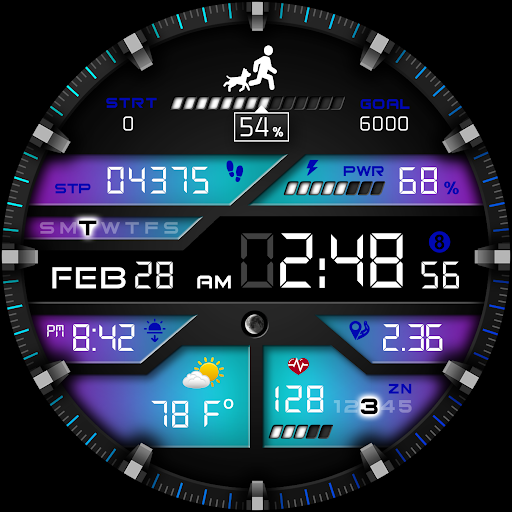
About this app
Developer Description
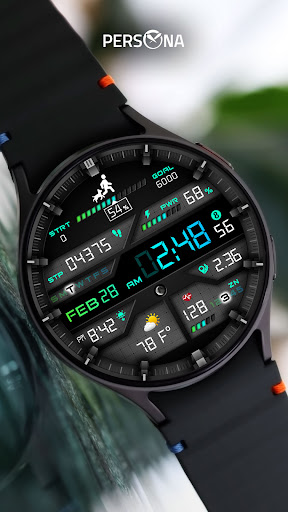
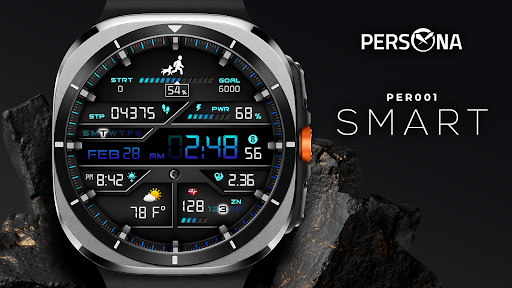
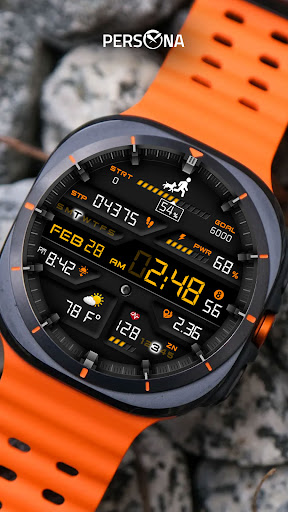
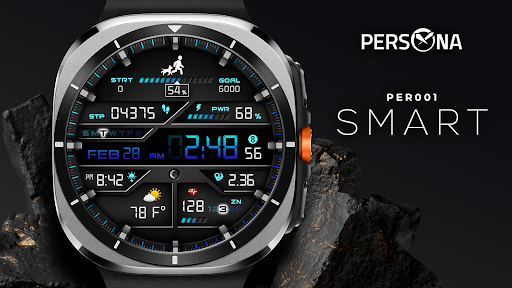
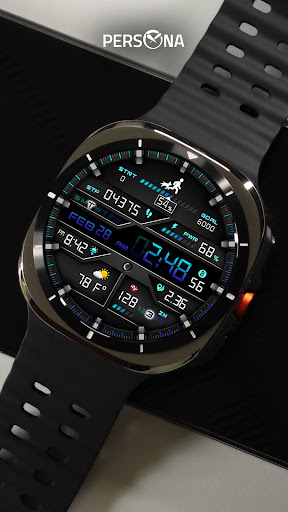
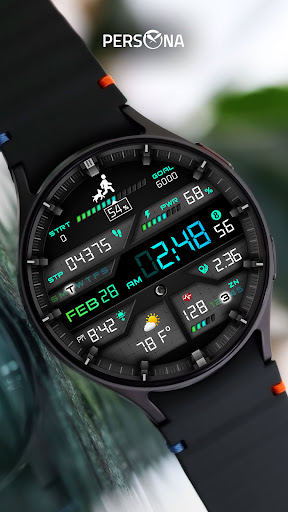
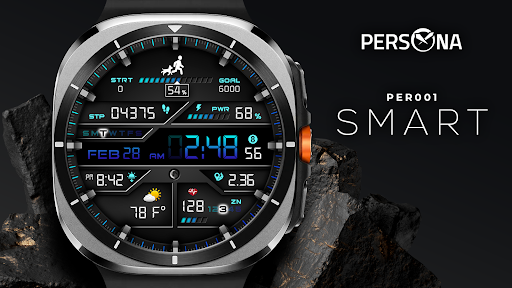
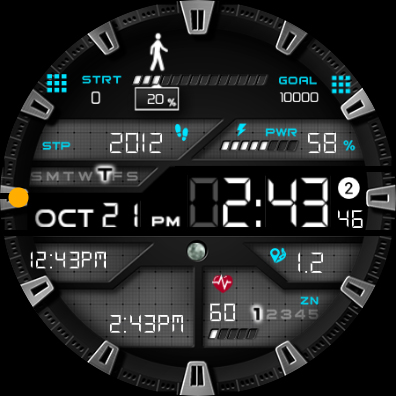
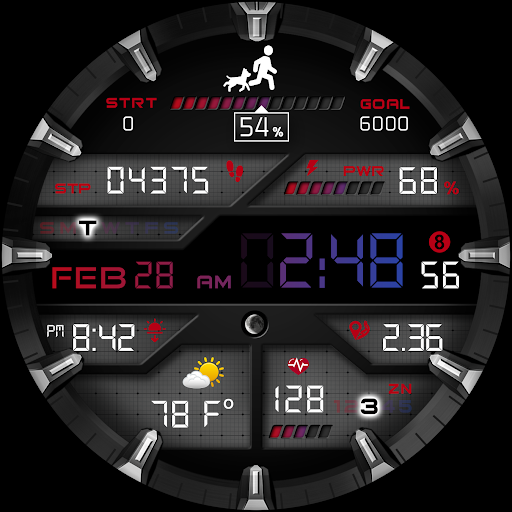
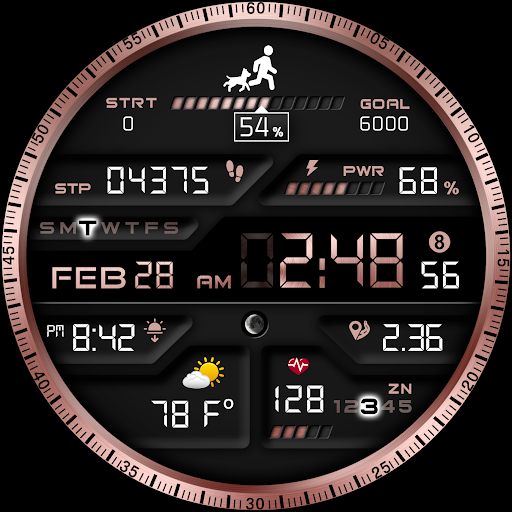
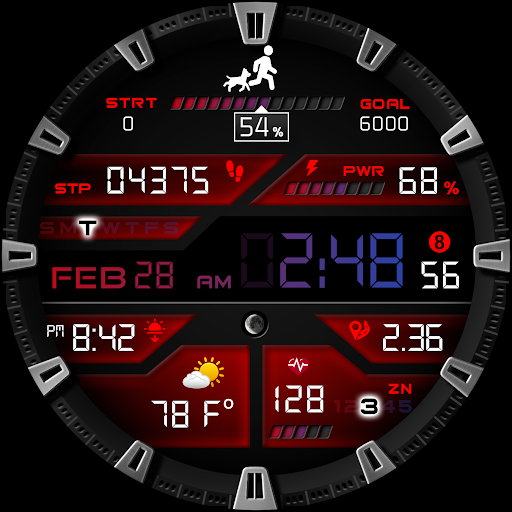
"PER001 Smart" is a digital Wear OS watch face designed by PERSONA
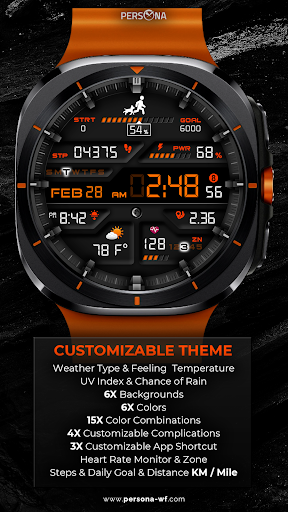
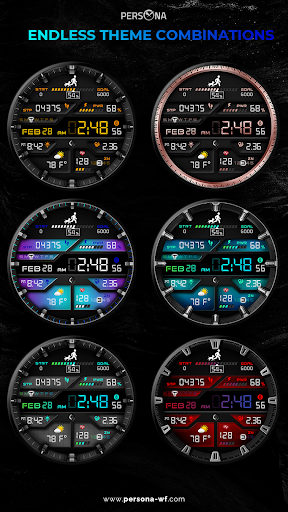
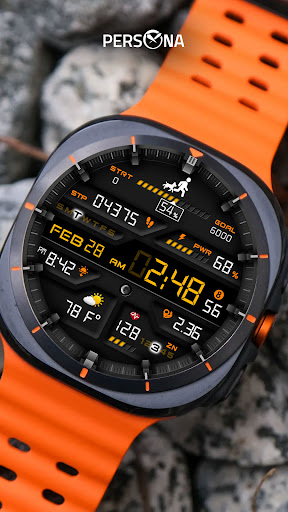
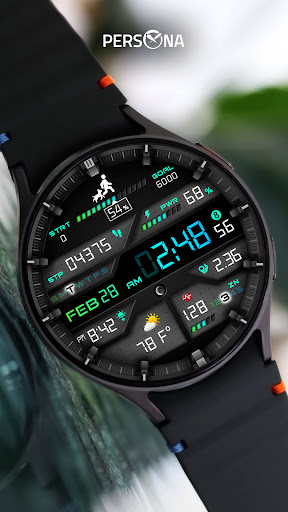
Create your perfect style! With 10 background options, 4 customizable fields, and advanced activity tracking, this watch face is the ultimate blend of functionality and elegance! 🕒🌟"
🌐 More Details
https://persona-wf.com/portfolios/smart/
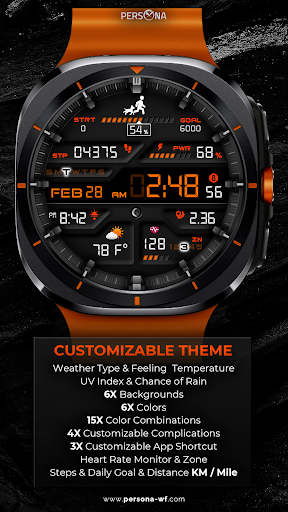
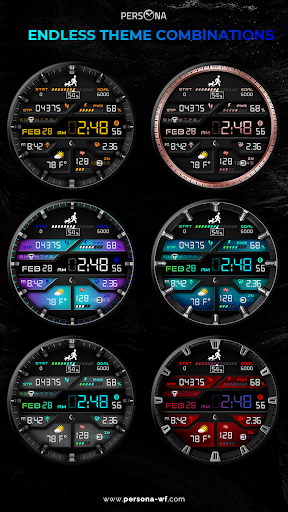
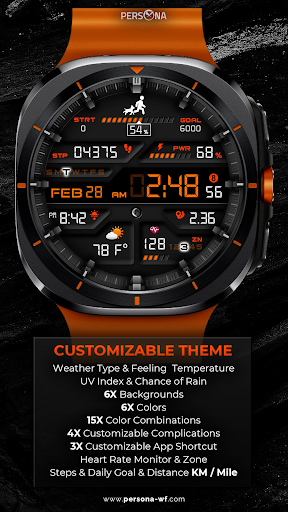
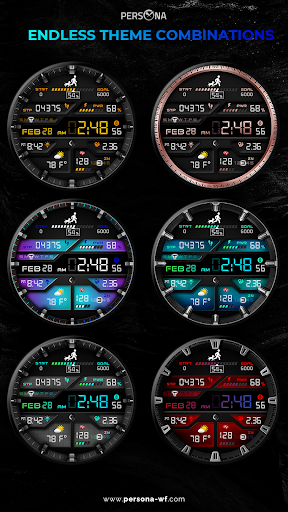
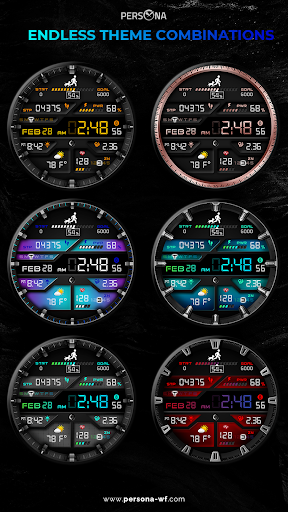
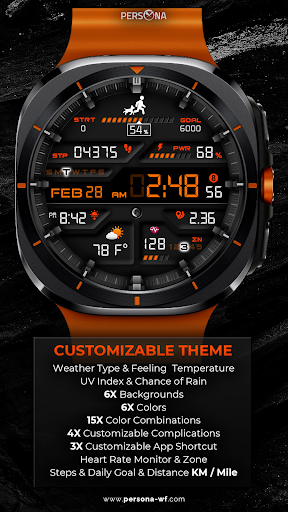
🎨 Endless Customization
6 backgrounds
6 frames
6 font colors
6 icon colors
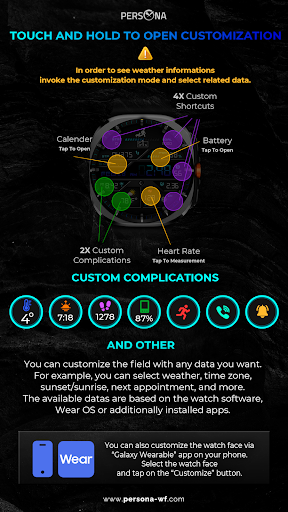
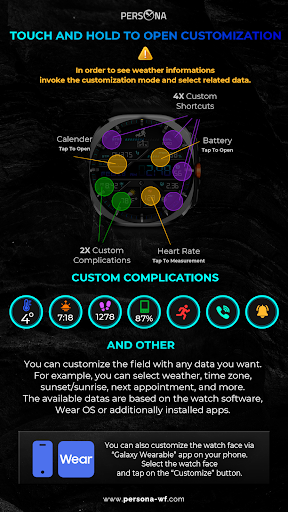
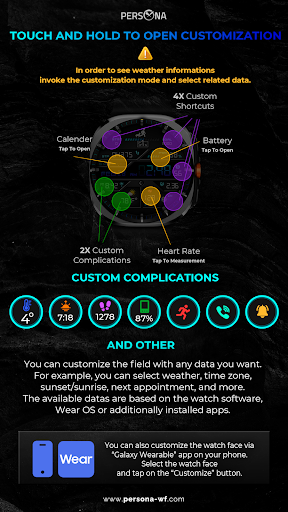
4 customizable shortcuts
🎨 Key Features You'll Love
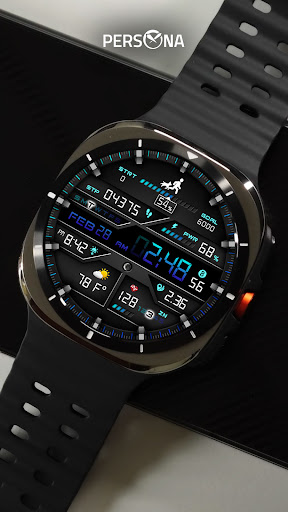
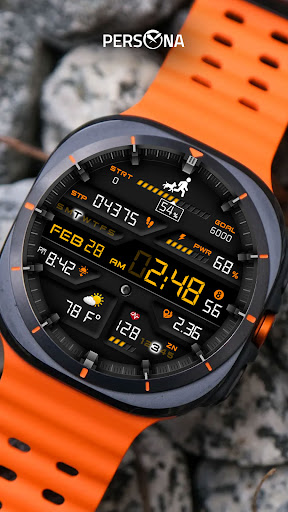
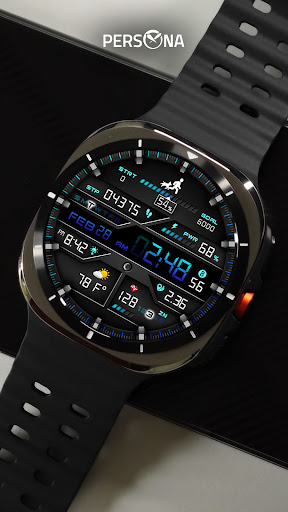
Weather type & feels-like temperature
UV index & chance of rain
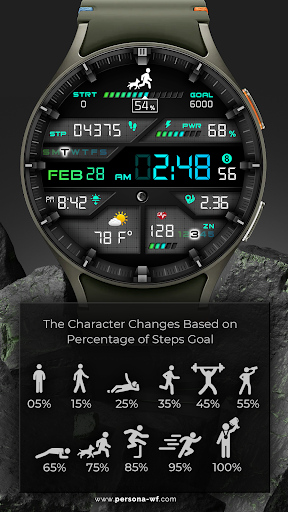
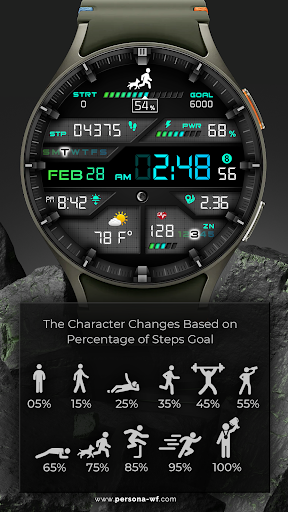
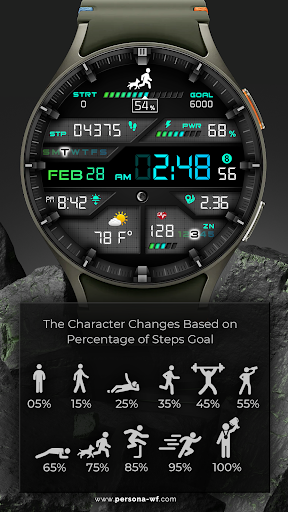
Steps, daily goal & distance (km/miles)
Phone & watch battery levels
Active calories burned
Heart rate monitor
Moon phase, UV index & rain probability
Time zone, sunrise/sunset, barometer & next appointment
Always-on display with color options
🛠️ Easy Customization Mode
Simply touch and hold to personalize what data you see — weather, barometer, time zone, and more.
🔋 For extra complications and widgets like phone battery, calories, or floors, please check the setup guide here:
👉 https://persona-wf.com/installation/
❓ Weather Not Updating?
Seeing a “❓” icon? That means your watch can’t get weather data. Check your internet connection and refresh the watch face.
🌙 Always-On Display (AOD)
The watch face has an always-active display. You can change the brightness level in the customization menu. There are 10 levels in total.
The colors are synchronized with the normal view.
With the new option “AOD Layout” in the customization menu, you can now change the AOD to a minimal layout.
📖 Installation Guide
Before leaving a review, make sure to check the installation guide and FAQ for a smooth experience:
👉 https://persona-wf.com/installation/
⌚ Supported Devices
Compatible with all Wear OS devices (API Level 34+), including:
SAMSUNG: Galaxy Watch8 Classic, Galaxy Watch Ultra, Watch8, 7, 6, 5, 4
GOOGLE: Pixel Watch 1, 2, 3, 4
FOSSIL: Gen 7, Gen 6, Gen 5e series
MOBVOI: TicWatch Pro 5, Pro 3, E3, C2
🚀 Exceptional Support
Need assistance? We’re here for you
📩 support@persona-wf.com
💜 Join Our Community
Stay updated with new designs & offers
🌐 https://persona-wf.com
📩 Newsletter
https://persona-wf.com/register
https://www.facebook.com/Persona-Watch-Face
https://www.instagram.com/persona_watch_face
💬 Telegram
https://t.me/persona_watchface
▶️ YouTube
https://www.youtube.com/c/PersonaWatchFace
💖 Thank You for Choosing PERSONA!
We hope our design brightens your day and your wrist. 😊
Designed with love by Ayla GOKMEN
Version Information
- Version
- -
- Downloads
- 1K+
- Updated on
- Oct 14, 2025
- Released
- Oct 14, 2021
- Requires
- Android Varies with device
Statistics
Google Play Rating History
Rating Distribution
Downloads Over Time
PER001 Smart Sport Watch Face has been downloaded times. Over the past 30 days, it averaged downloads per day.
Shaded area shows 30-day prediction based on historical trends
Historical data collection started recently. More data points will be available over time.
PER001 Smart Sport Watch Face users say on Google Play
 Scott Hamel
I like to watch face. It's beautiful, but I do wish that the complication at the top would follow your chosen Steps Goal. Mine is set at 6,000 at defaults to 10. Only complaint, beautiful on GW4
 effie munoz
This face has mostly everything I've been looking for. All of your top widgets neatly organized on the face. Would have given it a full 5 star, but unfortunately the second compilation you can customized keeps defaulting to the world clock. Initially when updating it to the weather it would hold only for a minute or so, then it will default back to the world clock. A minor bug I hope they update soon, and will gladly update to a 5 star once it's resolved. Otherwise, worth the purchase!
 MJH 35
This was always one of my favorite watch faces on the Galaxy Watch 3 running Tizen OS, but on a Galaxy Watch 4 running Wear OS too much of the functionality doesn't work. Complications that don't register any information, the steps goal on the watch face doesn't appear to be able to be reset from the default setting of 10,000, and the heart rate monitor is stuck on 62bpm. Too many bugs to justify purchasing.
 Russ Leikis
My favorite watch face on my Galaxy S3 Frontier. On the Pixel Watch the Steps and Step Goal areas are not populated with any step data. Will update review if it is fixed.
 Mini Beauty Maven
I have sent 4 emails to your customer support about a defective watch facee that was purchased and about getting a refund and I am yet to hear back from ANYONE.
ApkTrusted Ratings & Reviews
More from PERSONA Watch Face
See more apps
PER005 Hybrit Watch Face
Paid

PER15 Sport Digital Watch Face
Free
PER23 Digital Watch Face
Paid

PER18 Premium Sport Watch Face
Paid

PER009 Sport Watch Face Mesa
Free

PER8 Weather WatchFace Digital
Paid

PER10 Butterfly Brooch
Paid

PER12 Digital Watch Face
Paid

PER002 Classic Watch Face
Paid

PER006 Digital Watch Face
Paid

PER013 Hybrit Watch Face
Free

PER16 Santa Countdown NewYear
Free

PER017 Axis Digital Watch Face
Free
PER019 Classic Watch Face
Free

PER23 Platinum Watch Face
Free
PER11 Guide Weather Watch Face
Free
Similar Apps

SamWatch Digital XXI
Free
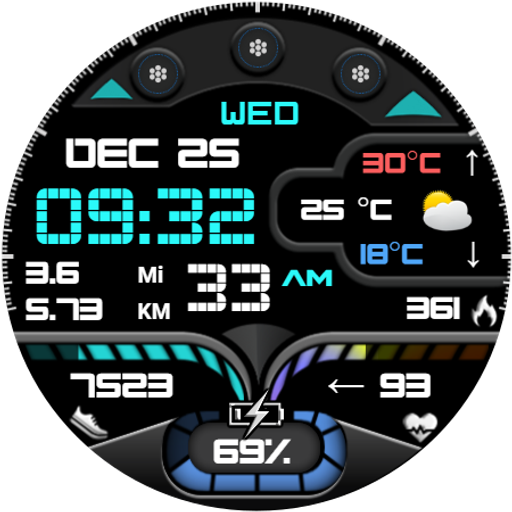
DF068
Paid

Digital Pirun Watch Face
Paid

SamWatch Digital Weather 5
Paid

ML2U 221 Watch Face
Paid

SD107
Paid

HKR020
Paid
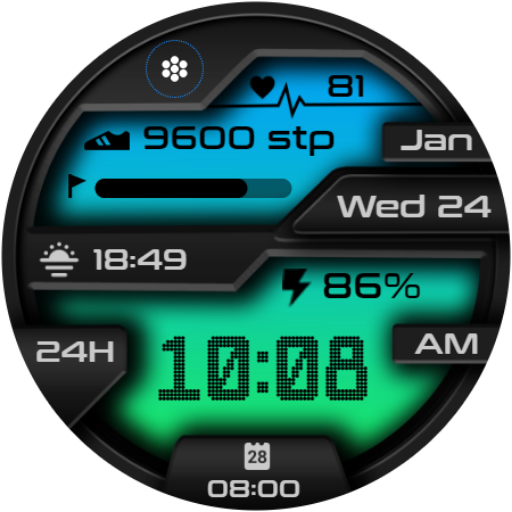
Digital Sport V11
Paid
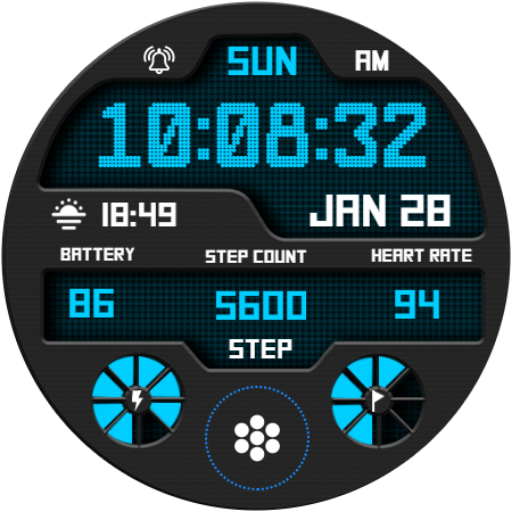
Digital Sport V12
Paid

Realistic Clock - Watch Face
Paid

LMwatch bridge
Paid

SamWatch Digital XVIII
Paid
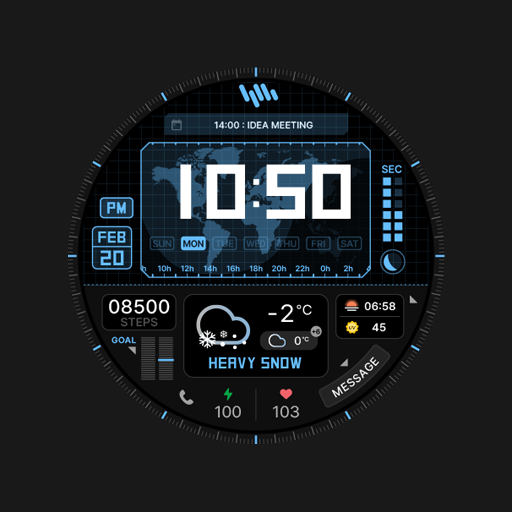
SamWatch Dashboard H
Free
![[KNA006] THE NIGHT icon](https://play-lh.googleusercontent.com/6bg8ckk1c7RLOBxdgZapcXO_AXR8-7FkKjm0MHtW5W8TiMLVx-qtMrkoAkCckW8ppw)
[KNA006] THE NIGHT
Paid

SamWatch Digital IV 2024
Paid

TKS 17 Surge Watch Face
Free
Scan this QR code to download

Forwarding you to the page at Google Play market in seconds...
Open Google Play market now