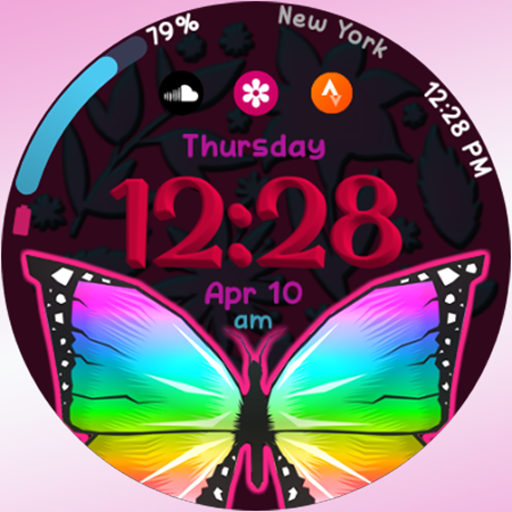
RW94 - Butterfly vVARY
rens watchfaces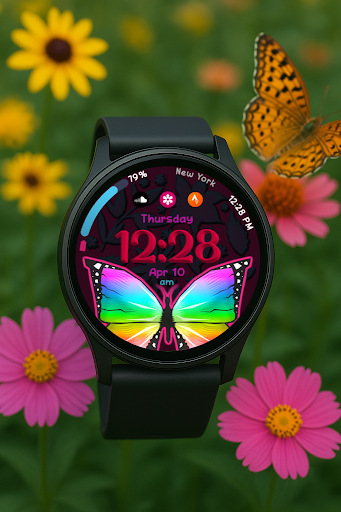


About this app
Developer Description
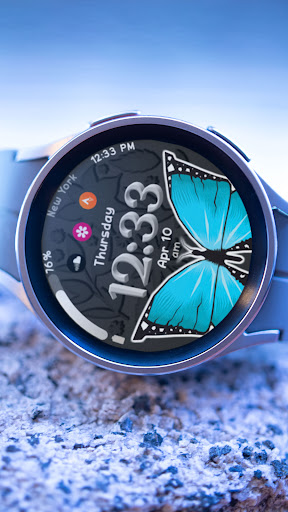
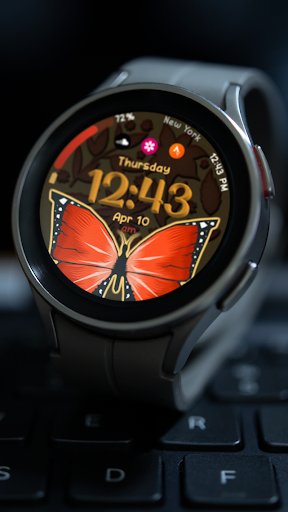
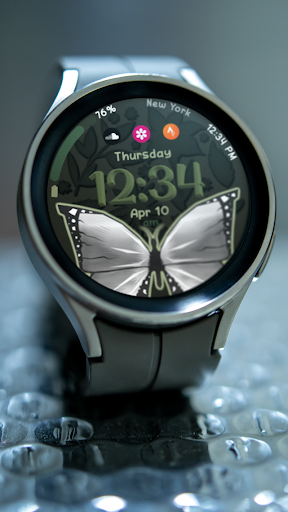
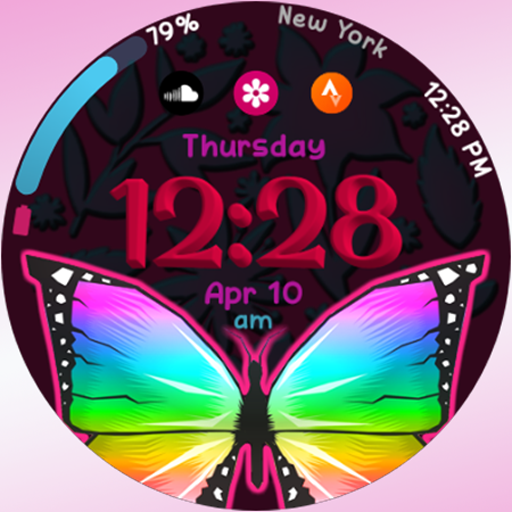
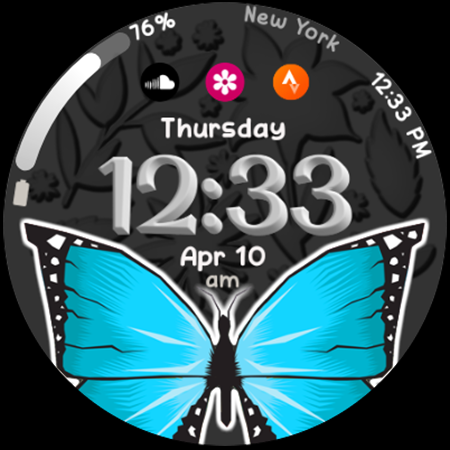
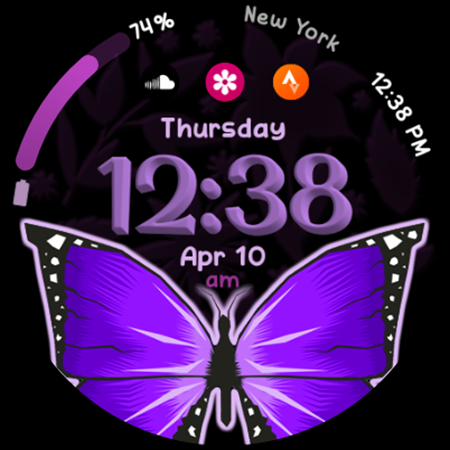
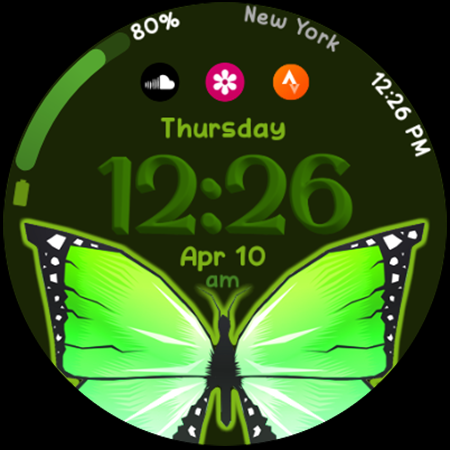
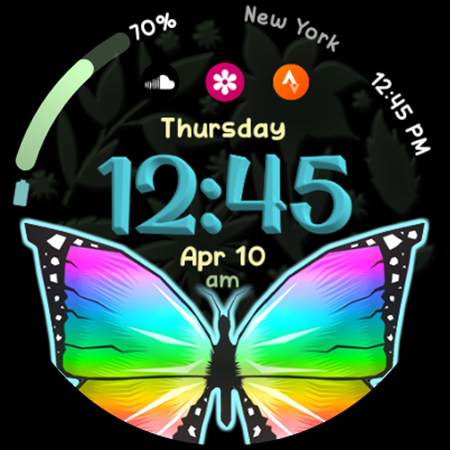
Pretty Butterfly Watch Face
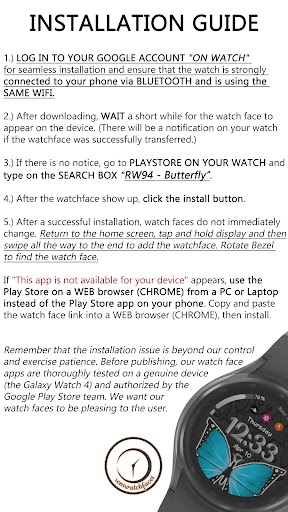
**If "This app is not available for your device" appears, use the Play Store on a WEB browser (CHROME) from a PC or Laptop or Phone Web Browser instead of the Play Store app on your phone. Copy and paste the watch face link into a WEB browser (CHROME), then install.
Rens Watchfaces goal is to provide you with the best watch face so you can enjoy it. Contact us at renswatchface@gmail.com before giving a bad rating and request refund. We'll provide screenshots and instructions on how to install the watch face.
Several ways to install a Wear OS watch face are shown in this helpful video from Samsung Developers: https://youtu.be/vMM4Q2-rqoM
INSTALLATION GUIDE
1.) LOG IN TO YOUR GOOGLE ACCOUNT "ON WATCH" and ensure that the watch is strongly connected to your phone via BLUETOOTH and is using the SAME WIFI.
2.) After downloading, WAIT a short while for the watch face to appear on the device. (There will be a notification on your watch if the watch face was successfully transferred.)
3.) If there is no notice, go to PLAYSTORE ON YOUR WATCH and type on the SEARCH BOX "RW94 - Butterfly".
4.) After the watch face show up, click the install button.
5.) After a successful installation, watch faces do not immediately change. Return to the home screen, tap and hold display and then swipe all the way to the end to add the watch face. Rotate Bezel to find the watch face.
**Remember that the installation issue is beyond our control and exercise patience. Before publishing, our watch face apps are thoroughly tested on a genuine device (the Galaxy Watch 4) and authorized by the Google Play Store team. We want our watch faces to be pleasing to the user.
************************
ALLOW/ENABLE all permissions from Settings > Applications > Permissions
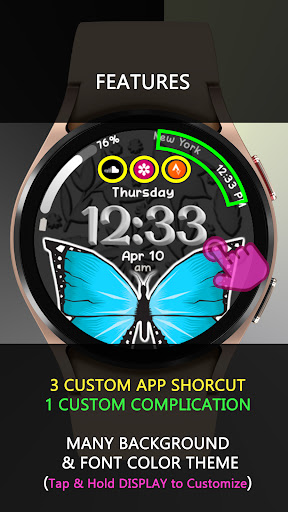
FEATURES
*1 CUSTOM COMPLICATION
*2 CUSTOM APP SHORTCUTS
*ALWAYS ON DISPLAY
*12/24 HR SWITCHABLE
*MANY THEME COLOR COMBINATIONS (TAP & HOLD DISPLAY TO CUSTOMIZE)
*some features may not be available on some watches.
Thank you for your support.
**************
Full Collection: rens watchfaces
Contact us at: renswatchface@gmail.com
Facebook Page: https://www.facebook.com/renswatchfaces
Version Information
- Version
- -
- Downloads
- 100+
- Updated on
- -
- Released
- Apr 9, 2025
- Requires
- Android Varies with device
Statistics
Google Play Rating History
Rating Distribution
Downloads Over Time
RW94 - Butterfly has been downloaded times. Over the past 30 days, it averaged downloads per day.
Shaded area shows 30-day prediction based on historical trends
Historical data collection started recently. More data points will be available over time.
ApkTrusted Ratings & Reviews
More from rens watchfaces
See more apps
rens watchface81
Paid
rens watchface87
Paid

rens watchface89
Paid
rens watchface90
Paid

RW81 V2 Custom
Paid

RW83 Zodiac Space
Paid
rens watchface79
Paid

rens watchface88
Paid

rens watchface09
Paid
rens watchface80
Paid

rens watchface91
Paid

RW92 - Valentine Hearts
Paid
RW95 Chrono Ion View
Paid

RW96 Pure Pride Aura
Paid

RW75-V2 Golden Regalia
Paid

RW76 V2
Paid
Similar Apps

Butterfly Style
Free

Vibrant Wings
Paid
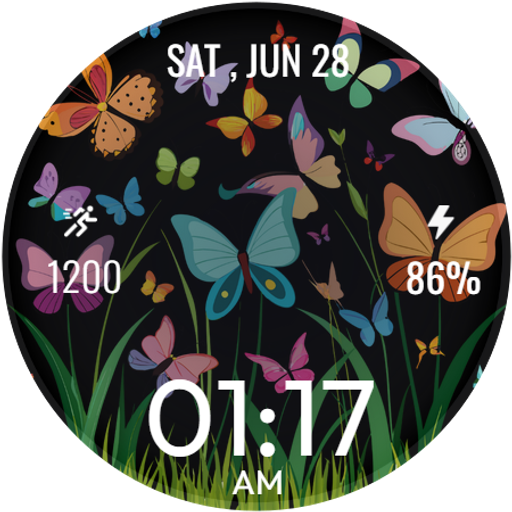
Cute Spring ButterflyWatchFace
Free

Butterfly Dreams
Paid

Butterflies and Flowers
Paid

Cute Purple/Blue Butterfly
Paid

Butterfly Simple Watch Face
Free

Butterfly Digital Watch Face
Paid

PW79 Fluttering Beauty
Paid

PW03 Flutter Flower Watch
Paid
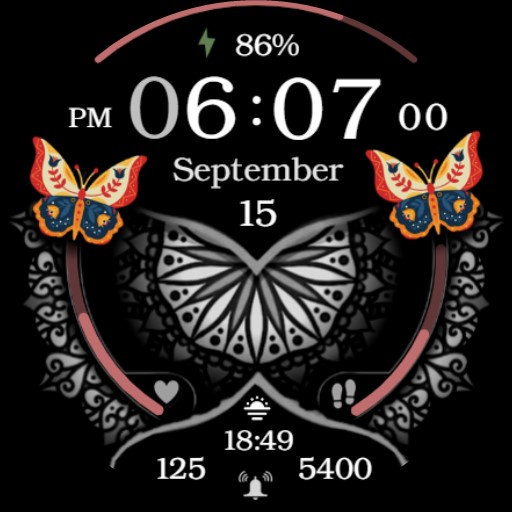
Hispanic Heritage Month Flower
Paid
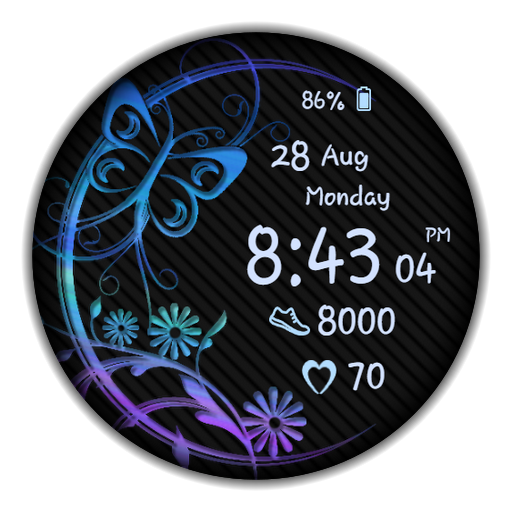
WaTchG023: Digital watch face
Paid

Flower Butterfly WatchFace
Free
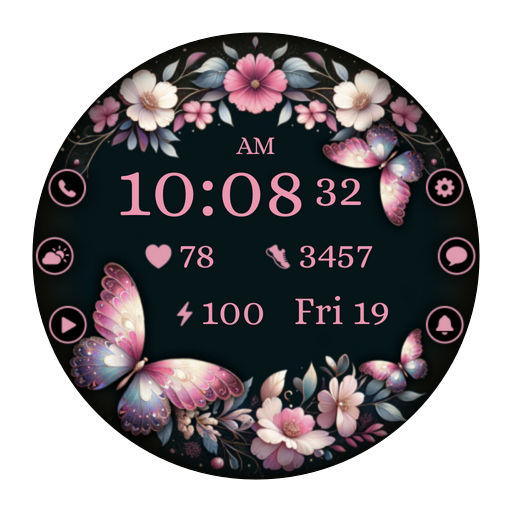
AZ282 Butterfly Watch Face
Paid

Flowers & Butterflies Wear OS
Paid
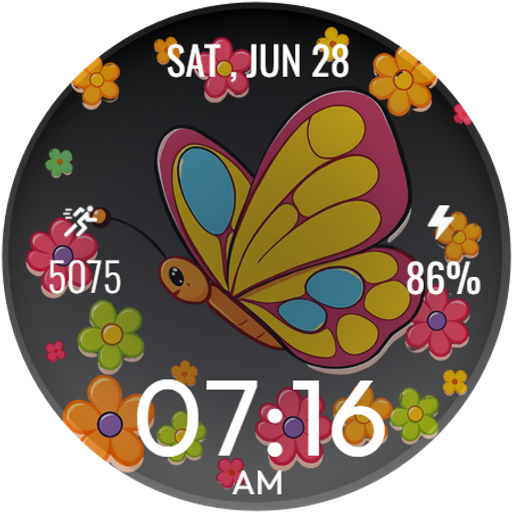
Lovely Butterfly WatchFace
Free
Scan this QR code to download

Forwarding you to the page at Google Play market in seconds...
Open Google Play market now