
Butterfly Simple Watch Face vVARY
jigu watchface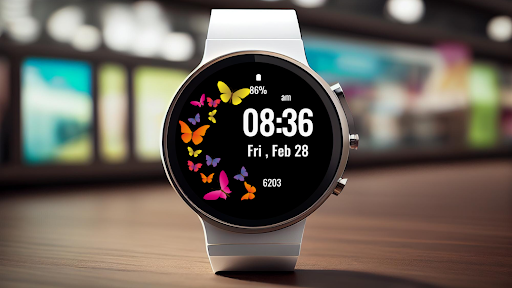


About this app
Developer Description
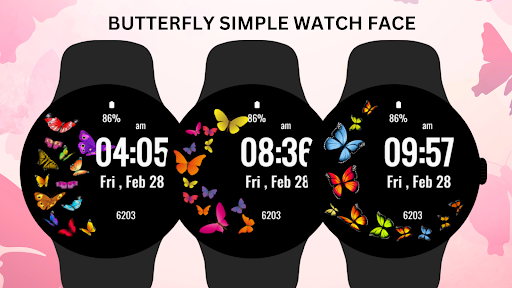
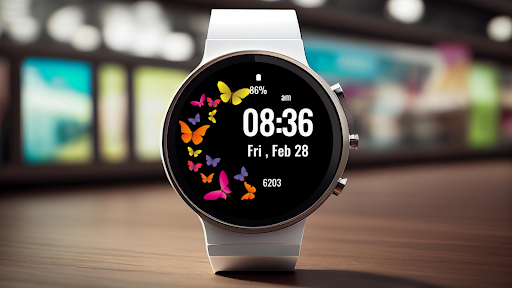
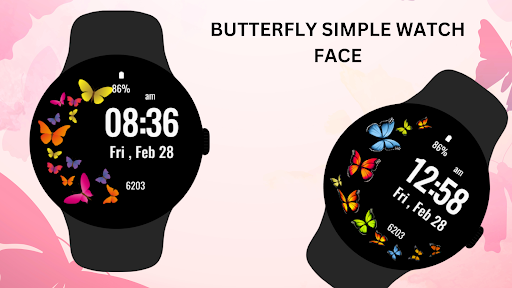
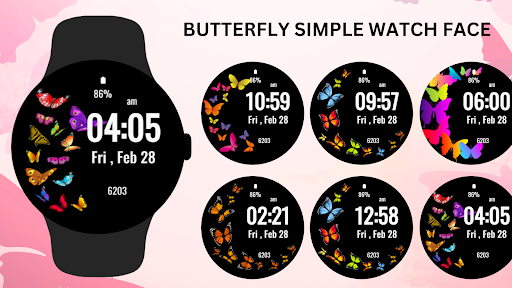
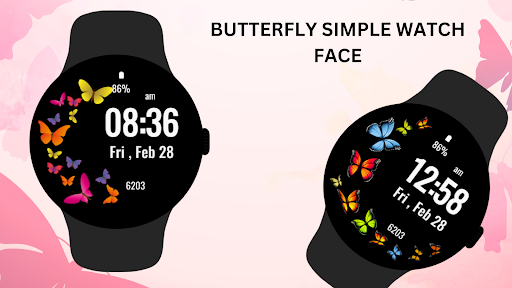
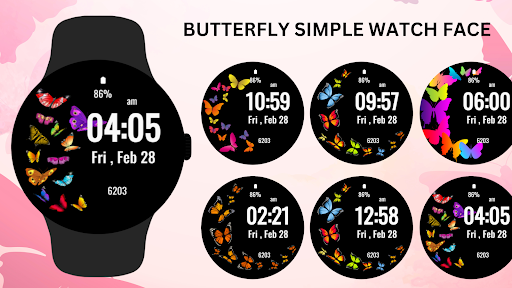
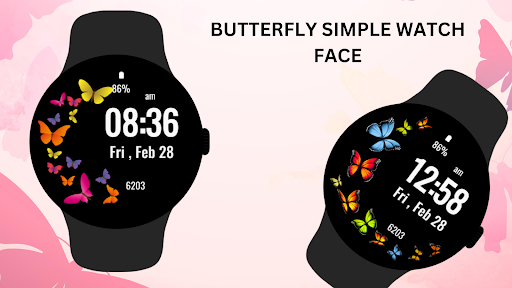
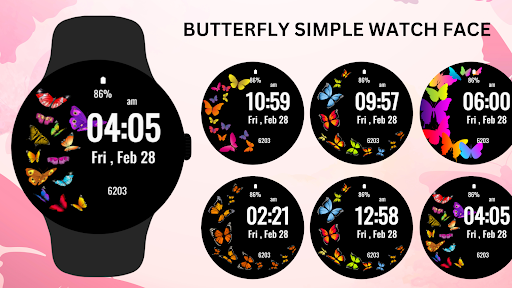
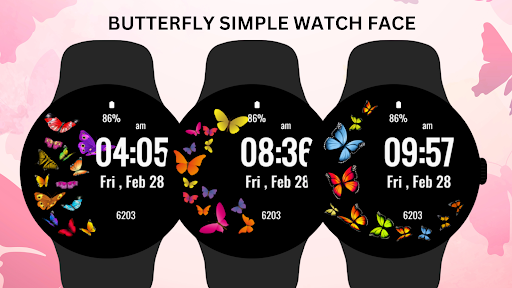
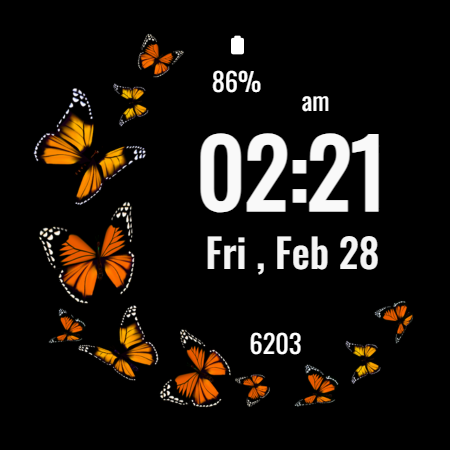
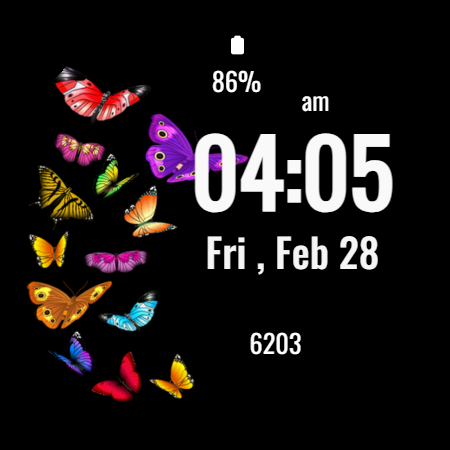
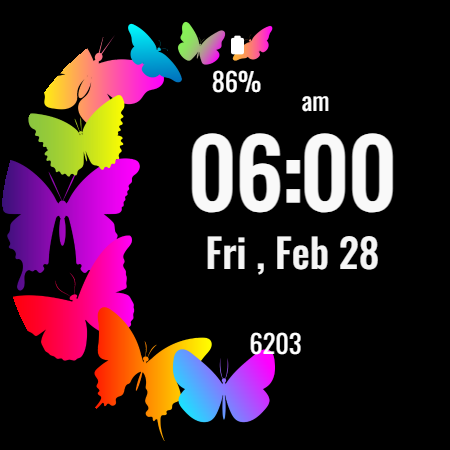
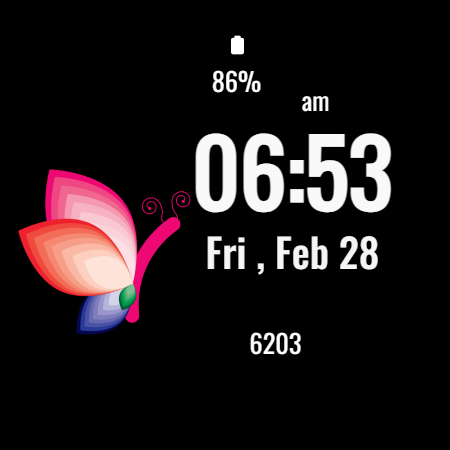
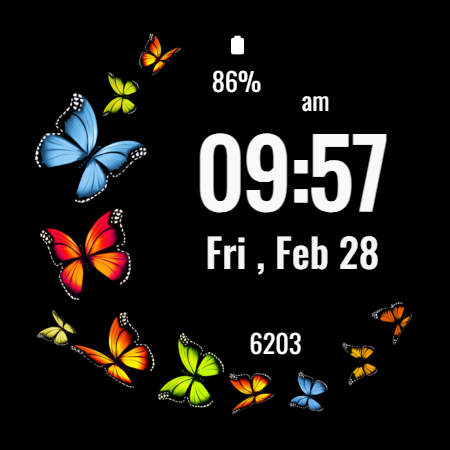
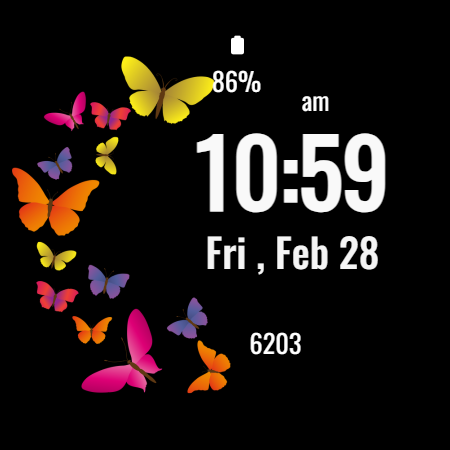
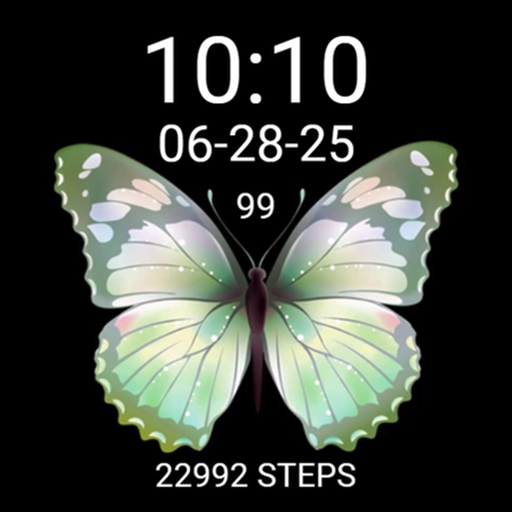
Delicate butterfly-themed watch face for wear combining elegance with simplicity
The Butterfly Simple Watch Face is designed to be both visually appealing and practical, offering a perfect balance between aesthetics and functionality.
Key Features:
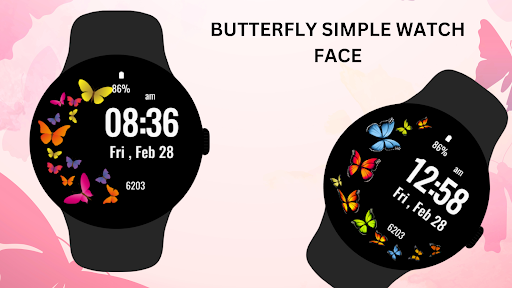
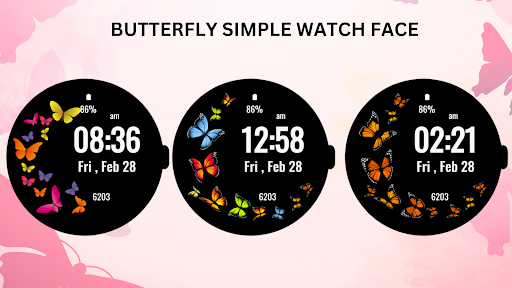
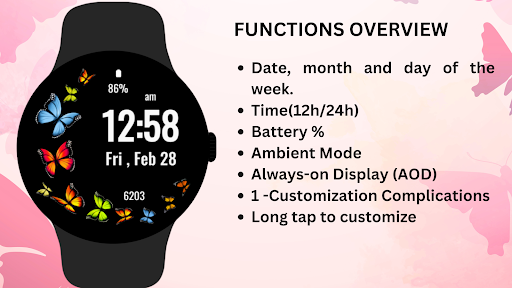
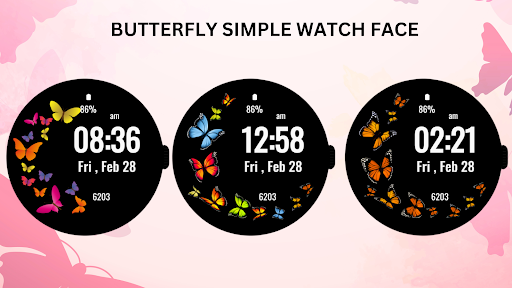
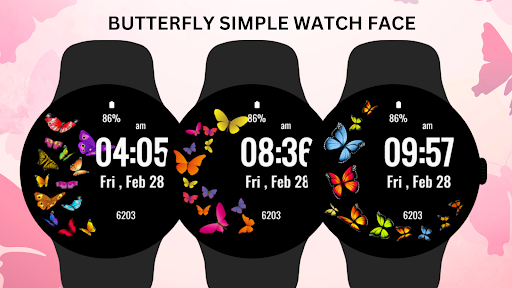
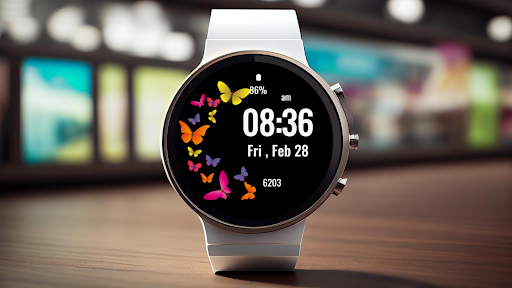
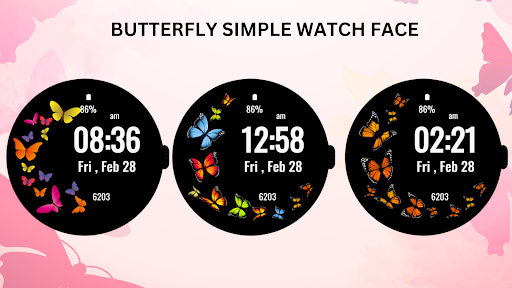
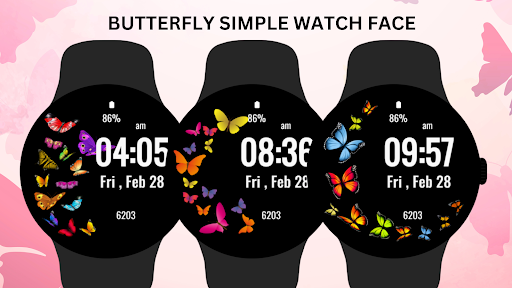
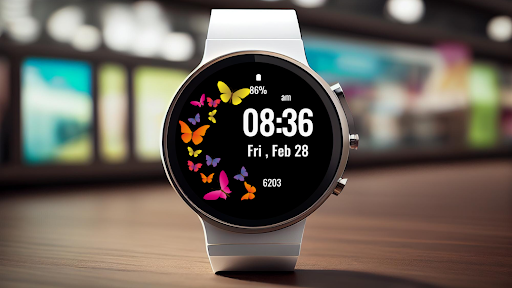
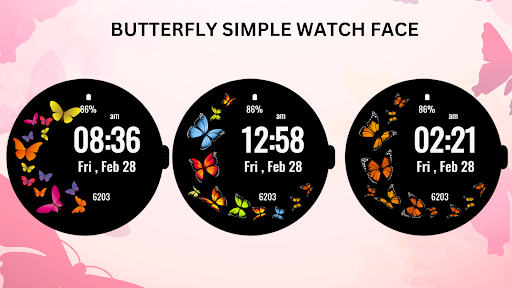
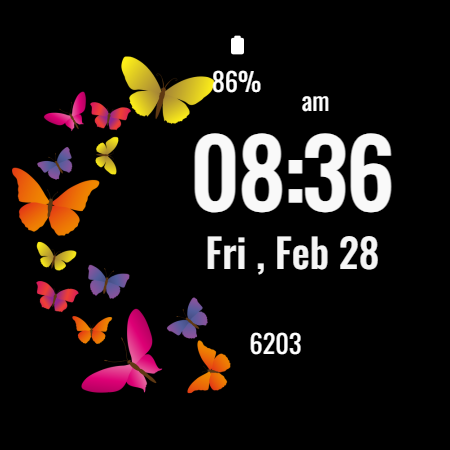
* Beautifully arranged butterflies around the digital clock.
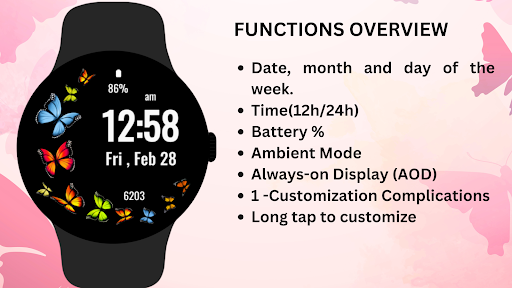
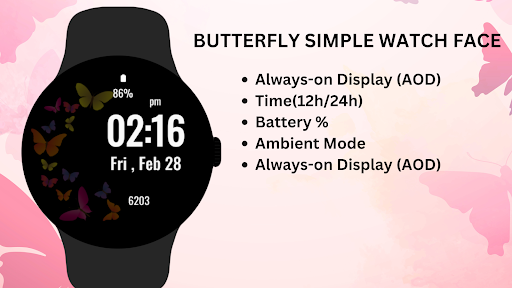
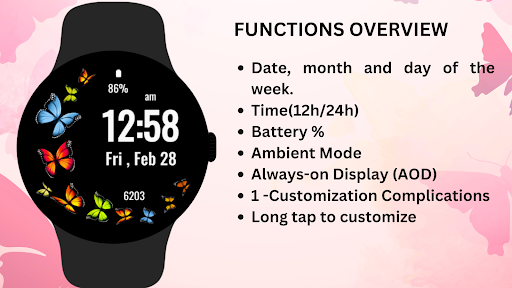
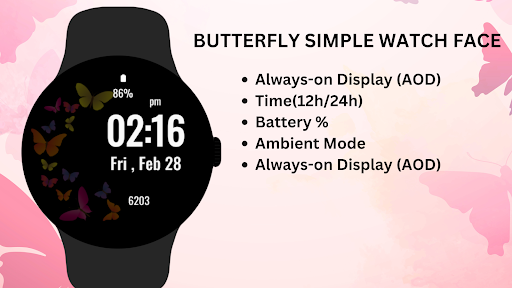
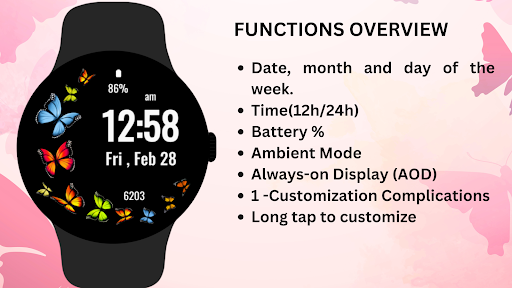
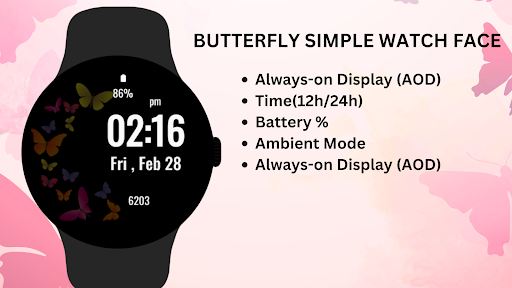
* Displays time, date, steps, and battery percentage.
* Minimalistic design for easy readability.
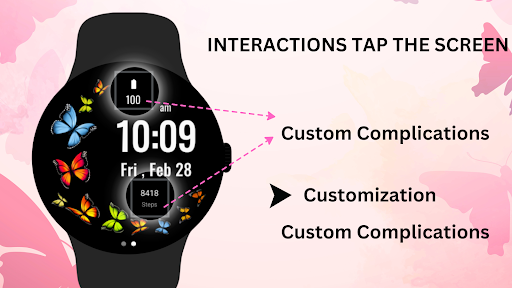
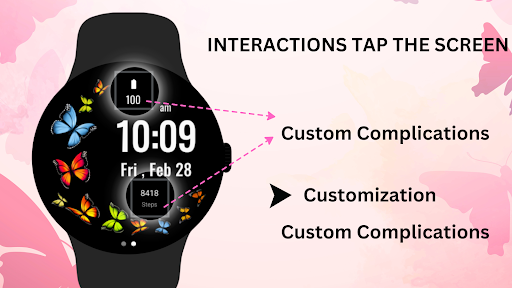
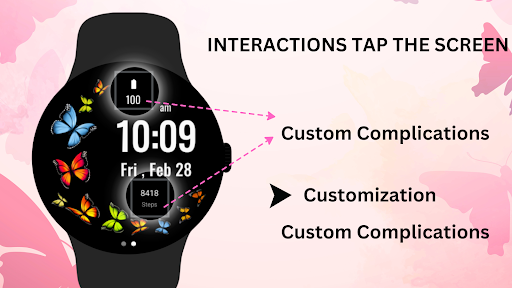
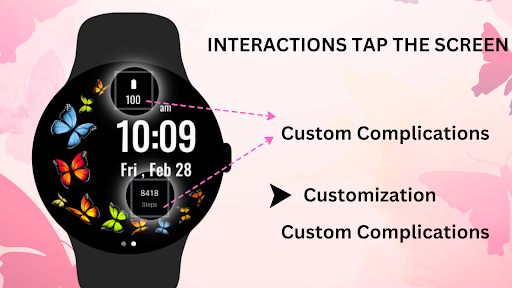
* Customizable shortcuts for quick access to apps.
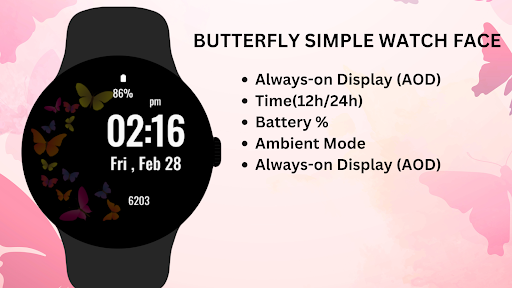
* Supports Ambient Mode and Always-On Display (AOD).
🔋 Battery Tips: Disable "Always On Display" mode to conserve battery life.
Installation Steps:
1)Open the Companion App on your phone.
2)Tap "Install on Watch."
3)On your watch, select Butterfly Simple Watch Face from your settings or watch face gallery.
Compatibility:
✅ Compatible with Wear OS devices API 33+ (e.g., Google Pixel Watch, Samsung Galaxy Watch).
❌ Not suitable for rectangular watches.
Enjoy the grace and charm of the Butterfly Simple Watch Face, a perfect accessory for nature lovers who appreciate simplicity and elegance.
Version Information
- Version
- -
- Downloads
- 5K+
- Updated on
- Aug 2, 2025
- Released
- Feb 28, 2025
- Requires
- Android Varies with device
Statistics
Google Play Rating History
Rating Distribution
Downloads Over Time
Butterfly Simple Watch Face has been downloaded times. Over the past 30 days, it averaged downloads per day.
Shaded area shows 30-day prediction based on historical trends
Historical data collection started recently. More data points will be available over time.
Butterfly Simple Watch Face users say on Google Play
 Chelle W
Vibrant butterflies with 6 different themes
 Dr J Powell
At first, I loved this watch face. Very attractive. But 2 days later, the graphics disappeared. I tried various ways to get the graphics again. Eventually, I uninstalled, then reinstalled the app. Still no graphics. Gave up and uninstalled again. It would be great if it worked consistently. You also have to deal with ads. please fix this app.
 Snippie T
I loved this watch face at first & now the face becomes black & all you see is date, time, steps & battery but no butterflies. I restarted both, watch & phone. no good. All updated. I am removing this.
 Abigail Allen
does not work. Just one black screen with the clock. no butterflies.
ApkTrusted Ratings & Reviews
More from jigu watchface
See more apps
Power Saver Watch Face
Free

Flower - Spring Summer Watch
Free

Valentine's Day Beauty Watch
Free

Yellow Digital Watch Face
Free

Flora Elegant Watch Face
Free

Butterfly WatchFace
Free

Heart Rate Monitor - Watch
Free

SimpleFit Analog Watch Face
Free

Calculator Game Watch Face
Free

Dynamic Carbon Watch Face
Free
Flower Digital WatchFace
Free
Analog Watch Face-WF1
Free

Analog Watch Face-WF3
Free
Battle Royale Watch Face
Free

Watch Shortcuts
Free
Analog Watch Face-WF2
Free
Similar Apps

Butterfly Digital Watch Face
Paid

Flowers & Butterflies Wear OS
Paid
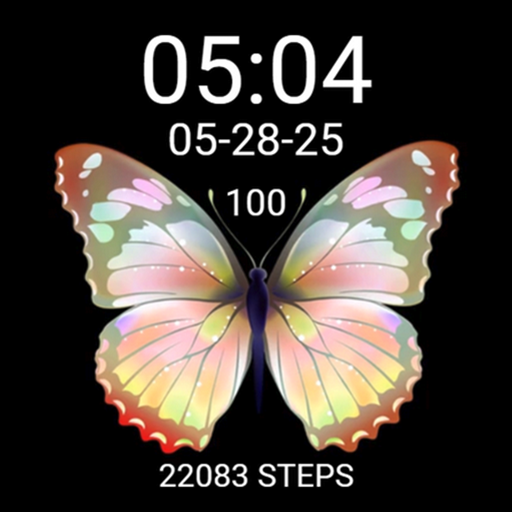
Cute Gold Yellow Butterfly
Paid
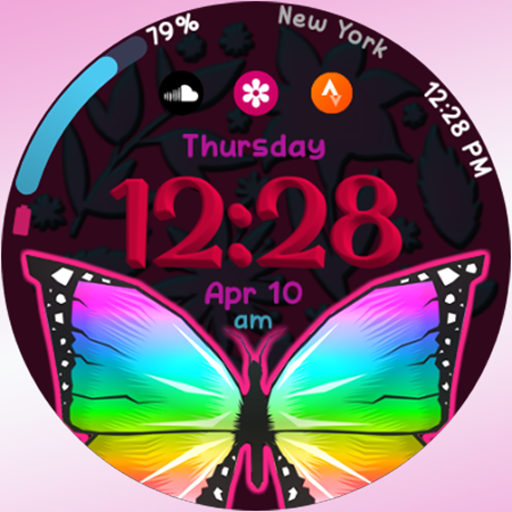
RW94 - Butterfly
Paid
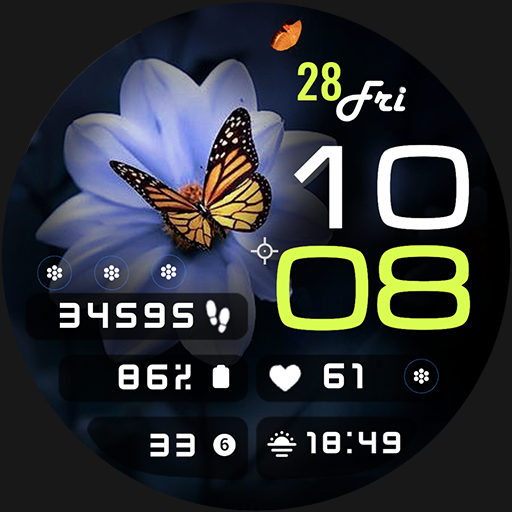
ML2U 189 Watch Face
Paid

Flowers Watch Face Wear OS
Paid

EXD105: Butterfly Essence Face
Free

Butterflies and Flowers
Paid

Butterfly Family - Watch Face
Free
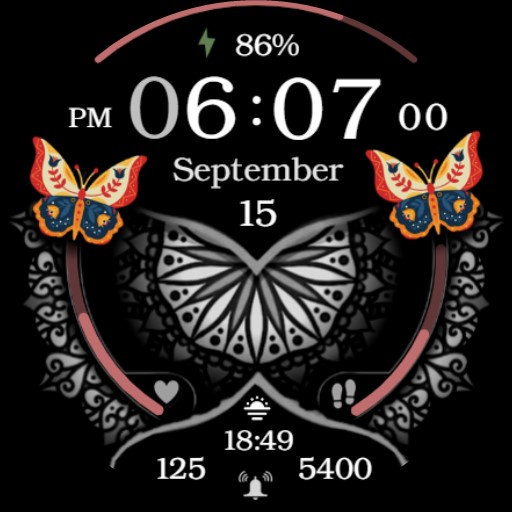
Hispanic Heritage Month Flower
Paid
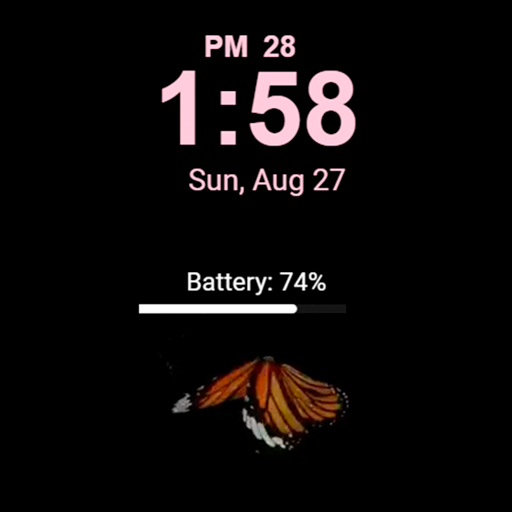
Butterfly with animation LX33
Paid

Flowers MOD Season
Paid

Butterfly Watchface
Paid
Cute Pretty Green Butterfly
Paid

Digital Butterfly Watch face
Free

Cute Purple/Blue Butterfly
Paid
Scan this QR code to download

Forwarding you to the page at Google Play market in seconds...
Open Google Play market now