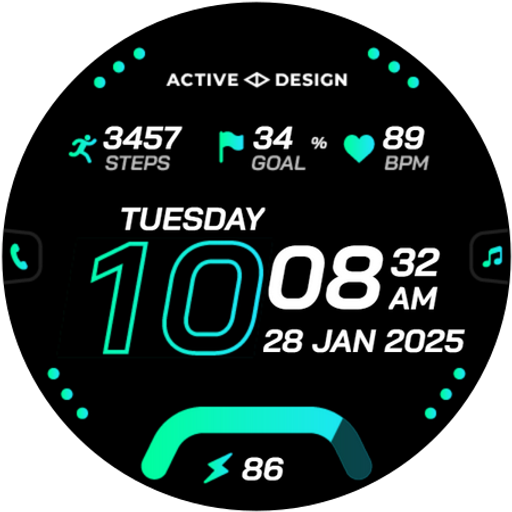
Rush: Digital Watch Face vVARY
Active Design Watch Face


About this app
Developer Description
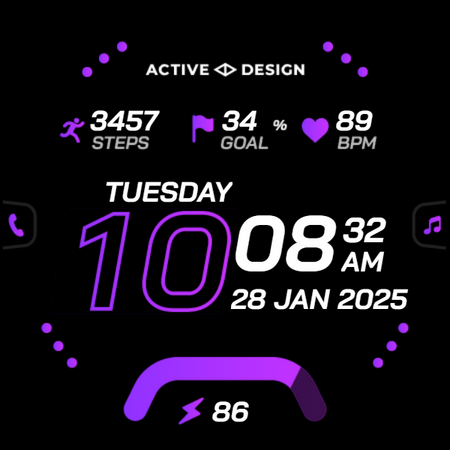
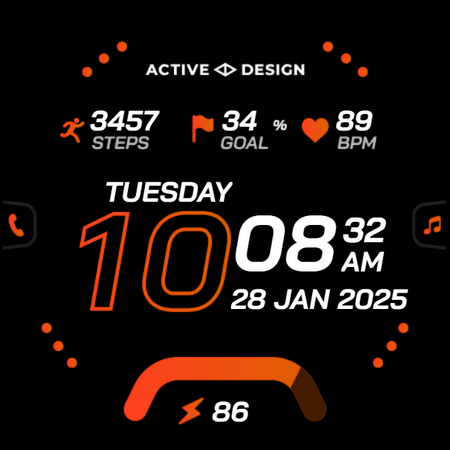
Dynamic digital watch face combining style, speed, and functionality.
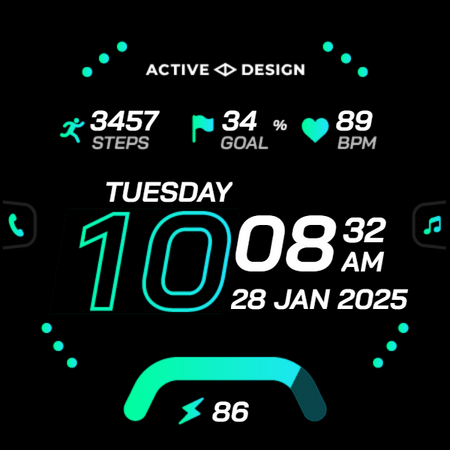
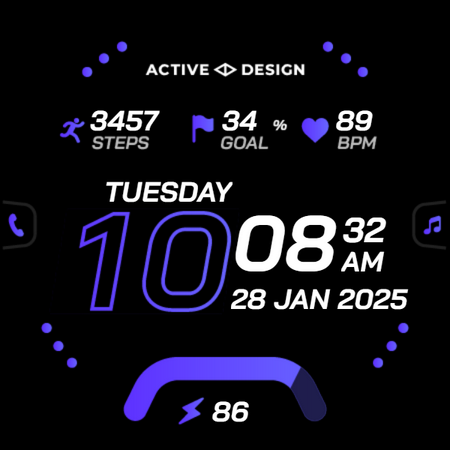
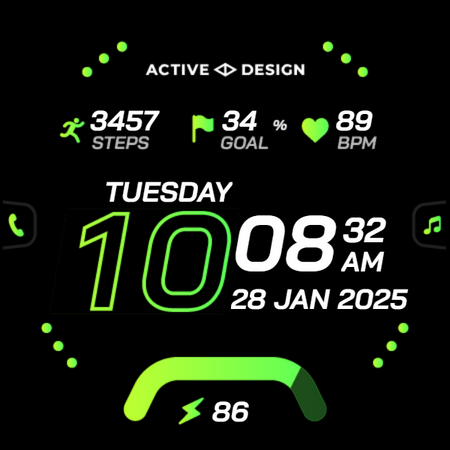
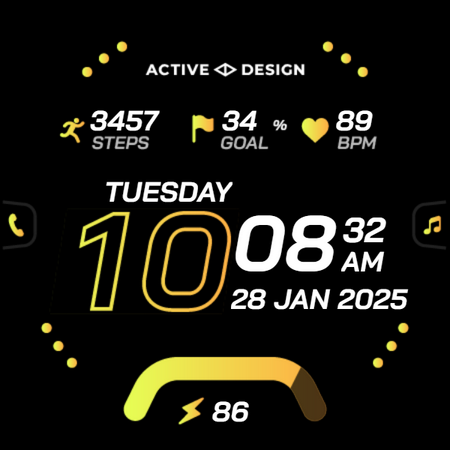
Move with confidence and style with Rush, a bold digital watch face built for speed, clarity, and everyday performance. Designed for active users and fast-paced lifestyles, Rush delivers crisp digital time, vibrant color themes, and essential health stats—all in one dynamic layout.
WHY YOU’LL LOVE IT
• Clean, high-contrast digital layout for instant readability
• Energetic visual design that stands out on AMOLED displays
• Perfect for Galaxy Watch, Pixel Watch, and all Wear OS devices
• Tailored for users who want both performance and personality
KEY FEATURES
• Steps counter* and step goal progress*
• Heart rate monitoring (tap to measure)*
• Battery percentage
• Auto 12h / 24h time format
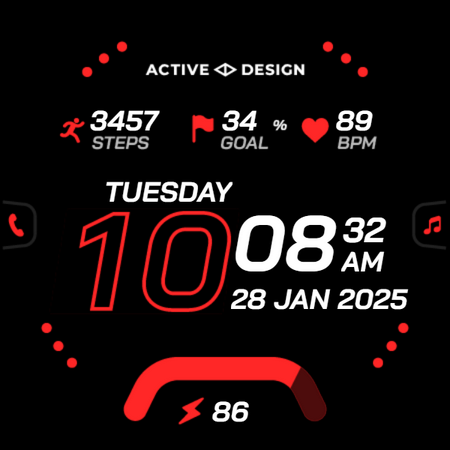
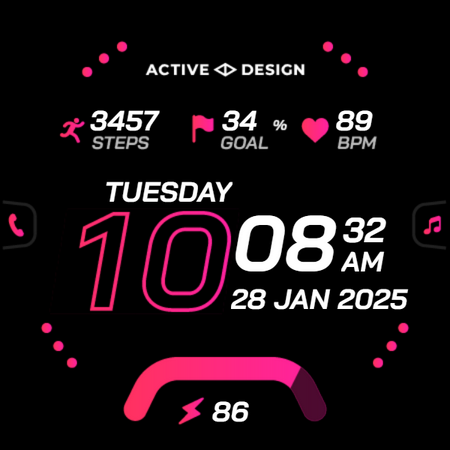
• 10 vibrant color themes
• 4x customizable app shortcuts
• Ideal for workouts, commuting, and daily use
• Always-on display (AOD) with battery-optimized dim mode
• Clear time and key stats in ambient mode
• Lightweight, smooth, and battery-friendly
• Designed for fast information checking at a glance
HOW TO USE
1. Install Rush from Google Play.
2. Ensure your smartwatch is running Wear OS 5 or later.
3. On your watch, touch and hold your current watch face, then scroll and select Rush by Active Design.
NOTE
• Health and activity data (steps, heart rate, etc.) comes from your watch sensors and system services.*
• Please grant all required permissions for full functionality.
ABOUT ACTIVE DESIGN
Active Design creates premium Wear OS watch faces focused on clarity, customization, and modern aesthetics. Discover more by searching "Active Design Watch Face" on Google Play.
Experience Rush today — digital precision built for your fast-moving life.
Version Information
- Version
- -
- Downloads
- 1K+
- Updated on
- Oct 31, 2025
- Released
- Jan 4, 2025
- Requires
- Android Varies with device
Statistics
Google Play Rating History
Rating Distribution
Downloads Over Time
Rush: Digital Watch Face has been downloaded times. Over the past 30 days, it averaged downloads per day.
Shaded area shows 30-day prediction based on historical trends
Historical data collection started recently. More data points will be available over time.
Rush: Digital Watch Face users say on Google Play
 Sorin Andrei
Good face watch
 Hagan Lawton
doesn't work
ApkTrusted Ratings & Reviews
More from Active Design Watch Face
See more apps
Essentials: Digital Watch Face
Free

Shadow Runner Watch Face
Paid

Aquastellar: Diver Watch Face
Paid
Essentials Watch Face 6
Free

Destiny 2: Digital Watch Face
Paid

Essentials Watch Face 7
Free
Celestrix: Digital Watch Face
Paid

Destiny Watch Face
Paid

Apex Analog Watch Face
Free

Discovery: Digital Watch Face
Free

Elysium: Digital Watch Face
Free

Equinox: Digital Watch Face
Paid

Exo: Hybrid Watch Face
Free

Exo 2: Analog Watch Face
Paid

Forte: Hybrid Watch Face
Free
Apex 2 Analog Watch Face
Paid
Scan this QR code to download

Forwarding you to the page at Google Play market in seconds...
Open Google Play market now