
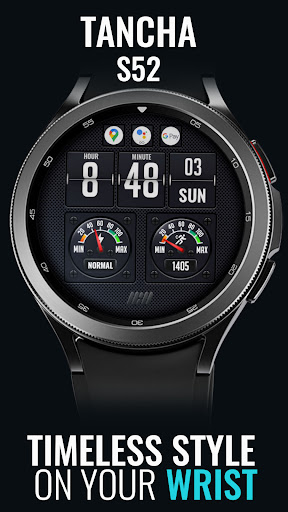
Tancha S52 Digital Watch Face vVARY
Tancha Watch Faces







About this app
Developer Description
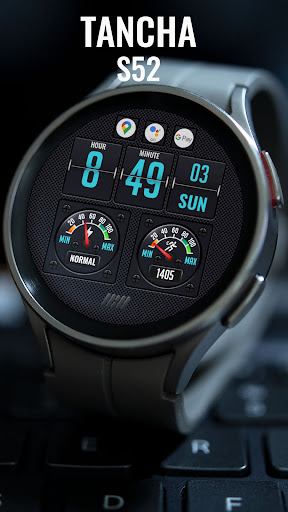
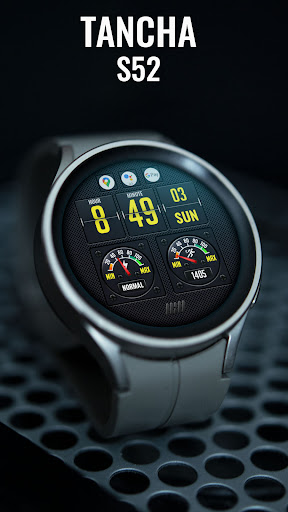
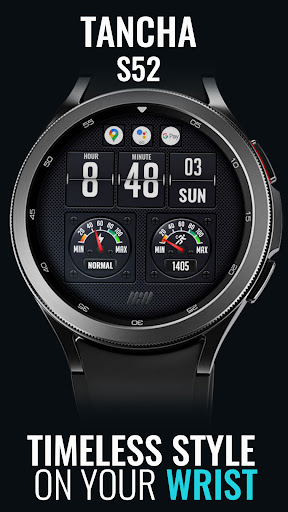
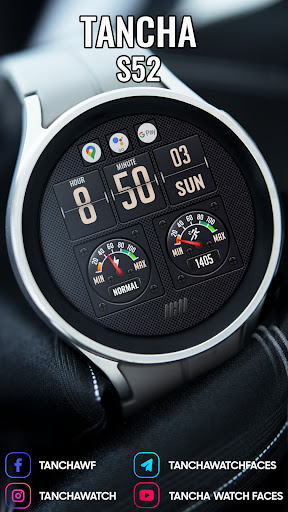
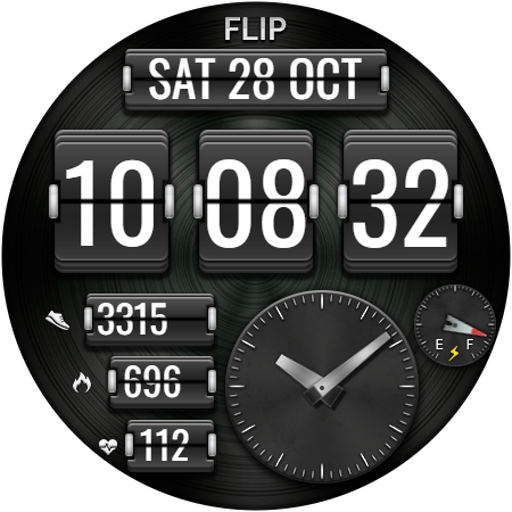
The perfect looks and easy-to-read Digital watch face.
The perfect looks Digital watch face.
This watch face is developed by Tancha Watch Faces for use on Wear OS devices.
FEATURES
Digital watch face
* Color Customization.
* 12/24 hour time format. (No leading zero.)
* Battery status.
* Steps counter.
* App Shortcuts.
* Always on view.
FAQ :
1- The watch face is installed on your watch but does not appear in the catalog?
FOLLOW THESE STEPS:
Press and hold your watch screen.
Swipe right until you see the text 'Add watch face.'
Press the '+ Add watch face' button.
Find and activate the watch face you installed.
2- If the companion app is installed but the watch face is not, follow the steps below:
FOLLOW THESE STEPS:
Open the companion app on your phone (ensure that your smartwatch is connected to your phone).
Next, tap the 'INSTALL WATCH FACE ON WATCH' button at the bottom of the app.
This will open the Play Store on your WEAR OS smartwatch, displaying the purchased watch face and allowing you to install it directly.
If you have any questions or requests, please don't hesitate to get in touch with me at tanchawatch@gmail.com.
Thank you sincerely for your support.
Best regards,
Tancha Watch Faces
Version Information
- Version
- -
- Downloads
- 50+
- Updated on
- -
- Released
- Sep 13, 2021
- Requires
- Android Varies with device
Statistics
Google Play Rating History
Rating Distribution
Downloads Over Time
Tancha S52 Digital Watch Face has been downloaded times. Over the past 30 days, it averaged downloads per day.
Shaded area shows 30-day prediction based on historical trends
Historical data collection started recently. More data points will be available over time.
Tancha S52 Digital Watch Face users say on Google Play
 Magdy Said
What amazing WF ❤️❤️❤️🤠
ApkTrusted Ratings & Reviews
More from Tancha Watch Faces
See more apps
Memorial Day Watch Face
Paid

Tancha Camellia
Free

Holiday Santa Watch Face
Paid
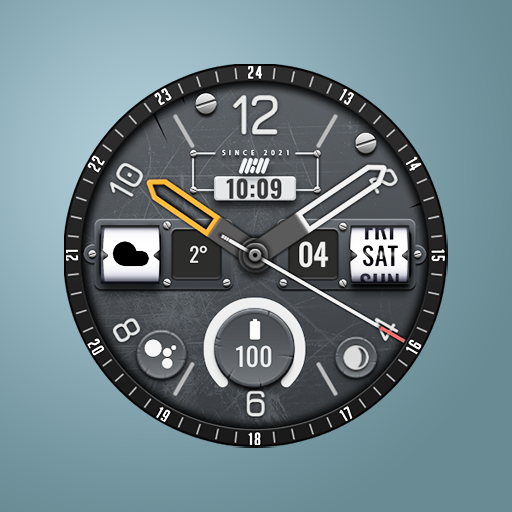
Tancha Armor Watch Face
Paid

Tancha S28 Realistic Simple
Free

Holiday Watch Face
Paid

Independence Day Watch Face
Paid

Dragon Tatoo Watch Face
Paid

Military Ops Watch Face
Paid

Haunted Watch Face
Paid
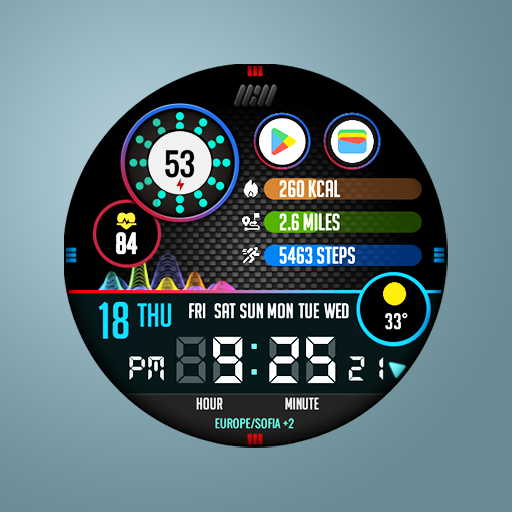
Tancha Athlete Watch Face
Paid

Tancha Bold Digital Watch Face
Paid

American Liberty
Paid
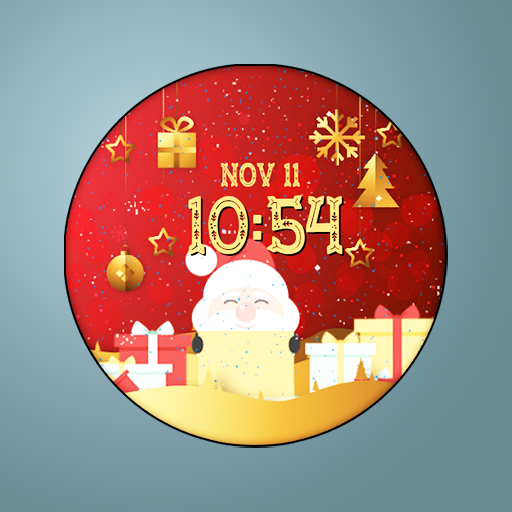
Tancha Christmas Watch Face
Paid

Tancha Classic Watch Face
Paid

Tancha Dasher Christmas
Paid
Similar Apps

DIGI FLIP v2 URX83 Watch face
Paid

SD99
Free

DIGI FLIPNOUR CTS35 Watch face
Free

Digital Watch MB403
Paid

ZKin Watch Page Turning Digit
Paid

Digital sport color WatchFace
Paid

MD309 Digital watchface
Paid

Flip Clock MB354
Free

SMZ TOUR8
Free

NTV555 - Black Digital Mod
Paid

MB297 Digital Watch Face
Free

MJ166 Clean Digital Watch
Free
DIGI FLIP URX16 Watch face
Paid

DIGI FLIP v3 URX108 Watch face
Paid

SD125
Paid

Digistaff V
Paid
Scan this QR code to download

Forwarding you to the page at Google Play market in seconds...
Open Google Play market now