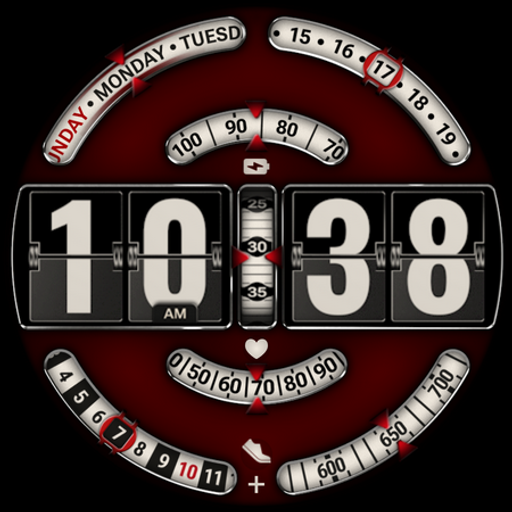
The Folding Retro Dash vVARY
BarefootDials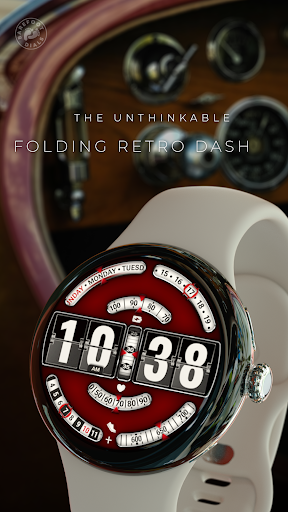


About this app
Developer Description
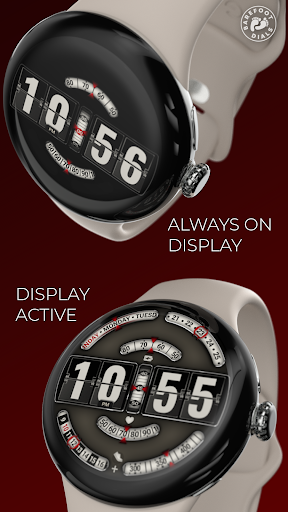
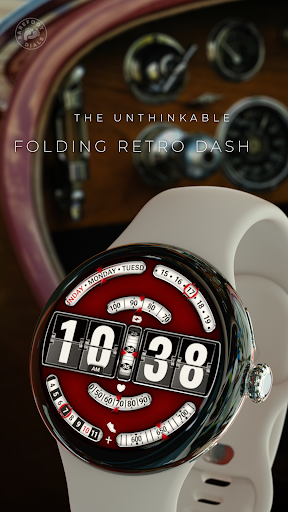
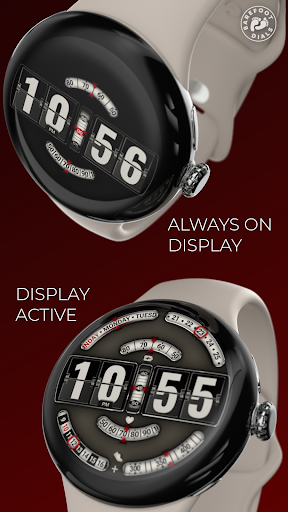
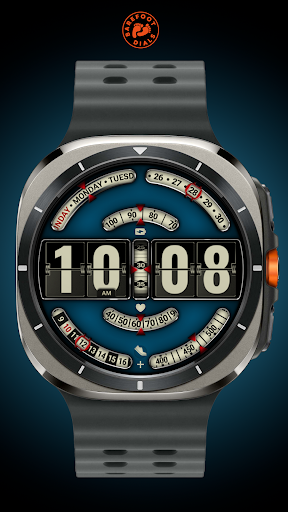
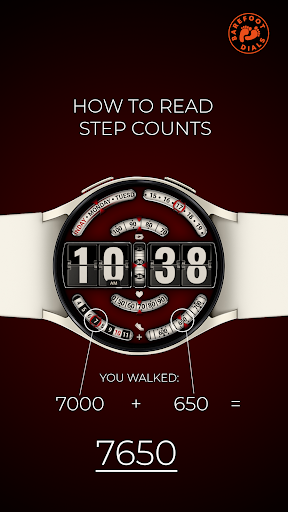
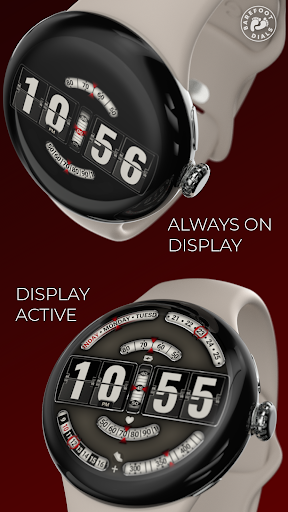
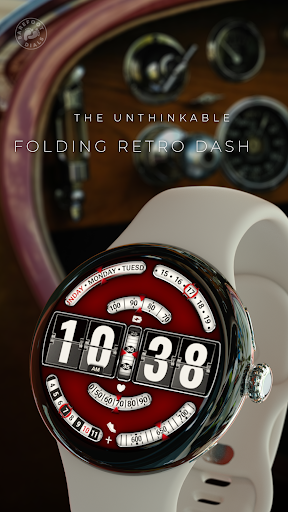
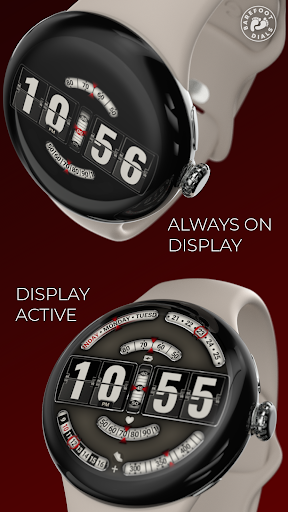
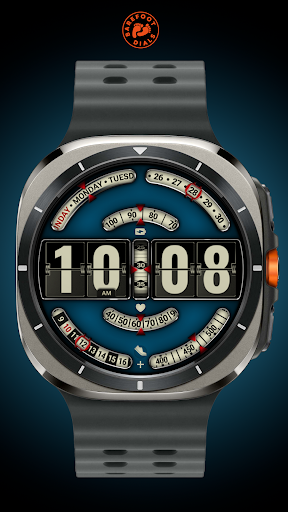
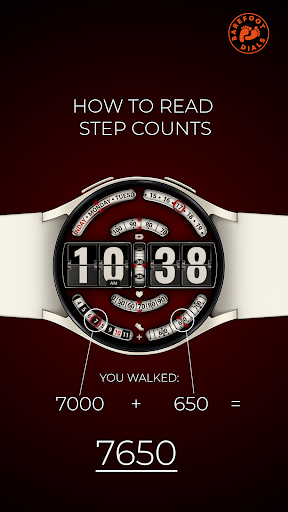
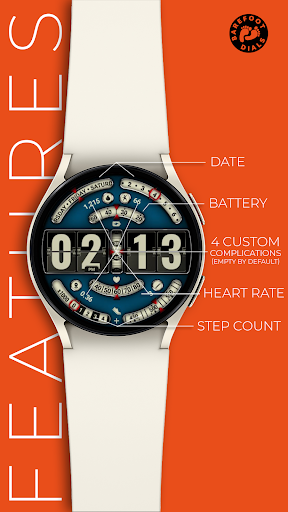
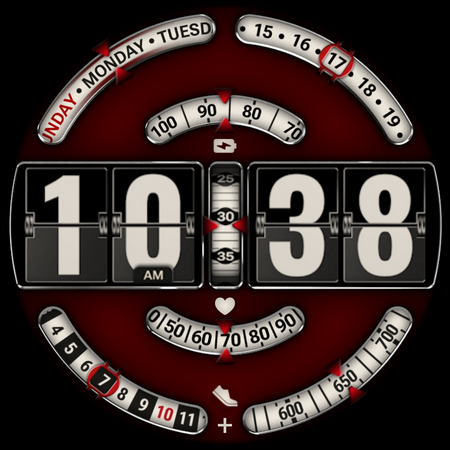
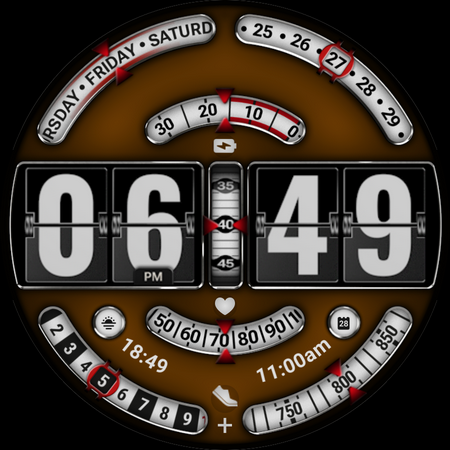
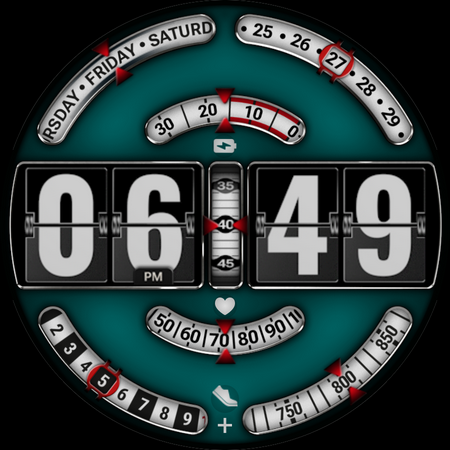
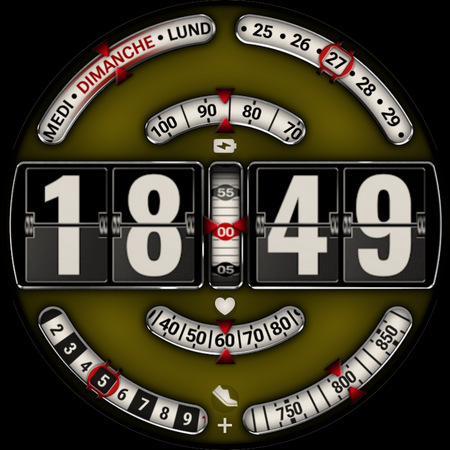
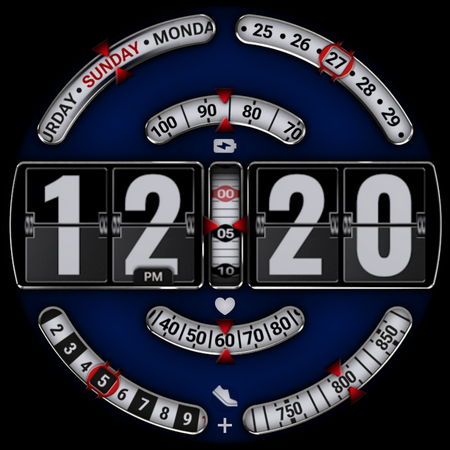
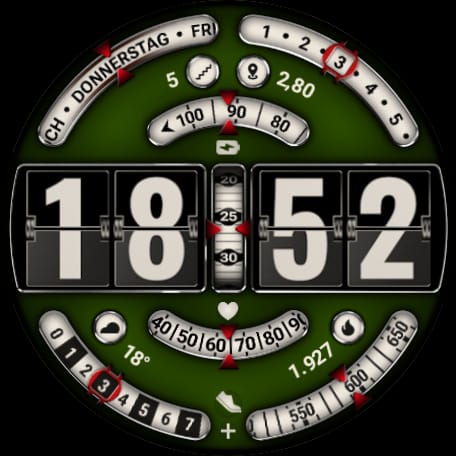
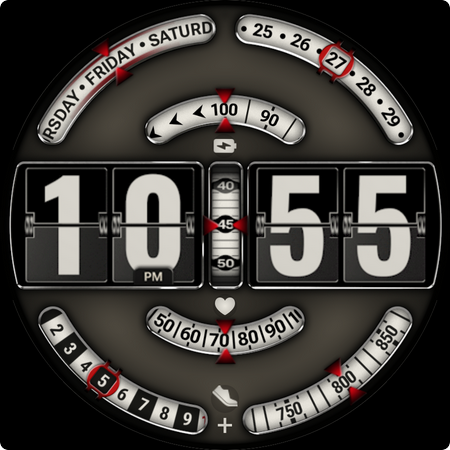
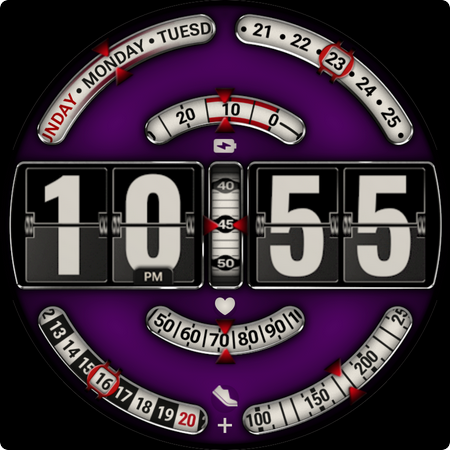
Animated Retro Flip Clock Meets Modern Data
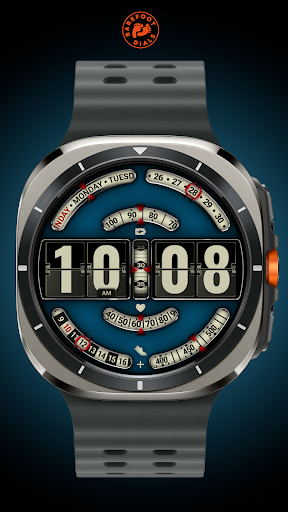
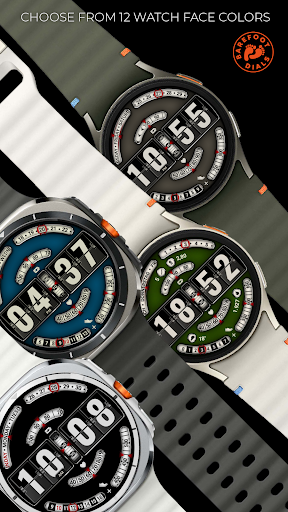
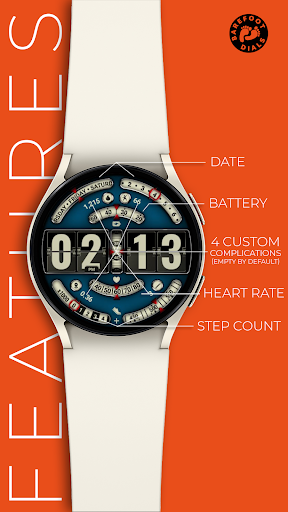
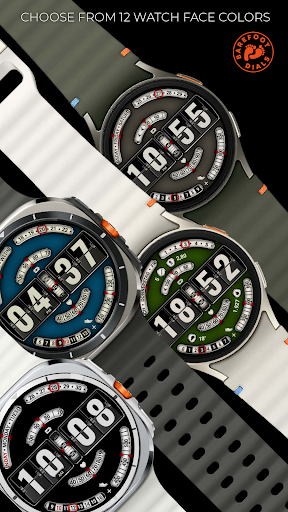
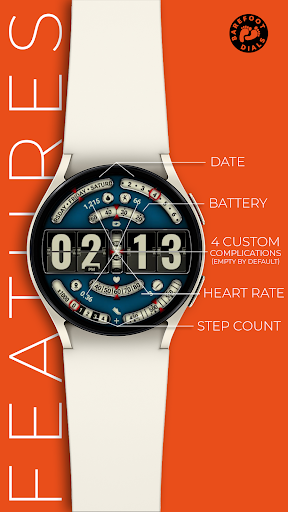
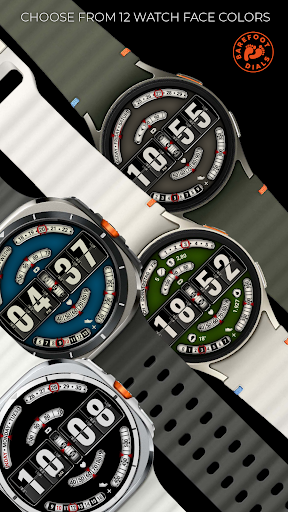
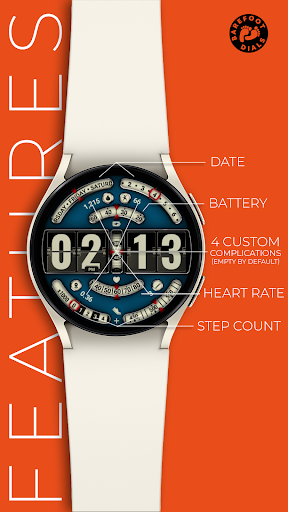
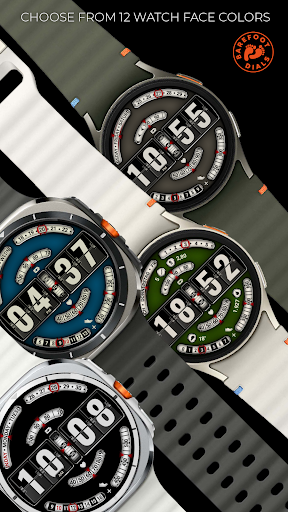
This watch face features 12 adjustable color options and 4 user-customizable complications.
• This watch face requires at least Wear OS 5.0.
Phone App Functionality:
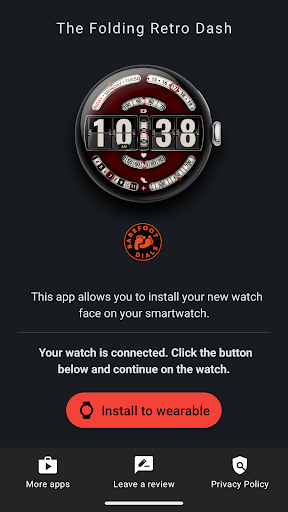
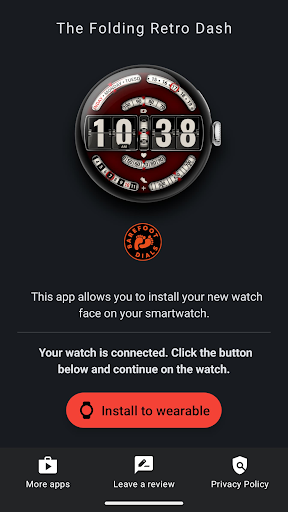
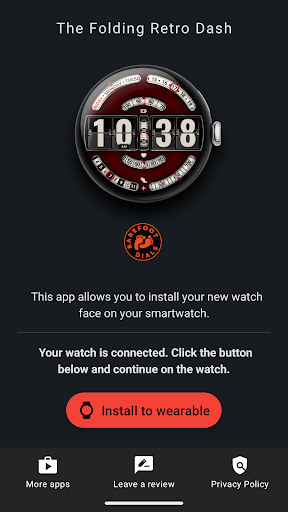
The companion app for your smartphone is solely for assisting with the installation of the watch face onto your watch. Once the installation is successfully completed, the app is no longer needed and can be safely uninstalled.
Note: The appearance of user-changeable complication icons may vary depending on the watch manufacturer.
What's New
Version Information
- Version
- -
- Downloads
- 500+
- Updated on
- Aug 13, 2025
- Released
- Apr 4, 2025
- Requires
- Android Varies with device
Statistics
Google Play Rating History
Rating Distribution
Downloads Over Time
The Folding Retro Dash has been downloaded times. Over the past 30 days, it averaged downloads per day.
Shaded area shows 30-day prediction based on historical trends
Historical data collection started recently. More data points will be available over time.
ApkTrusted Ratings & Reviews
More from BarefootDials
See more apps
Flower of Power
Paid
Banoffee Pie
Paid
Fusion Hybrid
Paid
Incremental Watch Face
Free

Concentric Space
Paid
Destructive Second Hand
Paid
Dominant Minute Watch Face
Paid

"Be Prepared" Weather Dial
Paid
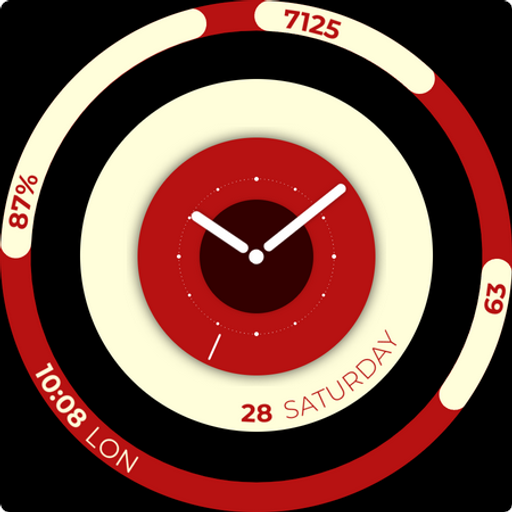
Balance Board
Free
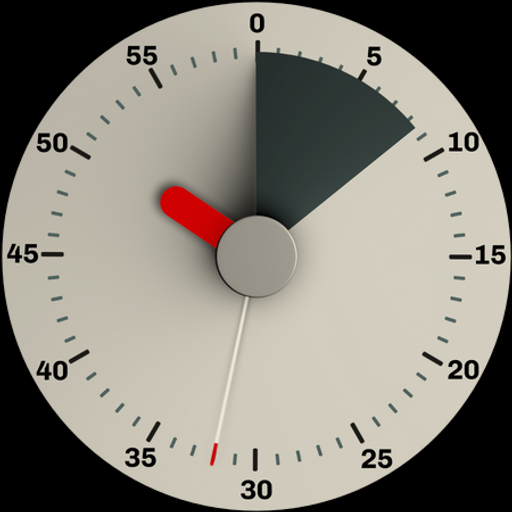
Black Forest Pie
Paid
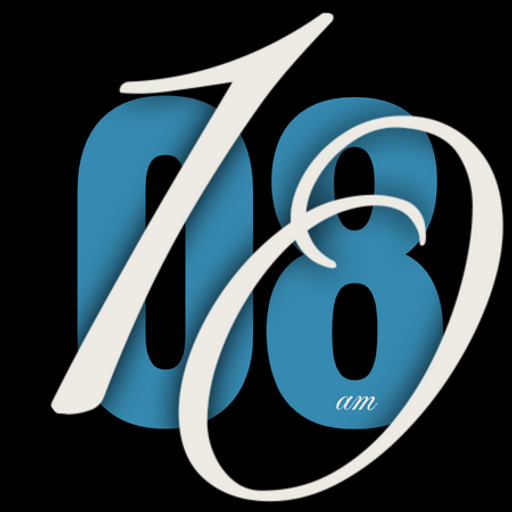
Just Time
Paid
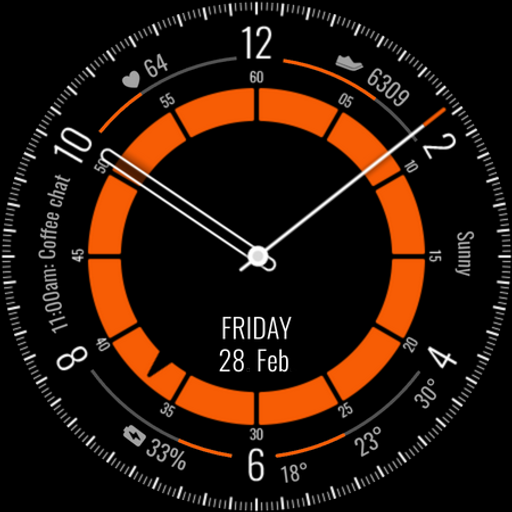
Kairos Watch Face
Paid
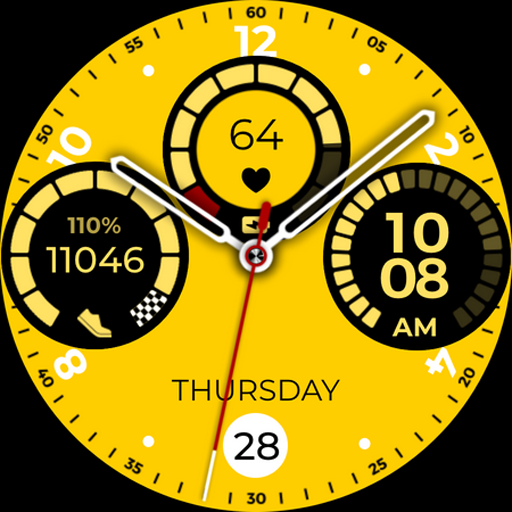
Lambo Watch Face
Free
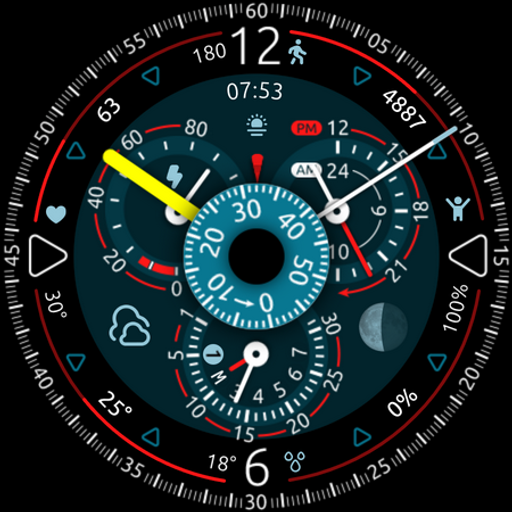
OrbiCentric
Paid

Overtake
Paid
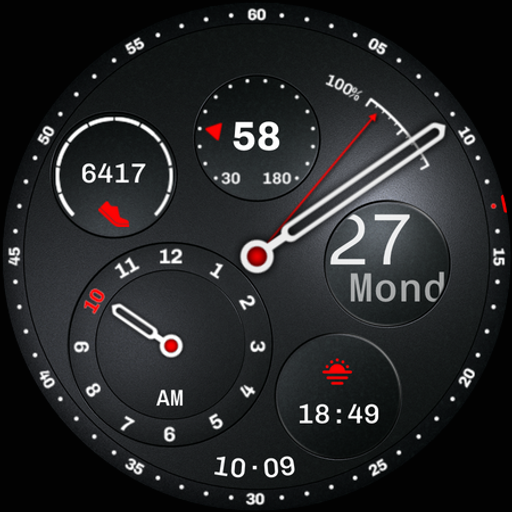
Regulator Watch Face
Paid
Scan this QR code to download

Forwarding you to the page at Google Play market in seconds...
Open Google Play market now