Watch Face Daisy for Wear OS vVARY
Prime Design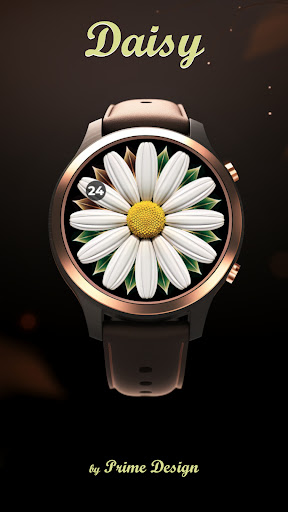


About this app
Developer Description
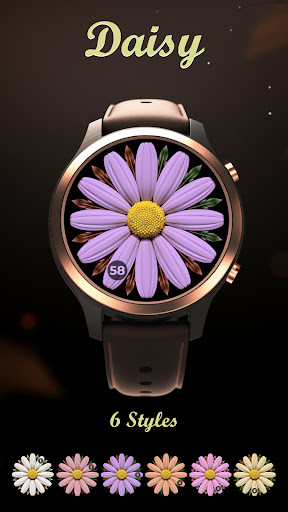
Minimal & elegant analog Wear OS watch face • 3 complications • AOD • hybrid
To apply: the watch face should appear automatically; if it doesn’t, long-press the current watch face and select the new one (you can also find it under Library → Downloads in the watch’s Play Store).
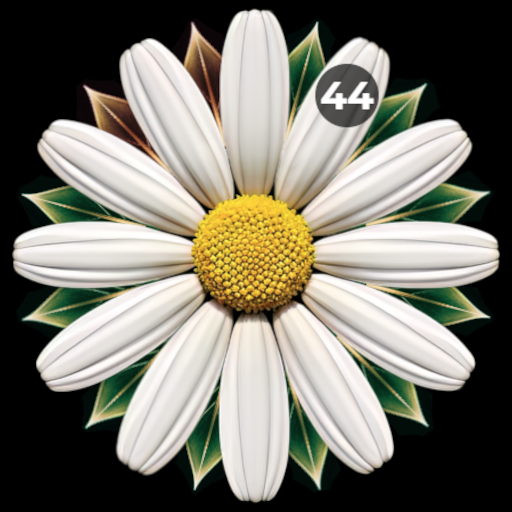
A minimal watch face that elegantly displays the time and battery status. The minutes orbit the daisy flower with twelve petals, each representing an hour. The battery level is indicated by leaves discreetly placed behind the flower.
Please note that our watch faces are exclusively tailored for Wear OS smartwatches.
Features
• Analogue design with optional hybrid (digital) time
• 3 complications — great for battery, steps, heart rate, calendar, weather
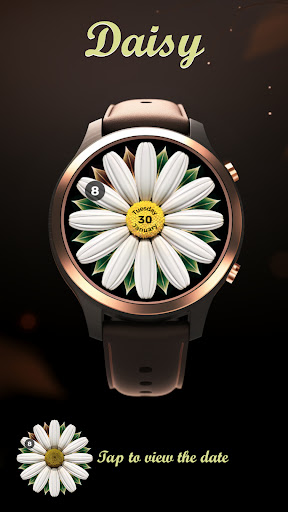
• Centre info modes: date, heart rate, steps, or seconds
• Tap the centre to show/hide the centre information while using the face
• Seconds style options: ticking or sweep
• Always-on display (AOD) optimised for battery life
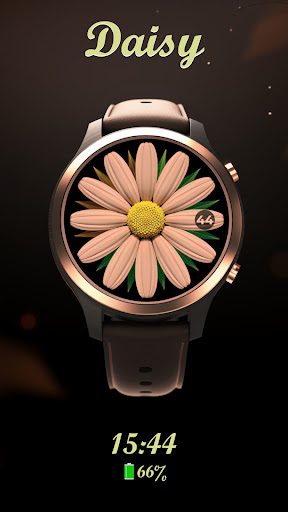
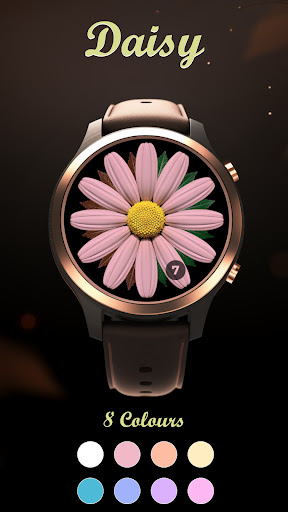
• Customisation: colour themes, leaves/battery styles, seconds styles, optional digital time, flower-centre information, and a polished complication layout
• 12/24-hour support
• No phone companion required — standalone on Wear OS
How to customise
Long-press the face → Customise →
• Complications: choose providers (Battery, Steps, Calendar, Weather, etc.)
• Centre info: pick date / heart rate / steps / seconds; tap the centre to show or hide it at any time
• Style: choose colour themes, centre style, leaves style, seconds style, and bottom panel style
Note: the bottom panel provides quick access to the heart-rate monitor even when the centre info is hidden.
Not sure about compatibility?
If you’re uncertain about compatibility or what to expect, we recommend starting with our Free Watch Face. Rest assured that the watch faces available in the Prime Design Store operate in the same manner.
Free Watch Face: https://play.google.com/store/apps/details?id=com.primedesign.galaxywatchface
Support & feedback
If you appreciate our watch faces, please consider rating the app.
In case of any issues, the best way is to contact us via the email under App support — we value and appreciate your feedback.
What's New
Optional digital time display
New centre info modes
Improved complication readability
Minor fixes and refinements
Version Information
- Version
- -
- Downloads
- 1K+
- Updated on
- Dec 21, 2025
- Released
- Aug 6, 2023
- Requires
- Android Varies with device
Statistics
Google Play Rating History
Rating Distribution
Downloads Over Time
Watch Face Daisy for Wear OS has been downloaded times. Over the past 30 days, it averaged downloads per day.
Shaded area shows 30-day prediction based on historical trends
Historical data collection started recently. More data points will be available over time.
Watch Face Daisy for Wear OS users say on Google Play
 Dawna Dinsdale
Now if I could just open itBB
 Tiffany Davis
It was user error and I got it to work. downloaded on my watch yet I can't pull it up.
 Daisy Majano
Cute but you can't even see the time cause everything is so small. There should be a bold/color option for the words.
 Denise West
Couldn't open it
ApkTrusted Ratings & Reviews
More from Prime Design
See more apps


Scan this QR code to download

Forwarding you to the page at Google Play market in seconds...
Open Google Play market now