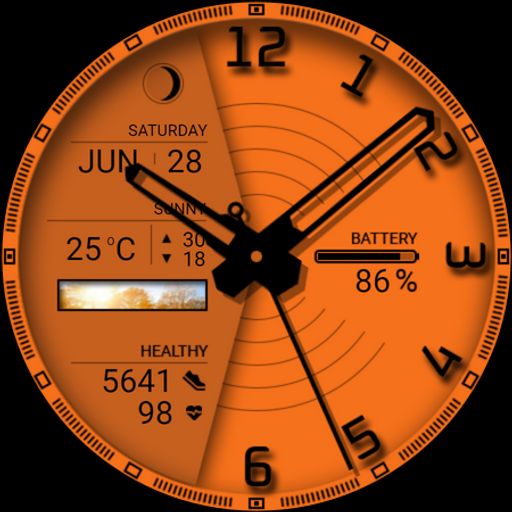
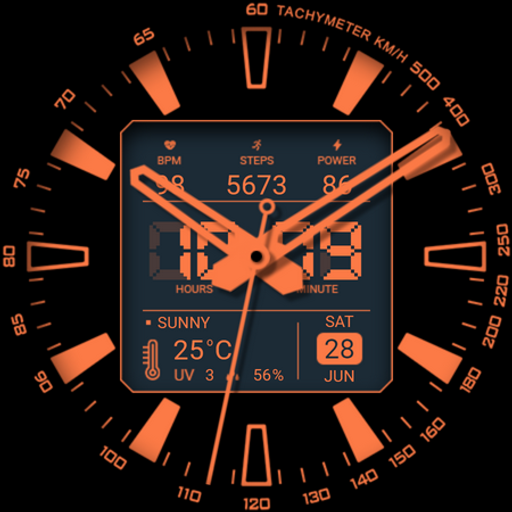
Watch face 10h08.com #85 icon

Watch face 10h08.com #85 v1.0.0

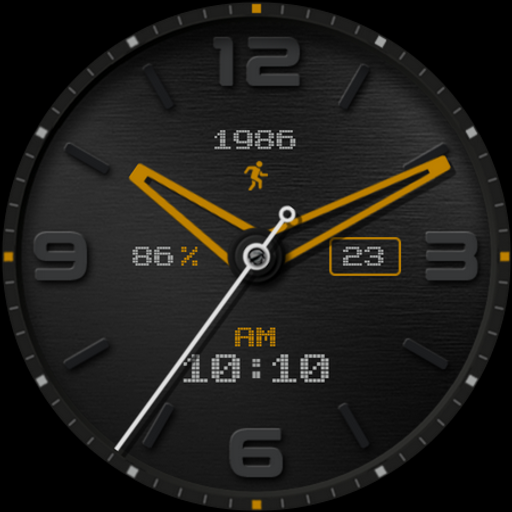
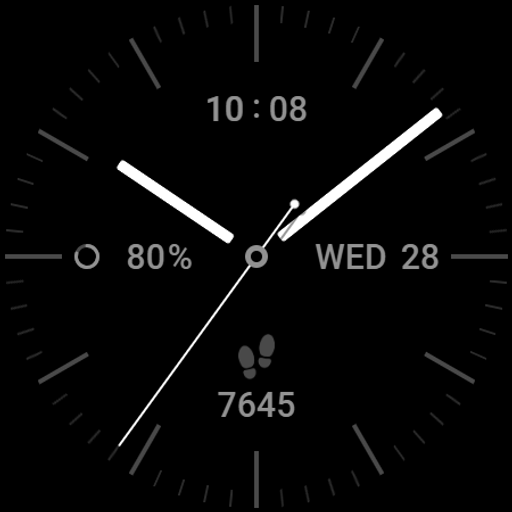
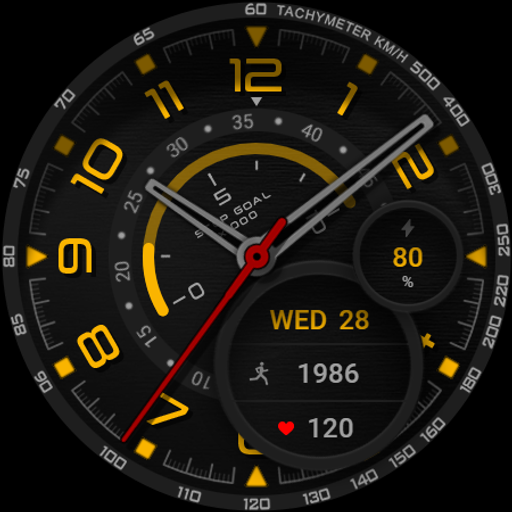
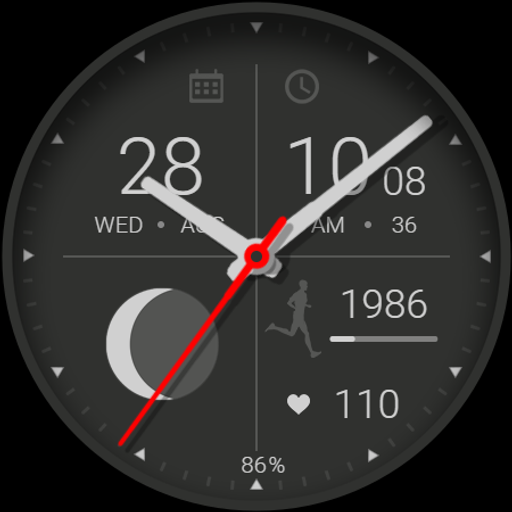
Watch face 10h08.com #85 screenshot 0 Watch face 10h08.com #85 screenshot 1 Watch face 10h08.com #85 screenshot 2 Watch face 10h08.com #85 screenshot 3 Watch face 10h08.com #85 screenshot 4 Watch face 10h08.com #85 screenshot 5 Watch face 10h08.com #85 screenshot 6 Watch face 10h08.com #85 screenshot 7 Watch face 10h08.com #85 screenshot 8 Watch face 10h08.com #85 screenshot 9 Watch face 10h08.com #85 screenshot 10 Watch face 10h08.com #85 screenshot 11 Watch face 10h08.com #85 screenshot 12 Watch face 10h08.com #85 screenshot 13 Watch face 10h08.com #85 screenshot 14 Watch face 10h08.com #85 screenshot 15 Watch face 10h08.com #85 screenshot 16 Watch face 10h08.com #85 screenshot 17 Watch face 10h08.com #85 screenshot 18 Watch face 10h08.com #85 screenshot 19 Watch face 10h08.com #85 screenshot 20 Watch face 10h08.com #85 screenshot 21 Watch face 10h08.com #85 screenshot 22 Watch face 10h08.com #85 screenshot 23 Watch face 10h08.com #85 screenshot 24 Watch face 10h08.com #85 screenshot 25 Watch face 10h08.com #85 screenshot 26 Watch face 10h08.com #85 screenshot 27 Watch face 10h08.com #85 screenshot 28 Watch face 10h08.com #85 screenshot 29 Watch face 10h08.com #85 screenshot 30 Watch face 10h08.com #85 screenshot 31

About this app

The Watch face 10h08.com #85 app solves the problem of customization for Wear OS users by offering a unique watch face with 3 complications and 30 theme color palettes, making it a great option for those looking to personalize their smartwatch experience. This app benefits users who value simplicity and style, and it stands out from alternatives in the Personalization category due to its minimalistic design and lack of ads. However, its limited features and high price point of $0.99 may deter some users. Compared to other watch face apps, it falls short in terms of customization options, but its ease of use and clean design make it a solid choice for those who prioritize simplicity.

Pros

  • The app has a good user rating of 3.6/5, indicating a generally positive user experience and suggesting that the developer has done a good job in meeting user expectations.
  • With no ads and no in-app purchases, the app provides a seamless and uninterrupted user experience, making it a great option for those who value ad-free experiences.
  • The app requires zero permissions, which is a significant advantage in terms of user privacy and security, as it minimizes the risk of data collection and misuse.
  • The app's small size and minimalistic design make it a great option for users with limited storage space or those who prefer a clutter-free interface.
  • The developer's email address is provided, which suggests a level of transparency and accountability, making it easier for users to report issues or provide feedback.

Cons

  • The app's limited features and high price point of $0.99 may deter some users, especially considering that there are many free watch face apps available with similar or more extensive features.
  • The app's compatibility with various devices is not explicitly stated, which may lead to compatibility issues for some users, and the 'Varies with device' Android requirement may cause confusion.
  • The app's lack of updates and limited version history may indicate a lack of ongoing development and support, which could be a concern for users who value regular updates and bug fixes.
  • The app's small user base, with only 1,000+ downloads, may indicate a limited community and lack of user-generated content, which could be a drawback for some users.

Best for: The ideal user for this app is a tech-savvy individual, likely between the ages of 25-45, who values simplicity, style, and customization, and is looking for a unique and personalized smartwatch experience, with a willingness to pay a premium for a high-quality, ad-free app.

Developer Description

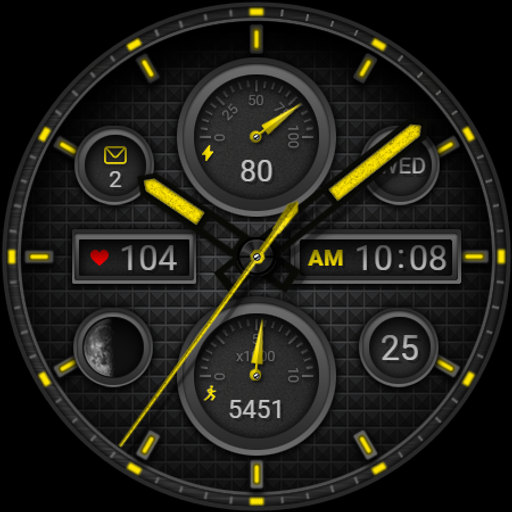
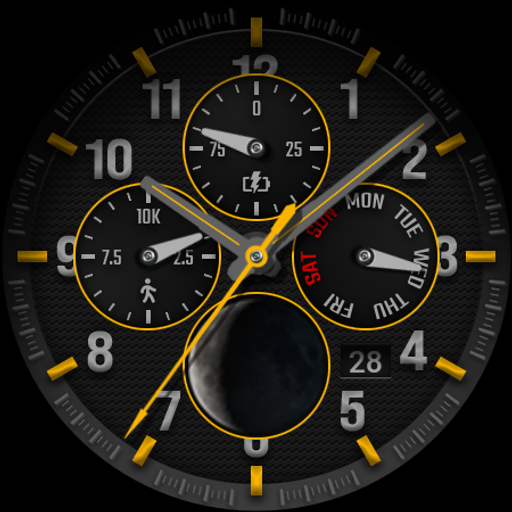
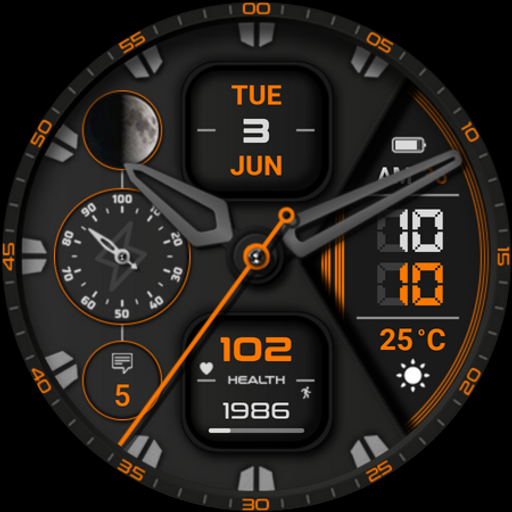
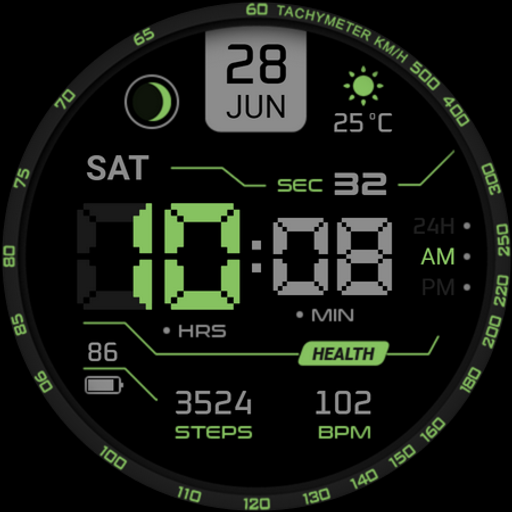
3 Complications. All shadow on/off. 30 Themes color palette...

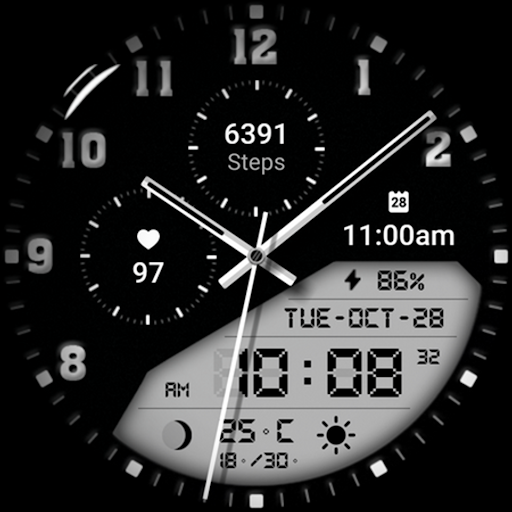
⌚️ Watch face 10h08.com #85

🟥 Information:
- High resolution, sharp image quality
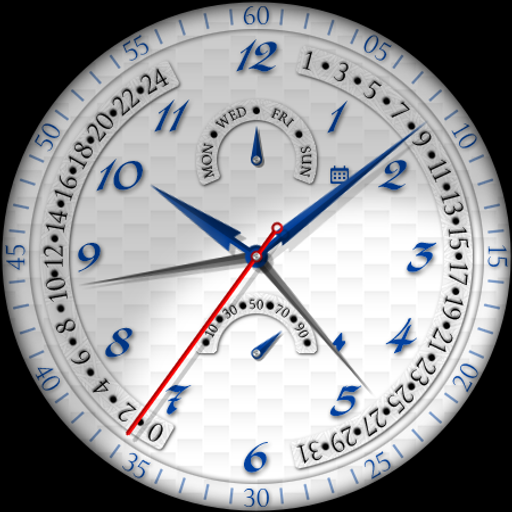
- Classic watch face
- Analog/Digital time
- Day, date
- Weather
- Steps count, heart rate
- Next event
- Moon phase
- Battery level
- 3 Complications
- Chronometer second hand
- Red second hand
- All shadow on/off
- Shadow brightness level
- AOD brightness level
- Full AOD or 4 style of simple AOD
- 30 Themes color palette

🟨 How to custom this watch face?
1. Press and hold watch face screen
2. Tap “Customize” button
3. Swipe left or right, up or down to customize watch face

🟦 How to install watch face on your watch?
1. Install watch face from Google Play store
2. Press and hold watch face screen
3. Swipe right to left and tap “Add watch face”
4. Scroll to the bottom of the page and selectwatch face in the “downloaded” section

🟧 Compatible with smart watches running Wear OS 5+ SDK 34+
For example: Galaxy Watch 6, Galaxy Watch 7 Ultra, Ticwatch Pro 5, Pixcel Watch 2, Watch 2 Pro,...

🟩 See all my watch faces: https://play.google.com/store/apps/dev?id=5487081600241990978

🟪 Follow my social media pages for the latest watch face updates:
https://10h08.com
https://facebook.com/10h08com

Privacy

Since the app requires zero permissions, users can be confident that their data is not being collected or shared, and the risk of security breaches is minimized. However, users should still be cautious when downloading apps from unknown sources and ensure they are downloading from a trusted site. Additionally, users should monitor their account activity and report any suspicious behavior to the developer.

Tips

To get the most out of this app, users should first explore the different theme color palettes to find the one that best suits their style, and then customize the complications to display the information that is most relevant to them. Users can also try combining this watch face with other customization apps to create a unique and personalized look. Furthermore, users should regularly check for updates, although the app's limited version history may indicate infrequent updates.

What's New

Release

Version Information

Version
1.0.0
Downloads
1K+
Updated on
Oct 12, 2025
Released
Oct 12, 2025
Requires
Android Varies with device

Statistics

Google Play Rating History

Current
Average
Range

Rating Distribution

Total Ratings:

Downloads Over Time

Watch face 10h08.com #85 has been downloaded times.

Total Downloads
Last 30 Days
Avg Daily Est.

Shaded area shows 30-day prediction based on historical trends

Historical data collection started recently. More data points will be available over time.

Watch face 10h08.com #85 - Google Play Rankings

No ranking data available yet. Rankings are updated daily.

#46 in Top Paid Personalization in United States

#3 in Top Paid Personalization in Germany

#4 in Top Paid Personalization in Poland

#8 in Top Paid Personalization in Japan

#7 LineX Icon Pack LineX Icon Pack
#8 Watch face 10h08.com #85 Watch face 10h08.com #85
#9 Glass Widgets Glass Widgets

Watch face 10h08.com #85 users say on Google Play

★★★★★
007 Cypher 007 Cypher

good watch dials ect , and price

0 Dec 21, 2025
★★★
Ben Perry Ben Perry

Love the watch face. Unfortunately the weather section rarely works. Usually just shows a question mark.

0 Nov 26, 2025
★★
Michael Campos Michael Campos

Pretty cool face on my Pixel watch 3. Only complaint is that I don't seem to be able to change the weather units from C to F

0 Dec 30, 2025
Michael Foor Michael Foor

can't get to install

0 Dec 17, 2025

ApkTrusted Ratings & Reviews

0.0
0 ratings
5
0
4
0
3
0
2
0
1
0
✓ Thank you! Your review has been submitted and will be published after admin approval.
Be the first to write a review...

More from 10h08.com - Wear Os Watch Face
See more apps

Explore Tags

Browse all tags