
WFP 105 Retro watch face vVARY
WFProduction by Alexandr Kovalev











About this app
Developer Description
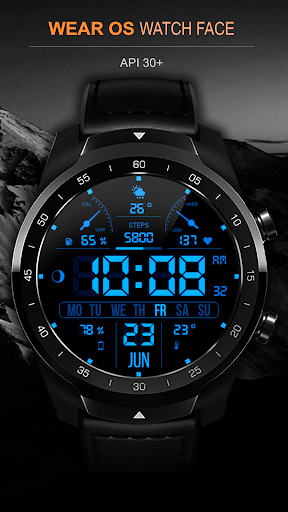
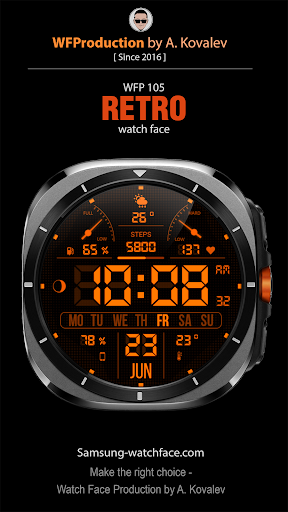
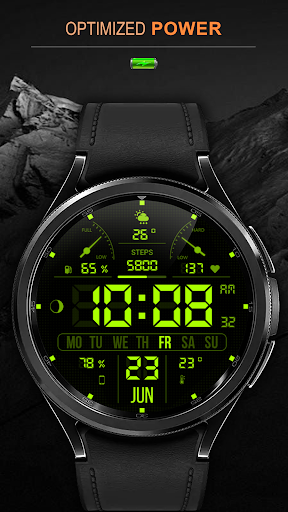
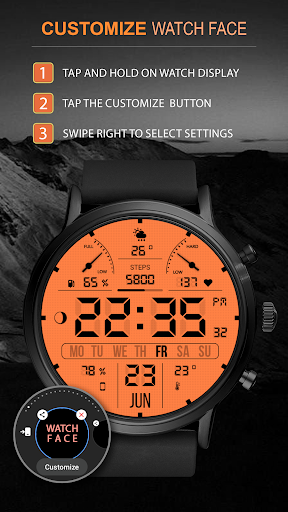
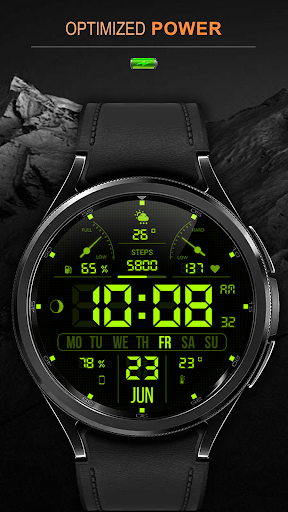
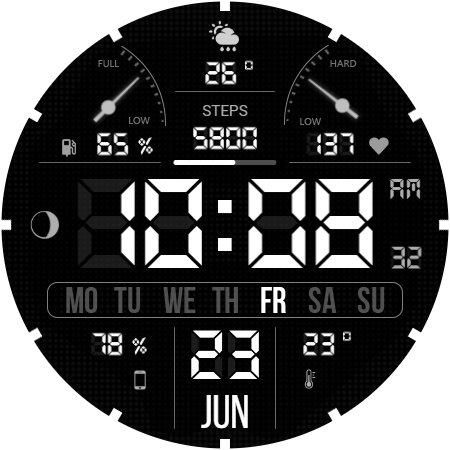
Digital watch face. For Wear OS devices.
Watch face installation instructions:
https://samsung-watchface.com/instructions
If you want to use phone charge widgets, information about calories, floors, etc., follow the link for instructions:
https://samsung-watchface.com/settings
Promotion - Buy 1 - Get 1 free:
https://samsung-watchface.com/buy1-get1
FEATURES:
- A high resolution;
- High optimization;
- Adjustable color saturation;
- Low battery consumption;
- Multilingual;
- Time format 12/24 hours;
- Weather in degrees Fahrenheit/Celsius;
- 30 changeable colors;
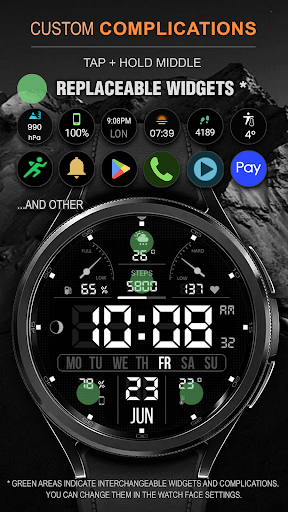
- 4 complications and widgets;
- Customizable AOD (Full / Minimal).
FOLLOW THE NEWS AND PROMOTIONS:
WEB:
https://samsung-watchface.com
TELEGRAM:
https://t.me/SamsungWFP
FACEBOOK:
https://www.facebook.com/groups/wearoswatchfaces
INSTAGRAM:
https://www.instagram.com/wearos_watchfaces?igsh=ZGhoOXQwMjV4MWEw
Sincerely, Alexandr Kovalev.
Version Information
- Version
- -
- Downloads
- 10K+
- Updated on
- Jul 1, 2025
- Released
- Apr 26, 2023
- Requires
- Android Varies with device
Statistics
Google Play Rating History
Rating Distribution
Downloads Over Time
WFP 105 Retro watch face has been downloaded times. Over the past 30 days, it averaged downloads per day.
Shaded area shows 30-day prediction based on historical trends
Historical data collection started recently. More data points will be available over time.
WFP 105 Retro watch face users say on Google Play
 Joseph Lawson
I really like the old school font that was used. Great selection of colors. And option for minimal AOD is perfect!
 AppTrove
4 stars for being free. Otherwise, this is a 3 star watchface in it's current form. 1. Please allow option to turn OFF the shadow/ ghost effect of digital time. It is very distracting and annoying too. I know an option to turn it off exists as I have seen it in other watchfaces. 2. AOD should turn OFF all background colours, and keep text in grey or user opted colour. Background being lit in AOD will destroy the display over time. These suggestions apply in general for all watchfaces.
 Joel Savela
Install
 Cezary Malinowski
Weather complications not showing anything except the sun. Samsung Watch 5 pro Edit. The heart sensor not picking up the heart rate, weather not working as should( no temperature ). Not worth of money. It is the weather chosen. Your app is not working as should EDIT: I know how to use the settings. Your app is not working. Fix it. Or reimburse me. Now I notice that "feels like" temperature is pulled from the weather app not from the sensor of body temperature. You got all wrong.
ApkTrusted Ratings & Reviews
More from WFProduction by Alexandr Kovalev
See more apps
WFP 309 Elegant watch face
Paid

WFP 236 Hybrid watch face
Paid

WFP 304 Business watch face
Paid
WFP 302 Modern watch face
Paid

WFP 147 Christmas Santa
Paid

WFP 232 Stylish watch face
Free
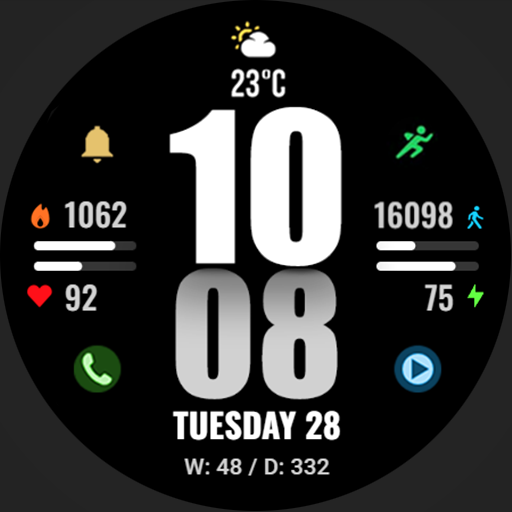
WFP 244 Sports watch face
Free
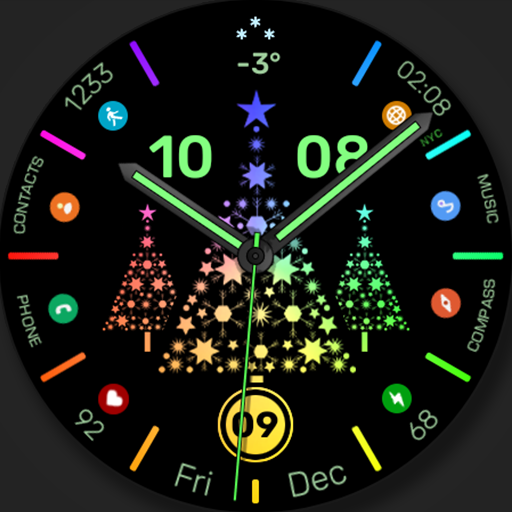
WFP 306 Christmas tree
Paid

WFP 240 Modern watch face
Paid
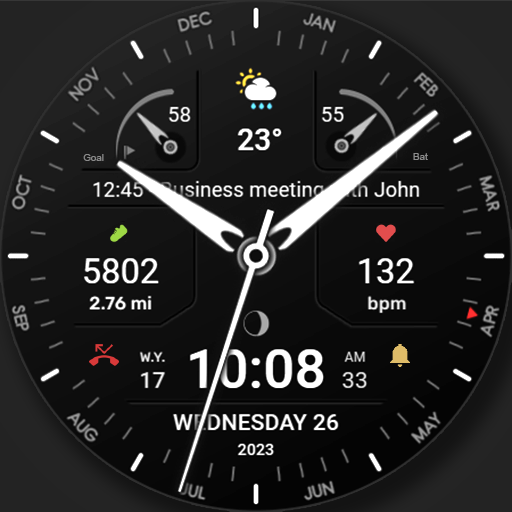
WFP 311 Modern watch face
Paid
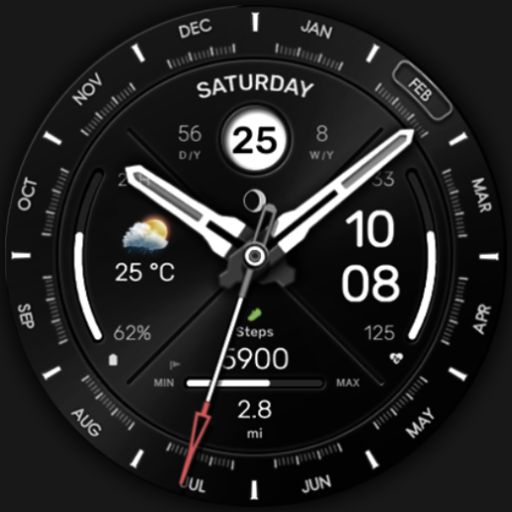
WFP 307 Modern watch face
Paid

WFP 308 Business watch face
Paid

WFP 305 Butterfly watch face
Paid
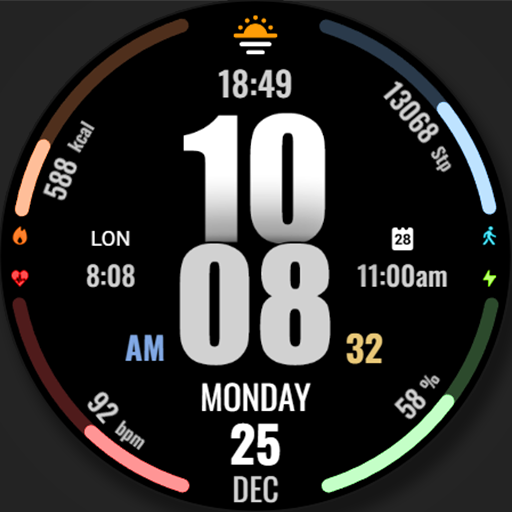
WFP 317 Digital watch face
Paid
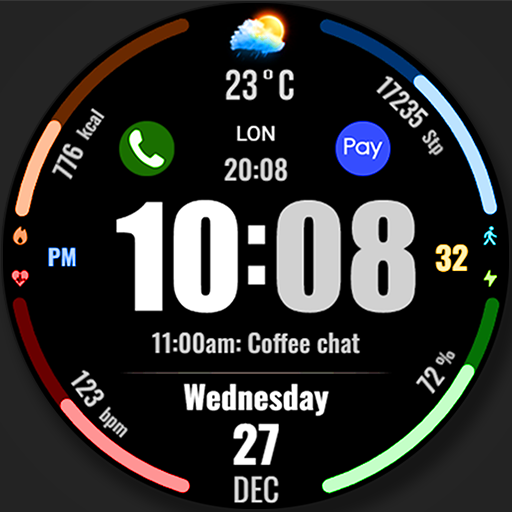
WFP 318 Digital watch face
Free
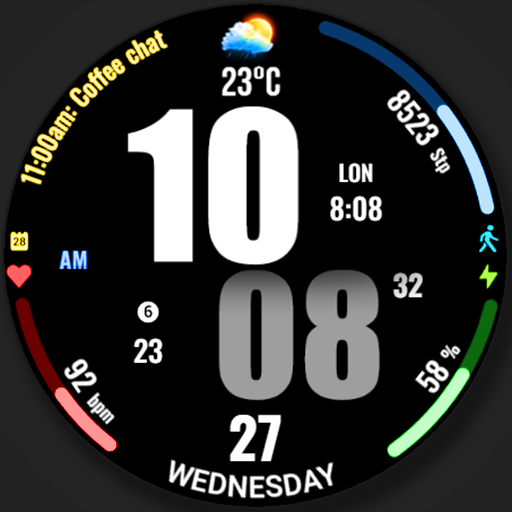
WFP 319 Digital Watch Face
Free
Similar Apps

A485 Digital Watch Face
Free

SamWatch Digital Tenth 2023
Paid

TkuWatch S014 Retro Watch Face
Paid

SG-128
Paid

SamWatch Digital B 2023
Paid
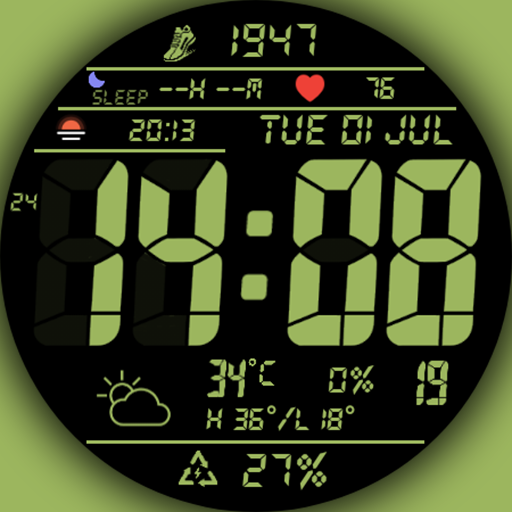
Digital Watch MB410
Paid

Retro Digital Watch Face
Paid

ACRO Energy Fit Watchface
Paid

SG-151
Free
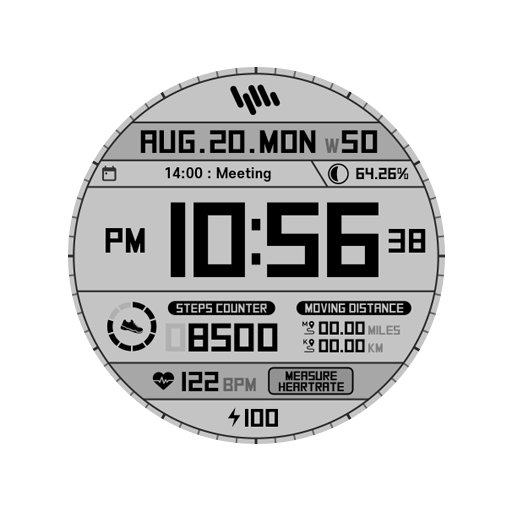
SamWatch Digital Tenth 2022
Paid
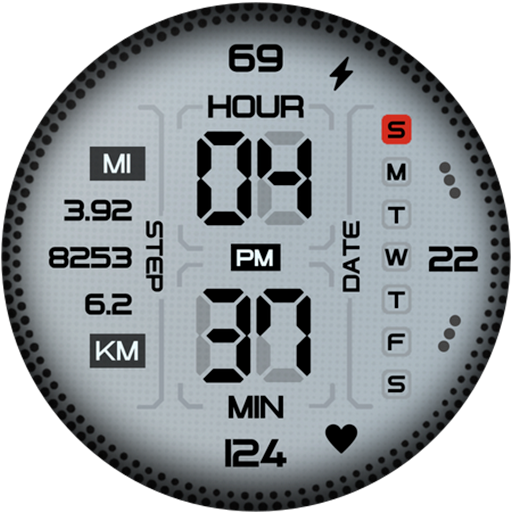
MW39 Sport Digital Watch
Free

PRIME 012 Digital Retro
Paid

Tancha S61 Retro Watch Face
Paid

Sport Galaxy Watch Face Wear
Paid
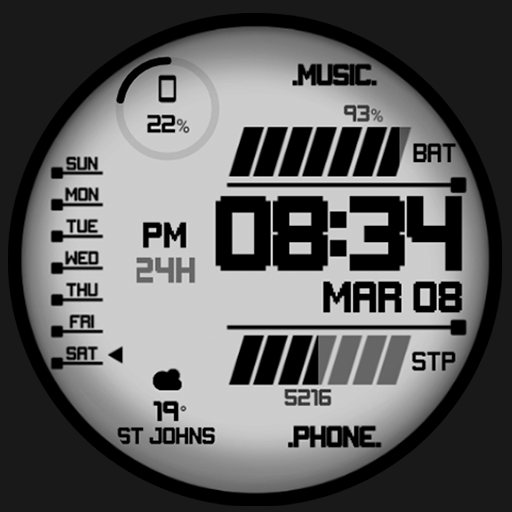
Night 90 - watch face
Paid
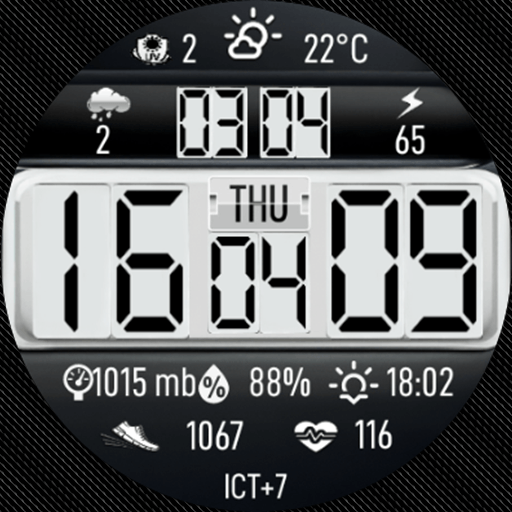
N-SPORT737 Big Digital Weather
Paid
Scan this QR code to download

Forwarding you to the page at Google Play market in seconds...
Open Google Play market now