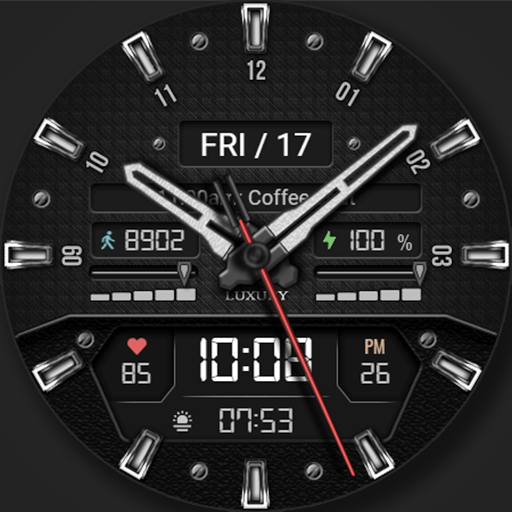
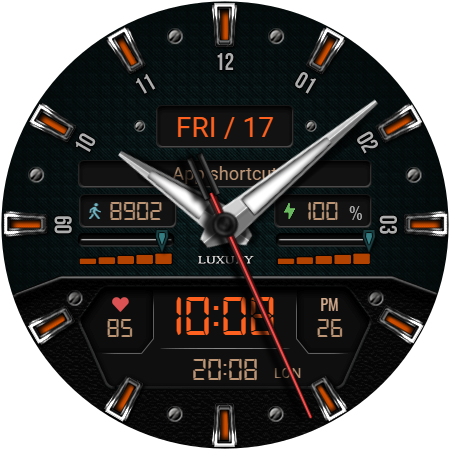
WFP 161 Luxury watch face vVARY
WFProduction by Alexandr Kovalev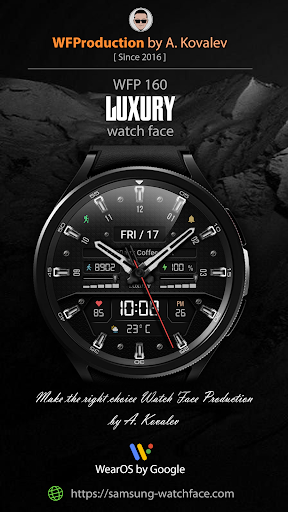







About this app
Developer Description
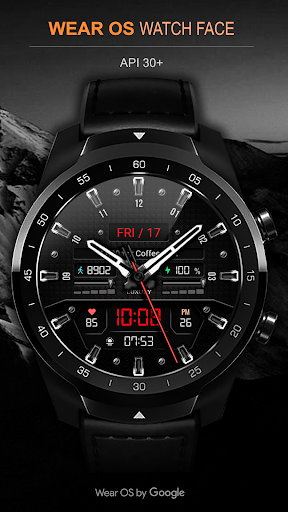
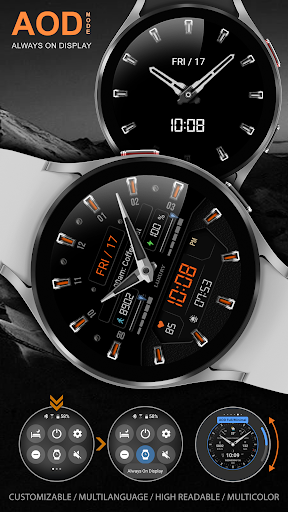
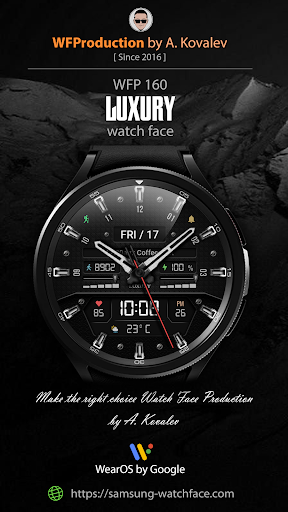
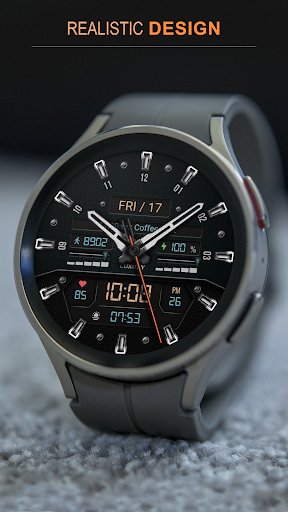
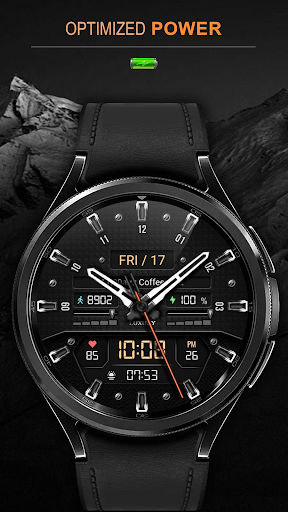
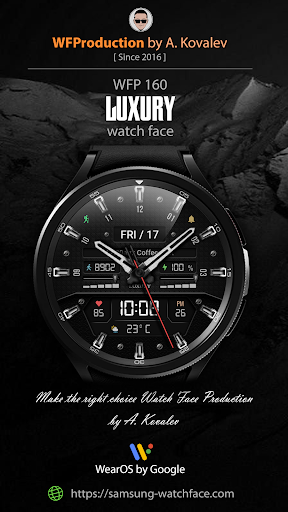
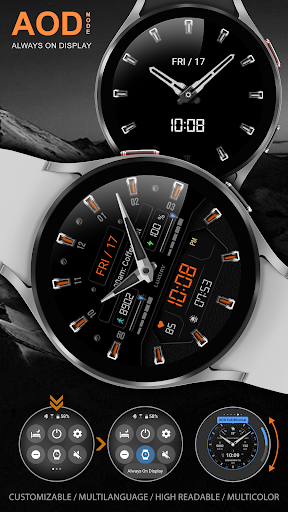
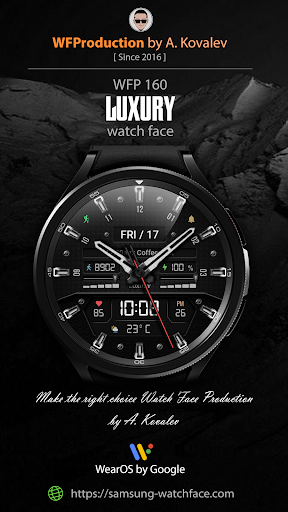
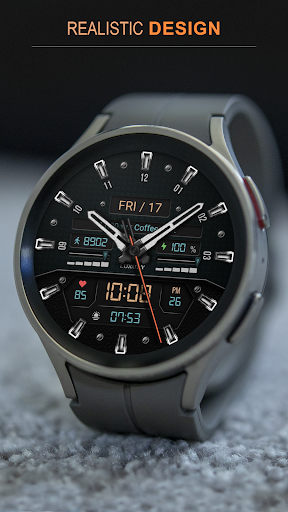
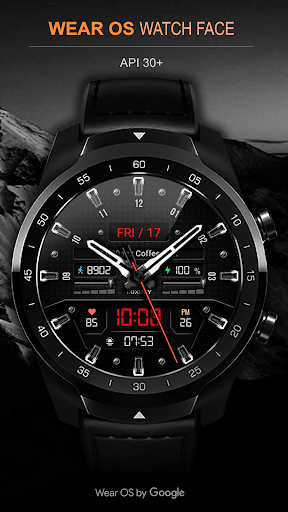
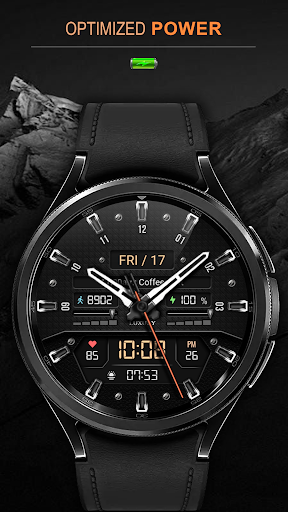
Hybrid watch face. For Wear OS devices.
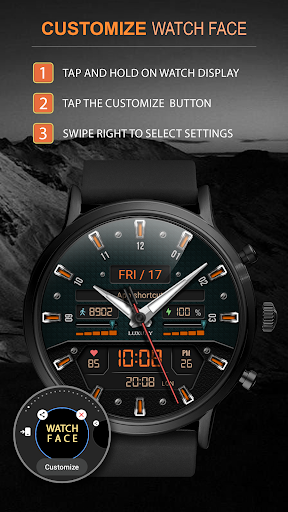
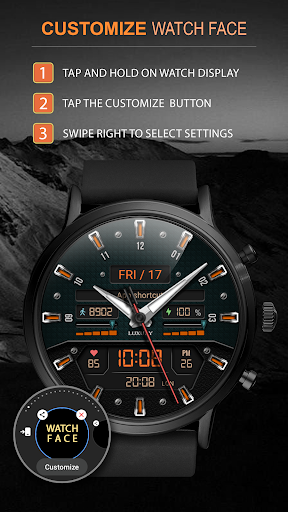
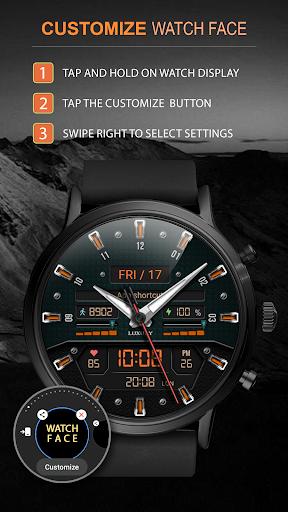
Watch face installation instructions:
https://samsung-watchface.com/instructions
If you want to use phone charge widgets, information about calories, floors, etc., follow the link for instructions:
https://samsung-watchface.com/settings
Promotion - Buy 1 - Get 1 free:
https://samsung-watchface.com/buy1-get1
FEATURES >
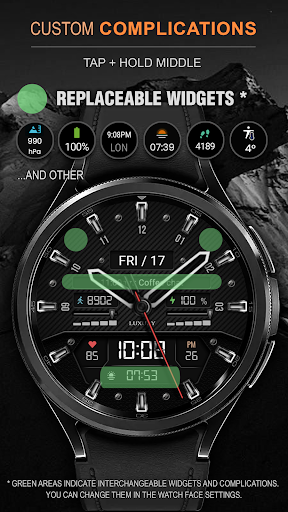
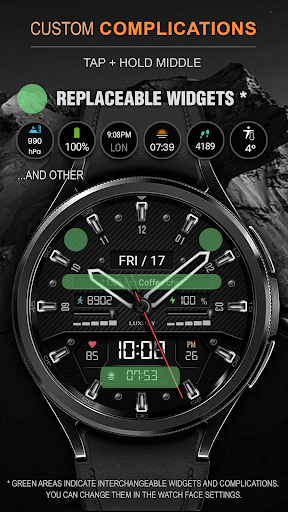
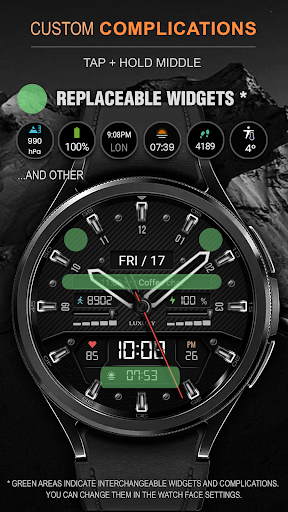
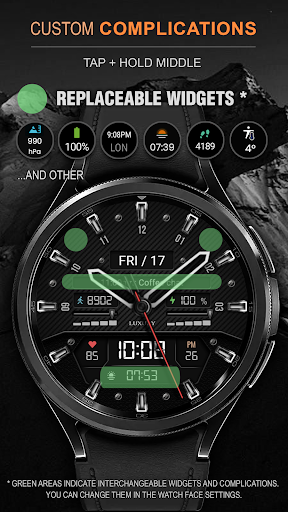
- 7 complications and widgets;
- A high resolution;
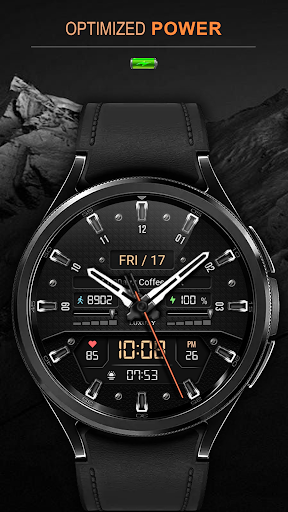
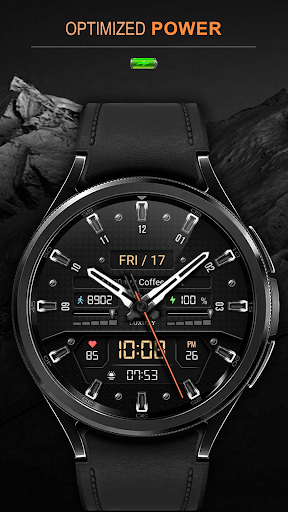
- High optimization;
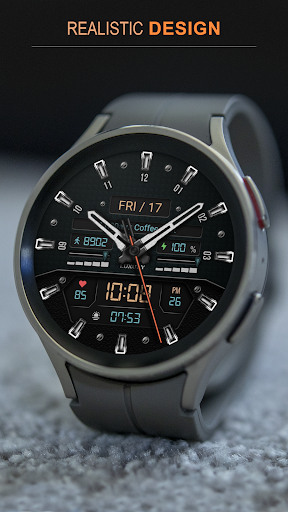
- 3D volumetric effect;
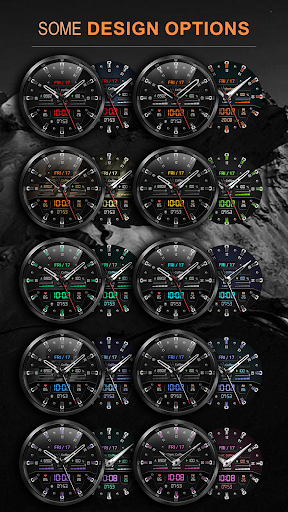
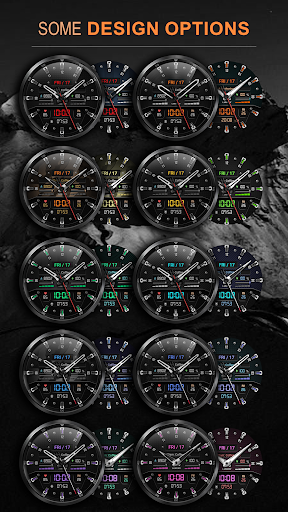
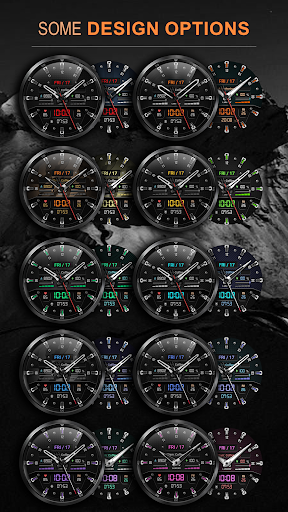
- 30 replaceable color combinations;
- 8 replaceable backgrounds;
- 3 bezel indexes colors;
- 5 replaceable hands;
- 5 seconds hand colors;
- Possible to hide the seconds hand;
- Sweep second hand;
- Multilingual;
- 12/24 hour time format;
- No leading zero (for 12 hour time);
- Weather in degrees Fahrenheit/Celsius;
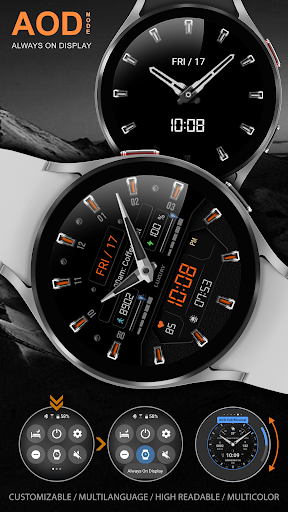
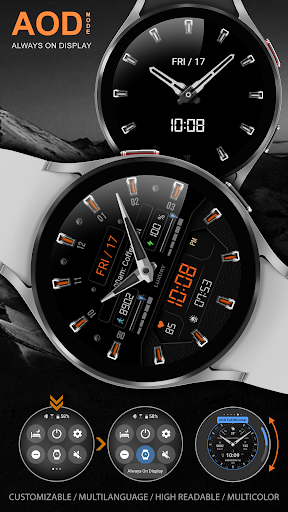
- Customizable AOD mode ( Full and minimal ).
FOLLOW THE NEWS AND PROMOTIONS:
WEB:
https://samsung-watchface.com
TELEGRAM:
https://t.me/SamsungWFP
FACEBOOK:
https://www.facebook.com/groups/wearoswatchfaces
INSTAGRAM:
https://www.instagram.com/wearos_watchfaces?igsh=ZGhoOXQwMjV4MWEw
Sincerely, Alexandr Kovalev.
Version Information
- Version
- -
- Downloads
- 10K+
- Updated on
- Jul 1, 2025
- Released
- Feb 10, 2022
- Requires
- Android Varies with device
Statistics
Google Play Rating History
Rating Distribution
Downloads Over Time
WFP 161 Luxury watch face has been downloaded times. Over the past 30 days, it averaged downloads per day.
Shaded area shows 30-day prediction based on historical trends
Historical data collection started recently. More data points will be available over time.
WFP 161 Luxury watch face users say on Google Play
 Scott W
Love this design. Very business like. Perfect for any situation. Love the variety of complications, in particular, the many options to change the hands. A job very well done! Thank you.
 Titus Thomas
Looks good but doesn't function properly and occasionally don't respond to my touch and freezes my watch... after reinstalling and customizing the functions through the watch itself and not the phone I no longer have any issues with the watch face... only complaint now is the limited color options for the digital time display
 Local Explorer
Nice design options. Why does the weather only show 0 and nothing else? Is there an option to edit so I can select Fahrenheit? The suggestion did not work.... Well, I had to uninstall the app and reinstall it to give the permissions option. It finally accepted the permissions after two more attempts with uninstalling the app. I hope it will hold up to all the positive comments from other users!?!?
 Ilyas Basoda
I dont understand why you changed the color scheme. I used to be able to pick background separate from the numbers and writings. Now it is locked to if you want blue background you also get blue numbers for the digital clock. Please make these seperate it looks like a toy. Now the only one that looks decent is the black background with white, but I want blue background with white numbers and writing.
 J Slay
I'm not sure what happened, but now, instead of showing the details of complications, it just shows the app icon. The customization details have changed literally overnight. Just doesn't seem as unique as it once was. This has been my go to face for several years, and now I can't stand to hardly look at it.
ApkTrusted Ratings & Reviews
More from WFProduction by Alexandr Kovalev
See more apps
WFP 309 Elegant watch face
Paid

WFP 236 Hybrid watch face
Paid

WFP 304 Business watch face
Paid
WFP 302 Modern watch face
Paid

WFP 147 Christmas Santa
Paid

WFP 232 Stylish watch face
Free
WFP 244 Sports watch face
Free
WFP 306 Christmas tree
Paid

WFP 240 Modern watch face
Paid
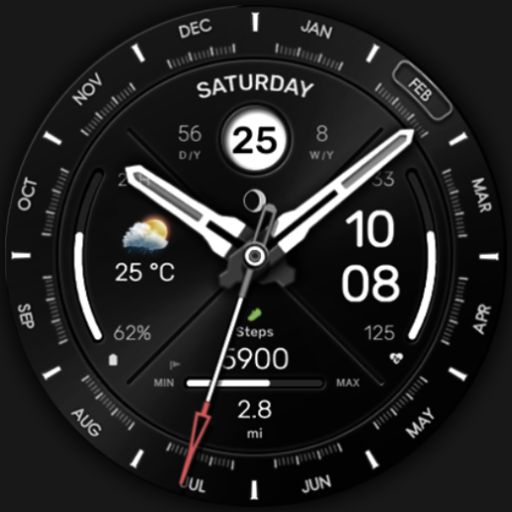
WFP 307 Modern watch face
Paid

WFP 308 Business watch face
Paid

WFP 305 Butterfly watch face
Paid
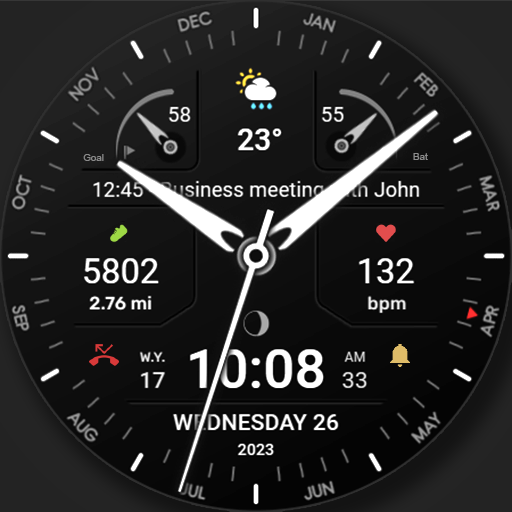
WFP 311 Modern watch face
Free
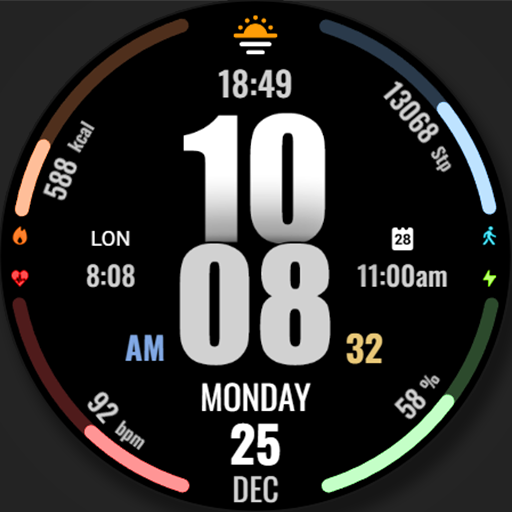
WFP 317 Digital watch face
Paid
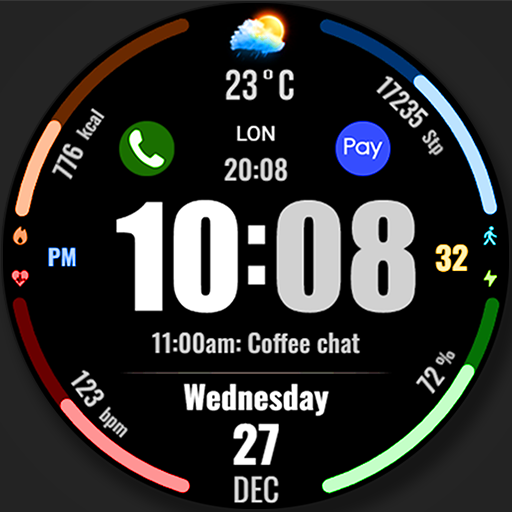
WFP 318 Digital watch face
Free
WFP 319 Digital Watch Face
Free
Similar Apps

KF146 watch face
Paid

CARDILOT CTS41 Watch face
Free

JW120 jwstudio
Paid

H400 Hybrid Watch Face
Paid
SamWatch AD A 2023
Free

Hybrid KNATUM URX81 Watch face
Paid

RACUNOD CTS02 Watch face
Paid

Chester Cybersport watch face
Paid

SamWatch AD A 2024
Free

SamWatch Military K 2023
Paid
SamWatch AD Qebui 2
Paid
샘워치 AD A 2023
Free

SH059 Watch Face, WearOS watch
Free
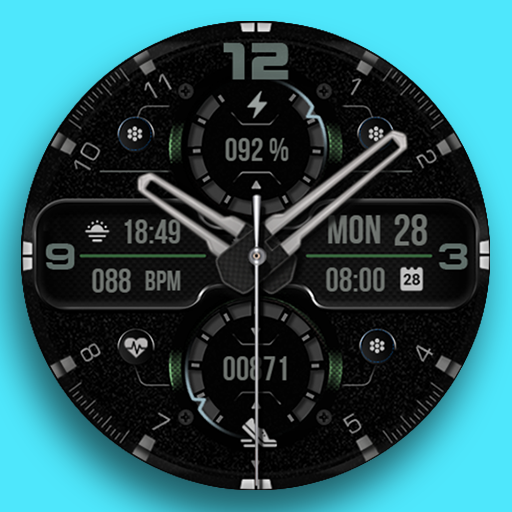
KF125 Watch face
Free

SamWatch AD I
Paid
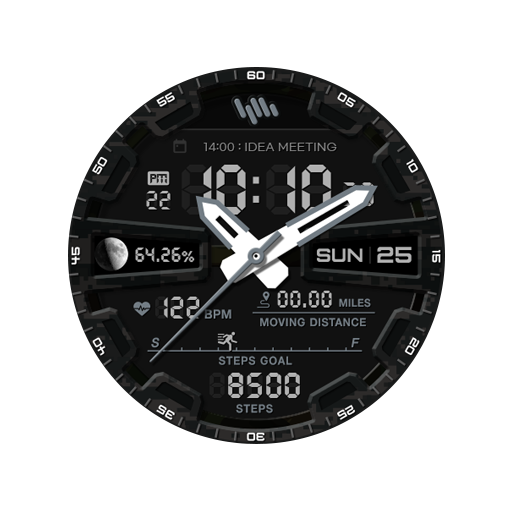
SamWatch Military A 2023
Paid
Scan this QR code to download

Forwarding you to the page at Google Play market in seconds...
Open Google Play market now