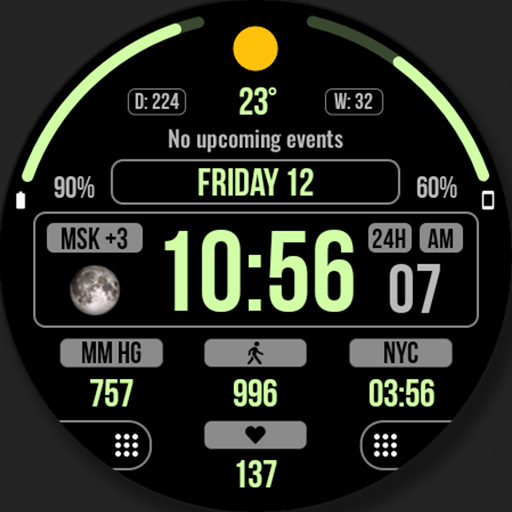
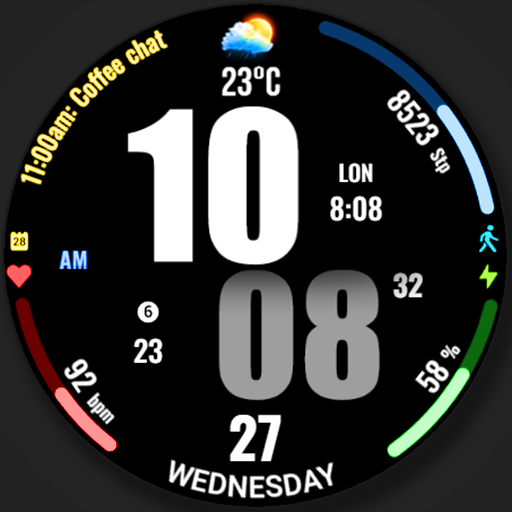
WFP 202 Digital watch face vVARY
WFProduction by Alexandr Kovalev











About this app
Developer Description
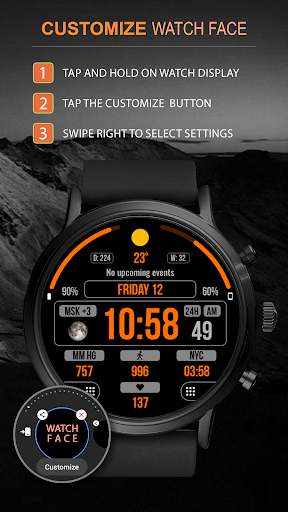
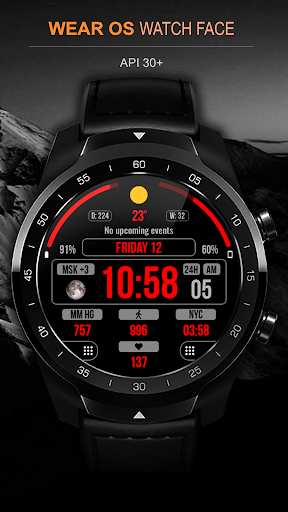
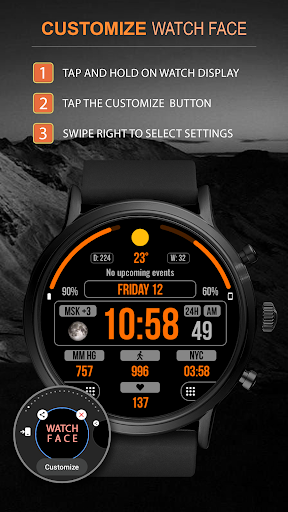
Digital watch face. For Wear OS devices.
Watch face installation instructions:
https://samsung-watchface.com/instructions
If you want to use phone charge widgets, information about calories, floors, etc., follow the link for instructions:
https://samsung-watchface.com/settings
Promotion - Buy 1 - Get 1 free:
https://samsung-watchface.com/buy1-get1
FEATURES>
- A high resolution;
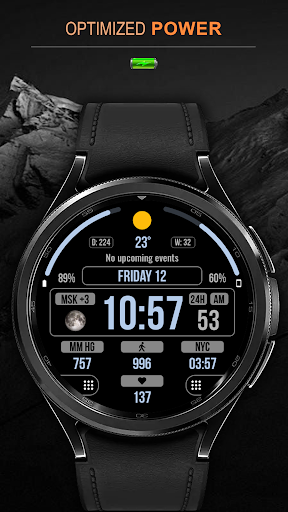
- High optimization;
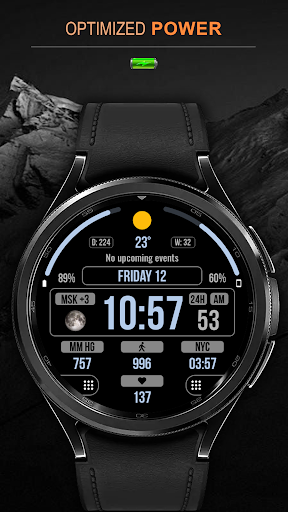
- Low battery consumption;
- Multilingual;
- 12/24 hour time format;
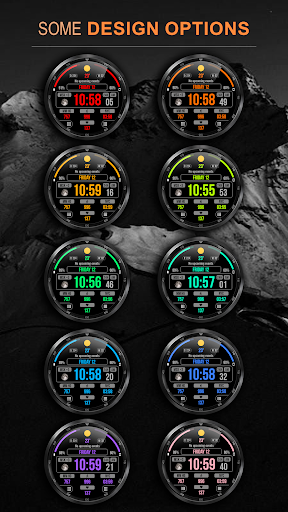
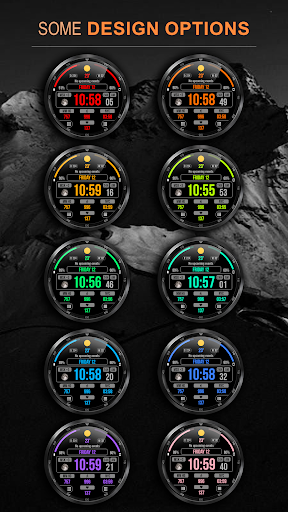
- Changeable colors;
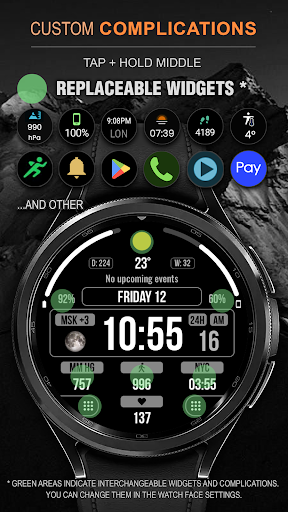
- Custom applications and widgets;
- Customizable AOD mode.
FOLLOW THE NEWS AND PROMOTIONS:
WEB:
https://samsung-watchface.com
TELEGRAM:
https://t.me/SamsungWFP
FACEBOOK:
https://www.facebook.com/groups/wearoswatchfaces
INSTAGRAM:
https://www.instagram.com/wearos_watchfaces?igsh=ZGhoOXQwMjV4MWEw
Sincerely, Alexandr Kovalev.
Version Information
- Version
- -
- Downloads
- 10K+
- Updated on
- Dec 5, 2025
- Released
- Aug 12, 2022
- Requires
- Android Varies with device
Statistics
Google Play Rating History
Rating Distribution
Downloads Over Time
WFP 202 Digital watch face has been downloaded times. Over the past 30 days, it averaged downloads per day.
Shaded area shows 30-day prediction based on historical trends
Historical data collection started recently. More data points will be available over time.
WFP 202 Digital watch face users say on Google Play
 Michael W
The most functional watch face without comparison. My only complaints are that the upcoming events font is too small and the percentages shown on both sides at the top could be slightly larger. Other than that, the functionality and flexibility of having seven setable complications displayed in a manner which is easily readable and digestible is brilliant. Steps in heart rate are probably the two most important standard metrics. Goals is usually a waste if you have steps. Extremely well done.
 AppTrove
There are two ranged complications on top, so the watch face looks like something is missing at the bottom. Developer should consider adding two ranged complications at the bottom too to make the watch face design look symmetrical. Also, app icons are not showing for at the bottom, even though clicking on that area launches the app. Hopefully, developer would consider user feedback positively and implement suggestions given, wherever possible.
 Mark Wilke
I have purchased MANY of your watchfaces and have always been very happy with them. But I just upgraded from a Watch 4 Classic to a Watch 6 Classic. Unfortunately almost all of the faces do not give me the option for weather or health complications. So far I've found WFP 125, 129, 202, 233, 237, and 241 are all exhibiting the same condition. WFP 242 shows the weather temperature but that is all. All worked fine on my Watch 4 Classic. I sure hope this can be resolved. Please email me.
 zakizedem
Please update, the logo for shortcut is not visible !
 Just “nowhere” me
4* to 1* because reply is irrelevant to 2 problems. I Never configured from phone anyway. I can code apps for watch, nvm customize a watchface (your diversion), I customized from watch faces anyway as I said before. 2 problems remain: Top-left & top-right hotspot areas can not assign APP SHORTCUTS. Please fix for 5*. Also bottom-left hotspot is difficult to choose when trying to assign to something. Thanks
ApkTrusted Ratings & Reviews
More from WFProduction by Alexandr Kovalev
See more apps
WFP 309 Elegant watch face
Paid

WFP 236 Hybrid watch face
Paid

WFP 304 Business watch face
Paid
WFP 302 Modern watch face
Paid

WFP 147 Christmas Santa
Paid

WFP 232 Stylish watch face
Free
WFP 244 Sports watch face
Free
WFP 306 Christmas tree
Paid

WFP 240 Modern watch face
Paid
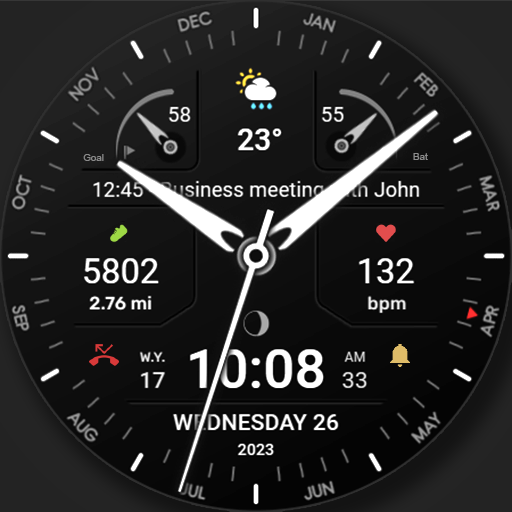
WFP 311 Modern watch face
Paid
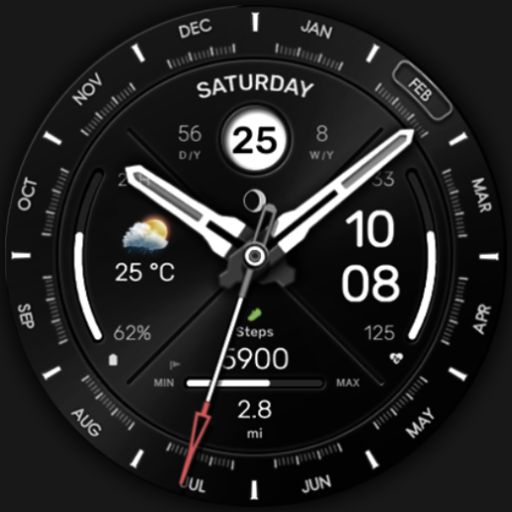
WFP 307 Modern watch face
Paid

WFP 308 Business watch face
Paid

WFP 305 Butterfly watch face
Paid
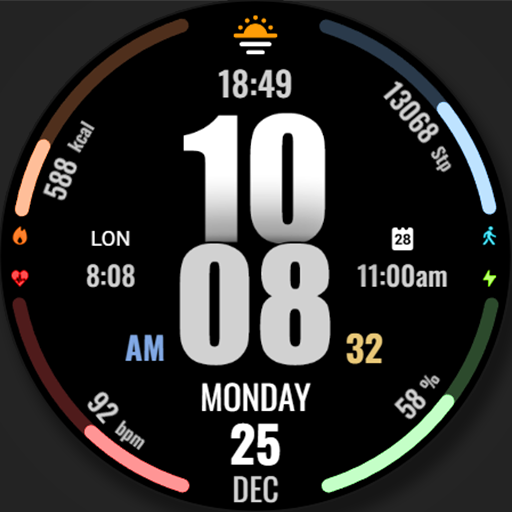
WFP 317 Digital watch face
Paid
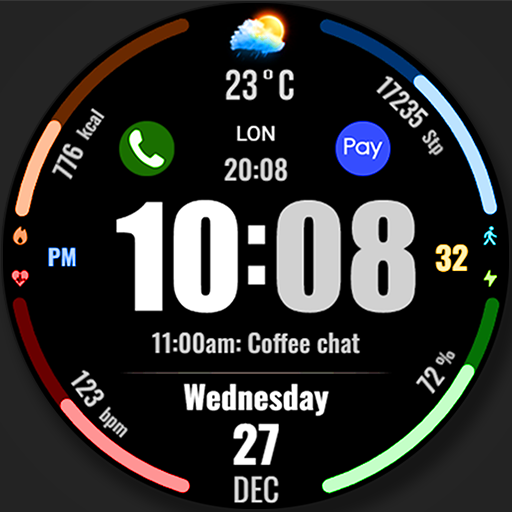
WFP 318 Digital watch face
Free
WFP 319 Digital Watch Face
Free
Similar Apps

Digital SMO107
Paid

Key WF28 Digital Watch Face
Paid

SG-142
Free

Key WF07 Digital Watch Face
Free

Key WF81 Digital Watch Face
Paid

DIGI STRUMAN URX134 Watch face
Paid

Key WF32 Digital Classic Watch
Paid

Paramount: Digital Watch Face
Paid

SG-67
Paid

SamWatch Simple C 2021
Paid

Dark Gray Texture ZKin Watch
Paid

BRN105 - TEXON
Free

EXD091: Simple Spectrum Face
Paid

Iris512 Multi-Function Digital
Paid

PW38 Digi Quick Press Watch
Paid

ZKin Watch Symmetrical Gray
Paid
Scan this QR code to download

Forwarding you to the page at Google Play market in seconds...
Open Google Play market now