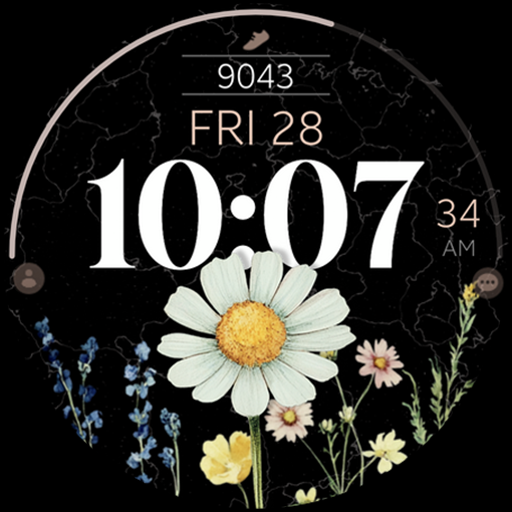
Wildflower Steps Watch Face vVARY
Monkey's Dream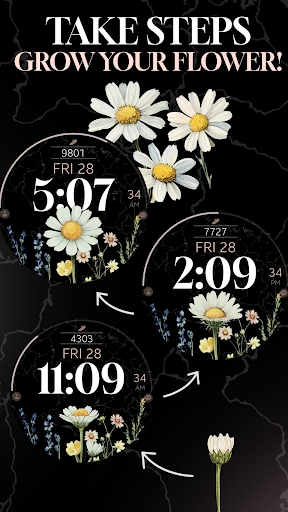






About this app
Developer Description
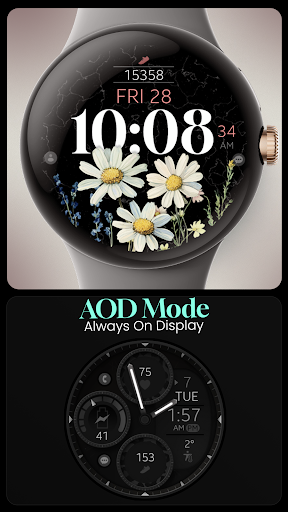
Wildflower digital watch face for Wear OS: Daisy grows with your daily steps.
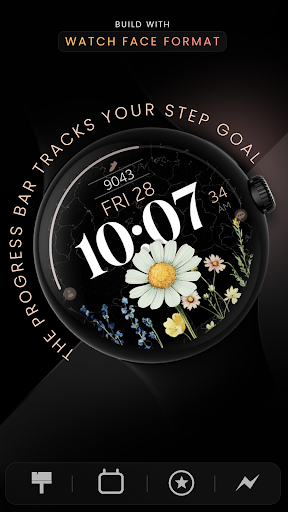
- Built with Watch Face Format
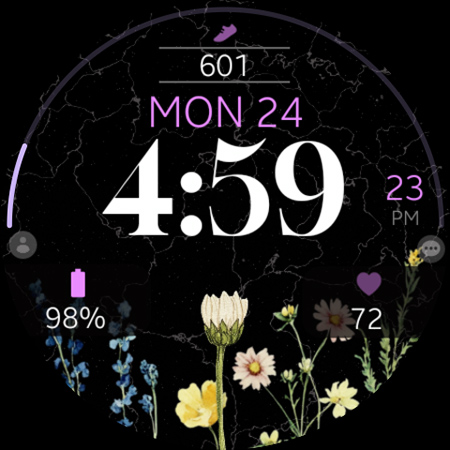
This modern digital watch face for Wear OS combines a daisy flower design with practical step tracking. The daisy blooms as you walk closer to your daily step goal, accompanied by a clear progress bar to keep you motivated.
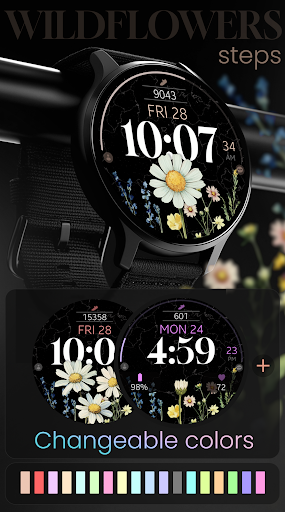
Featuring big numbers, customizable colors, a subtle background of wildflowers, and a clean floral style, it adds both elegance and motivation to your smartwatch.
Key Features:
- Day and date
- Changeable colors
- Time format 12/24h
- Progress bar: Step goal
- x5 App custom shortcuts for quick access
- x3 Customizable complications
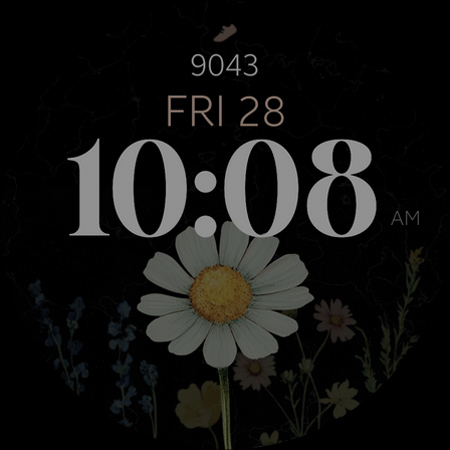
- AOD mode
Compatible with all Wear OS devices API 33+ including Google Pixel Watch, Samsung Galaxy Watch 7, 6, 5 and more.
Not Suitable for Rectangular Watches
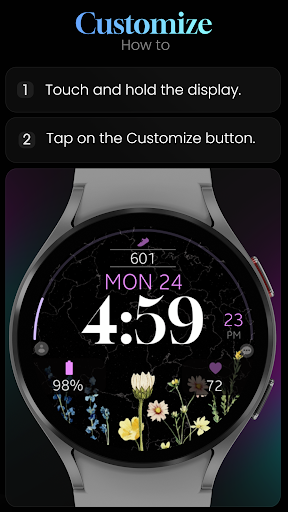
Customization
1. Tap and hold on your watch display.
2. Select "Customize".
Need Assistance?
- Installation Guide: https://www.monkeysdream.com/install-watch-face-wear-os
- Support: info@monkeysdream.com
Stay Connected:
- Website: https://www.monkeysdream.com
- Instagram: https://www.instagram.com/monkeysdreamofficial
- Newsletter: https://www.monkeysdream.com/newsletter
What's New
Version Information
- Version
- -
- Downloads
- 500+
- Updated on
- Sep 17, 2025
- Released
- Mar 24, 2025
- Requires
- Android Varies with device
Statistics
Google Play Rating History
Rating Distribution
Downloads Over Time
Wildflower Steps Watch Face has been downloaded times. Over the past 30 days, it averaged downloads per day.
Shaded area shows 30-day prediction based on historical trends
Historical data collection started recently. More data points will be available over time.
Wildflower Steps Watch Face users say on Google Play
 Marli Campbell
This watch face is so fun you can grow a wild flower garden as you get your steps in during your day. I have 4 of Monkey Dreams watch faces!!! LOVE the ones that change as you are active through the day... there are ones where you can grow an orange tree from a leaf if you get your steps in... Xmas you can get steps in to decorate a Xmas tree... or a pumpkin in the fall grows and becomes gigantic with vines...ball just by walking and being healthy!!! MOTIVATES ME!!!
 Kiley Dix
if I could get this installed on my watch, it would be nice. there's no way to get it to download toy watch or get it to show up. the instructions don't do anything. I'd love to be able to use it since I paid for it.
 Tammy C
could not open or set to watch
ApkTrusted Ratings & Reviews
More from Monkey's Dream
See more apps
Rose Gold digital watch face
Paid
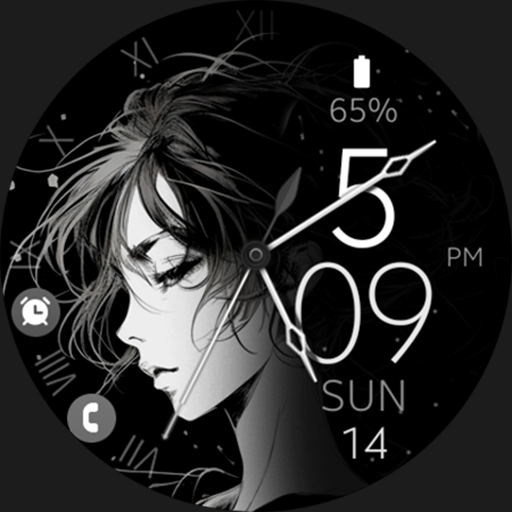
Anime v3 elegant watch face
Paid

Dream 129 Bronze watch face
Paid
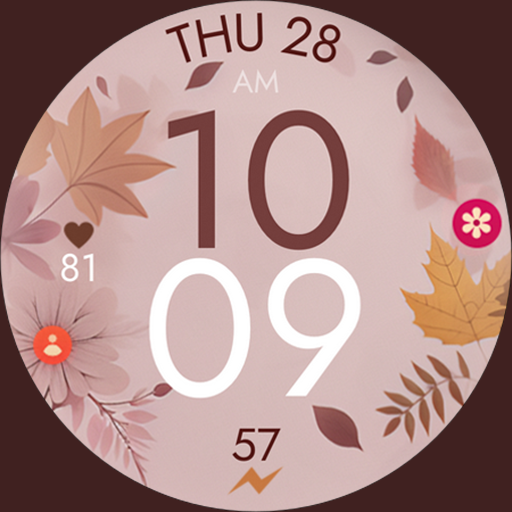
Fall Autumn digital watch face
Paid
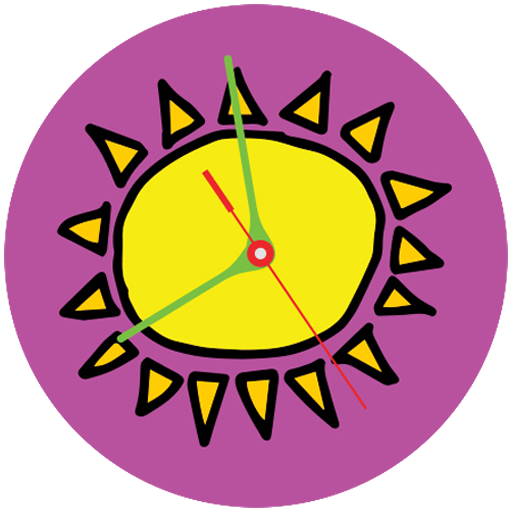
Wotherspoon Sun Earth Day Face
Free

MSFTSrep Wavy Rainbow Face
Free

RetroFuture analog watch face
Paid

Wotherspoon Earth Day Face ylo
Free

MSFTSrep Spiral Face
Free

Wotherspoon Earth Day Face blu
Free

Wotherspoon Earth Day Face pnk
Free

Modern Analog Watch Face
Paid

Anime digital manga watch face
Paid
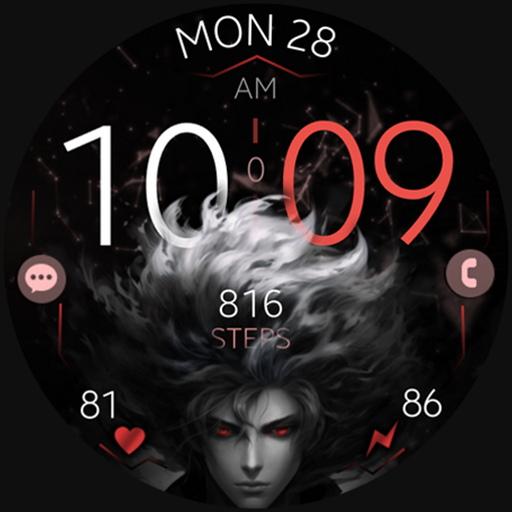
Anime v2 animated watch face
Paid
MSFTSrep Classic Face
Free
Flowers Analog Watch Face
Paid
Similar Apps

Realistic SpringTime Flowers
Free
Floral WatchFace - FLOR-03
Free
Floral WatchFace - FLOR-06
Free
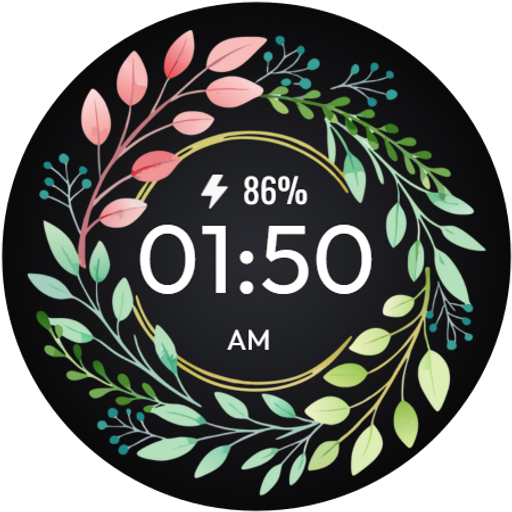
Floral WatchFace - FLOR-04
Free
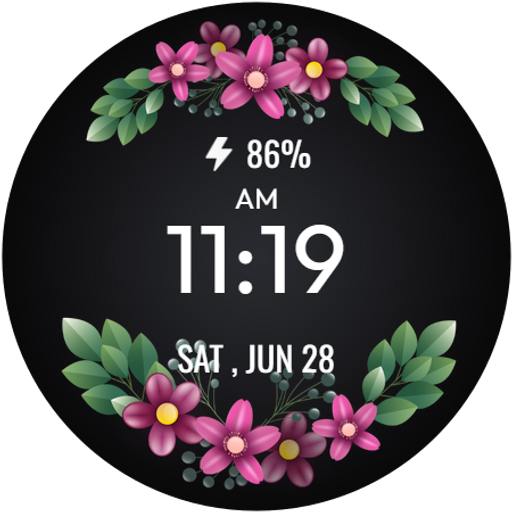
Floral WatchFace - FLOR-01
Free
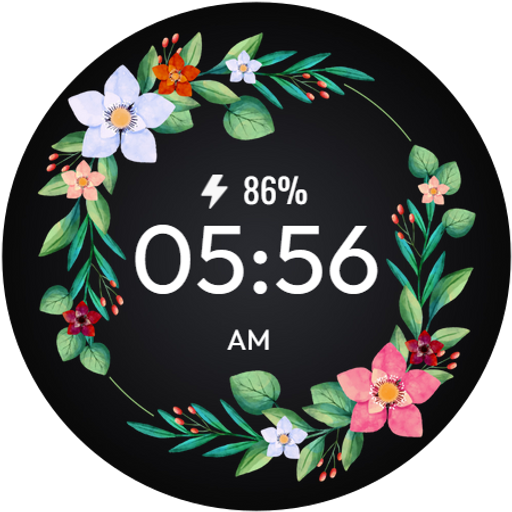
Floral WatchFace - FLOR-05
Free

Blossom Dreams
Paid

Blossom Bliss
Paid
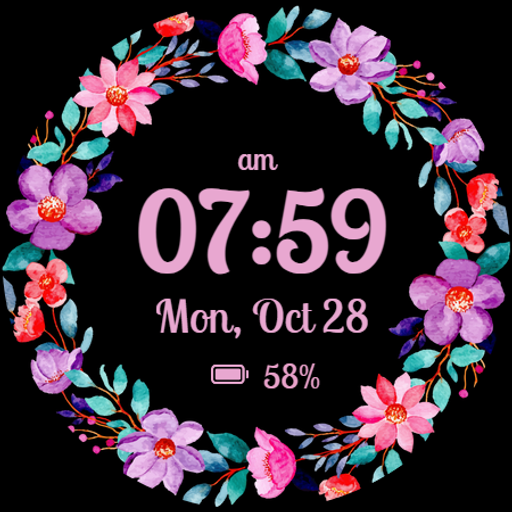
Rose Gold Elegance Watch Face
Free
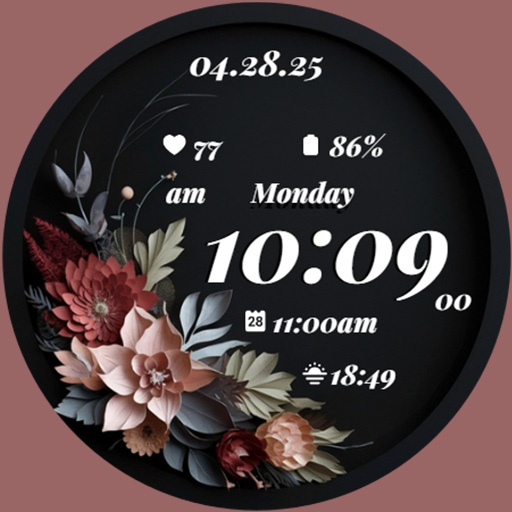
GRBL Midnight Elegance Flowers
Paid
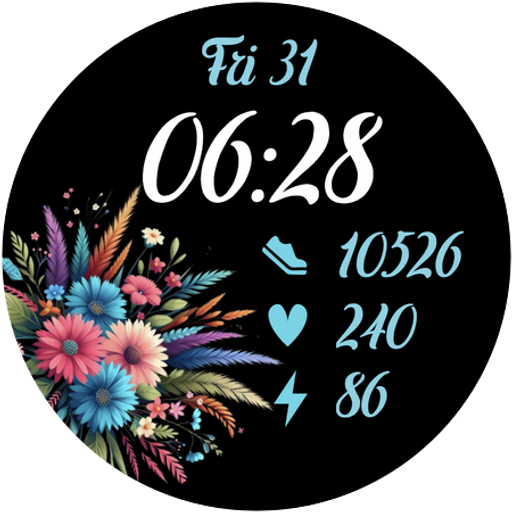
Flower Days
Free
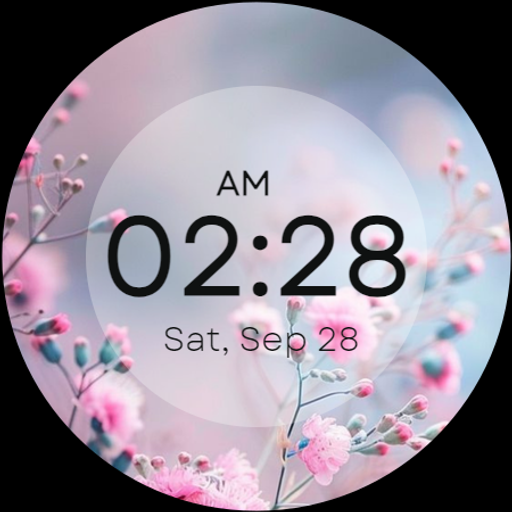
Minimal Elegant Floral WF
Free
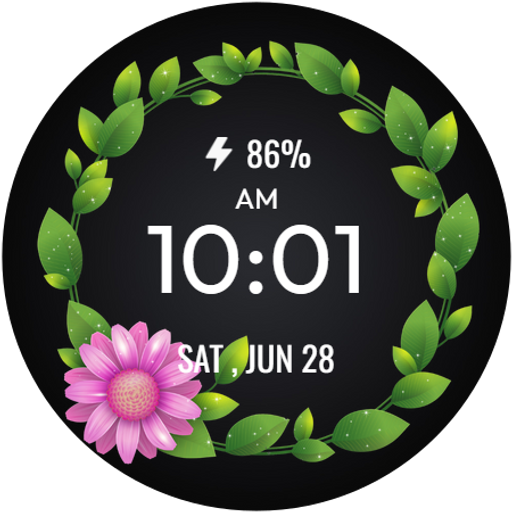
Floral WatchFace - FLOR-02
Free

GRBL FloraTime Flower Flowers
Paid

Flower Watch Face
Paid

Realistic Floral SpringTime
Free
Scan this QR code to download

Forwarding you to the page at Google Play market in seconds...
Open Google Play market now