
eZy Watermark Photos Pro v6.7.6
Whizpool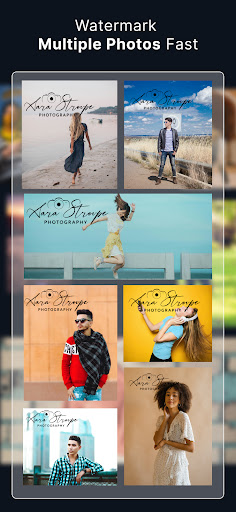





About this app
Developer Description
Add watermark, logo & signature to your photos in seconds. Protect your content!
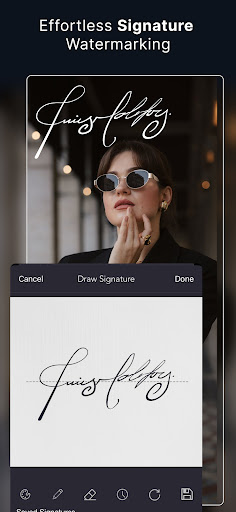
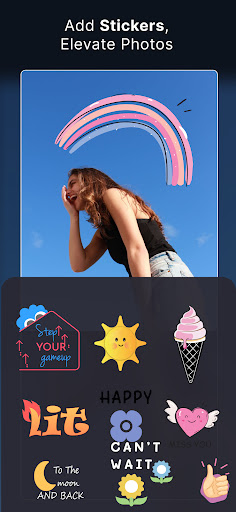
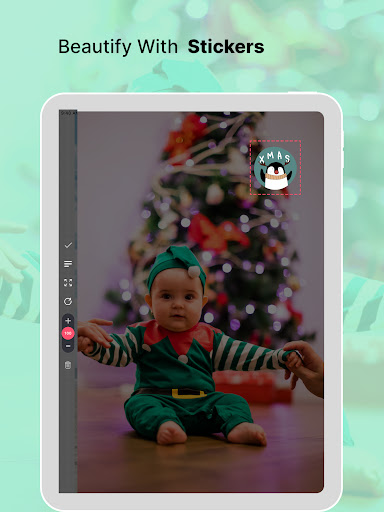
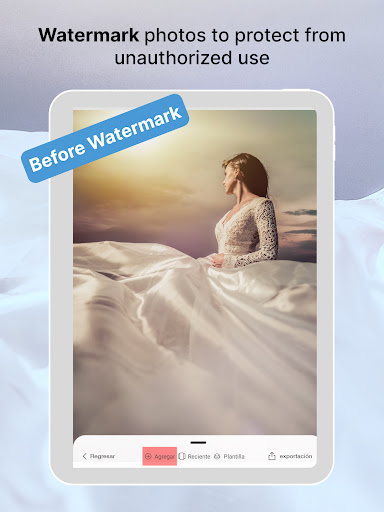
Photographers often rely on a brand watermark app to maintain ownership of their visual content. With eZy Watermark Photos, you can easily add professional watermarks, add text, create signature watermarks, apply digital signatures, add watermark logos, write on photos, add copyright watermarks, camera images, trademarks, stickers, and emojis as watermark stamps - all without losing image resolution or ruining the original aesthetic. It’s quick and simple, mark your contentand keep it truly yours.
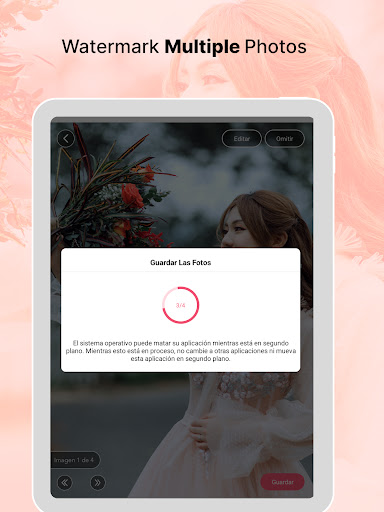
Manually adding watermarks to multiple photos is time-consuming, and keeping the same style or logo on all of them is almost impossible. We help you batch watermark photos in one go with fast and professional results.
A professional watermark tool designed for photographers, businesses, artists, influencers, and creators. eZy Watermark Photos editor adjusts image resolution, overlays photos with brand logo watermarks, and protects images from unauthorized use.
Perfect for image protection, posters, flyers, and banners with custom watermarking for your business.
Features:
ADD WATERMARK TO PHOTOS:
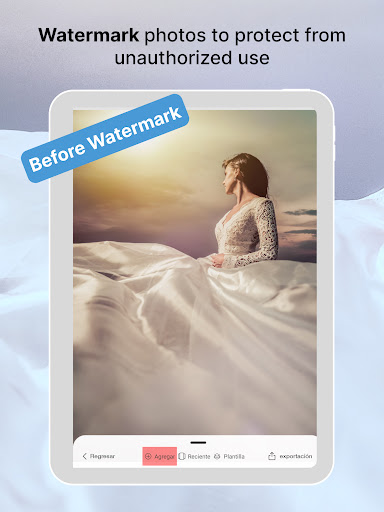
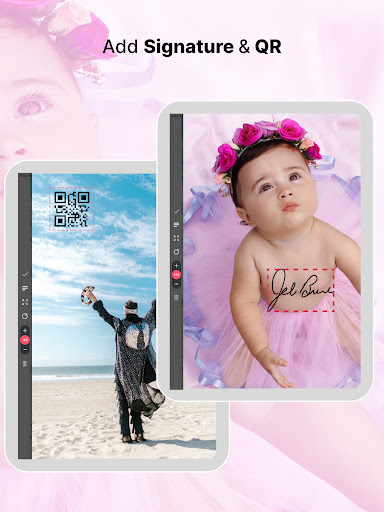
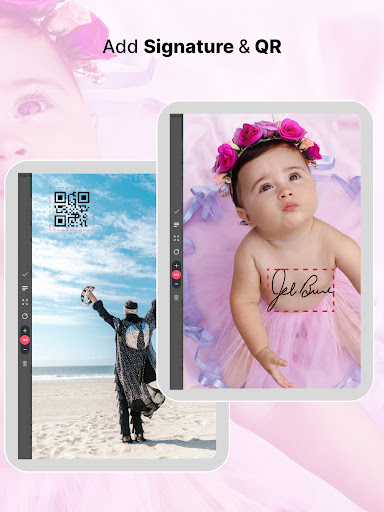
Protect images online by adding a customized watermark to photos. Personalize to add text on photos, put QR codes, digitally sign your photos, add logos, add watermark picture, date stamp on photo, add label on photos, timestamps, and copyright stamp on a photograph.
SINGLE AND BATCH PROCESSING
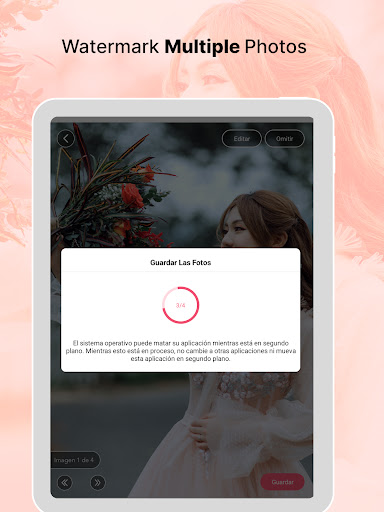
Watermark photo editor processes single images as well as hundreds of images in batch photo editor, all within seconds. You can easily add text to photos in bulk and in single mode. Save time with batch watermarking — batch watermark photos in seconds, perfect for creators on the go.
CUSTOMIZED WATERMARKS:
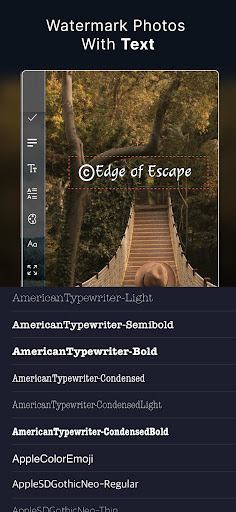
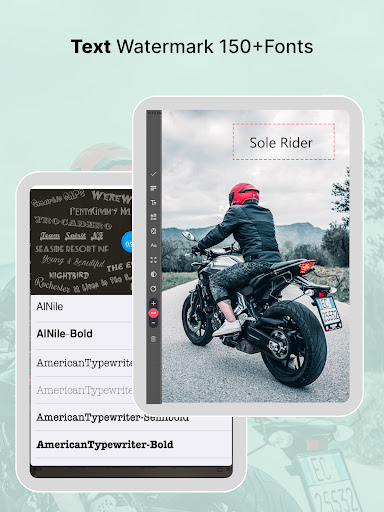
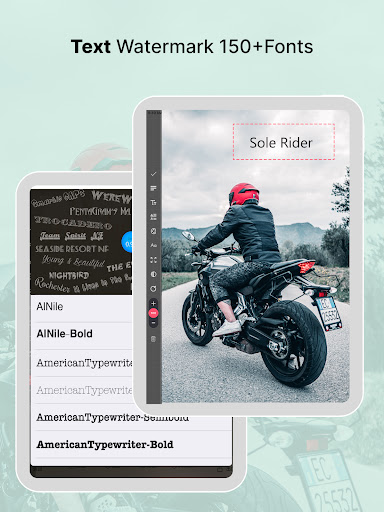
You can easily adjust opacity, rotation, size, position, and placements of your watermarks. Customize text watermarks with your own fonts, colors, and styles to give them a personal touch and make your photos truly yours.
CREATE AND SAVE WATERMARK TEMPLATES:
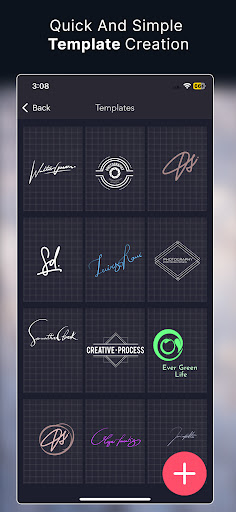
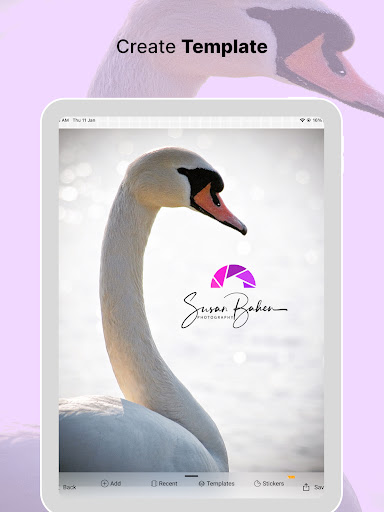
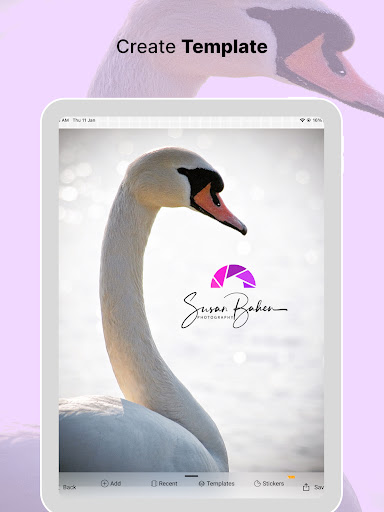
You can create your own watermark templates and save them for later, so you don’t have to start from scratch every time. Just create a template once; your logo, text, style, everything and reuse it whenever you need to add custom watermarks to your photos.
PREVIEW, CROP, AND RESIZE PHOTOS:
You can preview the image before processing watermarks, cropping and resizing photos, adjusting size to different ratios, applying rotation to align the photo, and applying filters on images, and then create a watermark on photo.
TILE WATERMARKS:
Apply your watermark in a repeated pattern across the entire photo for stronger protection and professional-looking results.
SNAP TO GRID:
Easily place your watermark exactly where you want it. Our grid snapping feature helps you align it perfectly, giving your photos a consistent and professional look.
IMPORT & EXPORT WATERMARK PICTURES:
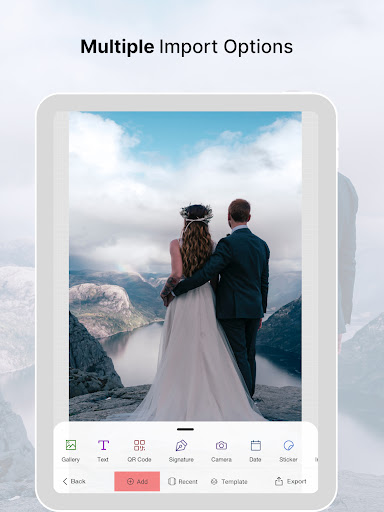
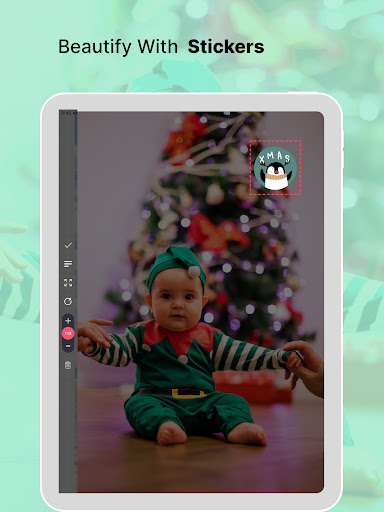
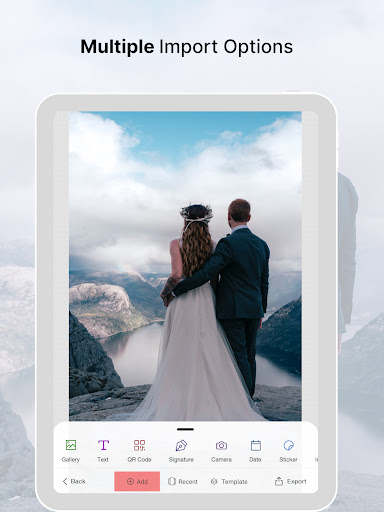
We make it easy to import photos from your camera, library, or capture a new picture directly from camera. Save your edited images with stylish watermarks to your gallery or share them instantly on Instagram, Pinterest, Facebook, Twitter, WhatsApp, or Google Drive! Whether you are sharing product photos or travel shots, your content stays yours.
MULTI-LANGUAGE SUPPORT:
eZy Watermark Photos is available in many languages, including Chinese, Dutch, French, German, Italian, Japanese, Korean, Portuguese, and Spanish, so everyone can use it easily.
Add or create watermark to protect your images and keep your visuals safe from unauthorized use. Download eZy Watermark now!
In-app purchases
$0.99 - $4.99 per item
Version Information
- Version
- 6.7.6
- Downloads
- 5K+
- Updated on
- Nov 6, 2025
- Released
- Dec 22, 2015
- Requires
- Android 7.0
Statistics
Google Play Rating History
Rating Distribution
Downloads Over Time
eZy Watermark Photos Pro has been downloaded times. Over the past 30 days, it averaged downloads per day.
Shaded area shows 30-day prediction based on historical trends
Historical data collection started recently. More data points will be available over time.
eZy Watermark Photos Pro - Google Play Rankings
Top Rankings
| Rank | Country | Category | List | Change |
|---|---|---|---|---|
| — |
Ranking History in
No ranking data available yet. Rankings are updated daily.
#48 in Top Paid Photography in United States


#53 in Top Paid Photography in Egypt


#53 in Top Paid Photography in Philippines
#53 in Top Paid Photography in Pakistan
eZy Watermark Photos Pro users say on Google Play
 Al
Al
I have been using this and the lite version. One day I went to use them and both had errors. I emailed support and sent screen shots. Support were brilliant, good communication. Within a few days a new update was released which sorted the problem. Thank you. Fully recommend
 Stephanie Pickles
New to the app but loving it so far. The only thing I'm noticing which is a pain, is the plus and minus button to make more or less transparent, the minus button is too close to the back button so it keeps cancelling it. Its very frustrating and I don't even have big fingers. Would be great if you can sort this.
 A Google user
I purchased the Pro version maybe a year ago (?). It was working fine up until a recent update. Now after applying my watermark, it just brings me back to the main screen whenever I try to save to my phone Gallery or share on Instagram. I uninstalled then reinstalled and am still experiencing the same problem with saving and sharing. Guess I'll look for another app...
A Google user
I have never written a review before, but this app is so ridiculous that I had to. Does it watermark your photos? Sure...SOMETIMES. It is so finicky and I have yet to be able to watermark a whole batch of photos for a blog post without needing to relaunch the app a bunch of times because it just stops working. It is an incredibly frustrating experience. Pinching to resize never results in the size you want...as soon as you let go, your watermark invariably increases in size. Pinching to resize also results in your watermark rotating, EVERY. TIME., so you have to spend time making it straight again. The opacity buttons are extremely insensitive - half the time they work, a quarter of the time you click and nothing happens, and the other quarter of the time the opposite of what you want happens. It is just a really frustrating app and makes watermarking your photos take WAY more time than it should.
 Kyle Matias
I started using the free version and had collected a few autographs on it. So I decided to upgrade to the full version only to find out that templates can be transferred over, and despite asking for this feature for years and being told it's coming soon it has still yet to arrive on android but apparently it's available on IOS. So I don't see how it's a big issue to allow templates to be exported or linked to an account to be transferred to other devices.
ApkTrusted Ratings & Reviews
More from Whizpool
See more apps
Autograph+ : Signature Maker
Paid

Quran App Read, Listen, Search
Free

eZy Watermark Photos Lite
Free
eZy Distance Calculator
Free

eZy Edit: Batch Photo Editor
Free

eZy Watermark Videos Lite
Free

LinkFileShare: Send via link
Free
Autograph+: Signature Maker
Free

eZy AI Background Changer
Free
eZy Sign & Fill Documents
Free

HopPogs: Overcome Obstacles
Free

eZy Watermark Videos Pro
Free

Doubles: Merge Number Blocks
Free
eZy No Crop for Social Media
Free

eZy Teleprompter
Free

Symbols: Match & Conquer
Free
Similar Apps

PicMaster - AI Photo Editor
Paid

SelfieCity
Free

InFrame - Photo Editor & Frame
Free

Cymera - Photo Editor Collage
Free
Camera360 Lite -Stylish Filter
Free

MiX Camera for Mi Camera
Free
Cameringo Lite. Filters Camera
Free

Candy Camera AI – Find myself
Free

Framelapse 2 Time Lapse Camera
Free

InstaSize: AI Photo Editor
Free

PhotoSpot: For Travel Planning
Free

celebrate: share photo & video
Free

POV – Disposable Camera Events
Free

Camera360 :Photo Editor&Selfie
Free

MIX by Camera360
Free

PicMonkey Photo Editor
Free
Scan this QR code to download

Forwarding you to the page at Google Play market in seconds...
Open Google Play market now