QR Scanner v1.44
2kit consulting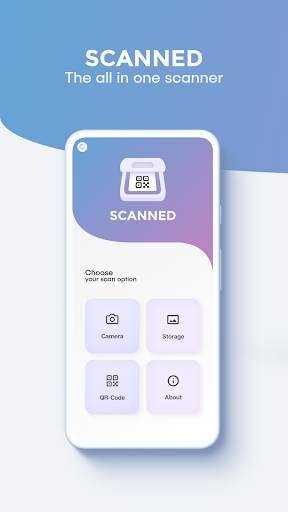






About this app
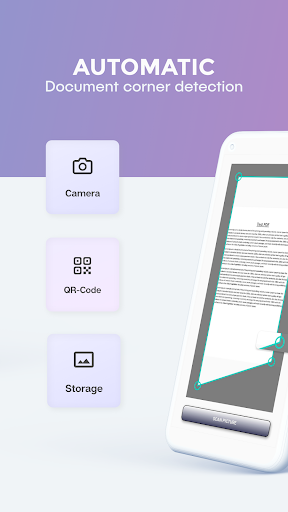
The QR Scanner app effectively solves the problem of scanning documents to PDF and reading QR codes in a single, user-friendly application, making it an ideal tool for individuals and professionals who frequently need to digitize physical documents or access information encoded in QR codes. This app benefits users who value simplicity and convenience, such as students, business professionals, and individuals who prefer a clutter-free interface. Compared to alternatives in the Tools category, QR Scanner stands out with its all-in-one functionality and lack of ads, but may fall short in terms of advanced features. Its high rating and moderate download numbers indicate a well-received app, but the relatively simple feature set may not appeal to power users.
Pros
- With over 100,000 downloads and a 4.4-star rating, QR Scanner has demonstrated social proof and a high level of user satisfaction, indicating a reliable and efficient scanning experience.
- The app's lack of permissions is a significant advantage, as it ensures user data privacy and security, a critical consideration for any app handling sensitive information.
- The absence of ads provides an uninterrupted user experience, allowing users to focus on scanning documents and QR codes without distractions.
- The developer's decision to offer in-app purchases at a reasonable price point of $2.49 per item suggests a commitment to providing additional value to users without being overly aggressive in monetization.
- The app's compatibility with Android 7.0 and later ensures that a wide range of devices can utilize the app, making it accessible to a broad user base.
Cons
- One concern is the potential lack of advanced features compared to other scanning apps, which may limit its appeal to users requiring more sophisticated functionality, such as multi-page document scanning or advanced image editing capabilities.
- Although the app has a high rating, some users may find the in-app purchase model limiting, particularly if they require frequent access to premium features without wanting to make repeated purchases.
- The app's relatively simple feature set may not be sufficient for power users or businesses with complex scanning needs, potentially limiting its adoption in certain sectors.
- There is a risk that the developer may introduce more aggressive monetization strategies in the future, which could negatively impact the user experience and overall value proposition of the app.
Best for: The ideal user for QR Scanner is an individual or professional who frequently needs to scan documents, QR codes, or barcodes, values simplicity and ease of use, and is looking for a reliable, ad-free, and private scanning solution, such as students, office workers, or small business owners who require a straightforward and efficient tool for digitizing physical documents and accessing encoded information.
Developer Description
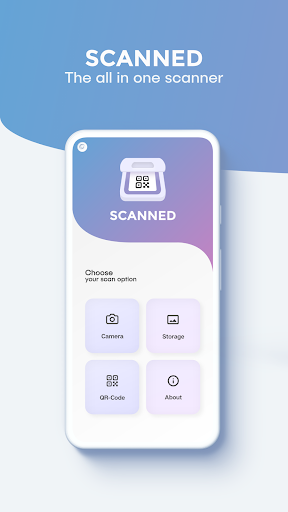
Scan documents to PDF and read QR Codes with this all in one scanner app
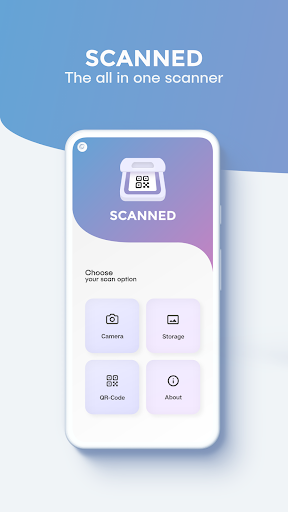
Scan documents and save them as image or PDF files or scan QR codes with this 2 in 1 scanner app.
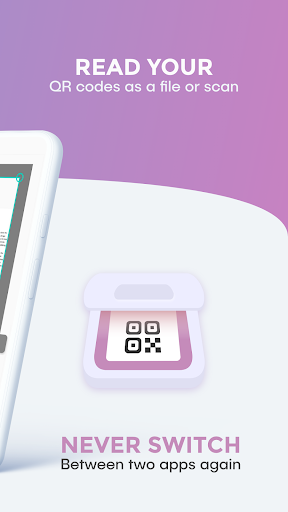
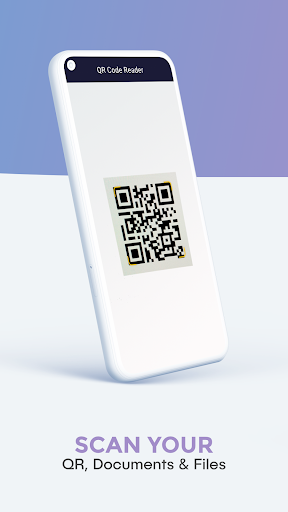
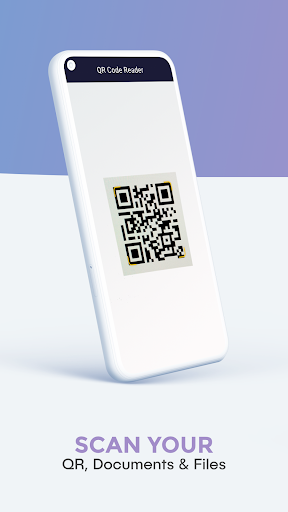
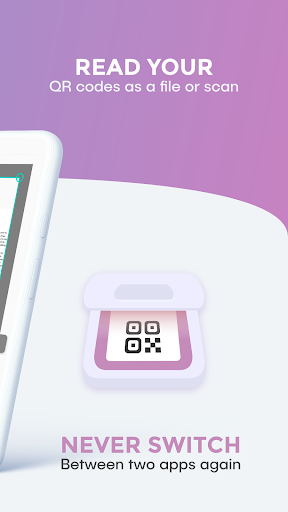
Someone sent you a QR Code to your phone as a picture? No problem! Use the QR code reader included in the 2 in 1 document and QR code scanner app for codes in your phone’s storage.
*******************
APP FEATURES:
*******************
QR Code Scanner:
✓ Scan QR codes saved in your gallery
✓ Supports many different QR code types (for example URL, Wi-Fi, MailTo, etc.)
✓ Scan by just holding your camera in front of the QR code without the need to press any buttons
✓ Scan barcodes and search for the product on the Internet
Document Scanner:
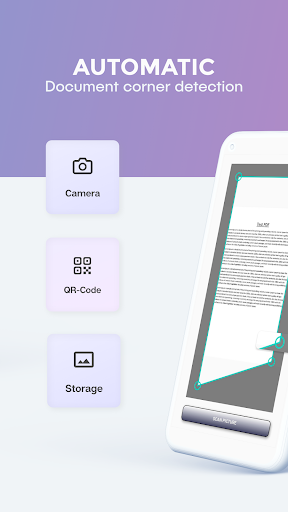
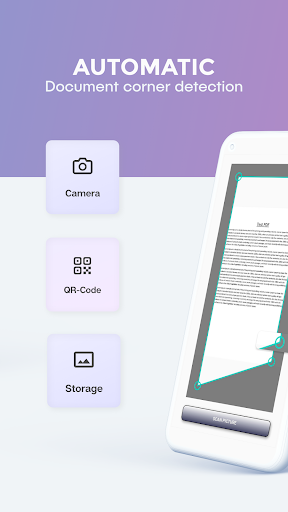
✓ Automatic edge detection
✓ Magnify your touches while manually cropping the image
✓ Scan to PNG
✓ Scan to PDF
✓ Scan multiple pages at once as a multi page PDF or separate image files
✓ Scan with the camera or from phone storage
✓ Different filter options
✓ Share your files via e-mail or social media services
Required Permissions:
• Contacts: write contact after scanning a corresponding QR code
• Location: necessary to connect to a local Wi-Fi network after scanning a corresponding QR code
• Photos/Media/Files: read pictures from storage to scan them and save scanned documents
• Storage: read pictures from storage to scan them and save scanned documents
• Camera: scan documents and QR codes and barcodes
• Wi-Fi and network: to connect to a Wi-Fi network after scanning a corresponding QR code
Download now and upgrade your phone with the functionality of two apps for the storage space of one!
For support or feedback, please contact us via e-mail at info@qr-scanner.app
This app is brought to you by the developers of VIDEO & TV CAST, the #1 video casting app in the world with more than 100.000.000 downloads across all platforms and devices.
Privacy
Given that QR Scanner requests zero permissions, it appears to be a secure and private option for scanning documents and QR codes, as it does not collect any sensitive user data. However, users should still exercise caution when scanning QR codes from unknown sources, as they may redirect to malicious websites or download harmful content. To stay safe, users should only scan QR codes from trusted sources and be mindful of the information they access through the app.
Tips
To get the most out of QR Scanner, users should first ensure their device's camera is clean and free of obstructions for optimal scanning performance. Additionally, users can utilize the app's PDF scanning feature to digitize multi-page documents by scanning each page individually and then combining them into a single PDF file. For best results, users should also adjust their device's screen brightness to improve the scanning process, especially in low-light environments.
What's New
In-app purchases
$2.49 per item
Version Information
- Version
- 1.44
- Downloads
- 100K+
- Updated on
- Sep 21, 2025
- Released
- Aug 6, 2020
- Requires
- Android 7.0
Statistics
Google Play Rating History
Rating Distribution
Downloads Over Time
QR Scanner has been downloaded times. Over the past 30 days, it averaged downloads per day.
Shaded area shows 30-day prediction based on historical trends
Historical data collection started recently. More data points will be available over time.
QR Scanner users say on Google Play
 Florence Sims
this app works really fast and the ads aren't that bad
 Mico Mico
very easy to use , but I am hoping to reduce the amount of ads . They get a little bit annoying when they keep popping up
 Ankit Biswa
fabulous
 Luke Larue-Buckley
There are ads, and the playstore is misleading. And it doesn't do anything and don't waste your money on this. This is unacceptable, this should be free. It is a qr code. This is essential for events, what requires a qr reader.
ApkTrusted Ratings & Reviews
More from 2kit consulting
See more apps
Screen Mirroring + Chromecast
Paid
Screen Mirroring Pro for Roku
Paid

Screen Mirroring + for Fire TV
Paid
TV Cast Pro for Chromecast
Paid
TV Cast Pro for Android TV
Paid
Screen Mirroring for Fire TV
Free

Remote for Smart TV & Fire TV
Free

TV Cast for Chromecast
Free

Screen Mirroring Pro App
Paid
Screen Mirroring Pro App
Paid

TV Remote Pro
Paid
Screen Mirroring for Roku
Free

Screen Mirroring to Chromecast
Free
TV Cast Pro for DLNA Smart TV
Paid

Screen Mirroring App
Free

TV Cast for Android TV
Free
Similar Apps

Video Recorder
Paid

All Languages Translator App
Paid

HQ Video Player & Casting
Paid

RICOH Smart Device Connector
Free

Printicular: Print Photos
Free

Via Capitale Camera
Free
Color Grab (color detection)
Free

Photobook: Photo Books & Gifts
Free
ScreenMaster:Screenshot Markup
Free

Apowersoft Background Eraser
Free

GenQR: QR Code Creator Scanner
Paid

Xploro
Free

FilmBox Film Negatives Scanner
Free

iFrame: Photo Collage Maker
Paid
Google Automotive Keyboard
Free
Scan this QR code to download

Forwarding you to the page at Google Play market in seconds...
Open Google Play market now