
Brushing vVARY
Douglas Silva :: Dect








About this app
Developer Description
Application to help you manage your tooth brushing
- Brush your teeth with a timer;
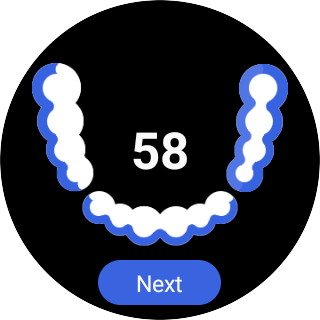
- Graphical representation of the areas to be brushed;
- Activate / Deactivate vibration to indicate changes in the area to be brushed;
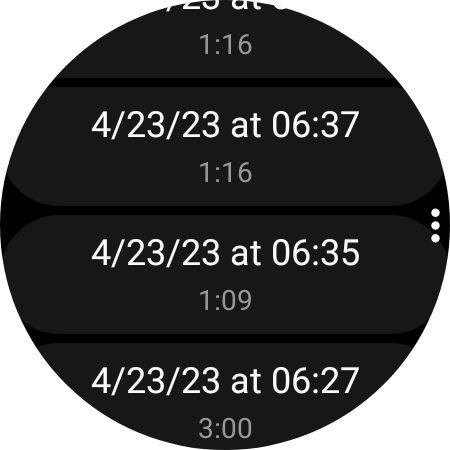
- History of brushings;
- One Tile (for the watch app);
- 2 Complications (Icon: shortcut to brush / Short Text: number of times you brushed + shortcut).
Warnings and Alerts:
- This application is for Wear OS;
- It is not possible to change the values after insertion, just delete all data;
- The week chart is only displayed for the current week (it represents the number of brushings on each day of the current week);
- The Tile displays the number of brushings on the current day (the default goal of the application is 3 brushings per day, this value cannot be changed);
- No data is collected.
Instructions:
= TO START A BRUSH:
- Open the application;
- Click on "Brush";
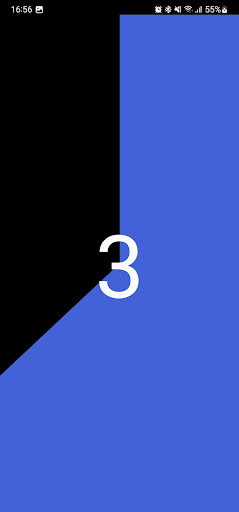
- Wait for the timer to start;
- Follow the graphical representation (The areas that should be brushed will blink in blue / The areas in blue (not blinking) have already been brushed / The areas in white will still be brushed / With each change of the area to be brushed the watch will vibrate);
- Click "Next" if you wish to skip a brushing area;
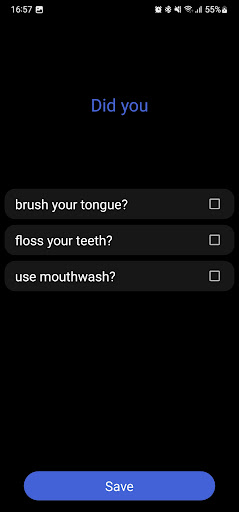
- After the timer ends, answer the questions;
- Click on "Save".
= TO START A BRUSH FROM THE TILE:
- Add the tile;
- Click on "Brush".
= CHECK THE HISTORY:
- Open the application;
- Click on "History";
- Click on a value to check the answers given after that brushing.
= TO REMOVE ALL DATA:
- Open the application;
- Click on "History";
- Click on the more option (three dots);
- Click on "Delete all data".
= TO ENABLE / DISABLE VIBRATION:
- Open the application;
- Click on "Settings";
- Click on "Vibration".
Tested devices:
- N20U;
- S10;
- GW5.
What's New
- targetSDK updated.
Version Information
- Version
- -
- Downloads
- 100+
- Updated on
- Jul 10, 2025
- Released
- Nov 9, 2022
- Requires
- Android Varies with device
Statistics
Google Play Rating History
Rating Distribution
Downloads Over Time
Brushing has been downloaded times. Over the past 30 days, it averaged downloads per day.
Shaded area shows 30-day prediction based on historical trends
Historical data collection started recently. More data points will be available over time.
Brushing - Google Play Rankings
Top Rankings
| Rank | Country | Category | List | Change |
|---|---|---|---|---|
| — |
Ranking History in
No ranking data available yet. Rankings are updated daily.
#92 in Top Paid Health And Fitness in Philippines


#92 in Top Paid Health And Fitness in Egypt
#92 in Top Paid Health And Fitness in Turkey

#92 in Top Paid Health And Fitness in Pakistan
Brushing users say on Google Play
 Play Test
Good
ApkTrusted Ratings & Reviews
More from Douglas Silva :: Dect
See more apps
Calendar on Tile
Free

Snake
Paid
Bit - Classic virtual pet
Paid
Flashlight
Free
DS A003 - Analog watch face
Paid
Sudoku
Paid

DS A001
Free
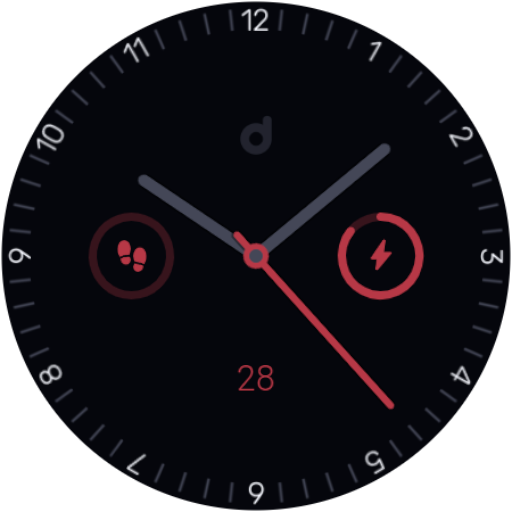
DS A002 - Analog watch face
Free

DS
Free
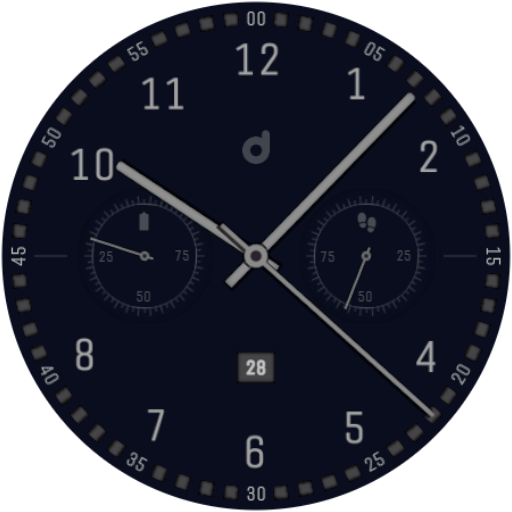
DS A004 - Analog watch face
Free
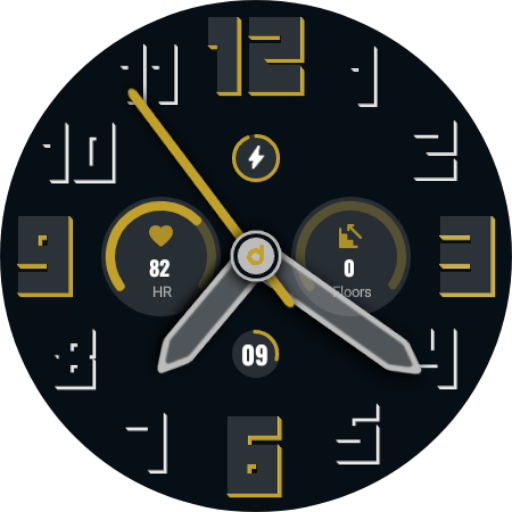
DS A006 - Analog watch face
Free
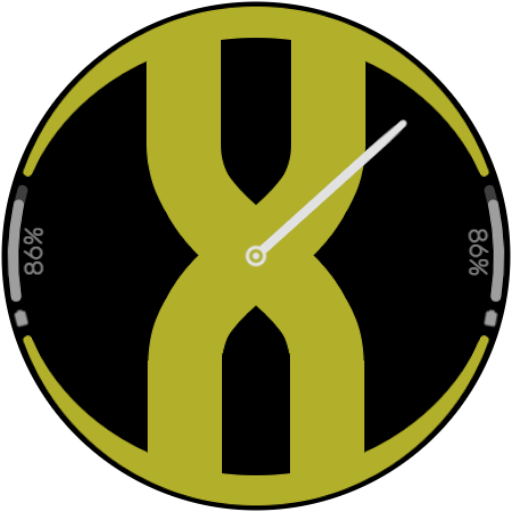
DS A007 - Flat (Random)
Free

DS A008
Free

DS A008+
Free
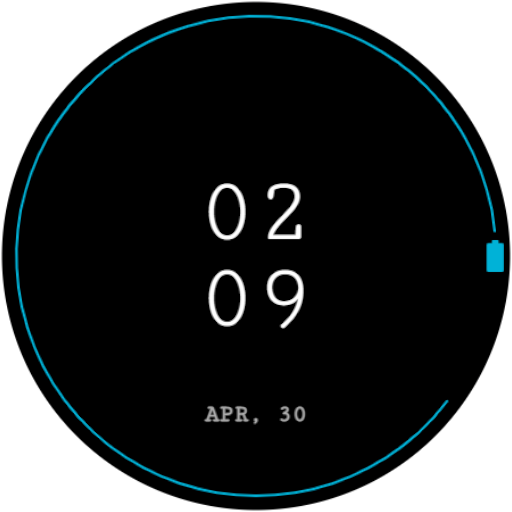
DS D001 - Minimal digital
Free
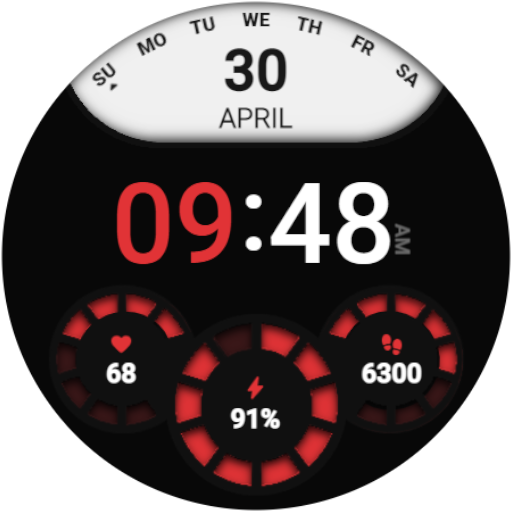
DS D002 - Digital watch face
Paid
Similar Apps


Scan this QR code to download

Forwarding you to the page at Google Play market in seconds...
Open Google Play market now