
Passenger Watch Face vVARY
thema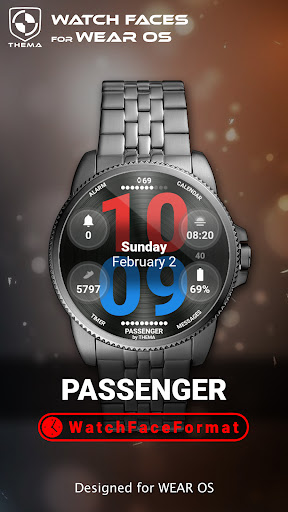

About this app
Developer Description
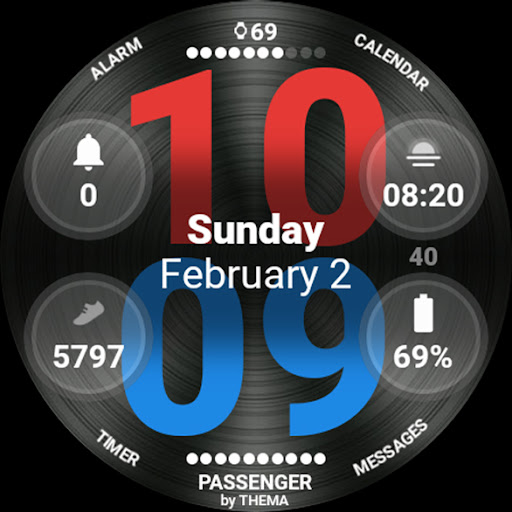
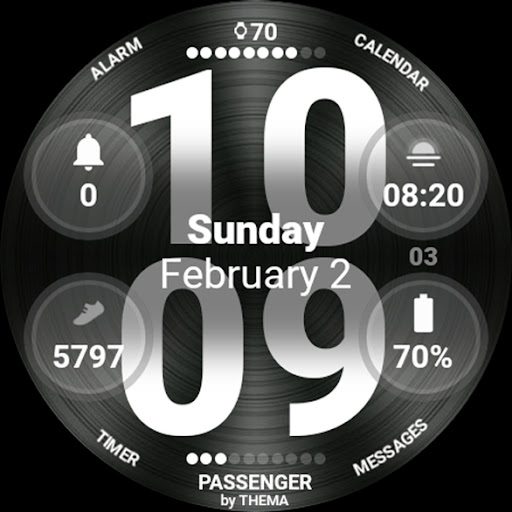
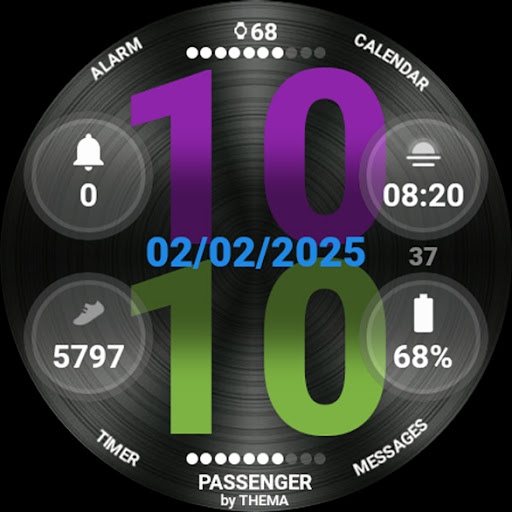
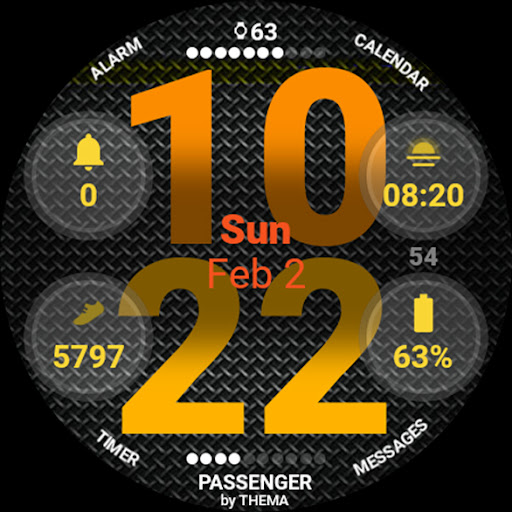
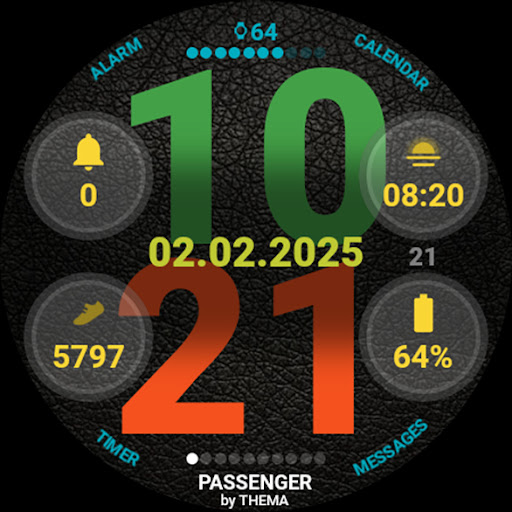
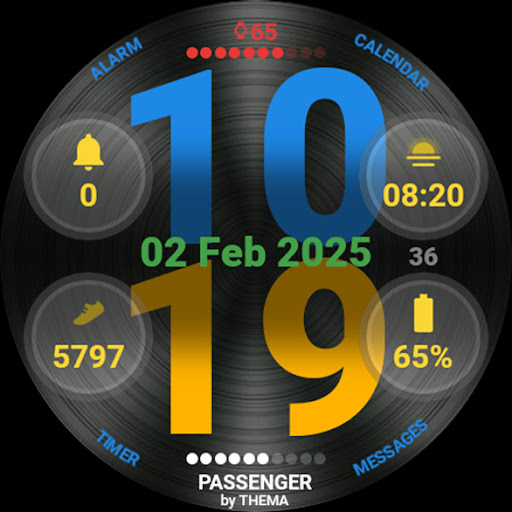
Passenger Watch Face is a watch face with 4 widgets and 4 shortcuts
This watchface is built with WatchFaceFormat. It supports all recent watch devices.
The settings of the watch face are located :
- on your mobile, in your associated watch "Wear" app
- on your watch, by long pressing the screen and hitting customize
★ Features of Passenger Watch Face ★
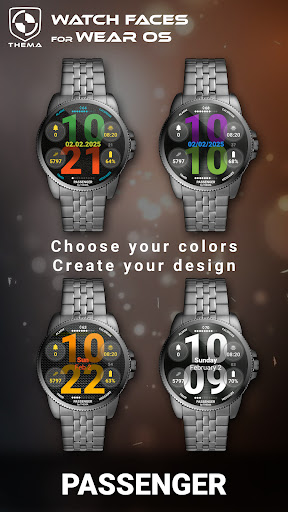
- Multiple design colors
- Day & Month
- Watch battery
- Choose your date format
- Display a leading zero on hours or not
- Display watchface name or not
- Display brand name or not
- Display the seconds dots or not
- Display the seconds or not
- Display the battery or not
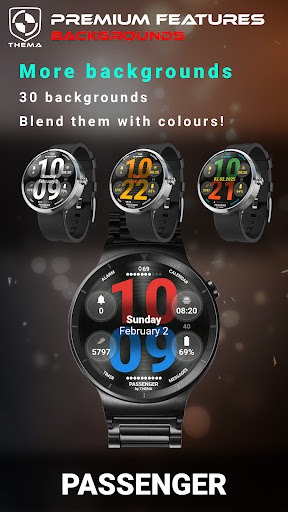
- Choose background among different styles
- Blend background with colors
- Data:
+ Change the indicator to display on the 4 positions
+ Access unlimited data possibilities with extended complications.
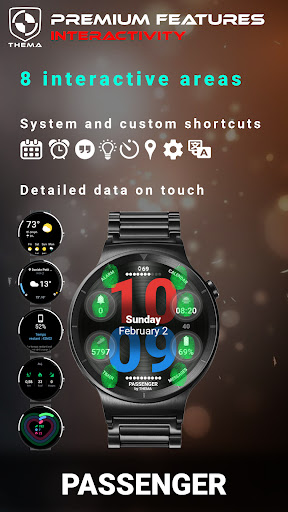
- Interactivity
+ Define the shortcut to execute on the 4 positions
+ Choose your shortcut among all applications installed on your watch!
+ Display the schortcuts or not
★ Additional features on phone ★
- Notifications for new designs
- Access to support
- ... and more
★ Installation ★
🔸Wear OS 2.X / 3.X / 4.X
A notification will be displayed on your watch, right after your mobile installation. You just have to hit it to start the installation process of the watch face.
If the notification did not display for some reason, you can still install the watch face by using the Google Play Store available on your watch: just search the watch face by its name.
🔸Wear OS 6.X
Install the watch face directly from your watch or phone play store. Once installed, find your watch face in the "downloaded" category of your watch faces list.
★ More watch faces ★
Visit my watch faces collection for Wear OS on the Play Store at https://goo.gl/CRzXbS
** If you have any issues or questions, feel free to contact me by email (English or French language) before giving a bad rating. Thanks!
Website: https://www.themaapps.com/
Youtube: https://youtube.com/ThomasHemetri
Twitter: https://x.com/ThomasHemetri
Instagram: https://www.instagram.com/thema_watchfaces
What's New
- Design and optimisations
- Bump libraries versions
- Fix crash
Requires app update on both Watch & Mobile.
If you have any issue, please let me know by email at thema.apps@gmail.com
Version Information
- Version
- -
- Downloads
- 500+
- Updated on
- Jan 5, 2026
- Released
- Feb 4, 2025
- Requires
- Android Varies with device
Statistics
Google Play Rating History
Rating Distribution
Downloads Over Time
Passenger Watch Face has been downloaded times. Over the past 30 days, it averaged downloads per day.
Shaded area shows 30-day prediction based on historical trends
Historical data collection started recently. More data points will be available over time.
Passenger Watch Face users say on Google Play
 Joe Vezinaw
Great watchface, and a stellar 1st WFF compatible face!
 Phillip
Not a fan of having to change the settings on the watch instead of the phone.
 Michael Loeser
Heads up - not compatible with Ticwatch pro 5 - won't install.
ApkTrusted Ratings & Reviews
More from thema
See more apps
Critical GUI Watch Face
Paid

Phone Battery Complication
Free

B-Sidz Watch Face
Free
Butterfly Watch Face
Free
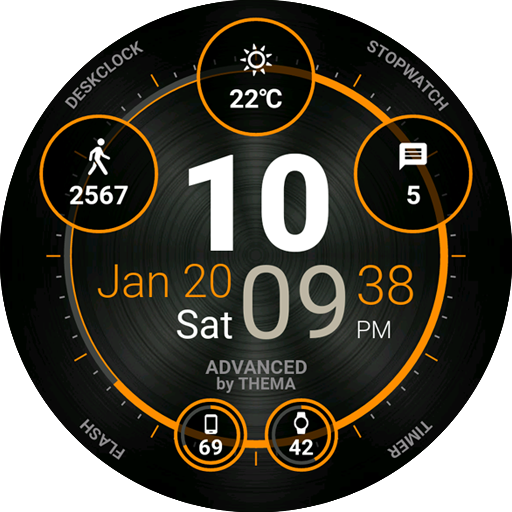
Advanced Watch Face
Free
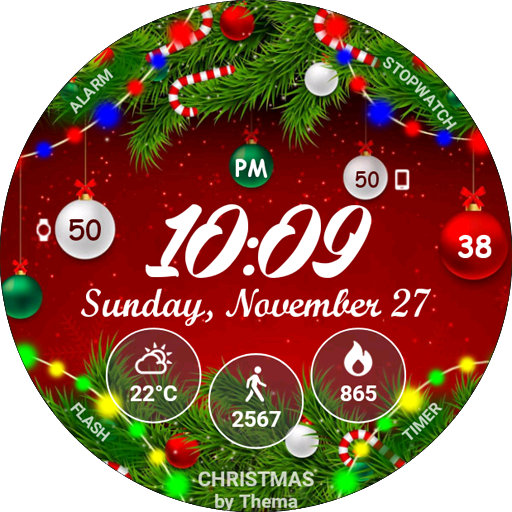
Christmas Lights Watch Face
Free
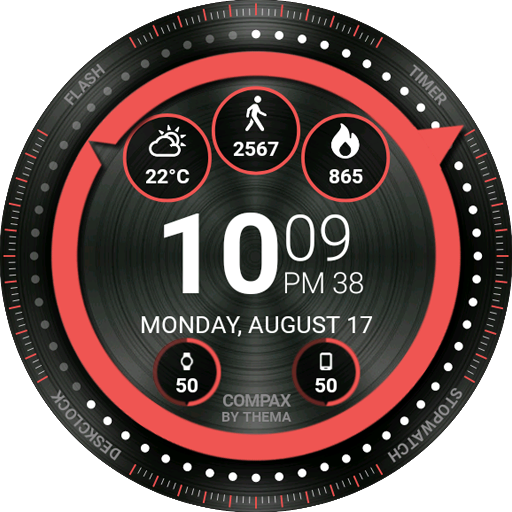
Compax Watch Face
Free
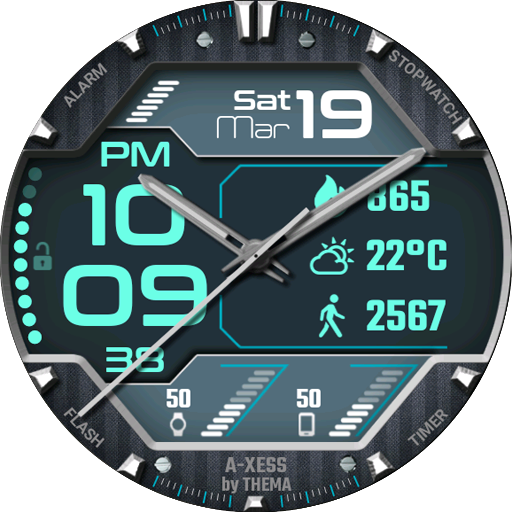
A-Xess Watch Face
Free
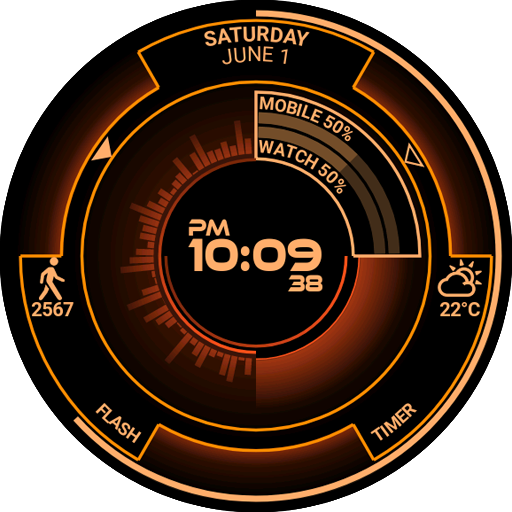
Atomic Watch Face
Paid
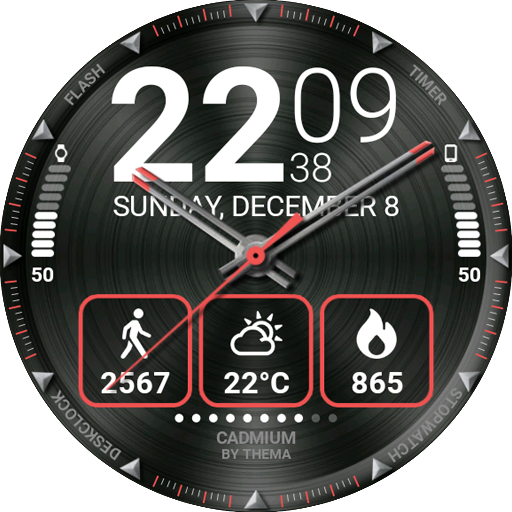
Cadmium Watch Face
Free
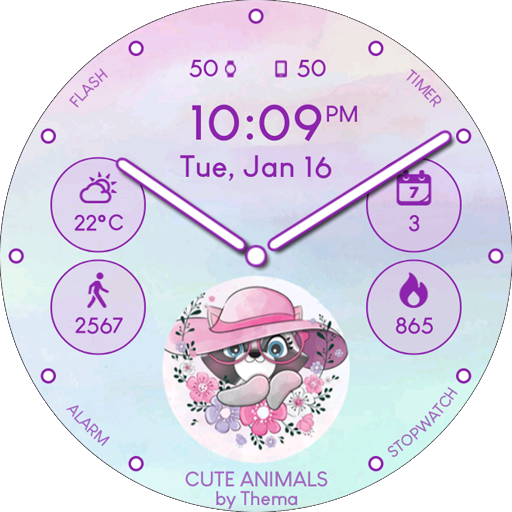
Cute Animals Watch Face
Free
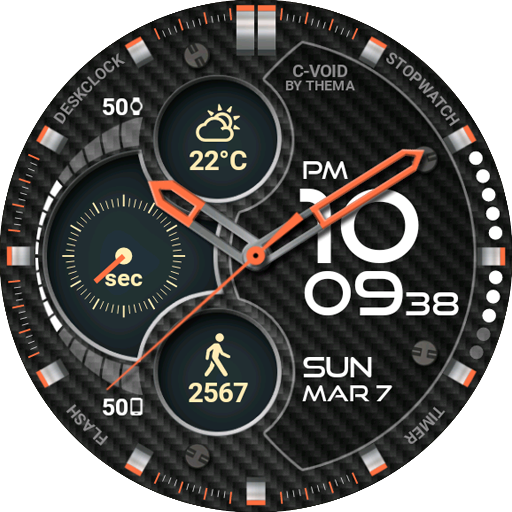
C-Void Watch Face
Free
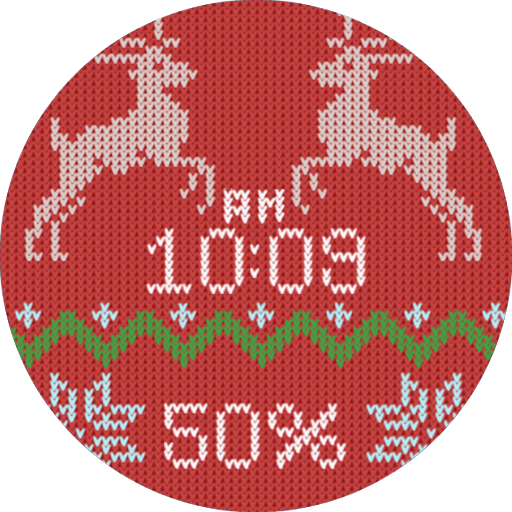
Christmas Sweater Watch Face
Paid
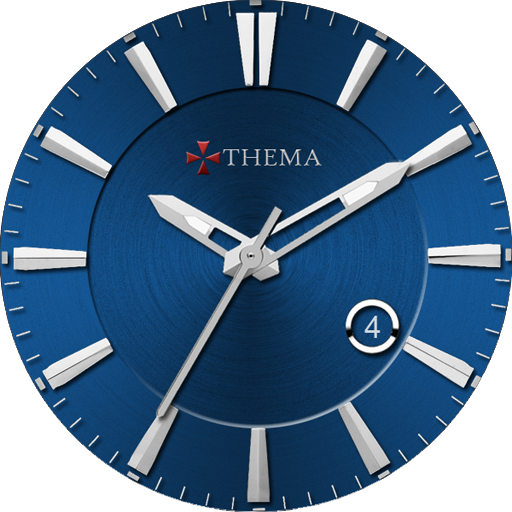
Classic One Wear Watch Face
Paid
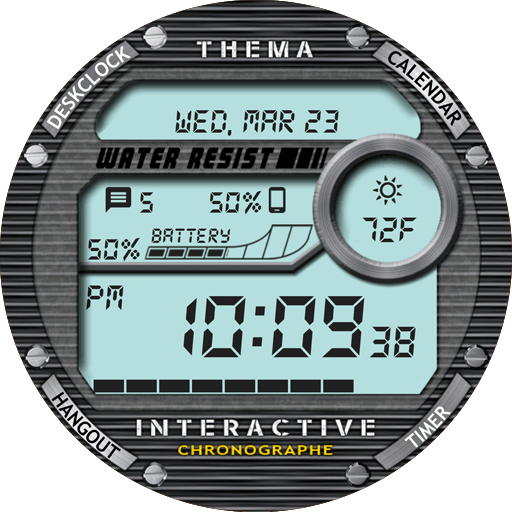
Chrono Watch Face
Free
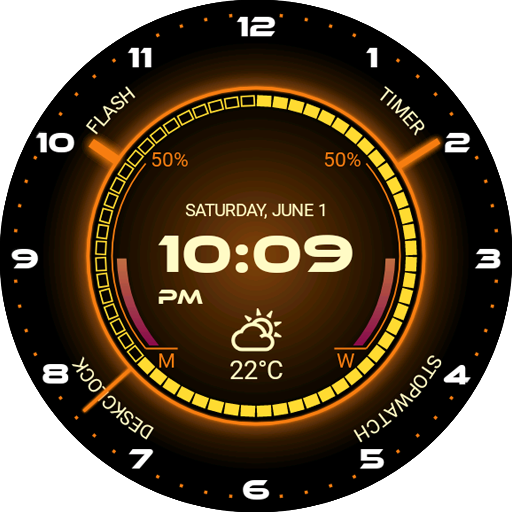
Core Watch Face
Free
Similar Apps
e-Sport: Watch face
Paid

Night ver 68 - watch face
Paid

ZKin Watch Red Blue Sports
Paid

TKS 18 Relay Watch Face
Free

SG-102
Paid
Main Goals Watch Face
Paid

Key WF30 Digital Watch Face
Paid

Red Blue Colors For Wear OS
Paid

Active Wear Watchface
Free

V LayerStaff
Paid

Key WF33 Digital Watch Face
Paid

Digital Watchface D9
Free
SG-115
Paid
Digital Watch Face Key 015
Free
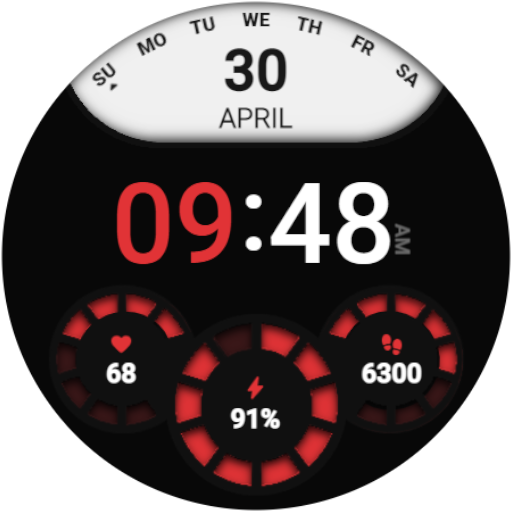
DS D002 - Digital watch face
Paid
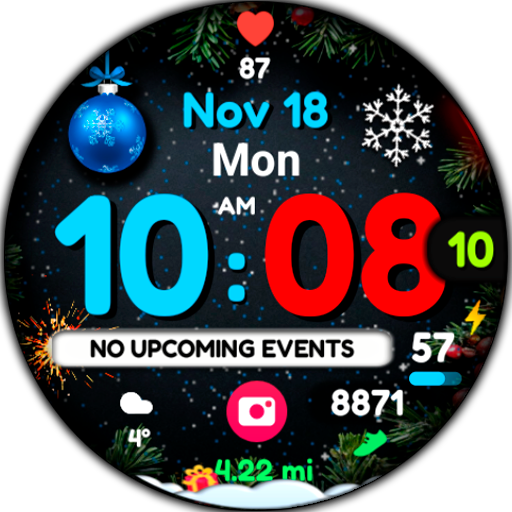
WIN Magical Christmas Animated
Paid
Scan this QR code to download

Forwarding you to the page at Google Play market in seconds...
Open Google Play market now