
Grid Maker For Drawing v1.0.4
GREEN TECH SOLUTIONS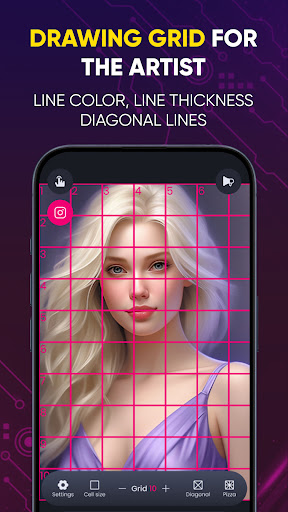

About this app
Developer Description
Create custom grids for drawing using Grid Maker for drawing artists app
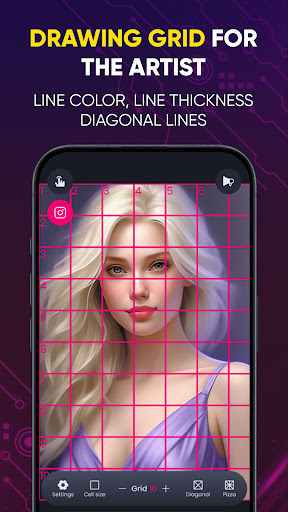
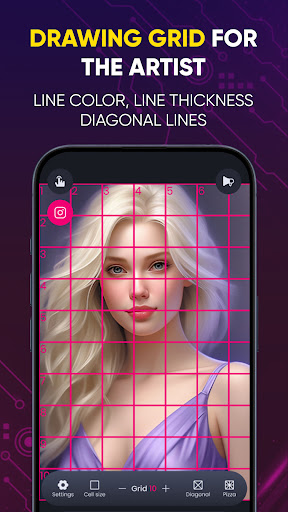
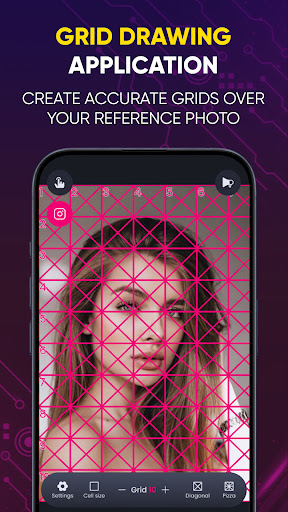
Grid Drawing is an art technique where you draw a grid over your reference photo and create a matching grid on your work surface, such as wood, paper, or canvas. The artist then reproduces the image by focusing on one square at a time until the entire picture is transferred or recreated. 🖼️✏️
Grid Maker - Grid for Drawing allows you to slice any picture into a 1x2, 1x3, 2x3, 3x3, 4x3, or 5x3 grid while maintaining high resolution. It then lets you quickly post the split images to Instagram, displaying them as one big photo on your profile.
Elevate your portrait painting and sketching with Grid Maker, the must-have tool for artists! This feature-packed app simplifies your drawing process with:
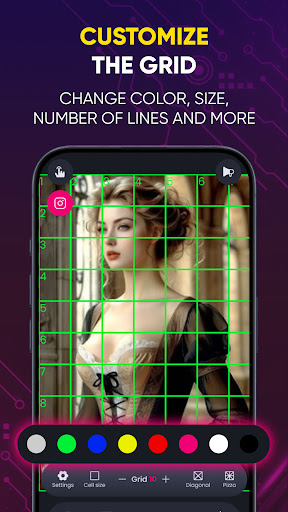
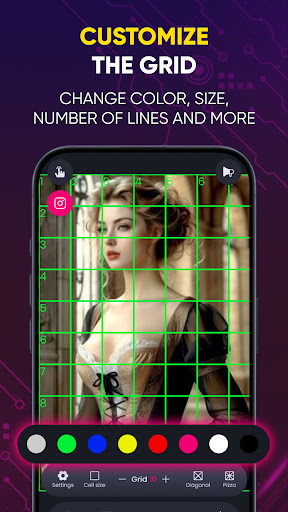
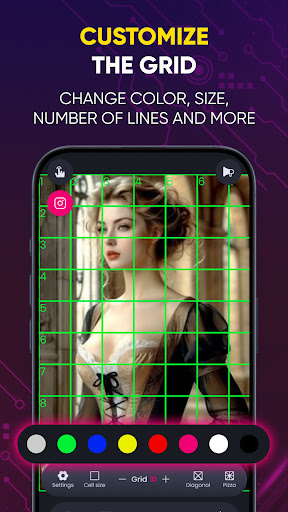
📏 Customizable Grid Sizes: Adjust the grid to any dimensions you need for precise scaling and accuracy. Adjust grids to fit your needs.
📸 Photo Import & Project Saving – Resume work anytime, anywhere and easily import reference photos from your gallery to overlay with a grid. 💾
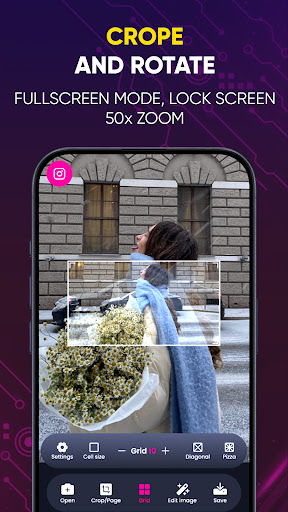
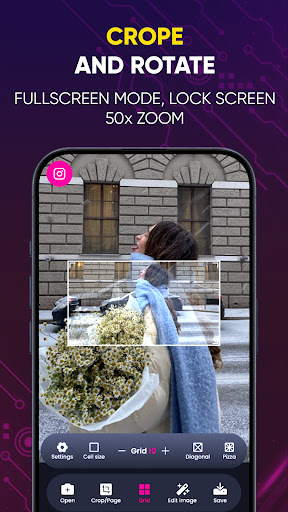
🔍 Zoom and Pan: Zoom in and out and pan across your image for detailed work on each grid square. Prevent accidental zooming for precision.
🎨 Color and Line Customization: Customize grid colors and line thickness to suit your preferences and improve visibility. 6 Grid Colors – Customize grids for better visibility.
🖼️ Aspect Ratio Lock: Maintain the aspect ratio of your reference photo to ensure accurate reproduction.
🔢 Measurement Tools: Include built-in rulers and measurement tools to help with proportions and scaling.
💾 Save and Load Projects: Save your work and load previous projects to continue working on them later.
🔄 Grid Rotation: Rotate the grid to match the orientation of your reference photo.
📲 Share Your Work: Share your grid drawing projects directly to social media or with friends.
✨ Layer Support: Add multiple layers for tracing and sketching over your grid for more complex designs.
🖌️ Drawing Tools: Access a variety of drawing tools and brushes directly within the app to sketch your image.
🔔 Tutorials and Tips: Access in-app tutorials and tips to help you master grid drawing techniques.
🎨 Grid Drawing is the ultimate app for both beginners and advanced artists seeking improvement, precision, and accuracy in their artwork. 🌟
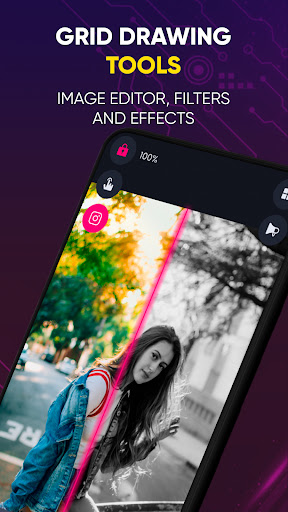
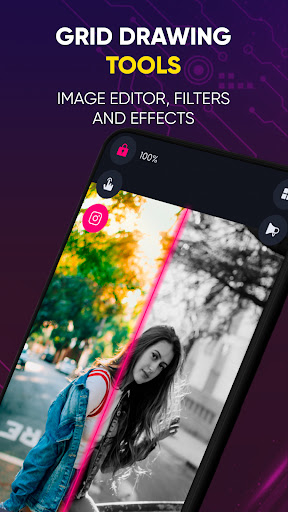
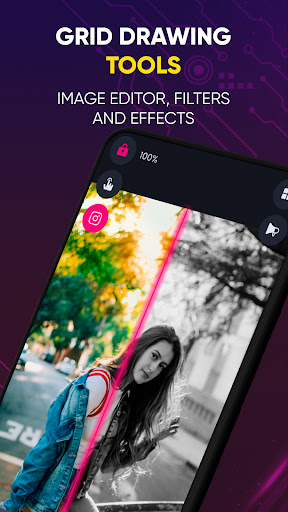
🌟Brightness & Contrast Control – Enhance image clarity.
Benefits of the Grid Drawing technique:
📐 Proportional accuracy
📏 Scale and size modification
🧩 Breaking down complexity
👁️ Enhanced observational skills
✋ Improved hand-eye coordination
💪 Confidence building
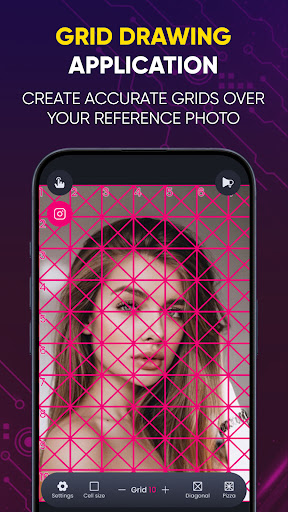
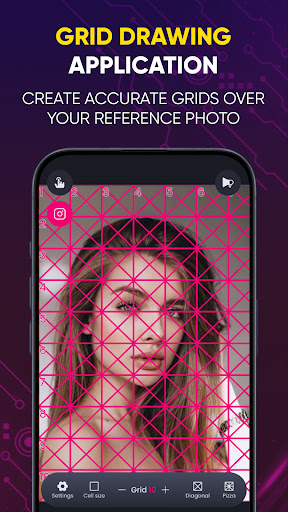
Grid Maker for Drawing simplifies the process by breaking down your reference photo into smaller squares (rows and columns), with each square containing a part of the overall picture. The artist then recreates those squares on a larger scale, one square at a time, with tremendous accuracy.
This app enhances your drawing skills by maintaining proportions and image details.
Grid Maker also comes with numerous tools and customizations that facilitate the accurate and timely transfer of your reference photo to your work surface with great precision.
Drawing Grid for the Artist is designed for both beginners and advanced artists to improve their observational and drawing skills. 🎨✨
What's New
In-app purchases
$4.99 - $89.99 per item
Version Information
- Version
- 1.0.4
- Downloads
- 10K+
- Updated on
- Aug 29, 2025
- Released
- May 27, 2024
- Requires
- Android 7.0
Statistics
Google Play Rating History
Rating Distribution
Downloads Over Time
Grid Maker For Drawing has been downloaded times. Over the past 30 days, it averaged downloads per day.
Shaded area shows 30-day prediction based on historical trends
Historical data collection started recently. More data points will be available over time.
Grid Maker For Drawing users say on Google Play
 Akshay Kumar
It is the best app for an Artist ✔️
 feastgem
great app per thoda casual hai, as an artist this is my choice for making grids, simple, efficient, user friendly, simply awsome just the thing is that it sometimes crashes so fix it and it's best app for making grids, thank you.
 Pooja Kushwaha
nice
 Chandrasekhar Yadav
It's good but I have not used this app so I don't know more about this app
 Jyoti Art Collection
Worst app. I am trying to save image but only half image appearing every time. Waste of time.
ApkTrusted Ratings & Reviews
More from GREEN TECH SOLUTIONS
See more apps





Similar Apps

AR Drawing: Learn & Sketch Art
Paid

AR Drawing – Trace & Sketch
Paid

Apowersoft Background Eraser
Free

Socratic AI: Math Help, Solver
Paid

AR Drawing - Paint and Sketch
Free

Banano Pro İmage Generator
Paid

Artlette
Free
Easy Draw Animals
Free

PixaGen: Ai image generator
Paid
4ART
Free

ArtFlow: Paint Draw Sketchbook
Free

PicWish: AI Photo Editor
Free

DesignEvo - Logo Maker
Free
Drawify - Photo to Sketch
Free

Tattoo AI: Ink Design Try-On
Paid

Sketchar AR Drawing Sketchpad
Free
Scan this QR code to download

Forwarding you to the page at Google Play market in seconds...
Open Google Play market now