Image to PDF Converter App vVARY
EAGLE APPS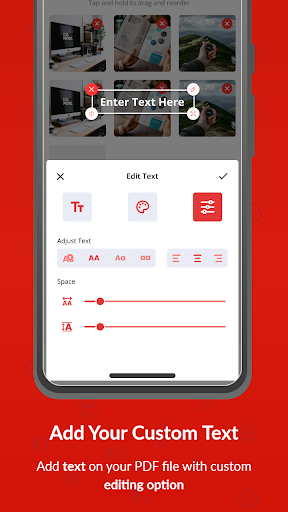

About this app
Developer Description
Looking to convert images to PDF, Photo to PDF converter - PDF Maker does it all
Image to PDF converter app is a simple tool to convert any photo to PDF. Get your Image to PDF converter app now.
Convert Any Image to PDF:
Image to PDF converter app not only converts JPG to PDF but other image formats as well. You can also convert PNG, JPEG, TIF etc.
Key Features of JPG to PDF converter – PDF Maker:
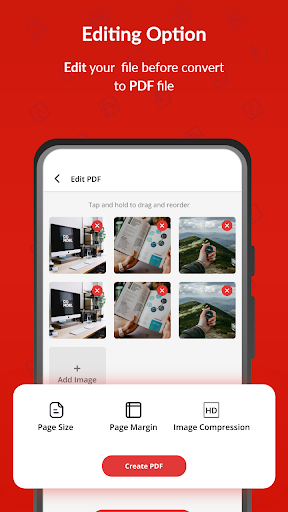
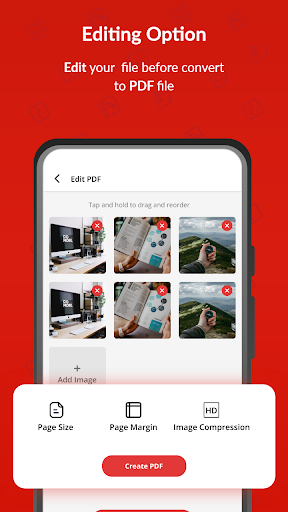
- Convert any image file to PDF.
- Convert camera photos to PDF
- Split and merge PDF files.
- Scan PDF files and convert to PDF.
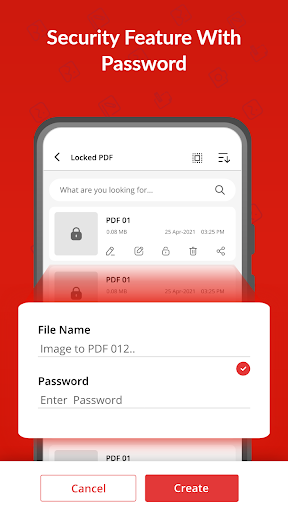
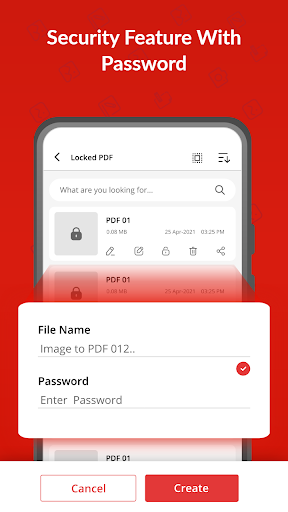
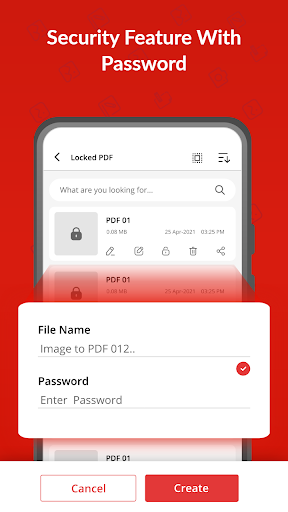
- Password protection enabled.
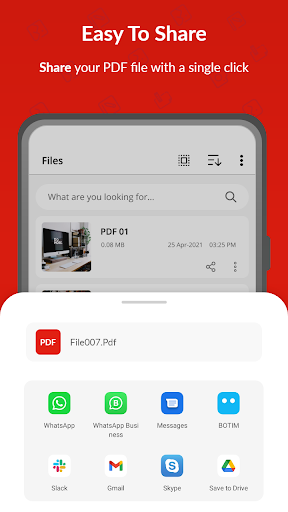
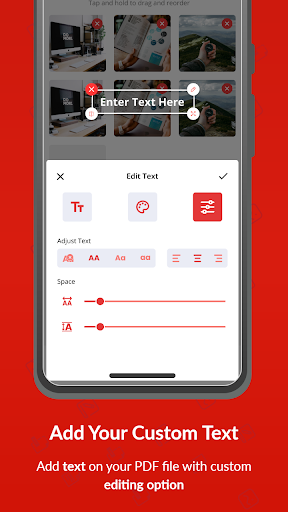
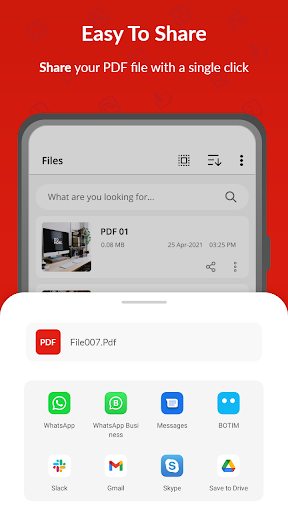
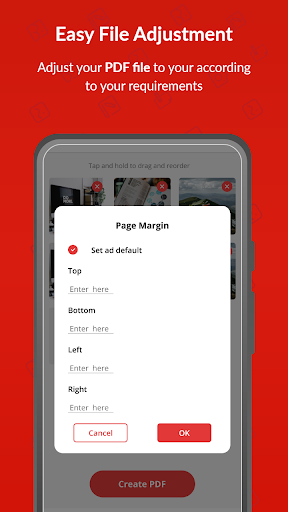
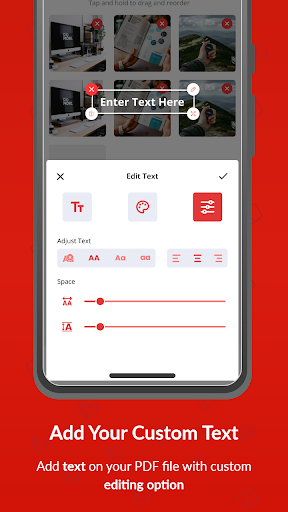
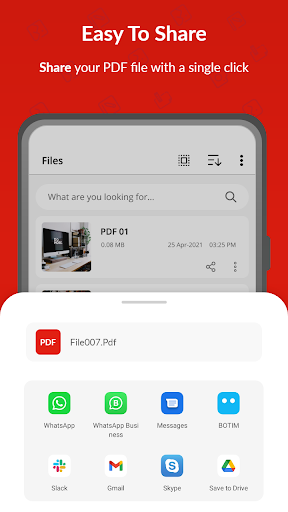
- Make PDF files, rename and share.
- Light weight and user friendly.
- Night mode for battery saving.
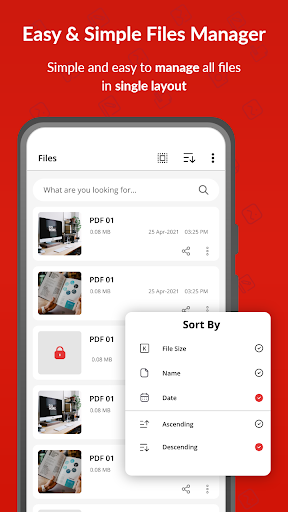
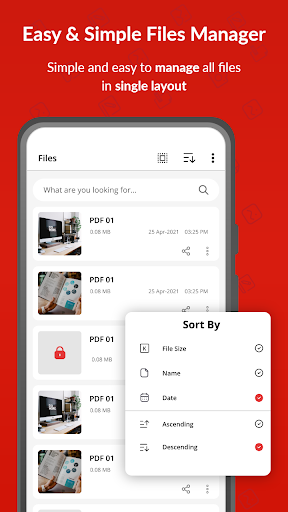
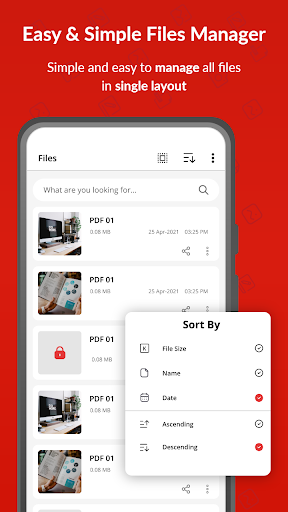
- Easy sorting to manage files.
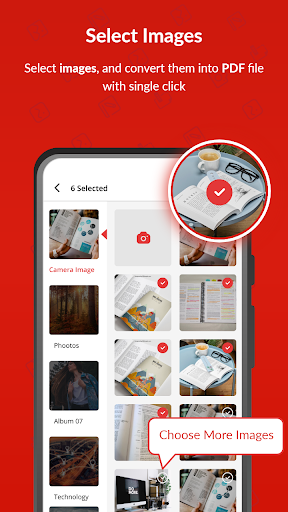
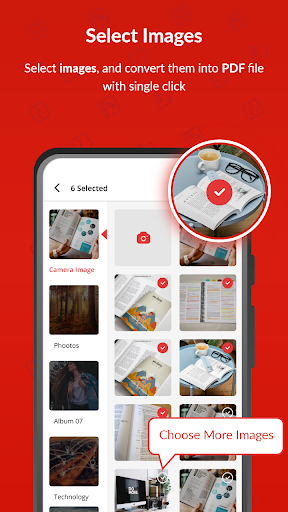
- Select multiple files and merge into one file.
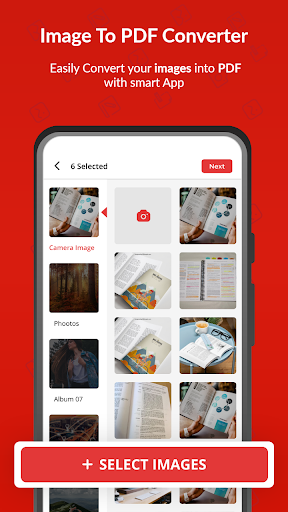
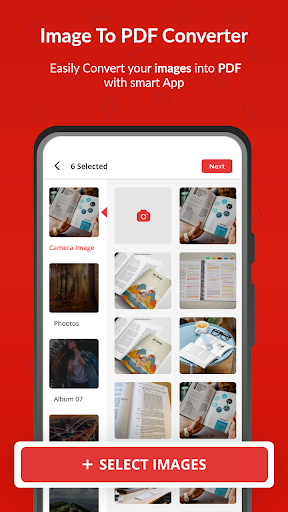
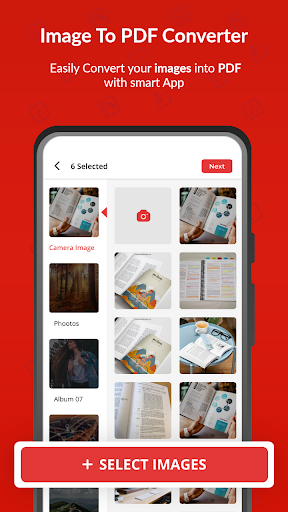
- Select image from gallery or take new photo from camera.
Convert Camera Photo to PDF – PDF Scanner:
Now with Image to PDF converter app you take photos from camera directly and convert to PDF. Converting to PDF has never been so simple. Just a few clicks and photo to PDF converter will convert your files.
Split and Merge Feature – PDF Maker:
Image to PDF converter app brings you a new powerful feature that allows you to merge different PDF files into one. Also, if there is a big PDF file with multiple pages, you can split it into different files. You can also take out your favorite pages from that file.
Password Protection – Photo to PDF converter:
We care about your safety. With high end protection system, now you can protect your important files with password. So that no one can access your secret files.
Easy Sorting – JPG to PDF converter:
With Photo to PDF converter, you can sort your PDF files as per your convenience. Sort according to Name, Date, Size etc. Now don’t miss any of your PDF files with auto sorting.
Lightweight and Simple – PDF Maker:
We are proud to present to you the most lightweight JPG to PDF converter – PDF scanner in app store. With a size of just 4 mb it’s the best image to PDF converter app.
Work Offline – Photo to PDF converter:
If you want to work with PDF files and you don’t have an internet connection, then this JPG to PDF converter is for you. Image to PDF converter works offline.
Search Bar for ease of access:
Finding your desired files from your phone is so easy with Photo to PDF converter. Just type the name of file in search bar and convert to PDF. That’s it. Give it a try.
PDF Scanner – Photo to PDF Converter:
This app also acts as a PDF scanner. Open camera scans any document or image and convert to PDF file.
Free PDF Maker:
Download the best PDF maker app now and start converting Photos to PDF. Simple and user-friendly interface makes it easy for anyone to use. The interface is so intuitive that anyone can convert their images to PDF.
In-app purchases
$3.99 per item
Version Information
- Version
- -
- Downloads
- 100K+
- Updated on
- -
- Released
- Nov 29, 2022
- Requires
- Android Varies with device
Statistics
Google Play Rating History
Rating Distribution
Downloads Over Time
Image to PDF Converter App has been downloaded times. Over the past 30 days, it averaged downloads per day.
Shaded area shows 30-day prediction based on historical trends
Historical data collection started recently. More data points will be available over time.
Image to PDF Converter App users say on Google Play
 Maitrey Bandhankar
Very good app better than pdf converter cause that apps take to much if time in loading the pdf. But this app is amazing within a few seconds we are able to make pdf. This app has less ads and no bugs and glitches. Thank you for making this app 👍
 sanjay paliwal
It is nice But I give 4 ⭐ bcoz it is not best is better than some apps but not best👍🏻🙂
 Akash E
Really helpful app
 WORLD CRICKET AMUSMENT
HI THERE I WAS USING IMAGE TO PDF CONVERTOR FOR A WHILE NOW AND TODAY I DECIDED TO OPEN IT AS USUAL SEEMS LIKE A NEW UPDATE IT WENT FROM 1 TO 100 AND SHOWED THE BUTTON START I PRESSED IT MULTIPLE TIMES STILL DIDN'T WORK CAN U PLS FIX ME THIS BUG
 Sankalp Ambekar S21-311
I request each and everyone not to download this freaking app ,it litterly made me cry becuse i was not able to name my pdf as it was showing word limits and it was very important to write that particular name on that pdf. Such a diguisting app i have never seen in my whole life .if thier was even option to give zero star i would have given it 😤😤😤😤😤.
ApkTrusted Ratings & Reviews
More from EAGLE APPS
See more apps
Live Wallpapers 4K, HD, 3D
Free
Caller Name Announcer - SMS
Free
Animal sounds & wallpaper
Free

PhotoFixer - AI Photo Enhancer
Free

PDF Reader, Editor & Scanner
Free

Find My Phone Anti Theft Alarm
Free

Play Song Offline Music Player
Free
Voice Changer & Sound Effects
Free

Universal TV Remote | All TVs
Free
Cast to Chromecast, Roku, & TV
Free

Battery Charging Animation
Free
Edge Lighting - Border Colors
Free

Auto Clicker & Auto Tapper
Free

PDF Document Reader & Editor
Free
Scan this QR code to download

Forwarding you to the page at Google Play market in seconds...
Open Google Play market now