
Mouse Timer v1.2.2
LITALICO lnc.

About this app
The Mouse Timer app effectively solves the problem of visually representing time intervals in an engaging manner, making it an excellent tool for young students or individuals with learning difficulties. It stands out in the Education category due to its simplicity and the absence of ads or in-app purchases, which ensures an uninterrupted learning experience. Compared to alternatives, Mouse Timer's unique approach using a cute mouse character to demonstrate time passage may make it more appealing and memorable for its target audience. However, its simplicity might also mean it falls short for users seeking more complex time management features.
Pros
- With over 500,000 downloads and a 4.7-star rating, Mouse Timer has demonstrated its effectiveness and user satisfaction, indicating a well-designed and useful application.
- The app's decision to forgo ads and in-app purchases significantly enhances the user experience, especially in an educational context where distractions should be minimized.
- The developer, LITALICO Inc., provides a professional website and support email, suggesting a commitment to user support and potential for future updates or expansions.
- Mouse Timer requires no permissions, which is a significant advantage in terms of privacy and security, as it minimizes the risk of data collection or misuse.
- The app's offline capability, implied by its minimal permissions and simple functionality, makes it accessible in environments with limited internet connectivity.
Cons
- One potential drawback is the app's simplicity, which, while beneficial for its target audience, might limit its appeal or utility for users seeking more advanced time management or educational tools.
- There is a lack of information on the app's update frequency or the developer's plans for future enhancements, which could be a concern for long-term users.
- The app's effectiveness for older students or individuals with more complex time management needs might be limited due to its basic functionality and design focused on a younger audience.
- Despite its strengths, the app's minimalistic approach might lead to a lack of engagement over time, as some users might find the interface too simple or repetitive.
Best for: The ideal user for Mouse Timer is likely a young student, possibly in the elementary school age range, who benefits from visual aids to understand time concepts, or an educator looking for simple, distraction-free tools to teach time management and basic math concepts in the classroom.
Developer Description
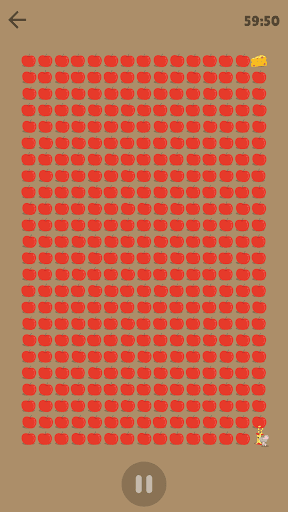
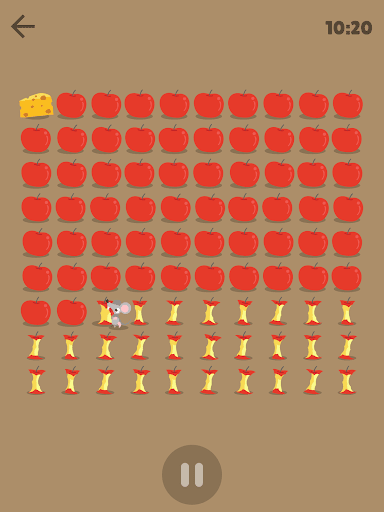
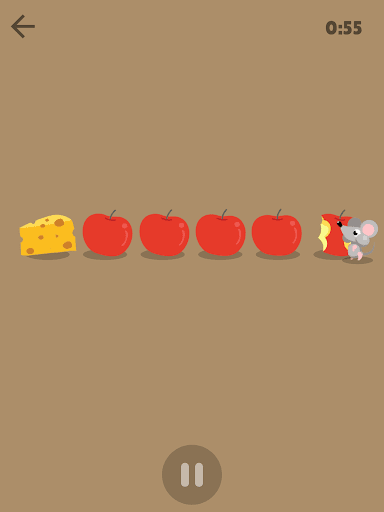
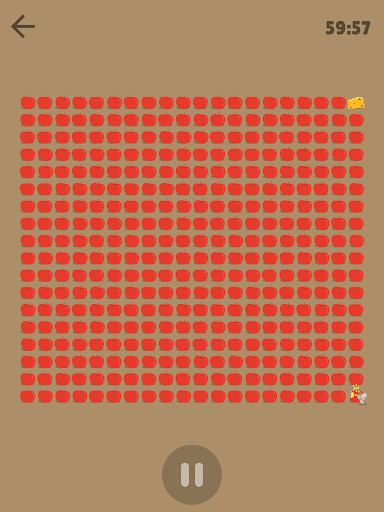
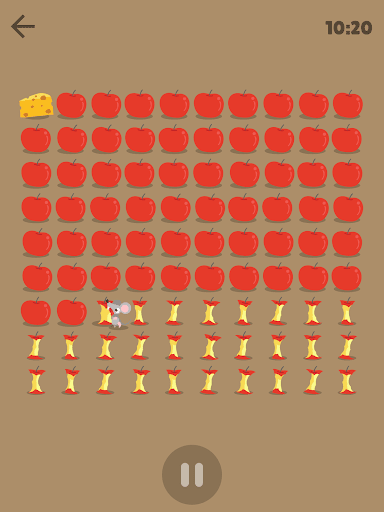
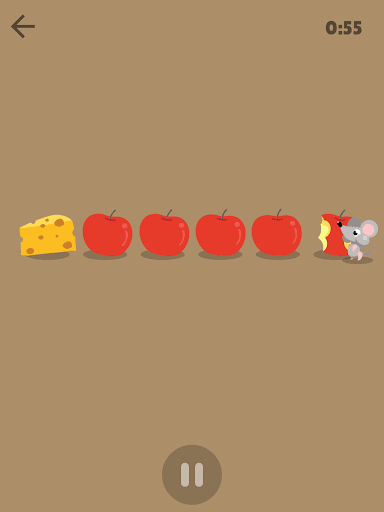
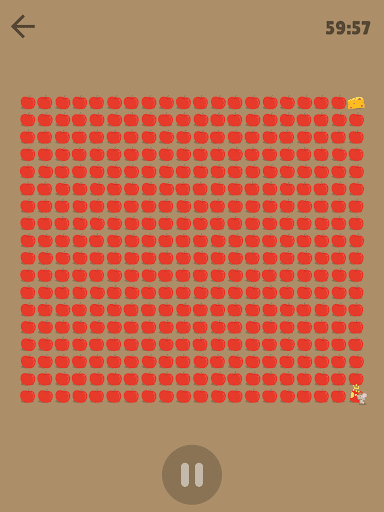
A Cute Little Mouse gnaws on apples to show you the length of time!
The app expresses the length of time with a cute little, greedy mouse gnawing on apples!
Mouse Timer was developed from the request from teachers and parents of kids who attend LITALICO classrooms.
*LITALICO classrooms are run by teachers and professors who specialize in kids development and education.
Characteristics of this app:
• This timer can be used not only as an educational tool but also as a normal timer for daily life.
• You can use it for FREE.
• NO Advertisements are displayed so there is no visual destruction and kids can use it safely.
Main function:
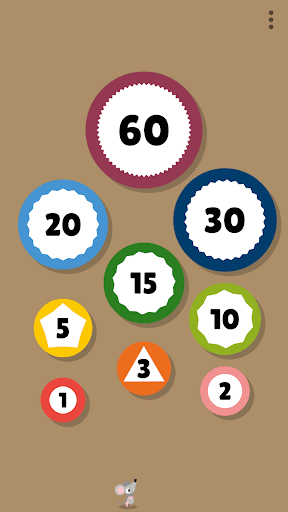
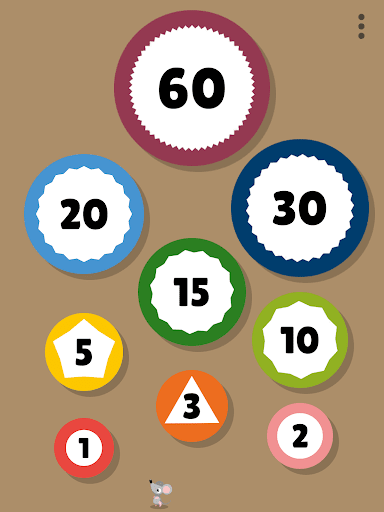
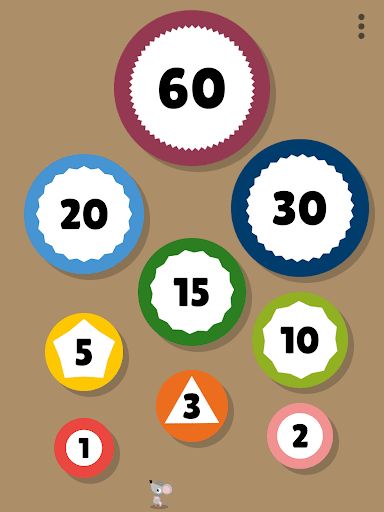
• Alarm can be set only by choosing the displayed time.
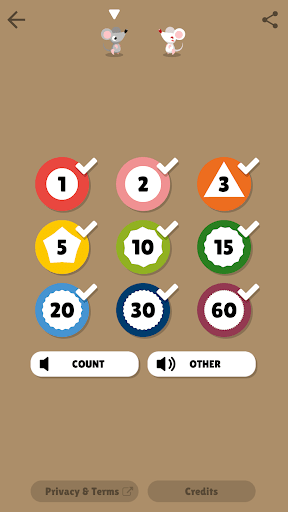
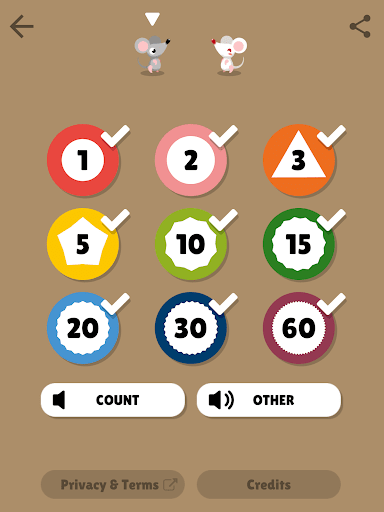
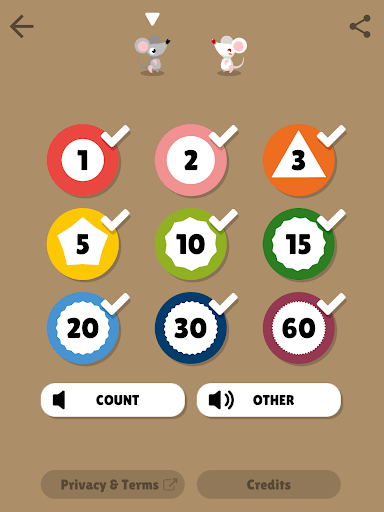
• Choices of time can be reduced.
• You can pause and resume the timer.
• This app notifies you when the time comes even when you're not using the app.
• White mouse will appear by in-app purchases.
Please feel free to notify us!
app-support@litalico.co.jp
Hope you enjoy our app.
Thank you!
Privacy
Given that Mouse Timer requests no permissions, the risk of data collection or privacy breaches appears to be minimal. However, users should still be cautious when downloading any app and ensure they are downloading from trusted sources like the official app store. It's also advisable to monitor the app's future updates for any changes in permission requests or data handling practices.
Tips
For the best experience, users should start by familiarizing themselves with the app's simple interface, which allows for easy time interval settings. To get the most out of Mouse Timer, especially in educational settings, consider integrating it with other learning tools or schedules to create a comprehensive learning plan. Additionally, since the app works offline, it can be a valuable resource in classrooms or areas with unreliable internet connectivity.
What's New
Version Information
- Version
- 1.2.2
- Downloads
- 500K+
- Updated on
- Oct 9, 2025
- Released
- May 25, 2017
- Requires
- Android 7.0
Statistics
Google Play Rating History
Rating Distribution
Downloads Over Time
Mouse Timer has been downloaded times. Over the past 30 days, it averaged downloads per day.
Shaded area shows 30-day prediction based on historical trends
Historical data collection started recently. More data points will be available over time.
Mouse Timer users say on Google Play
 Cyril Sjöström
Mouse timer is a fantastic concept. This playful timer app helps kids to understand a certain timeframe. You're able to chose the time from a few templates. This app shows time as this animation of a mouse eating apples, slowly advancing itself to the final piece of cheese. My kid wants to be faster as the mouse, so now my kid cleans up his toys in a selected timeframe. My kid wins, of course. Parent and kid are happy! Simple idea. Is there any way to donate to the maker of this app?
 Ori Wilken
Super helpful for getting out the door on time with my time blindness. It's the only alarm app I've found that has a single short non-repeating alarm. Unfortunately there's a 50/50 chance it won't run in the background if I switch to another app. Still, helpful!
 Markus Konsti
Is very good idea. It visualizes elapsing time for child in very entertaining but simple way. Technically speaking app doesn't support horizontal view. User also would like to customise available times. It is mathematically correct that user can select any time by combining developer's selection but it is very confusing to combine time options. E. g. try to select 4 minutes. User cannot customise the background of countdown scene nor mouse's outlook. App inhibits screen from going to sleep when
 Doug Sopp
Used to be great for the kids, but for some reason it now freezes when the timer reaches zero, and no alarm sounds... If I pull down the notification shade then swipe it back up, or exit & re-enter the app, suddenly the alarm will sound. I'm using a Galaxy S22 Ultra. Strangely enough, it seems to still work fine in my partner's S21...
ApkTrusted Ratings & Reviews
More from LITALICO lnc.
See more apps









Similar Apps

Toddlers Insects 2+
Free

Endless Wordplay
Free

Pok Pok | Montessori Preschool
Free

ReadingBuddy: Read Aloud Books
Free

Todo Math
Free

Rudi Rainbow: Weather for Kids
Paid

Disney Magic Timer by Oral-B
Free

The Bugs I: Insects?
Free

I Read: Reading Comprehension
Free

Toddlers Solar System 2+
Free

Math Lingo: Be Fluent in Math
Free

Matific: Math Game for Kids
Free

Bugs 2: What Are They Like?
Free

ANTON: Learn & Teach PreK - 8
Free

Papumba: Games for Kids 2-7
Free

Leeloo AAC - Autism Speech App
Free
Scan this QR code to download

Forwarding you to the page at Google Play market in seconds...
Open Google Play market now