
My Inventory – Home Tracker vVARY
Wasabi Applications (わさびアプリ)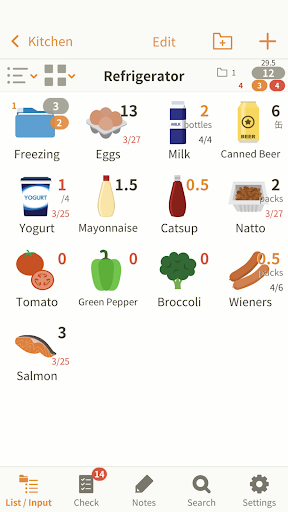

About this app
Developer Description
Easily track and manage your household items with this smart inventory tool.
Have you ever wondered if you still have stocks when going grocery shopping?
"My Inventory" will help you in such situations.
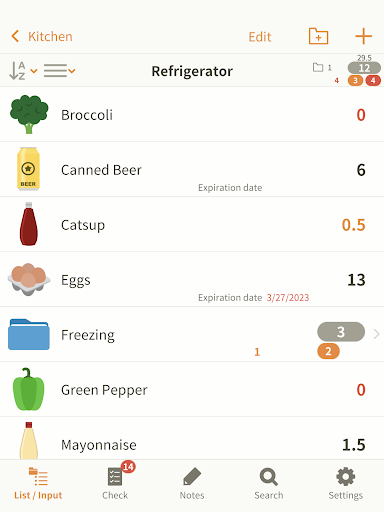
Quickly launch the app, and check your inventory.
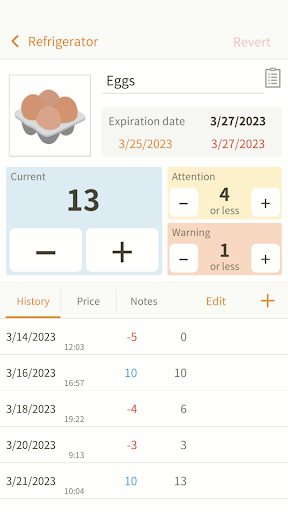
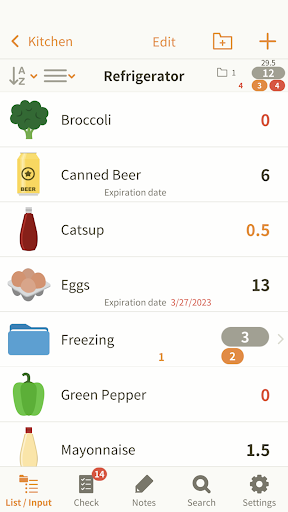
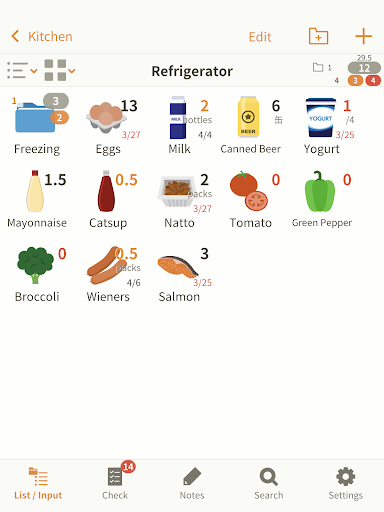
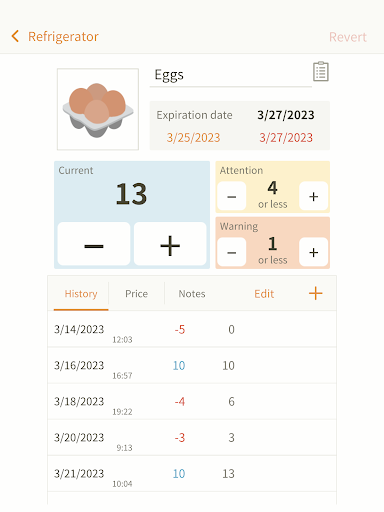
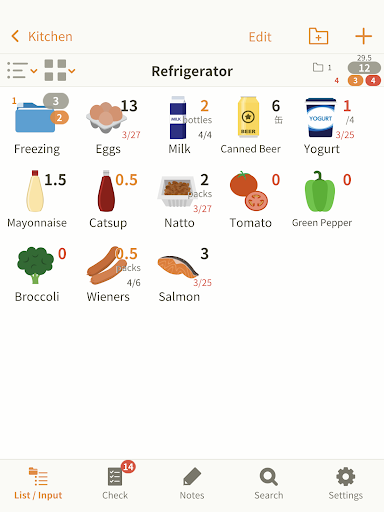
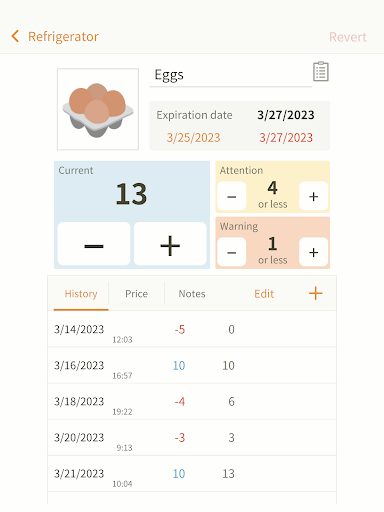
Enter the number of pieces or expiration date of the commodities in your fridge or kitchen storage, for example. Then subtract number when you use them or add when you restock the products.
This application helps you keep track of what you have at home, so you don't need to prepare notes before going at the grocery anymore.
Furthermore it allows you to:
1. Take note of the price or store where you get a product.
2. See frequency of use (The increase and decrease will be recorded automatically).
3. Write down whatever you want to keep in mind in the Notes field.
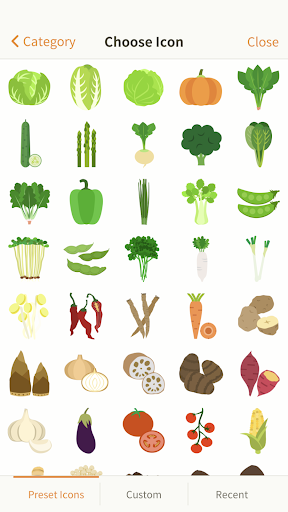
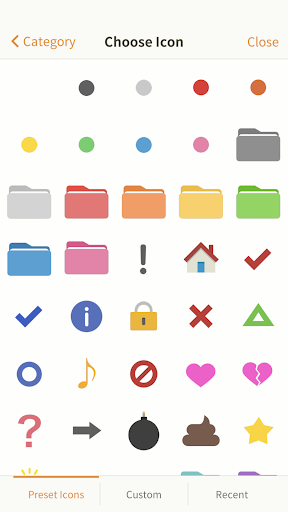
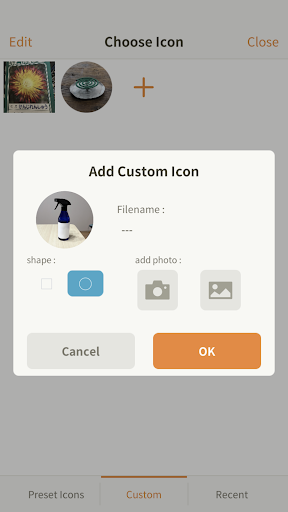
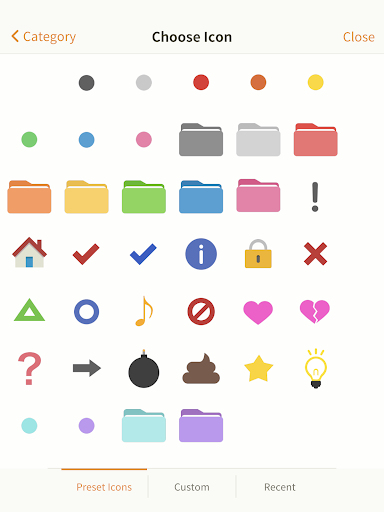
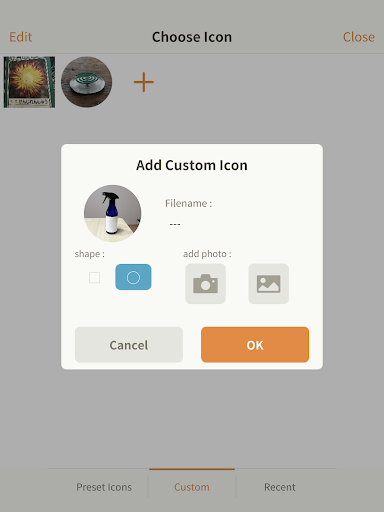
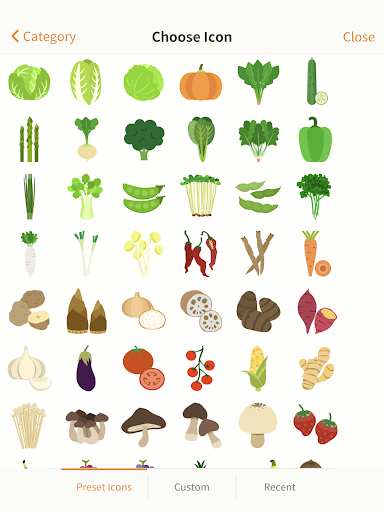
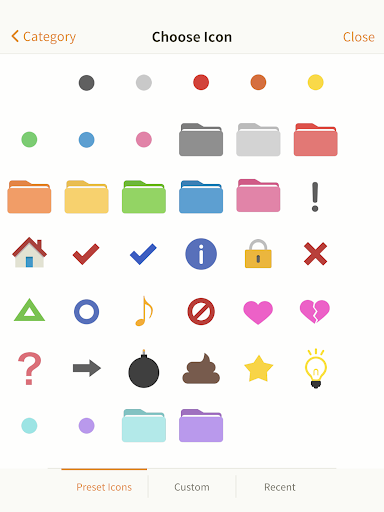
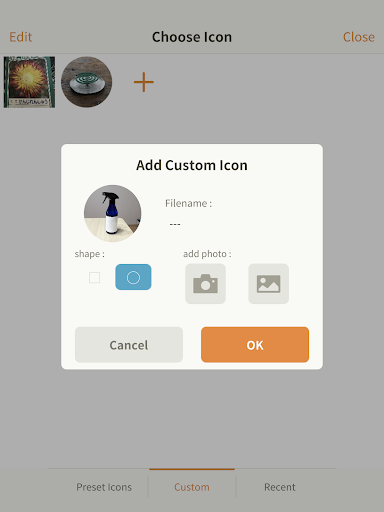
The app features more than 600 icons. If you don't find an appropriate icon, you can take a picture and create your original icons.
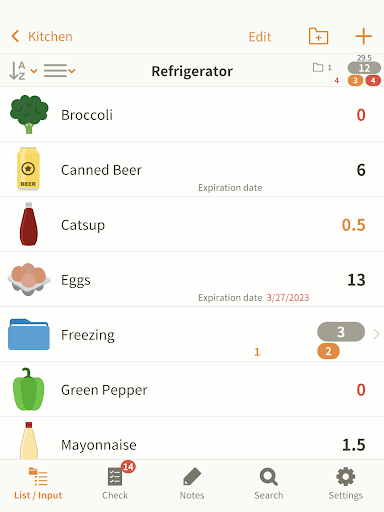
It also allows you to organize groups for your convenience.
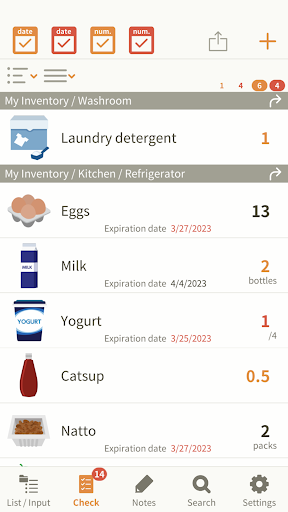
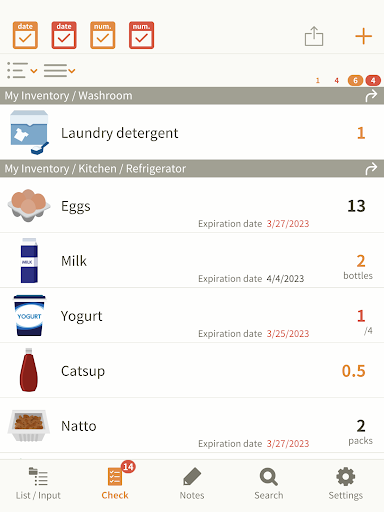
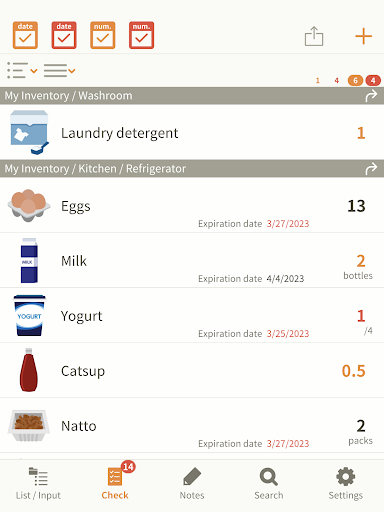
The items that are running out are shown in the Checklist.
Each item can be set to show a given number of warnings.
When you restock the item, the warning will automatically disappear from the Checklist.
Why don't you start using "My Inventory" as your daily living tool?
You can try it with the free version "My Inventory LT".
Version Information
- Version
- -
- Downloads
- 1K+
- Updated on
- -
- Released
- Apr 12, 2018
- Requires
- Android Varies with device
Statistics
Google Play Rating History
Rating Distribution
Downloads Over Time
My Inventory – Home Tracker has been downloaded times. Over the past 30 days, it averaged downloads per day.
Shaded area shows 30-day prediction based on historical trends
Historical data collection started recently. More data points will be available over time.
My Inventory – Home Tracker - Google Play Rankings
Top Rankings
| Rank | Country | Category | List | Change |
|---|---|---|---|---|
| — |
Ranking History in
No ranking data available yet. Rankings are updated daily.
#2 in Top Paid Shopping in Vietnam


#2 in Top Paid Shopping in Saudi Arabia
#2 in Top Paid Shopping in Poland
#2 in Top Paid Shopping in Pakistan
My Inventory – Home Tracker users say on Google Play
 Michelle Yeohan (Miaw)
Hope I can refund, the edit button disable for editing folder how I can edit or delete my folder? And how I move my item into specific folder?, last time I use this app I only found minor lack like little variety of icon and cannot calculate the price of all my stuff, but why now worsen? Fix it.
ApkTrusted Ratings & Reviews
More from Wasabi Applications (わさびアプリ)
See more apps
Best Bowling LT
Free

Mini Golf 1000: Putt Putt Star
Free

Five Differences Max Challenge
Free

Mini Golf 100
Free

Best Bowling
Paid

Sprint 100 multiplay supported
Free

Boccia Battle
Free

Lulu Lolo Jigsaw Puzzle
Free

Aha Vision: Hidden Change Hunt
Free

Monster Tower: Math Battle RPG
Free

Crazy Bike Racing Level 100
Free

My Inventory LT – Home Tracker
Free

Jigsaw Puzzle 360 : Mega Pack
Free

RENDA! - Button Mashing Game
Free

Space Brothers Jigsaw Puzzle
Free

Area Quiz : Geometry Problems
Free
Similar Apps

Receipt Tracker App - Dext
Free

Stock and Inventory Simple
Free

eXpend: Make Budgeting a Habit
Free

SimplyWise: Receipts, Expenses
Free

HydroJug
Free

Quicken Simplifi: Budget Smart
Free

3Nickels: Invest, Budget, Save
Free

JobNimbus: All-In-One Roof App
Free

ProBooks: Invoice Maker
Free

Expensify - Travel & Expense
Free

FED Fitness
Free

Square Point of Sale Beta
Free

Expense Tracker: Budget App
Free
Scan this QR code to download

Forwarding you to the page at Google Play market in seconds...
Open Google Play market now