DIGI Clock Widget v3.6.1
ForestTree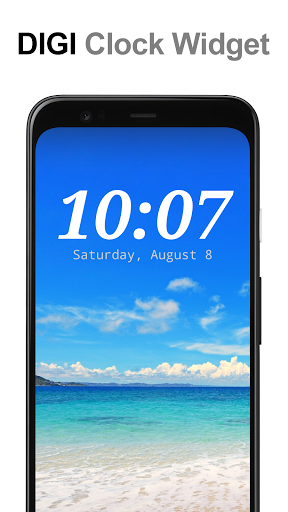
About this app
Developer Description
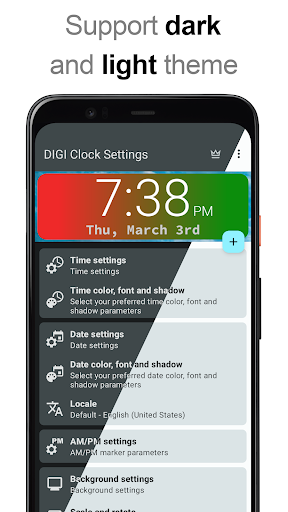
Highly customizable digital time and date Home screen widget
2x1 widget - small
4x1 and 5x1 widget - wide, optionally with seconds
4x2 widget - big
5x2 and 6x3 widget - for tablets.
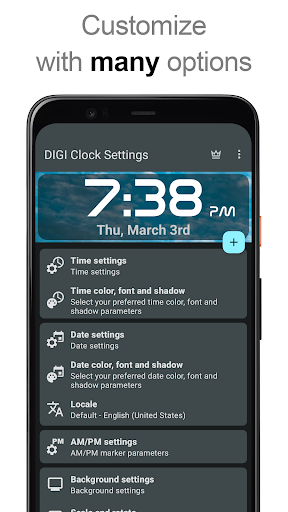
Features lots of customizations, like:
- widget preview during setup
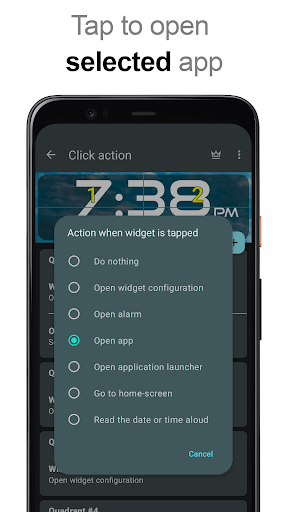
- select widget click actions: tap on widget to load alarm application, widget settings or any installed application
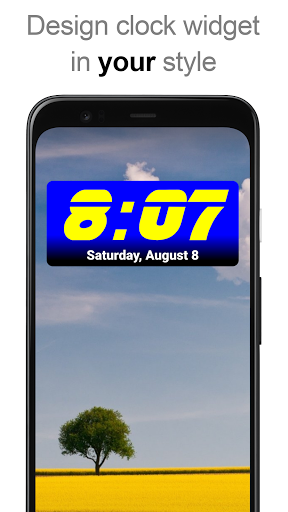
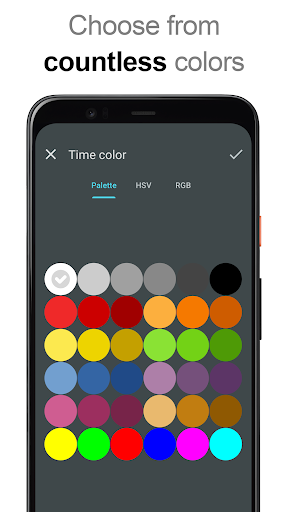
- allows you select your preferred colors for time and date
- shadow effect with selectable color
- outlines
- locale preference, set date output in your language
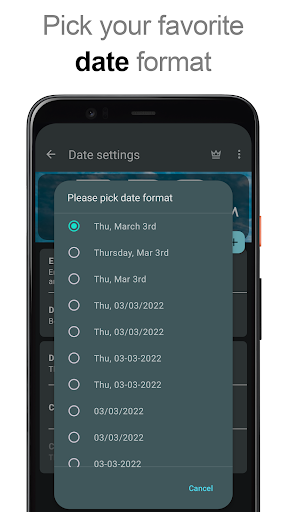
- plenty of date formats + customizable date format
- show/hide AM-PM
- 12/24 hour selection
- alarm icon
- show time with seconds option (for 4x1 and 5x1 widget)
- widget background with selectable color and opacity from 0% (transparent) to 100% (completely opaque)
- as widget background you can use single color, two colors gradient or simply use your own photo
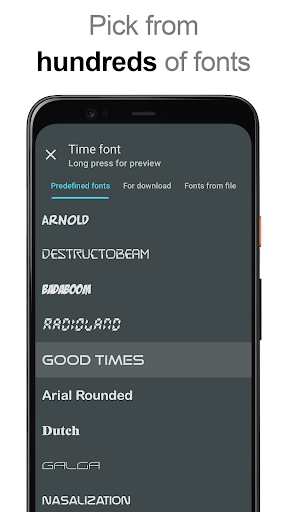
- 40+ great fonts for time and date, hundreds of fonts available for download, or use your favorite font file from device memory
- compatible with Android 11
- tablets friendly
... and even more ...
How to use?
This is a Home screen widget, please follow this instruction on how to add the widget to your Home screen:
• Press the plus (+) button below the widget preview when available.
• Select desired widget size.
• Add widget to the Home screen from shown dialog.
or add widget manually:
• Long press empty space on your home screen.
• Click “Widgets” from shown options.
• Scroll down until you find "DIGI Clock”.
• Touch and hold the desired widget’s icon, slide your finger where you want to place it, and lift your finger.
This instruction may differ from device to device of by device manufacturer.
If there is missing "DIGI Clock" in list of widgets, try to restart your device.
NOTICE
Please exclude this widget from any task killers, this will resolve the time freezing issue in most instances.
Thanks for using DIGI Clock Widget & enjoy!
What's New
Update to Android 16 compatibility (3.6.0).
The ability to set custom corner rounding is back (3.6.0).
In-app purchases
$0.99 - $3.49 per item
Version Information
- Version
- 3.6.1
- Downloads
- 10M+
- Updated on
- Jan 3, 2026
- Released
- Jul 28, 2011
- Requires
- Android 8.0
Statistics
Google Play Rating History
Rating Distribution
Downloads Over Time
DIGI Clock Widget has been downloaded times. Over the past 30 days, it averaged downloads per day.
Shaded area shows 30-day prediction based on historical trends
Historical data collection started recently. More data points will be available over time.
DIGI Clock Widget - Google Play Rankings
Top Rankings
| Rank | Country | Category | List | Change |
|---|---|---|---|---|
| — |
Ranking History in
No ranking data available yet. Rankings are updated daily.
#43 in Top Free Personalization in Japan


DIGI Clock Widget users say on Google Play
 Eric Vonhold
I've been using this app for more than 10 years and on at least 5 different devices since February of 2014 and possibly as far back as late 2013. Yes, the one unusual problem I've noticed is that the clock freezes on Samsung devices. I usually open the app and the clock updates. The possibilities for customization seem endless. It just plain works.
 NJ Linda E.
I have been using the widget for a long time. I like the ability to adjust the look etc. One issue is that it sometimes is off on the time & says to fix this by allowing a permission. But I already have.
 Robert Hamm
The app stops keeping the current time. I try to fix it the way they say to and it doesn't fix it. You need to update the app since it hasn't been updated in 8 months. you need to update the app
 Klaudia B
it was best for a years but since a week it's terrible, getting stuck and needs to be refreshed manually few times for a day...
 W B
W B
Does not keep the time correctly. Very aggravating. They should have fixed this with an update!! They want you to dick around with your phone settings, but they should make the app work with the phone like other apps do!
ApkTrusted Ratings & Reviews
More from ForestTree
See more apps

Scan this QR code to download

Forwarding you to the page at Google Play market in seconds...
Open Google Play market now