
PhotoBoost - AI Photo Enhancer v1.1.64
Yoob AI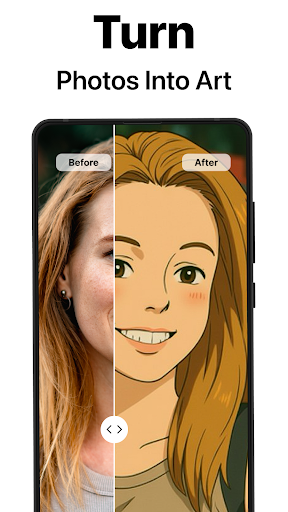










About this app
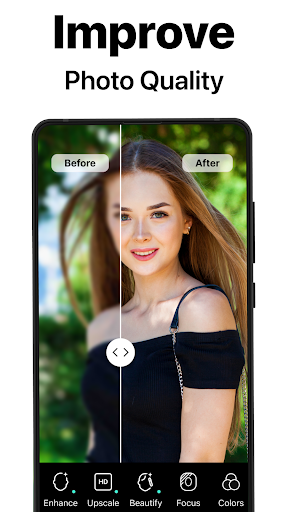
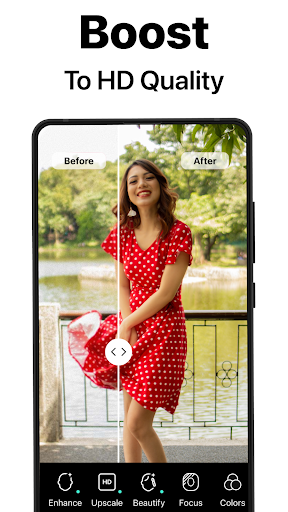
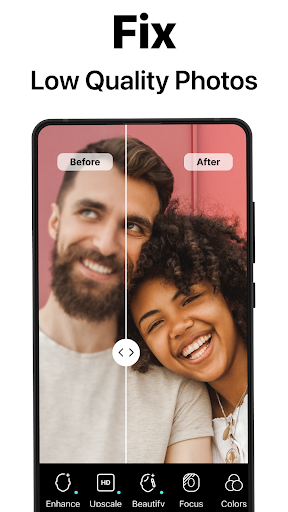
PhotoBoost - AI Photo Enhancer effectively solves the problem of low-quality or blurred photos by leveraging powerful AI tools to enhance and restore them, benefiting amateur and professional photographers alike. Compared to other photography apps, PhotoBoost stands out with its user-friendly interface and impressive AI-driven features. However, its reliance on ads and in-app purchases might detract from the user experience. Overall, the app's excellent rating and large user base indicate a well-regarded tool in the photography category.
Pros
- With over 5 million downloads and an excellent user rating of 4.6/5, PhotoBoost demonstrates strong social proof and a high level of user satisfaction, indicating a reliable and effective photo enhancement tool.
- The app's AI-driven features provide a significant advantage over manual editing tools, making it easier for users to achieve professional-looking results without extensive editing experience.
- The developer, Tap AI, maintains a professional website and provides a clear support email, suggesting a commitment to customer support and app maintenance.
- PhotoBoost's offline capability and lack of required permissions enhance user privacy and convenience, allowing for secure and private photo editing.
Cons
- The app's monetization model, which includes ads and in-app purchases ranging from $1.99 to $199.90, may lead to an intrusive user experience and high costs for full functionality.
- Some users might find the interface overwhelming due to the variety of features and tools available, potentially leading to a steeper learning curve.
- Despite the app's excellent rating, some users may experience varying results with the AI photo enhancer, depending on the quality and type of input photos.
Best for: The ideal user for PhotoBoost is an individual who frequently takes photos, values high-quality images, and seeks an easy-to-use yet powerful editing tool, such as amateur photographers, social media influencers, or anyone looking to enhance their mobile photography experience without needing extensive editing knowledge.
Developer Description
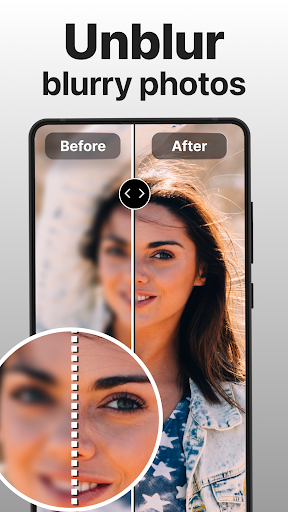
Unblur, enhance & restore photos with powerful AI photo enhancer tools.
Bring your photos to life with PhotoBoost, the ultimate photo enhancement and creativity app. From sharpening blurry photos to creating stunning AI-generated avatars, PhotoBoost uses cutting-edge AI technology to deliver incredible results in seconds.
Blurry images become sharp, pixelated photos are revived, and cherished moments are restored—all with the power of state-of-the-art AI technology. Plus, our newest AI Avatars feature offers the largest selection of styles and themes, turning your selfies into magical creations instantly!
NEW: AI Avatars with Endless Possibilities
Unleash your creativity with AI Avatars, offering the widest selection of themes on the market. Transform your selfies into entirely new creations in under 3 seconds.
With PhotoBoost AI Avatars, you can:
Celebrate Holidays: Festive themes for Christmas, New Year, and beyond.
Dive Into Fantasy: Transform into knights, elves, or mythical characters.
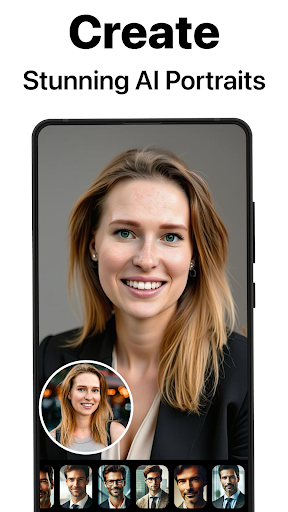
Create Professional Portraits: Generate sleek headshots ideal for work or resumes.
Experiment with Art Styles: Masterpieces inspired by Van Gogh, Cubism, or AI art.
Pop Culture Fun: Step into iconic looks or futuristic worlds.
Stay Fresh: Discover regularly updated themes and styles.
Unlike competitors, PhotoBoost offers unmatched variety and speed, delivering avatars that are detailed, creative, and personal.<
Core Features of PhotoBoost
Sharpen Photos Instantly
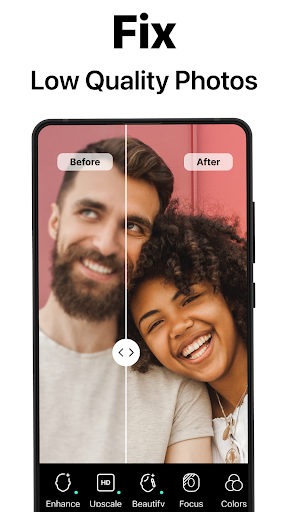
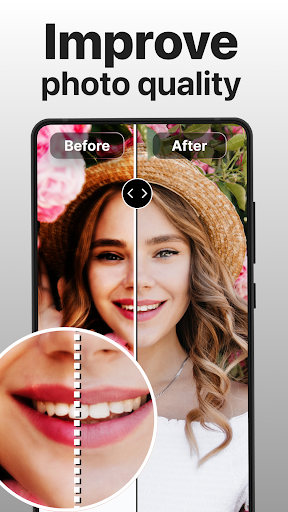
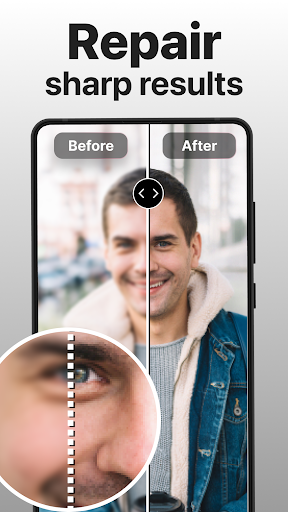
Transform blurry, pixelated, or low-resolution images into sharp, high-definition masterpieces. Perfect for social media posts or cherished family moments.
Restore Old Memories
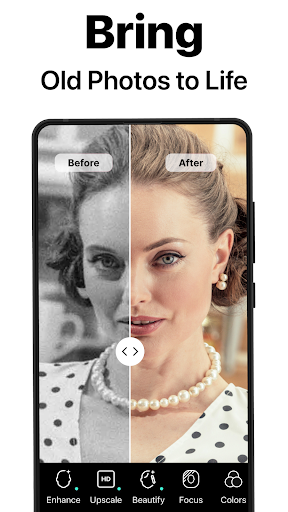
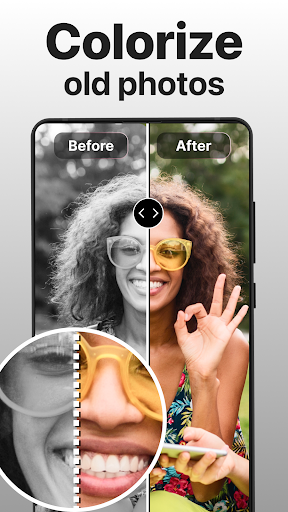
Repair scratched, damaged, or faded photos effortlessly. Bring black-and-white images back to life with vibrant colorization. Digitize vintage family albums and share high-quality memories with loved ones.
Advanced AI Upscaling
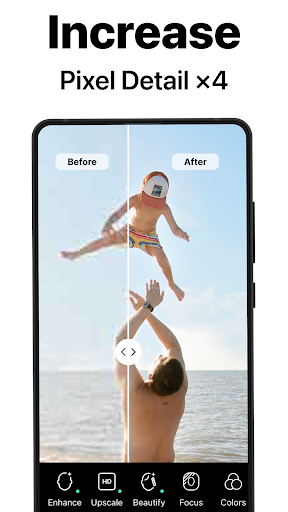
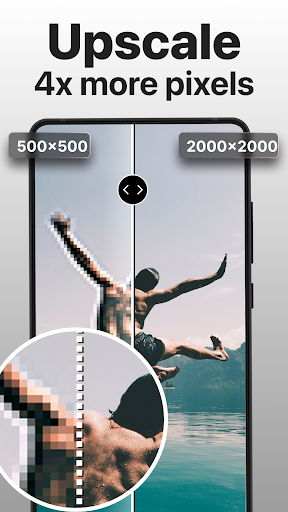
Enlarge images without sacrificing quality, perfect for printing or framing your favorite photos.
Compare and Share
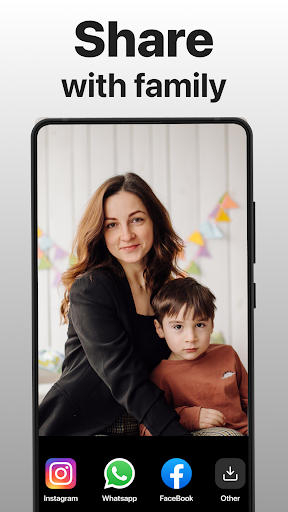
Create stunning side-by-side “before and after” transformations to highlight the magic of your photo enhancements.
AI Avatars
Explore an unparalleled variety of styles and themes, designed for any mood, season, or occasion.
Why PhotoBoost is the Best Choice
Largest Avatar Library
More themes and styles than any competitor, with frequent updates ensuring there’s always something new to try.
Incredible Speed & Quality
Generate stunning avatars and enhanced photos in under 3 seconds without compromising quality.
Cutting-Edge AI Technology
Flawless results guaranteed, whether you’re enhancing an old photo or creating a fantasy-themed avatar.
Versatility for Every Need
From restoring family photo albums to creating polished headshots or playful avatars, PhotoBoost adapts to any goal.
Perfect for Social Media
Unique, high-quality visuals that will impress your followers and make every post stand out.
Free Trial & Subscription Details
After the free trial period, if the user does not cancel, the subscription will automatically convert to the paid version and be billed at the selected package price.
Privacy Policy - https://tap.pm/privacy-policy-photoboost
Service Terms - https://tap.pm/terms-of-service/
Privacy
Given that PhotoBoost requires no permissions, it presents a low risk to user data and privacy. However, users should remain cautious when using any photo editing app, especially when sharing enhanced photos online, as they may still contain metadata or other identifiable information. To maintain privacy, users should review the app's terms and conditions and be mindful of the photos they edit and share.
Tips
For optimal results, users should start by experimenting with the app's automatic enhancement features and then adjust settings manually as needed. Additionally, closing other resource-intensive apps can help improve PhotoBoost's performance, especially on lower-end devices. Regularly checking for updates can also ensure access to the latest features and improvements.
What's New
In-app purchases
$1.99 - $199.90 per item
Version Information
- Version
- 1.1.64
- Downloads
- 5M+
- Updated on
- Dec 30, 2025
- Released
- Dec 21, 2022
- Requires
- Android 9
Statistics
Google Play Rating History
Rating Distribution
Downloads Over Time
PhotoBoost - AI Photo Enhancer has been downloaded times. Over the past 30 days, it averaged downloads per day.
Shaded area shows 30-day prediction based on historical trends
Historical data collection started recently. More data points will be available over time.
PhotoBoost - AI Photo Enhancer - Google Play Rankings
Top Rankings
| Rank | Country | Category | List | Change |
|---|---|---|---|---|
| — |
Ranking History in
No ranking data available yet. Rankings are updated daily.
#18 in Top Free Photography in United States


#22 in Top Grossing Photography in United States
 Video Editor & Maker - InShot
PhotoBoost - AI Photo Enhancer
Video Editor & Maker - InShot
PhotoBoost - AI Photo Enhancer
 BeautyPlus-Selfie Photo Editor
#6 in Top Grossing Photography in Egypt

#11 in Top Grossing Photography in Australia
 Pose: AI Video Maker, AI Photo
PhotoBoost - AI Photo Enhancer
Pose: AI Video Maker, AI Photo
PhotoBoost - AI Photo Enhancer
 Airbrush: Face & Photo Editor
PhotoBoost - AI Photo Enhancer users say on Google Play
 ARJUN P S
AWSOME
 Elsie Sang
good
 Giuma Belkhir
ok
 Chona Beluan
𝒏𝒐𝒕 𝒔𝒖𝒓𝒆😊😊
 Vinod Kumar
Basted
ApkTrusted Ratings & Reviews
Similar Apps
PhotoApp - AI Photo Enhancer
Free
UpFoto - AI Photo Enhancer
Free

Photo Editor: Retouch, Enhance
Free

AI Photo Editor - Polish
Free

AI Video Enhancer - Utool
Free

Retake AI: Face & Photo Editor
Free

Peachy: Face App & Body Editor
Free

Dressup: AI Photo Editor & Art
Free

AI Photo & Video - ToonTap
Free

Photify AI: AI Photo Generator
Free

Fotogenic : Face & Body Editor
Free
AI Image Generator & AI Video
Free

PhotoDirector: AI Photo Editor
Free

PicMa: AI Video&Photo Enhancer
Free

AI Photo Generator - AURA AI
Free

AI Morph: AI Video & Photo
Free
Scan this QR code to download

Forwarding you to the page at Google Play market in seconds...
Open Google Play market now