Xiaomi Mi TV Remote v1.0.16
Fdlodhi
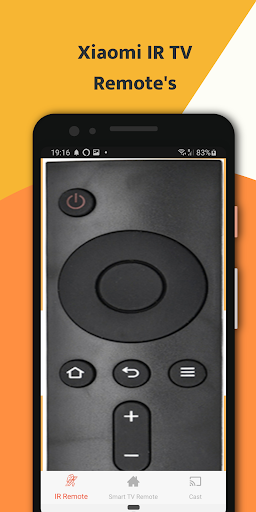

About this app
Developer Description
Xiaomi Mi TV Remote redefines the paradigm of television control.
Ergonomic Brilliance and Intuitive Design
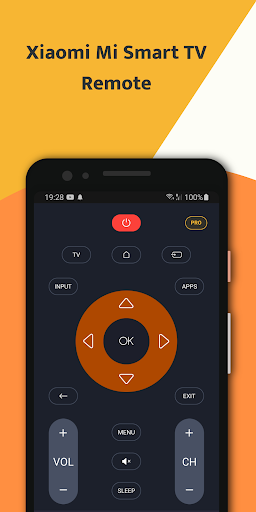
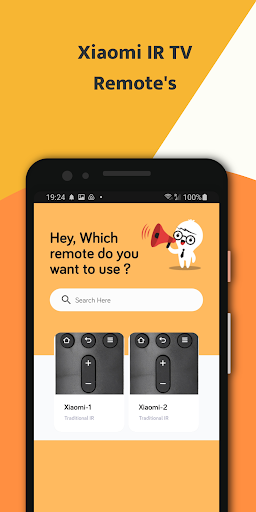
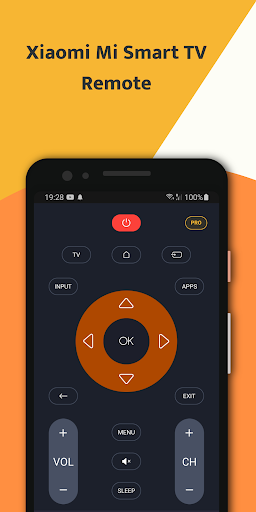
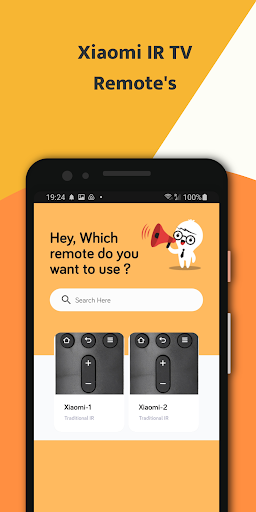
At the core of the Xiaomi Mi TV Remote app lies a design philosophy that prioritizes user comfort and ease of use. The interface, with its clean layout and intuitive navigation. The user is greeted with a visually appealing dashboard that serves as the gateway to a multitude of functions, making the interaction seamless and enjoyable.
Touchpad Precision: Navigating with Finesse
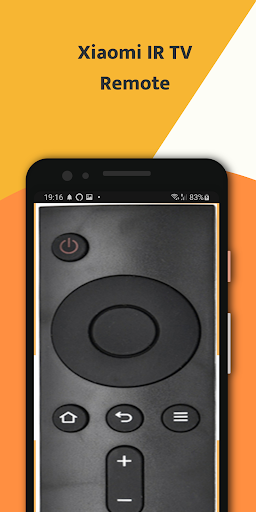
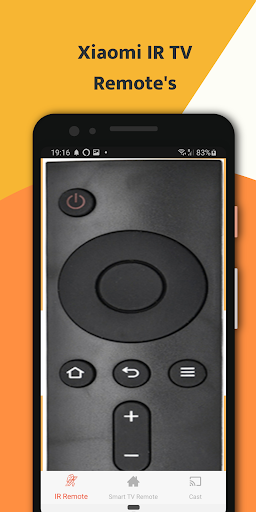
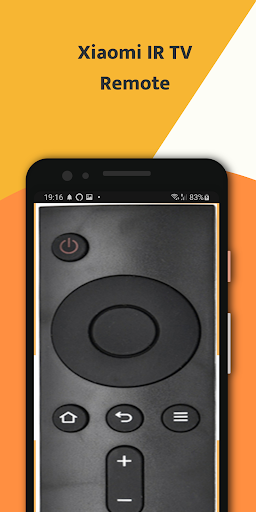
One of the standout features of the Xiaomi Mi TV Remote app is its responsive touchpad. The touchpad mirrors the tactile experience of physical remote controls, and its precision is a testament to Xiaomi's commitment to delivering a smooth and efficient user interface. Swipe, scroll, and tap with finesse as you effortlessly glide through menus and applications, redefining how you interact with your Mi TV.
Voice Recognition: A Conversational Approach
Breaking away from traditional controls, integrates advanced voice recognition technology into the Mi TV Remote app. Now, commanding your television is as simple as uttering a few words. The app interprets voice commands intelligently, from searching for specific content to adjusting settings.
Motion Sensing: Point and Click with Precision
In a departure from conventional remote controls, the Xiaomi Mi TV Remote app incorporates motion-sensing capabilities. Your smartphone becomes a virtual pointer, mimicking the precision of a computer mouse.
Minimalist Design: Form Meets Function
The Mi TV Remote app eliminates unnecessary clutter, presenting users with an uncluttered and visually pleasing interface.
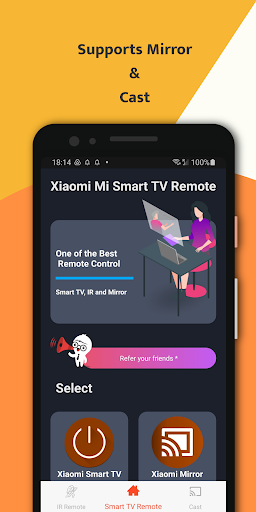
Seamless Connectivity: Pairing Made Effortless
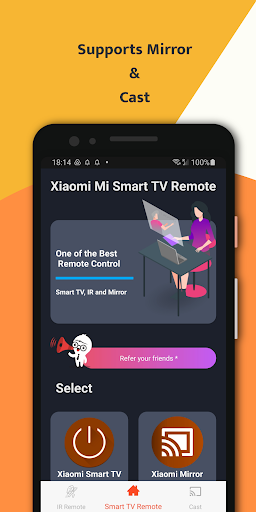
Connecting your smartphone to your Mi TV is a breeze with the Xiaomi Mi TV Remote app. The pairing process is simplified, requiring minimal effort from the user. Once connected, the app establishes a stable and responsive link, ensuring a lag-free experience. This seamless connectivity reflects Xiaomi's commitment to user-friendly technology.
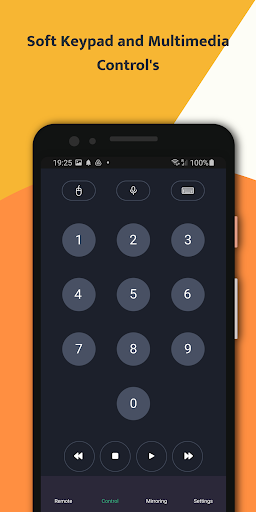
Multimedia Controls: Command Your Entertainment
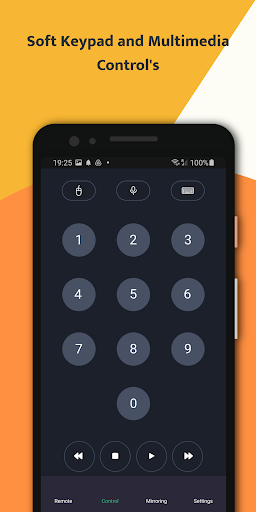
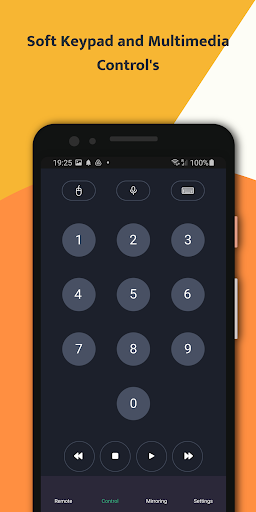
The Mi TV Remote app goes beyond traditional controls, offering dedicated multimedia controls. Play, pause, rewind, and fast forward with precision, putting you in complete control of your entertainment experience. The tactile feedback from these controls enhances the overall satisfaction of interacting with your television through the app.
Smart Home Integration: Beyond TV Control
Mi TV Remote app is a testament to this vision. Beyond TV control, the app seamlessly integrates with other smart home devices, allowing users to create personalized automation routines.
User-Centric Features: A Tailored Experience
The Xiaomi Mi TV Remote app prioritizes user-centric features that enhance the overall experience. From customizable shortcuts to personalized recommendations based on viewing habits, the app adapts to individual preferences, making it a versatile and adaptive tool for users with diverse needs.
Regular Updates: Staying Ahead of the Curve
Commitment to delivering exceptional user experiences is evident in the regular updates and firmware enhancements for the Xiaomi Mi TV Remote . These updates not only introduce new features but also address user feedback, ensuring that the app stays ahead of the curve in terms of functionality and reliability.
Community Engagement: A Platform for Feedback
Xiaomi fosters a vibrant user community, and the Mi TV Remote app serves as a platform for user feedback and engagement.
What's New
:: Navigation between Screens Improved
:: Updates to API
Version Information
- Version
- 1.0.16
- Downloads
- 500K+
- Updated on
- Aug 12, 2025
- Released
- Dec 4, 2023
- Requires
- Android 5.0
Statistics
Google Play Rating History
Rating Distribution
Downloads Over Time
Xiaomi Mi TV Remote has been downloaded times. Over the past 30 days, it averaged downloads per day.
Shaded area shows 30-day prediction based on historical trends
Historical data collection started recently. More data points will be available over time.
Xiaomi Mi TV Remote - Google Play Rankings
Top Rankings
| Rank | Country | Category | List | Change |
|---|---|---|---|---|
| — |
Ranking History in
No ranking data available yet. Rankings are updated daily.
#31 in Top Free House And Home in Spain


#34 in Top Free House And Home in Poland


#35 in Top Free House And Home in Vietnam

#36 in Top Free House And Home in Indonesia

Xiaomi Mi TV Remote users say on Google Play
 tshepang motsekuoa
actually works and doesn't have pop up ads
 Sunil Kumar
ok
 Kostas Tziamanikas
To many adds, every move and add I'm uninstall it
 priyanka Jambhale
ok
 Fernando Silva
didn't work, too many ads
ApkTrusted Ratings & Reviews
More from Fdlodhi
See more apps



Scan this QR code to download

Forwarding you to the page at Google Play market in seconds...
Open Google Play market now