Zoom Camera icon

Zoom Camera v8.1.1

Contains ads • In-app purchases

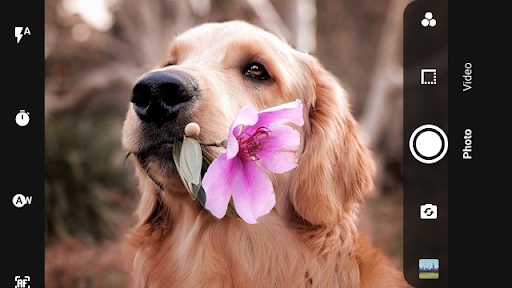
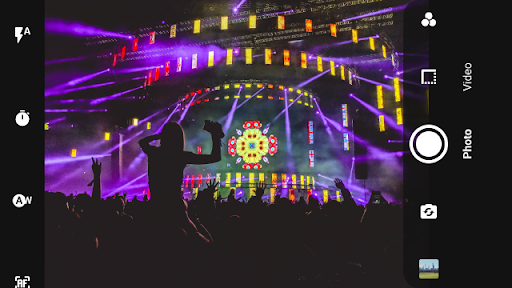
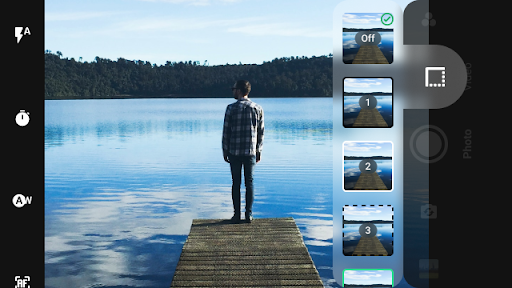
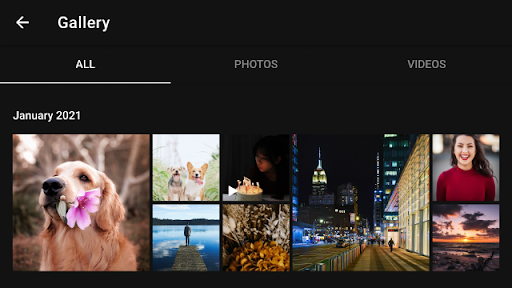
Zoom Camera screenshot 0 Zoom Camera screenshot 1 Zoom Camera screenshot 2 Zoom Camera screenshot 3 Zoom Camera screenshot 4 Zoom Camera screenshot 5 Zoom Camera screenshot 6 Zoom Camera screenshot 7 Zoom Camera screenshot 8 Zoom Camera screenshot 9 Zoom Camera screenshot 10 Zoom Camera screenshot 11 Zoom Camera screenshot 12 Zoom Camera screenshot 13 Zoom Camera screenshot 14 Zoom Camera screenshot 15 Zoom Camera screenshot 16 Zoom Camera screenshot 17 Zoom Camera screenshot 18 Zoom Camera screenshot 19 Zoom Camera screenshot 20

About this app

The Zoom Camera app solves the problem of mundane photography by offering a wide range of effects, filters, and borders, making it an attractive option for casual photographers and social media enthusiasts. It benefits users who want to enhance their mobile photography experience without delving into complex editing software. Compared to other photography apps, Zoom Camera stands out with its simplicity and variety of features, but may fall short in terms of advanced editing capabilities. Its high download numbers and positive user rating suggest a well-received product, but the presence of ads and in-app purchases may deter some users.

Pros

  • With over 5 million downloads and a 4.0/5 user rating, Zoom Camera has demonstrated its appeal and effectiveness in providing a satisfying user experience, indicating a well-designed and functional app.
  • The app's wide range of effects, filters, and borders offers users a creative outlet for their photography, making it a versatile tool for those looking to add some flair to their photos.
  • The developer, Moula Software, provides a professional website and contact email, suggesting a commitment to user support and feedback, which is reassuring for users who may encounter issues or have suggestions.
  • The app's small size and lack of required permissions make it a lightweight and privacy-conscious option for users who are mindful of their device's storage and security.
  • The option for in-app purchases allows users to customize their experience further, with the ability to buy additional features or items for a relatively low price of $1.49 per item.

Cons

  • The presence of ads in a photography app may be seen as intrusive or distracting, potentially disrupting the user experience and creative flow.
  • Some users may find the in-app purchase model to be aggressive or misleading, particularly if the base app functionality is limited without additional purchases.
  • The app's lack of advanced editing capabilities may deter professional photographers or those seeking more complex editing features, limiting its appeal to a specific segment of users.
  • The requirement for Android 5.1 or higher may exclude some older devices, potentially limiting the app's accessibility to users with older hardware.

Best for: The ideal user for Zoom Camera is a casual photographer or social media enthusiast, likely in the 16-35 age range, who is looking for a fun and easy-to-use app to enhance their mobile photography experience, and is willing to tolerate ads and potential in-app purchases in exchange for a wide range of creative features and effects.

Developer Description

Take pictures and selfies with dozens of cool effects, filters and borders!

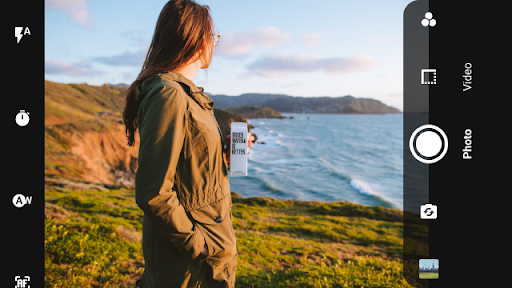
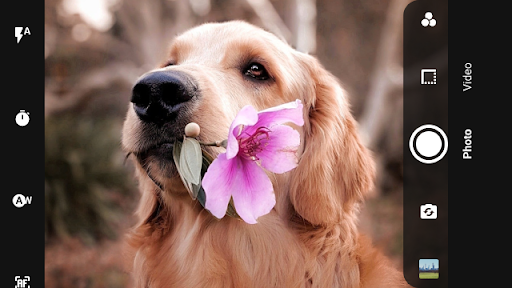
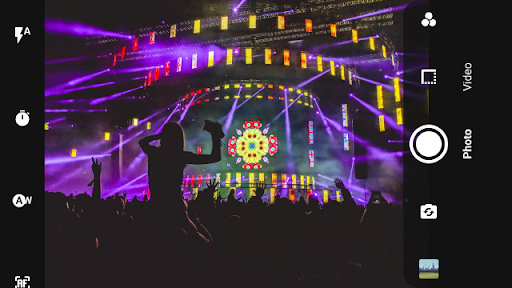
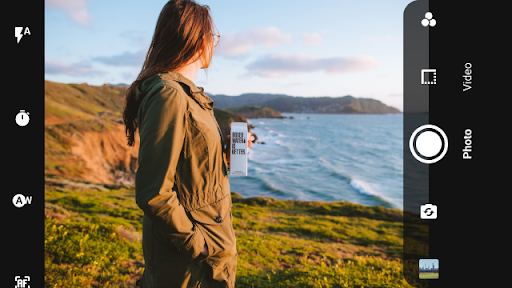
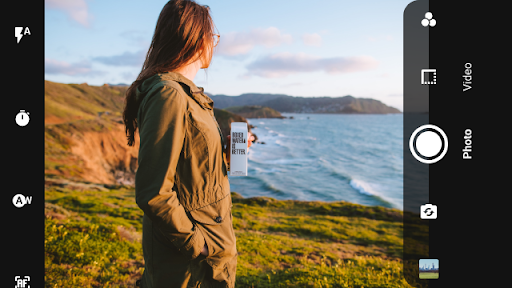
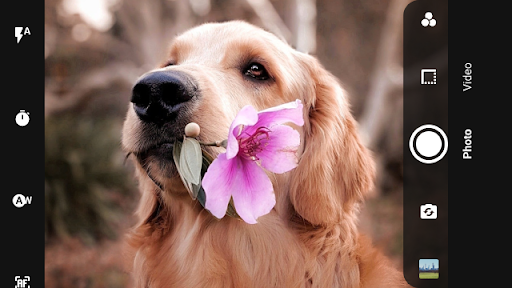
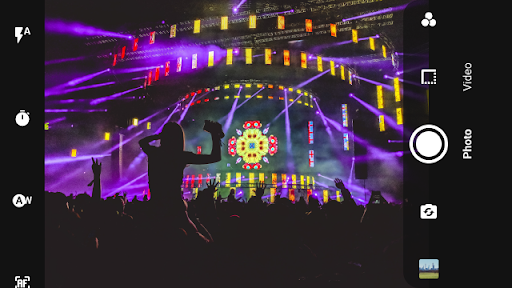
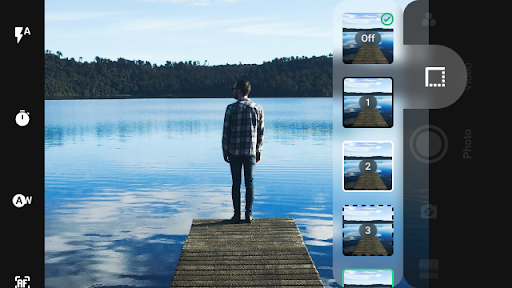
Zoom Camera will let you take the best photographs and videos, taking maximum advantage of your cellphone or tablet. With Zoom Camera you can choose between 27 real time filters and effects, 9 border decorations and 4 flash modes including torch.

With Zoom Camera you have 243 ways to make your photos look better and professional.

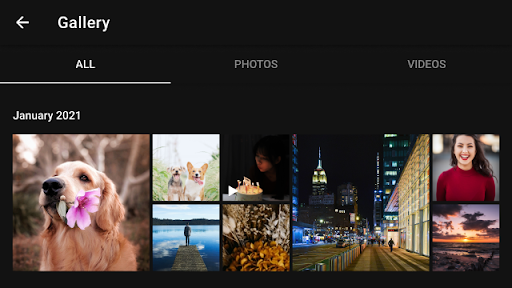
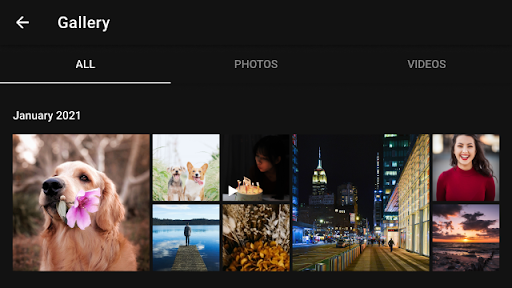
Zoom Camera also has a modern gallery which groups your photos by month, and lets you easily share all your photos and videos.

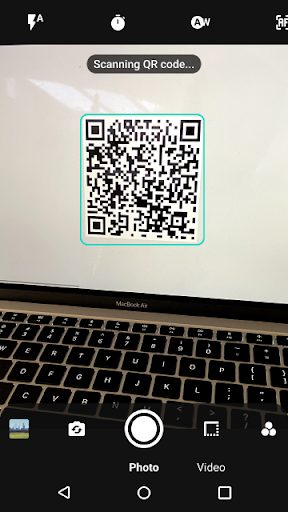
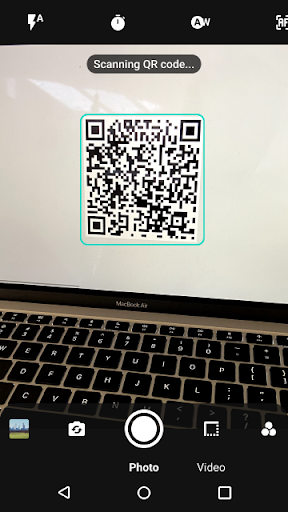
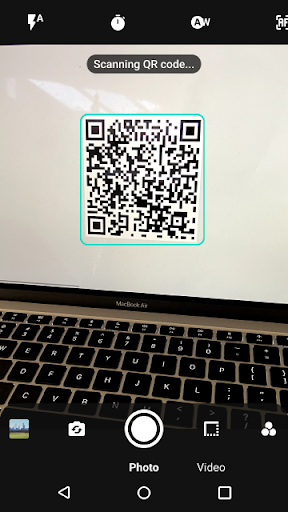
We also support scanning QR codes and barcodes instantly to quickly access restaurant menus or any website, search for products information and prices online, etc.

MAIN FEATURES:
● Digital Zoom up to 700%.
● Support for selfies and main camera pictures and videos.
● 27 filters and effects (Grayscale, Sepia, Red, Green, Yellow, Blue and Purple filters, Red Light filter, Negative, Monochrome, Hue shift, Over saturation, Desaturation, Haze, Sharpness, High Contrast, Posterize, Vignette, Sketch, Cartoon, Edges, Laplacian edges, Emboss, Crosshatch, Glass Sphere, Swirl, Halftone).
● 4 flash modes (Automatic, Always, Torch, Off).
● Auto focus and manual tap to focus supported.
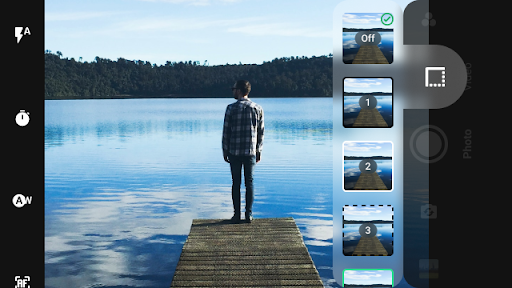
● 9 borders (white, dashed white, black, dashed black, red, green, blue, thick black, thick white)
● QR and barcode scanning to access menus, websites or search for products.
● Video recording.
● Countdown timer (2, 5 or 10 seconds) for both photos and videos.
● Choose picture quality
● Silent shutter sound (optional).
● Images and videos gallery with gestures support, tabs for images and videos, grouped by months.
● Rotating images.
● Share your photos and videos online on any app.
● Available in English, Spanish, Italian, Francaise, German, Russian, Polish and Chinese.
● Small application size for fast downloads!
● It's free!


REVIEWS:
"A Highly Rated Camera App That Nearly Everyone Can Enjoy", Appeggs.com

YOU LIKED ZOOM CAMERA?
Please rate it with 5 stars!

NOTE:
Some Zoom Camera features depends on your phone or tablet capabilities and might not be available on your device.

Privacy

Given that the Zoom Camera app requires no permissions, it appears to be a relatively safe and private option for users. However, users should still be cautious when making in-app purchases and ensure they are buying from trusted sources. Additionally, users should review the developer's privacy policy to understand what data may be collected and how it is used.

Tips

To get the most out of Zoom Camera, users should experiment with the various effects and filters to find the ones that best suit their photography style. Additionally, users can optimize performance by closing other resource-intensive apps while using Zoom Camera, and consider purchasing additional features or items to enhance their experience. First-time users should also explore the app's settings to familiarize themselves with the available options and customization possibilities.

What's New

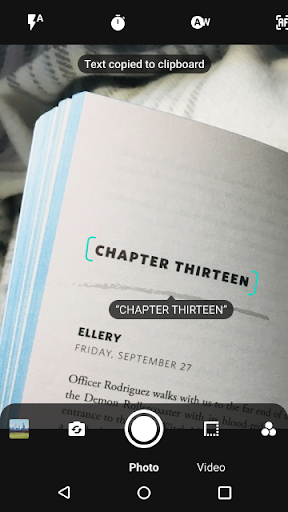
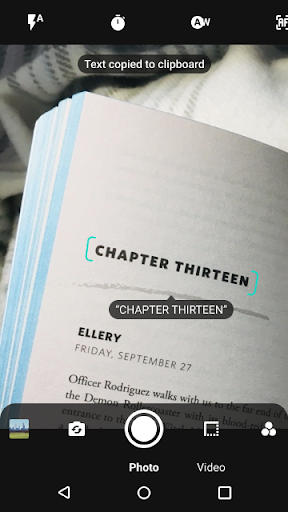
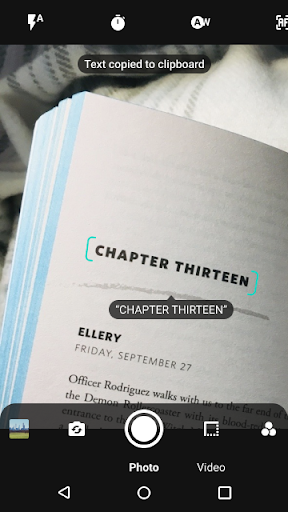
* Barcode, QR and text reading (you can open links, e-mail addresses, search products, copy text to the clipboard, etc)
* Speed improvements
* Bug fixes

In-app purchases

$1.49 per item

Version Information

Version
8.1.1
Downloads
5M+
Updated on
Oct 17, 2021
Released
Mar 20, 2012
Requires
Android 5.1

Statistics

Google Play Rating History

Current
Average
Range

Rating Distribution

Total Ratings:

Downloads Over Time

Zoom Camera has been downloaded times.

Total Downloads
Last 30 Days
Avg Daily Est.

Shaded area shows 30-day prediction based on historical trends

Historical data collection started recently. More data points will be available over time.

Zoom Camera users say on Google Play

★★★★★
Roba Boru Roba Boru

it's very very good and Amazing application.

14 Sep 17, 2021
★★★★
Bill Faucett Bill Faucett

A little blurry at full zoom. Otherwise a good App.

15 Oct 14, 2021
★★★
Marcus W Marcus W

This app is really good. It can zoom in a lot more than the default camera, and the quality seems to be better when I take a picture though this app, but recently when I open this app, it just restarts my phone. I have a samsung galaxy a5. Please fix!!!

106 Jan 2, 2022
★★
John Wellborn John Wellborn

Crashes when accesing Settings. Zoom magnification resets when app is closed.

45 Jun 13, 2021
Amtrak Commuter Productions Amtrak Commuter Productions

This is so dumb everytime I want to go Railfanning I can never find the damn recording button

55 Mar 19, 2023

ApkTrusted Ratings & Reviews

0.0
0 ratings
5
0
4
0
3
0
2
0
1
0
✓ Thank you! Your review has been submitted and will be published after admin approval.
Be the first to write a review...

More from Moula Software

See more apps
Similar Apps

Explore Tags

Browse all tags