
Photo Cleaner: Swipewipe v2.04.04
MWM - AI Music and Creative Apps



About this app
Developer Description
Clean up your photo duplicates & gallery with our photo cleaner: Swipewipe!
We'll save you the time: Yes, there are other apps that can help you quickly delete photos on your phone. But none of them worked for us!
We wanted a simple, fun, elegant solution that let us go month-by-month, work our way through all our photos, videos, screenshots, and everything else in our camera roll, and decide - one by one - what to keep and what to get rid of. That’s Swipewipe.
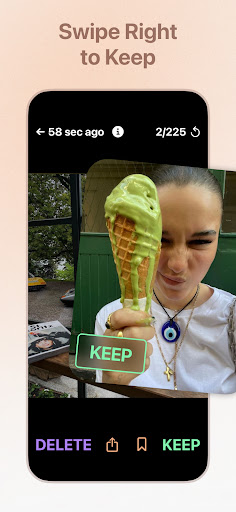
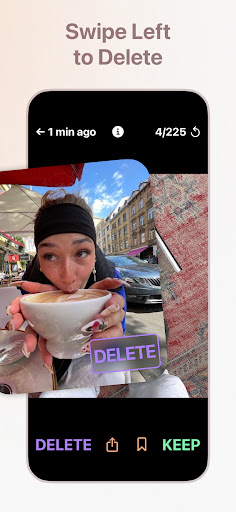
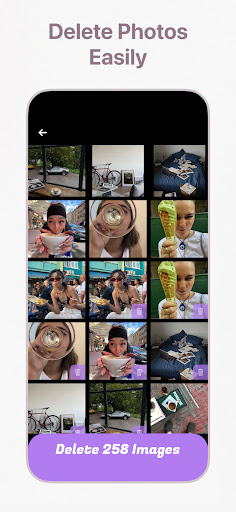
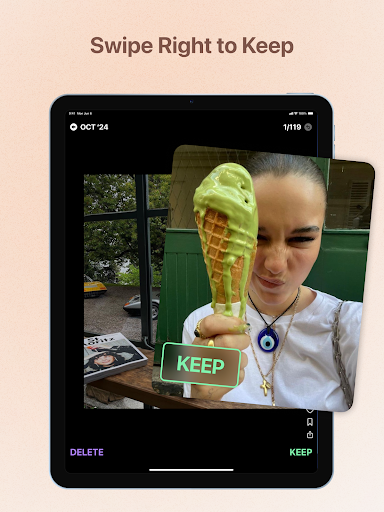
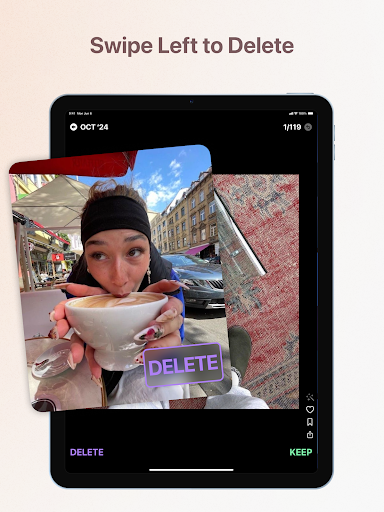
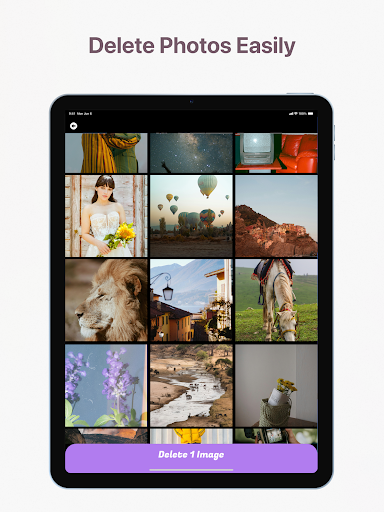
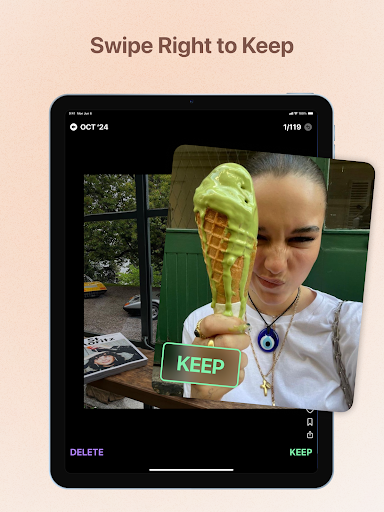
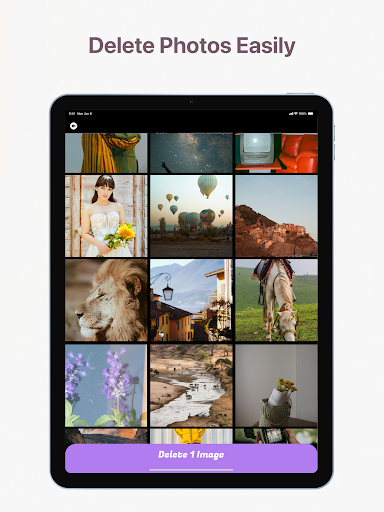
Here’s how it works: swipe right to keep a photo, and left to delete it. If you make a mistake or change your mind, just tap the current photo to go back. Hold down on a picture to see its metadata. After you’re done reviewing that month’s photos, take one last look at the photos you chose to keep and the ones you chose to delete, make any tweaks you need to, and then…you’re done!
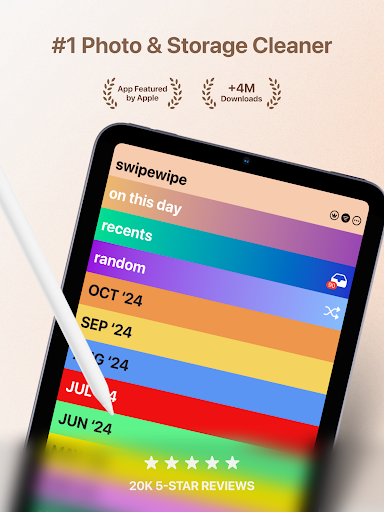
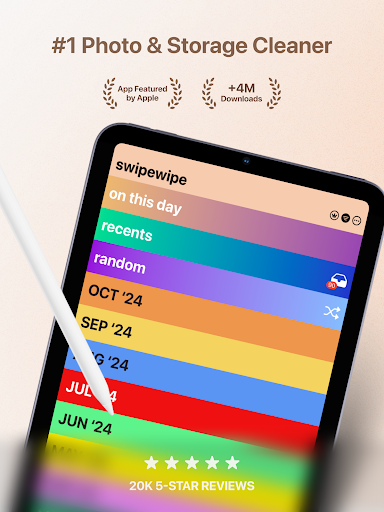
Each time you finish a month, it'll be crossed out. (You can always revisit that month, though.) If you get part way through a month and want to take a break, you can quit the app - a progress wheel will appear next to that month on the main screen, showing you how much further you have to go.
If you’d rather not go month by month (or even if you do!) we think you’ll like our new On This Day feature. It sticks to the top of your Swipewipe home screen, and each day, it updates with the photos that you took on this date one year ago, two years ago, and so on. Revisit your memories on their anniversary, and swipe through to determine what you’d like to keep and what you’d like to delete. (It’s pretty fun.)
We also have:
- Bookmarks (for any pictures you want to set aside)
- A widget (and streaks!) for On This Day
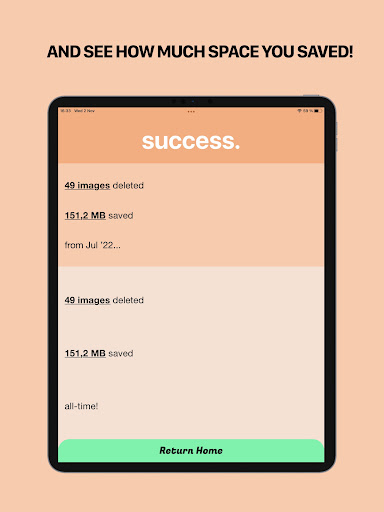
- Stats that show you how many photos you’ve reviewed, how much memory you’ve saved, and more
…and we’re always adding cool new stuff!
Our camera rolls shouldn't be such a mess. You should be able to look back at the memories you've made without getting interrupted by blurry duplicates, irrelevant screenshots, and other clutter that keeps you from the good stuff. That’s why we’re making Swipewipe.
Hope you like it, and happy swiping!
In-app purchases
$1.99 - $39.99 per item
Version Information
- Version
- 2.04.04
- Downloads
- 500K+
- Updated on
- Nov 26, 2025
- Released
- Sep 19, 2023
- Requires
- Android 8.0
Statistics
Google Play Rating History
Rating Distribution
Downloads Over Time
Photo Cleaner: Swipewipe has been downloaded times. Over the past 30 days, it averaged downloads per day.
Shaded area shows 30-day prediction based on historical trends
Historical data collection started recently. More data points will be available over time.
Photo Cleaner: Swipewipe - Google Play Rankings
Top Rankings
| Rank | Country | Category | List | Change |
|---|---|---|---|---|
| — |
Ranking History in
No ranking data available yet. Rankings are updated daily.
#54 in Top Grossing Tools in Netherlands


Photo Cleaner: Swipewipe users say on Google Play
 Samantha
used it for a day just to delete everything I could and I'm surprised how fast I went through 5,000 photos. super quick thank you. also helps you keep the important pictures.
 Addi Bear
it really helps you save time and not go though so much time and take up ur day!
 Amelia
I think its good for like when you don't have a lot of storage then you can go through some photos and find the ones you don't like even though there is some ads it's still a good app
 Shona Deane
doesn't actually delete Google photos which is useless for me having a Google phone. great idea, shame I can't use it. I feel like with all the ads there shouldn't be a limit on swipes. It should be one or the other for the free version, limited swipes or ads.
 Veda Thompson
game has way too many ads. 2 ads for 20 swipes? that is crazy. insane. I am not paying for this app either, and I dont think I should have to. Also an old traumatic video of mine popped up and I pressed keep and then while I was going through the rest of my camera roll is was playing on repeat (lots of screaming in it) so I was kinda freaking out. mostly though get rid of ads. and im deleting this app.
ApkTrusted Ratings & Reviews
More from MWM - AI Music and Creative Apps
See more apps
Piano - music & songs games
Free
Metronome Pro - Beat & Tempo
Free

edjing Mix - Music DJ app
Free

Mixfader Companion
Free

Flow : Music Therapy
Free

Mixfader dj - digital vinyl
Free

Piano Pop
Free

Beat Looper Pro - Music Maker
Free

Guitar Tuner Pro: Music Tuning
Free

Guitar - Real games & lessons
Free
Equalizer music player booster
Free

Bass Booster - Music Sound EQ
Free

Drums: Real drum set
Free

Feed Preview for Insta・Planner
Free

Flora: Plant Care & Identifier
Free

edjing PRO - Music DJ mixer
Paid
Similar Apps

Sponge - Gallery Cleaner
Free

Airbrush: Face & Photo Editor
Free

Dots. Memories
Free

VSCO: Photo Editor
Free

On: Shop Shoes & Apparel
Free

Habit Project
Free

Photo Studio: Edit Photos App
Free

Hypic - Photo Editor & AI Art
Free

Future Baby Generator, AI Baby
Free

PREQUEL AI Filter Photo Editor
Free

Widgify - DIY Live Wallpaper
Free

LoFi Cam: Film Digital Camera
Free

FreePrints
Free

Mental Health: Serene
Free

Magic Eraser - Remove Objects
Free

celebrate: share photo & video
Free
Scan this QR code to download

Forwarding you to the page at Google Play market in seconds...
Open Google Play market now