Laser / CNC Graphics Converter vVARY
DiF Aktuna


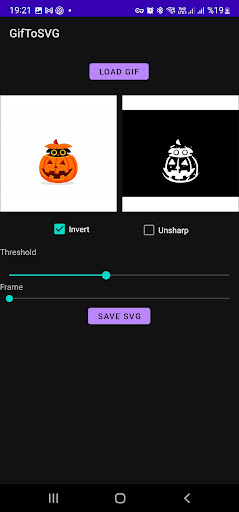
About this app
Developer Description
Convert GIF/PNG/JPG images or GIF animations to SVG , ILD , GCODE , THR
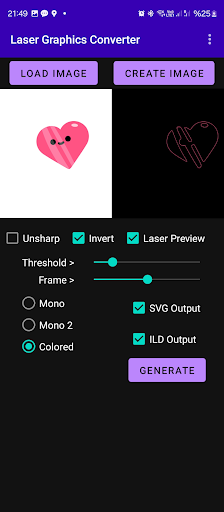
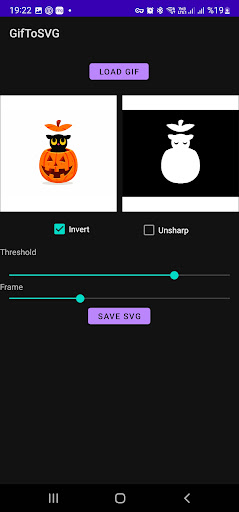
The application can convert still images or animations to vector images (SVG) , ILDA images/animations , GCODE and THR (theta - rho) format. As input you can use GIF/PNG/JPG still images or GIF animations. User can also create your own image or animation in the app using the "CREATE" function.
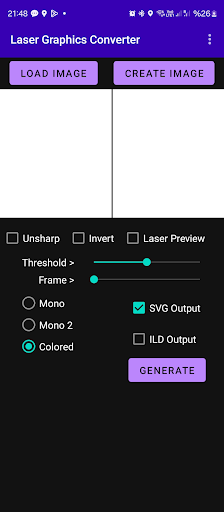
User can preview what the laser will show in the application. Several options are available for adjusting the laser image.
If the input is a GIF animation, the app will produce multiple SVG files as frames of the animation (if SVG output is preferred)
They could be used to produce vector animations.
If ILD output is selected, one ILD file will be created either one frame still image or multi frame animation.
For each format you can select the output folder on your phone storage.
If the user wants to change the destination folder, the output option can be disabled and re-enabled.
The output is useful to be used in laser applications, laser animations.
It is tested with Laser Cube (LaserOS)
Some Features:
1.Multi color animation import
2.Internal Animation Creator
3.Font Support
4.Two methods to try for mono (B&W) tracing
Tips on creating great animations to use with LaserOS:
1. Select simple animations , simple frames with few elements
2. According to the background color (invert) option will add or remove frame outline. Prefer outline removed images when possible.
3. If there is a black outline on the figure, the colors will not appear because the app will take the color from outline.
4. Try mono/mono2 and color options, Invert and Unsharp features to find best results for that specific animation.
5. You can adjust speed of the animation when creating a custom one, setting from delay button.
6. Adjust fps when importing to LaserOS. Each specific animation requires fine tuning.
7. Adjust quality on LaserOS if there are many elements on image.
Pease watch the video for full usage instructions:
https://www.youtube.com/watch?v=BxfLIbqxDFo
https://www.youtube.com/watch?v=79PovFixCTQ
In-app purchases
$9.99 per item
Version Information
- Version
- -
- Downloads
- 5K+
- Updated on
- -
- Released
- Nov 2, 2022
- Requires
- Android Varies with device
Statistics
Google Play Rating History
Rating Distribution
Downloads Over Time
Laser / CNC Graphics Converter has been downloaded times. Over the past 30 days, it averaged downloads per day.
Shaded area shows 30-day prediction based on historical trends
Historical data collection started recently. More data points will be available over time.
Laser / CNC Graphics Converter users say on Google Play
 austin rietveld
Haven't seen anything else out there yet that can do what this app can. It crashes on me sometimes and won't get past processing the first frame but it is super easy to use. When it does work it sure beats drawing animations by hand.
 TAMZID RAHMAN
This app works very well, but Sometimes it's lag and stuck on one image. Please make it much more smooth
 Kelly Clark
Doesn't work. Every time I changed to change the image, it kept picking up some other image. And not even a different save of the same image. Like a completely different image. I tried to convert a picture of a car. It picked up a picture of a plant. I backed out. Started over. Uninstalled and reinstalled. Nope. Wants to convert a plant and not the car. That's 45 minutes of my life I'll never get back. Don't waste your time like I did.
ApkTrusted Ratings & Reviews
More from DiF Aktuna
See more apps
Insta360 Control Pro
Paid
Insta360 Control
Free
Crypto Currency Clock for Gear
Free
Crypto Currency Clock for Gear
Free

Sphero Gear Control
Free
Gear 360 File Access & Stitche
Free
Watch Control for Insta360
Free
Keyboard with REST API
Free
Connect Forza to Hue
Free
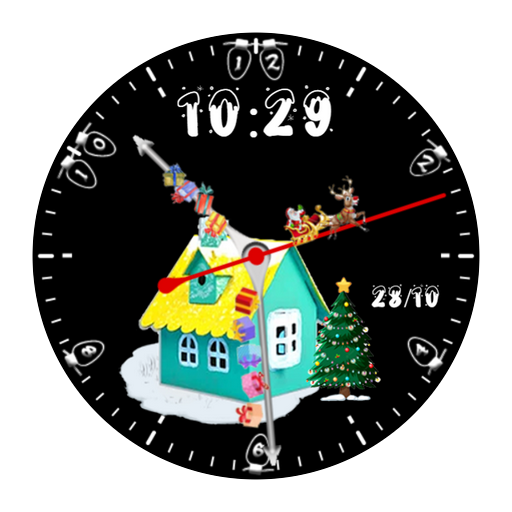
DiF Christmas Watchface
Paid
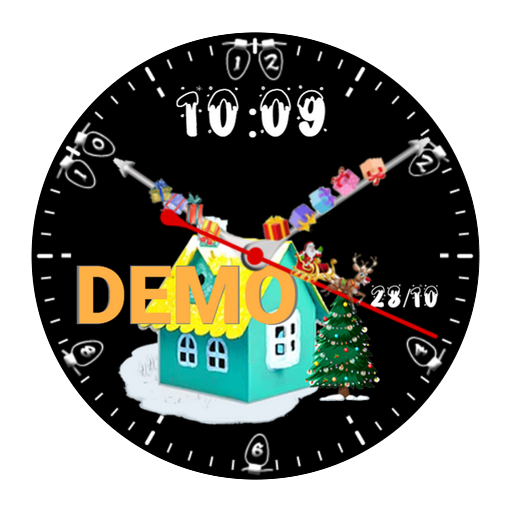
DiF Christmas Watchface Demo
Free
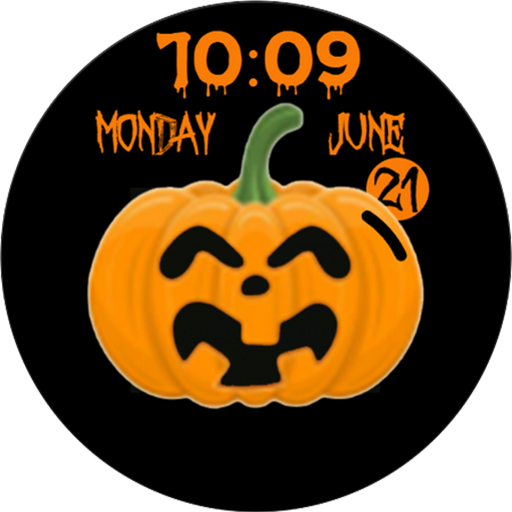
Halloween Pumpkin Watchface
Free

Crypto Currency for Wearable
Paid
Aktuna Gif Animator
Free
Gear 360 File Access Pro
Paid

Santa Claus Delivery
Free
Similar Apps






Scan this QR code to download

Forwarding you to the page at Google Play market in seconds...
Open Google Play market now