Insta360 Control Pro vVARY
DiF Aktuna
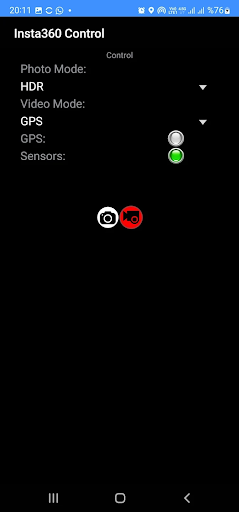
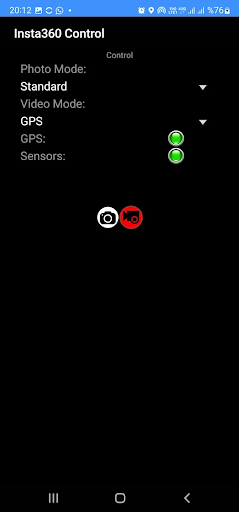
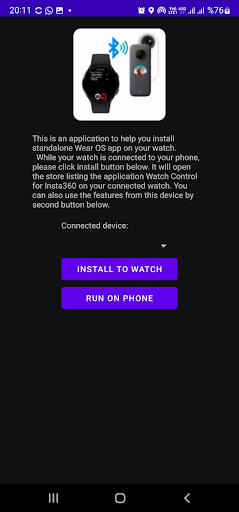
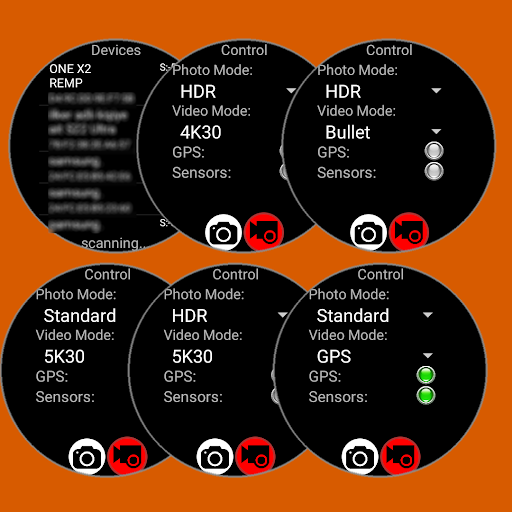
About this app
Developer Description
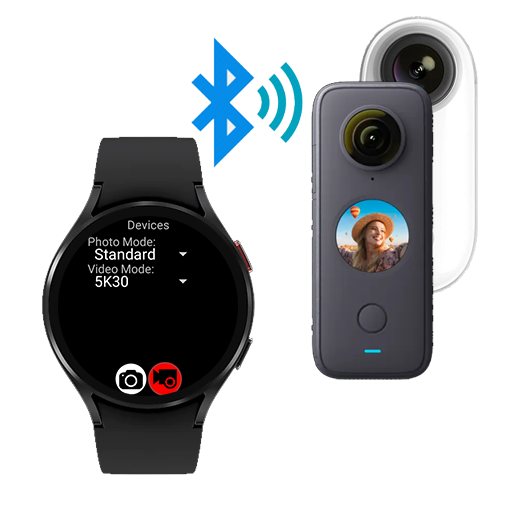
Remote control Insta360 Camera over Bluetooth with GPS data (watch & phone)
------------------------------------------------------
Remote control your Insta 360 camera,
either from your Wear OS watch or from your Android phone.
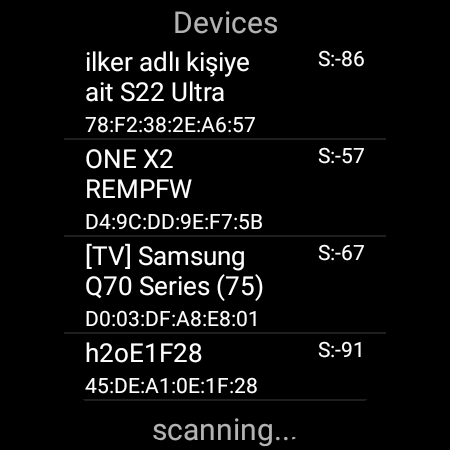
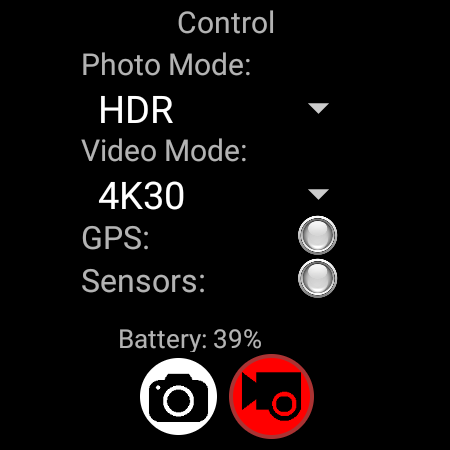
This application connects to your Insta 360 camera through bluetooth connection and lets you capture photos or videos using your Wear OS watch as a remote control.
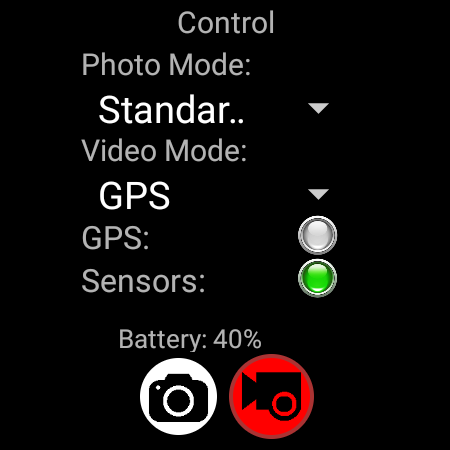
It also supports sending GPS data (location, elevation, speed, heading) to the camera for stats recording.
Features:
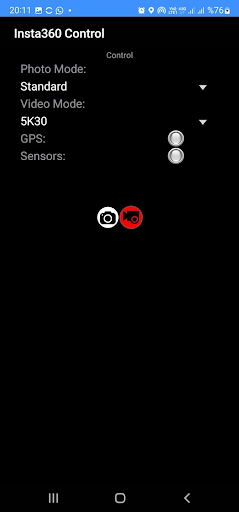
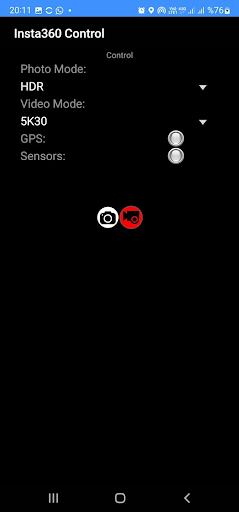
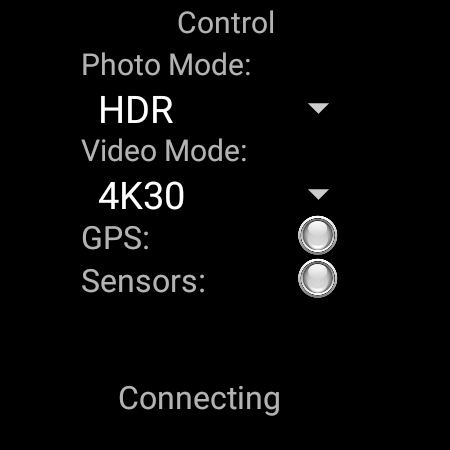
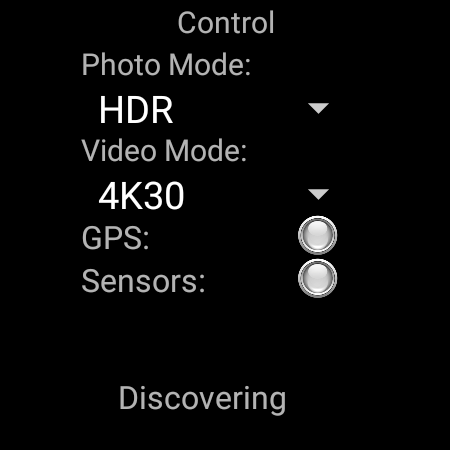
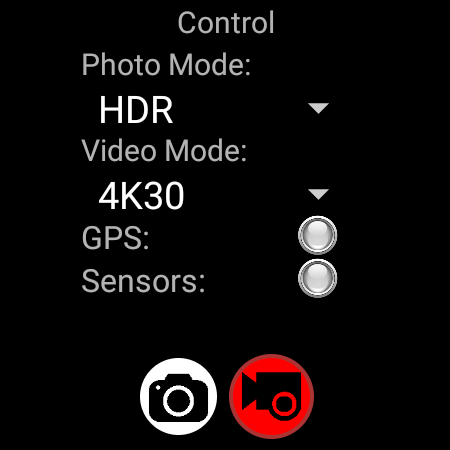
- Photo Capture (Standard / HDR)
- Video Capture (5K/4K/Bullet Time/HDR/GPS)
- GPS Stats feeding to camera for video recording
Comparison with my other Insta 360 remote control app:
Insta 360 Control (this app):
+ Controls over Bluetooth , easy & quick
+ GPS (Stats) data feeding to video recording
+ Various recording modes (4K, 5K, HDR, Bullet Time, GPS)
+ Runs both on watch (standalone) or phone
- No Liveview
Watch Control Pro for Insta360 (other app):
- Controls over wifi, not as easy as bluetooth and disables internet connection while using
- incompatibility issues coming from different watch/camera pairs
+ Liveview while recording/capturing
Insta360 models supported:
- Insta360 ONE X
- Insta360 ONE X2
- Insta360 ONE X3
- Insta360 OneR
- Insta360 OneRS
App is tested on following Wear OS watches:
- Samsung Galaxy Watch 4
- Oppo Watch 46mm
- Tag Heuer Connected 2021
- Suunto 7
- Huawei Watch 2
- Fossil Gen 5 fossil Q Explorist HR
- Ticwatch Watch Pro 3
IMPORTANT: It is only useful with a Wear OS watches. (not compatible with other watches using Tizen or other operating systems)
Here are videos showing full functionality this app:
https://www.youtube.com/watch?v=ntjqfpKJ4sM
IMPORTANT:
You can use the app on your phone and/or on your watch. The app itself is free but for full access you have to make a payment. If you pay on your phone, it will be detected after a few minutes when you reopen the app on your watch. You don't have to pay twice for using on both phone and watch.
FOR GPS RECORDING:
GPS Recording requires the app to be open on screen or have permission to do background activity.
You can either enable background activity on Wearable app for this application (and then you can turn of the screen manually) OR our update (4.56) will keep the screen on (dimmed) while recording with GPS data.
What's New
CamSelected video mode: uses the mode selected on camera (8K on X4 possible)
Highlight button: Marks the video section
Track button: starts GPS and stats recording on CamSelected mode
X3/X4 support: Just select either video or photo mode on the camera before taking a photo or starting video capture.
GPS Recording requires the app to be open on screen or have permission to do background activity.
Version Information
- Version
- -
- Downloads
- 1K+
- Updated on
- Jul 25, 2025
- Released
- Nov 3, 2022
- Requires
- Android Varies with device
Statistics
Google Play Rating History
Rating Distribution
Downloads Over Time
Insta360 Control Pro has been downloaded times. Over the past 30 days, it averaged downloads per day.
Shaded area shows 30-day prediction based on historical trends
Historical data collection started recently. More data points will be available over time.
Insta360 Control Pro - Google Play Rankings
Top Rankings
| Rank | Country | Category | List | Change |
|---|---|---|---|---|
| — |
Ranking History in
No ranking data available yet. Rankings are updated daily.
#86 in Top Paid Photography in India

#86 in Top Paid Photography in Vietnam


#87 in Top Paid Photography in Netherlands
#88 in Top Paid Photography in Pakistan
Insta360 Control Pro users say on Google Play
 Craig Huey
Works great! Saved me from having to buy the expensive remote. Also the support was quick and helpful, much appreciated!
 Cryogenic Noble KG
App works great for X3, galaxy watch 5pro. Live preview and ability to switch between front and rear camera would be great....that's my only reason for not giving 5 stars. However you can listen to sound from device to confirm picture taking or start/stop of video. Outside of all that great app. Hoping for new features for 2024.
 Andy Whiteing
Do I need a watch to make this app work or does it work on my phone? I don't think it has done anything.
 Eka Fithra Elfi
While it detect the ace pro 2 in my galaxy watch 6, no setting can be applied and it only works for start video, but not for stop video or taking still.
 Al K
Al K
Doesn't work on latest Samsung
ApkTrusted Ratings & Reviews
More from DiF Aktuna
See more apps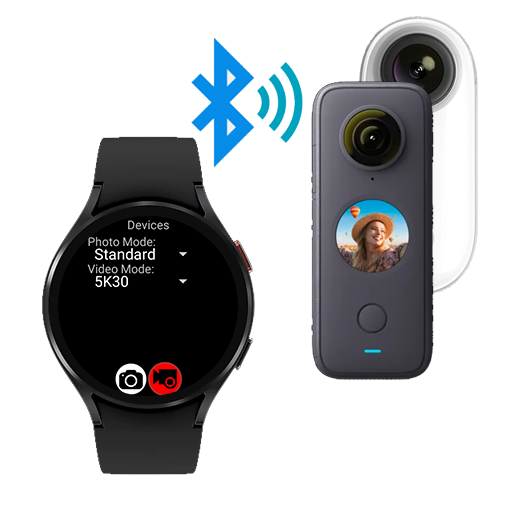
Insta360 Control
Free
Crypto Currency Clock for Gear
Free
Crypto Currency Clock for Gear
Free

Sphero Gear Control
Free
Gear 360 File Access & Stitche
Free
Watch Control for Insta360
Free

Keyboard with REST API
Free
Aktuna Gif Animator
Free
Connect Forza to Hue
Free

Laser / CNC Graphics Converter
Free
DiF Christmas Watchface
Paid

DiF Christmas Watchface Demo
Free
Halloween Pumpkin Watchface
Free

Crypto Currency for Wearable
Paid
Gear 360 File Access Pro
Paid

Santa Claus Delivery
Free
Scan this QR code to download

Forwarding you to the page at Google Play market in seconds...
Open Google Play market now