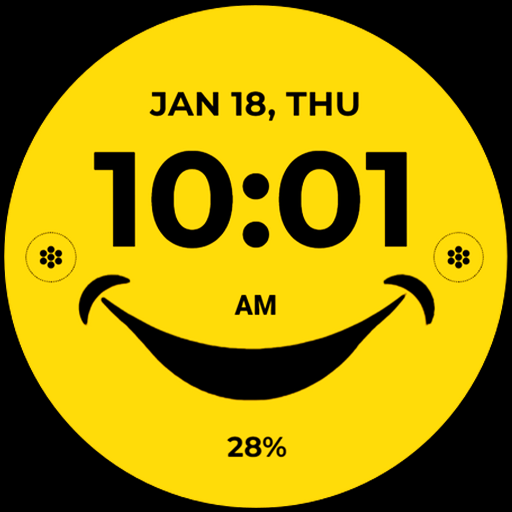
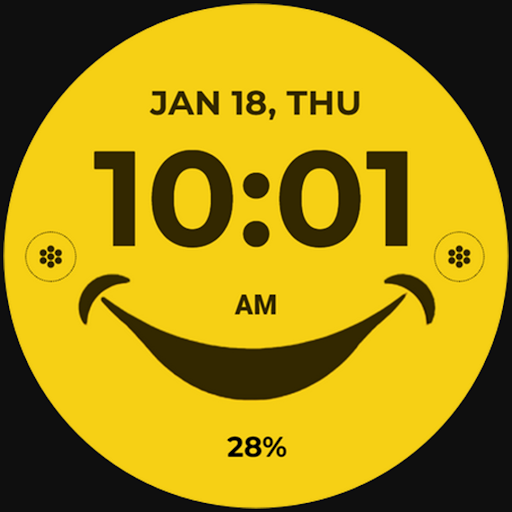
Blooming Smile vVARY
Bloomfield Watchfaces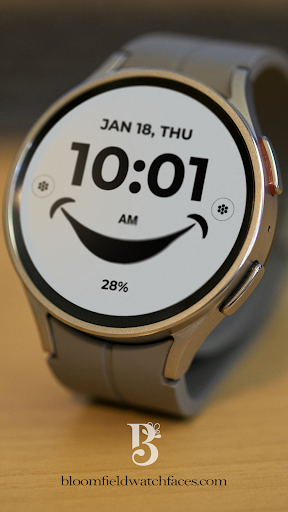










About this app
Developer Description
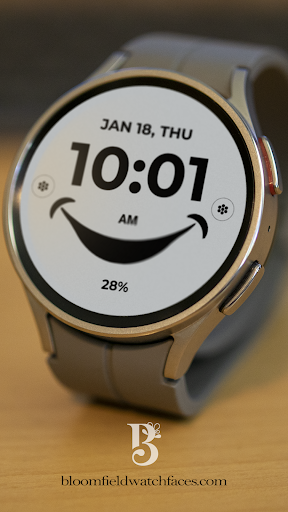
Simple Artistic Watchface
Our watch face apps are thoroughly tested in a real device (Galaxy Watch 4) and are "reviewed and approved" by the Google Play Store Team before publishing them.
⚠️⚠️⚠️ Before you rate us unfairly, reach us out at bloomfieldwatchfaces@gmail.com and we will send you sceeenshots and instructions how to install the watchface. We are more than willing to help you step by step.
TAKE NOTE❗️❗️❗️
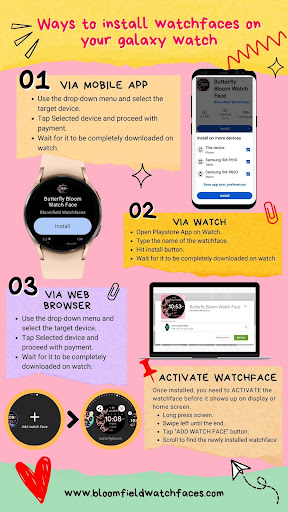
1️⃣ Watchfaces automatically install on watch. (There will be a download icon on screen while installing)
2️⃣ MAKE SURE THE WATCH IS STRONGLY CONNECTED TO YOUR PHONE USING THE SAME WIFI. MUST ALSO LOG IN TO YOUR GOOGLE ACCOUNT "ON WATCH" FOR SEAMLESS INSTALLATION.
3️⃣ After download, WAIT for a few minutes for the watchface to be transferred on watch. (There will be a notification on your watch if the watchface was successfully transferred.)
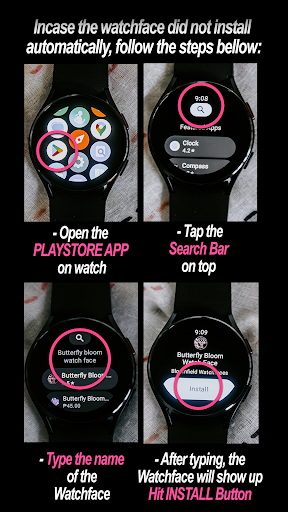
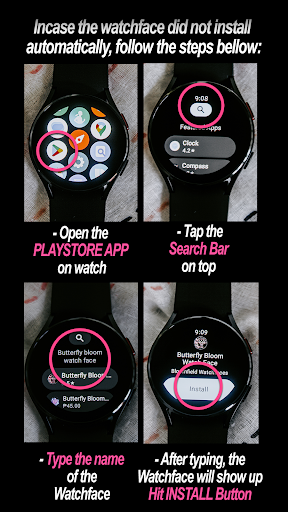
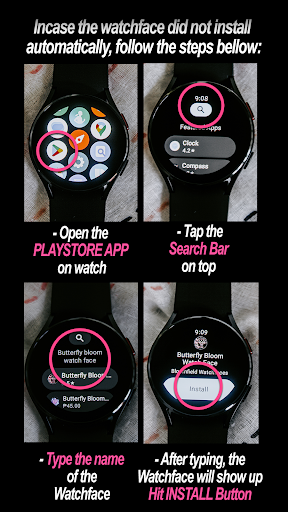
4️⃣ If incase there is no notification, Go to PLAYSTORE ON YOUR WATCH and type on the SEARCH BOX "bloomingsmile"
5️⃣ The watchface will show up, then hit on install button.
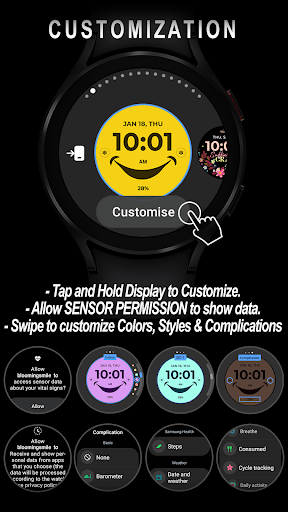
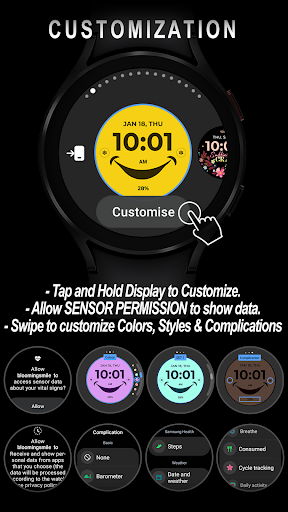
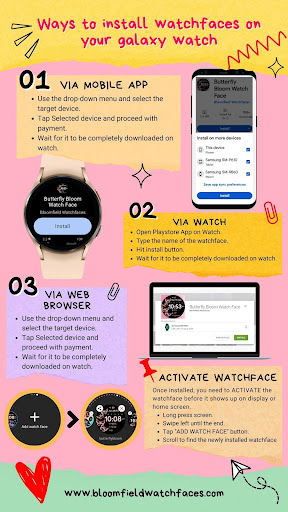
⭐️ Watchfaces don't automatically change after successful installion. Go back to home display. Tap and hold display, swipe until the end and tap + to add the watchface. Rotate Bezel to find the watchface.
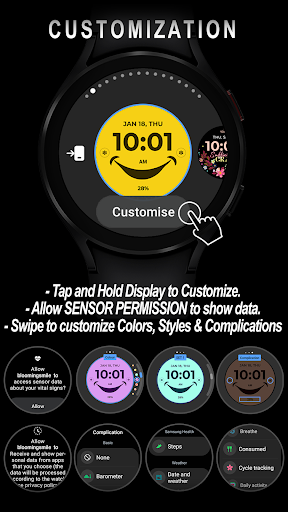
📍Please see Feature Graphics for more details how to install.
⭐️ALLOW / ENABLE all permissions from settings -> applications -> permissions.
⚠️ Refund is ONLY allowed within 48 hours.
📍This watch face was developed with Samsung's "Watch Face Studio" tool for devices based on the new Wear OS Google / One UI Samsung operating system like Samsung Galaxy Watch 4.
📍WEAR OS API Llevel 30+ devices are supported.
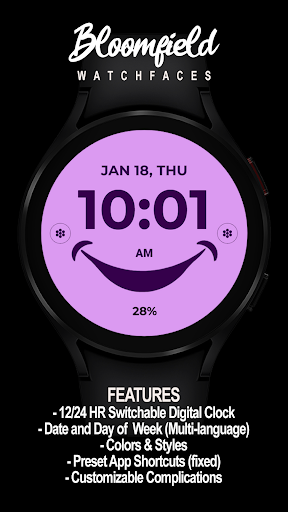
📍FEATURES:
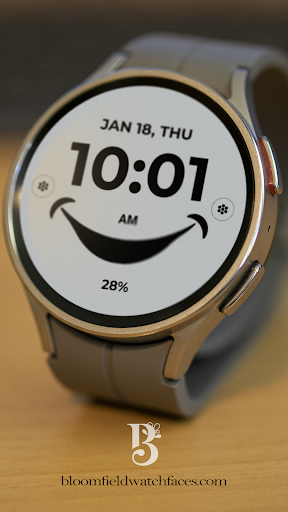
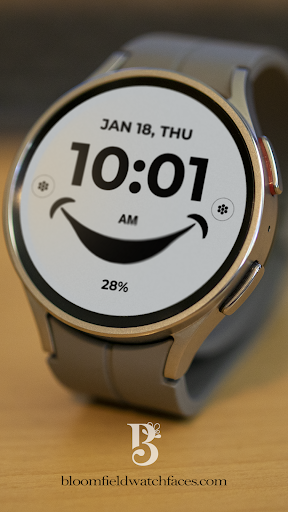
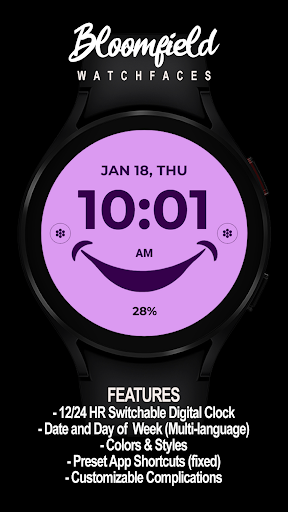
-12/24hr Digital Time (auto-sync, based on phone settings)
-Date (Multi-language)
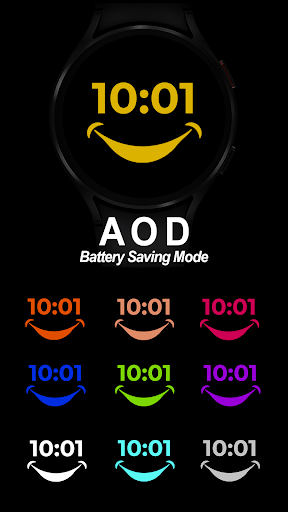
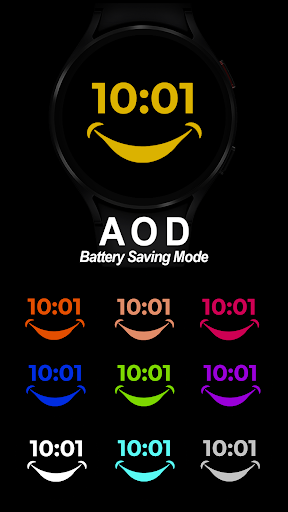
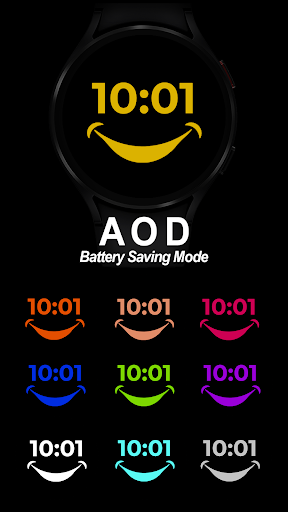
-Always-On (AOD)
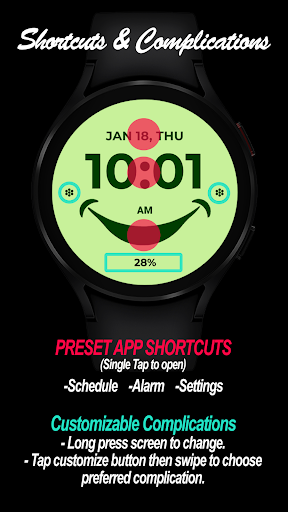
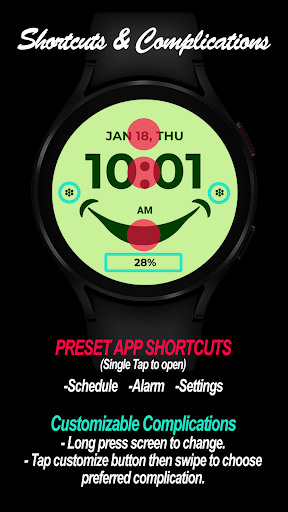
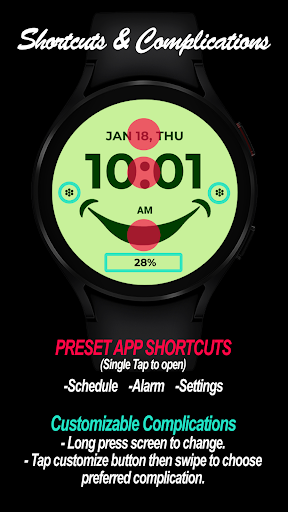
-Preset App Shortcuts (Single tap to open/ fixed not editable) Settings, Calendar & Alarm
📍Customizable Complications (CHANGEABLE)
Different complications to choose from; weather, steps, sunset/sunrise, next appointment, settings shortcut, phone shortcut, message shortcut and more.
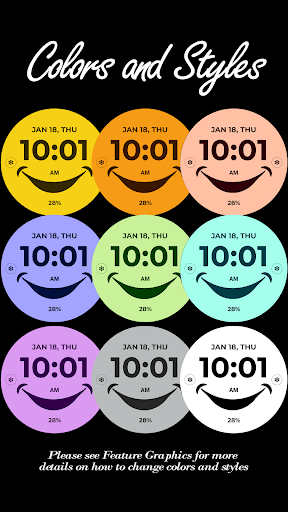
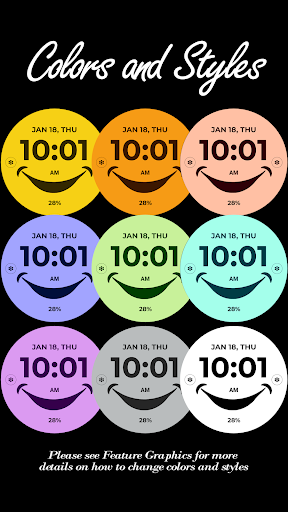
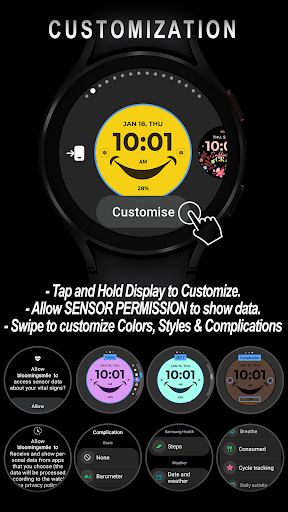
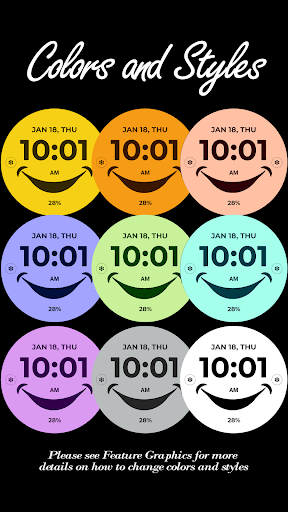
-Changeable LCD styles and font color palette (Touch and hold display. Tap on customize option. See feature graphics for tutorial)
📍Some features may not be available on some watches.
Full Collection: https://play.google.com/store/apps/developer?id=Bloomfield+Watchfaces
Contact us at: bloomfieldwatchfaces@gmail.com
Facebook Page: https://www.facebook.com/bloomfieldwatchfaces
Youtube Installation Tutorial: https://www.youtube.com/watch?v=vMM4Q2-rqoM
Version Information
- Version
- -
- Downloads
- 100+
- Updated on
- -
- Released
- Feb 13, 2024
- Requires
- Android Varies with device
Statistics
Google Play Rating History
Rating Distribution
Downloads Over Time
Blooming Smile has been downloaded times. Over the past 30 days, it averaged downloads per day.
Shaded area shows 30-day prediction based on historical trends
Historical data collection started recently. More data points will be available over time.
ApkTrusted Ratings & Reviews
More from Bloomfield Watchfaces
See more apps
Bloom in Grace
Free
Botanical and Bright
Free
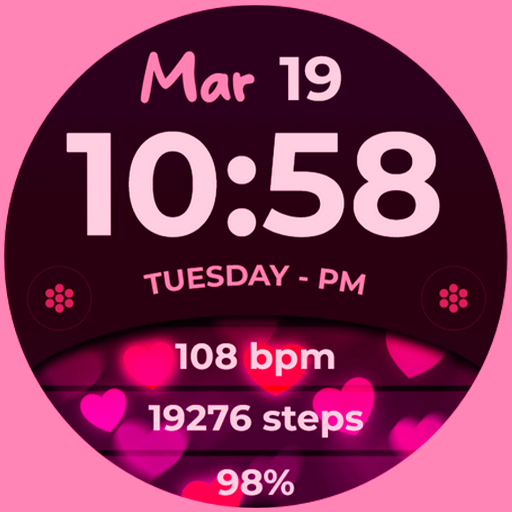
Bloom Hearts
Free

Active Wear Watchface
Free

Active Wear Hybrid
Paid

Active Wear Watchface 2
Paid
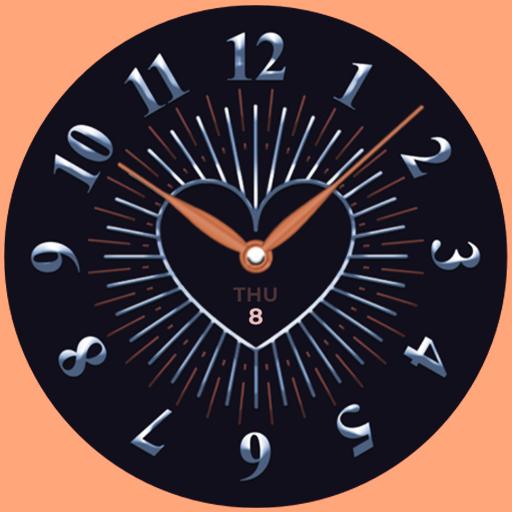
Heart Bloom Analog
Paid

Autumn Bloom
Paid

Bloom Active
Paid

Bloom Cats
Paid

Bloom Gems
Paid
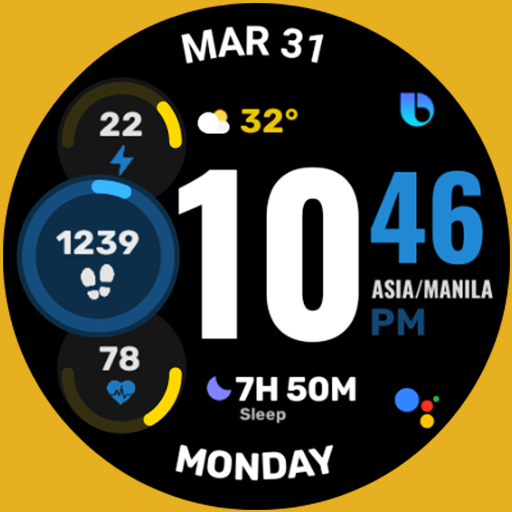
Active Wear Watchface 3
Paid

Active Edge Hybrid
Free

Bloom in Grace 2
Paid

Blossom Dreams
Paid

Active Progress
Paid
Similar Apps

Mood Dial - Watch face
Free
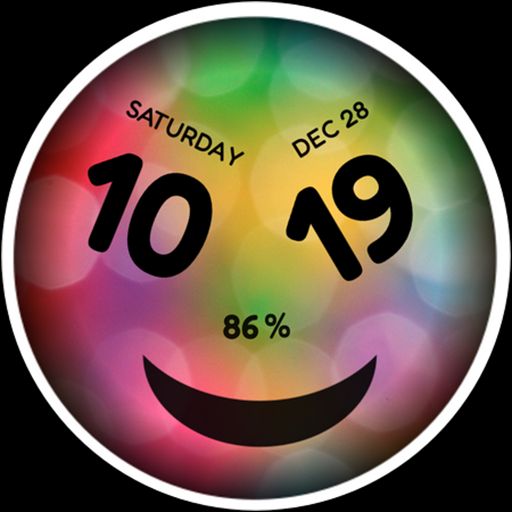
h008 Happy Colors
Paid

CC Bambe Watch Face
Free

Emoji Frame - Moods Seasonal
Free

Digital Minimal Watch Face
Paid
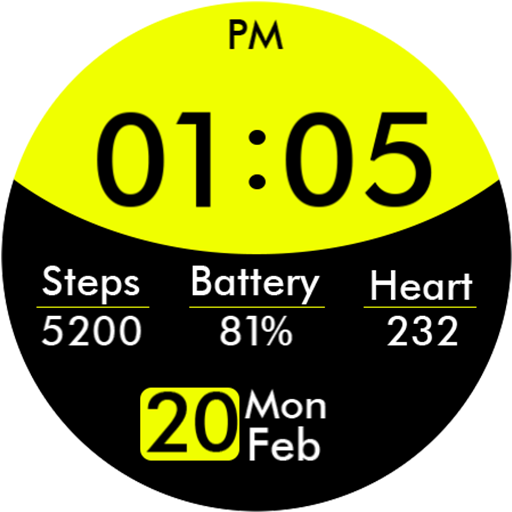
Key029 Digital Watch Face
Paid

OniOn watchface 007
Free
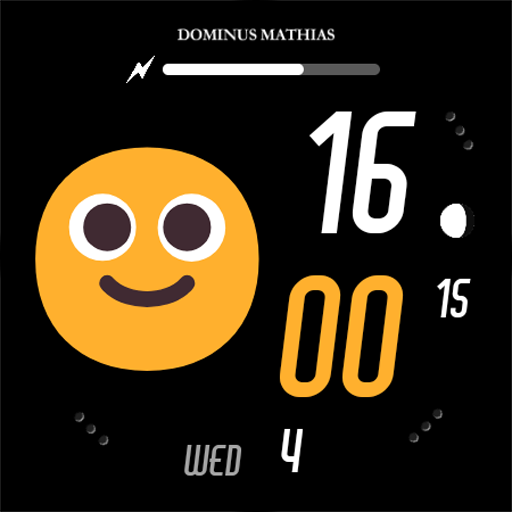
DM075 Smileys Moods Face
Paid
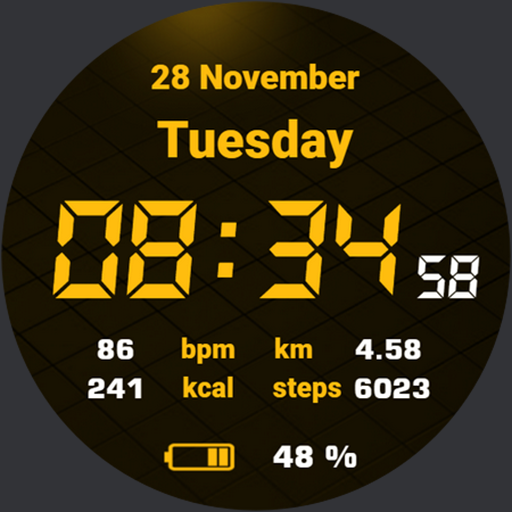
Quick Watchface AKM Wear OS
Free

Yellow Warning Watch Face
Free

DB020 Stickers
Free

Quick Watch AKM Wear OS
Paid
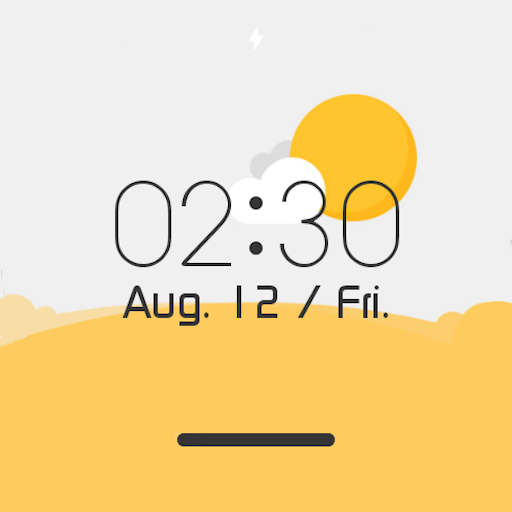
Weather Digital Watch Face
Free
DM076 Emoji Moods Faces
Paid

D0001 VNApps
Free
Arc Dial Two - Watch face
Paid
Scan this QR code to download

Forwarding you to the page at Google Play market in seconds...
Open Google Play market now