
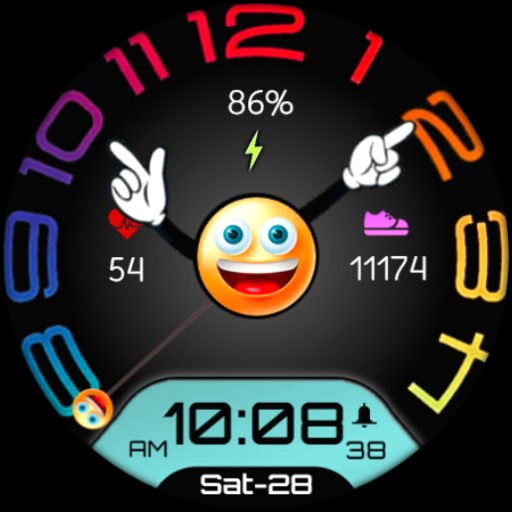
Emoji Frame - Moods Seasonal vVARY
AstraTime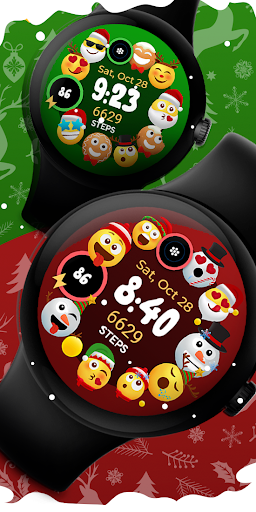



About this app
Developer Description
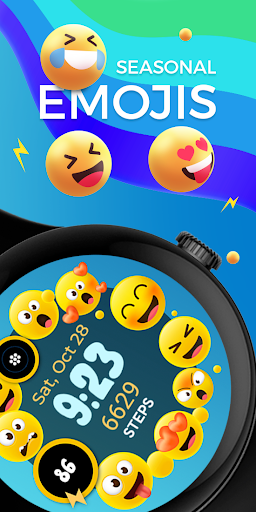
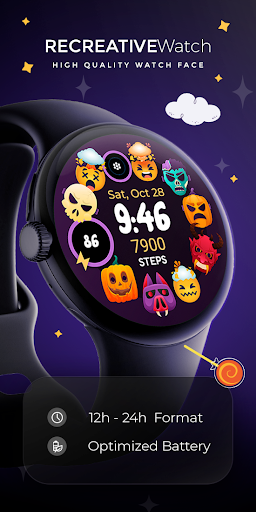
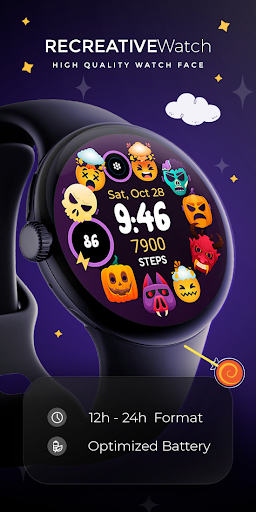
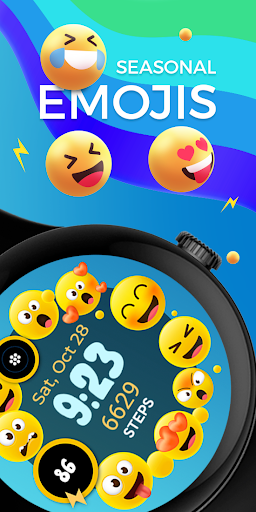
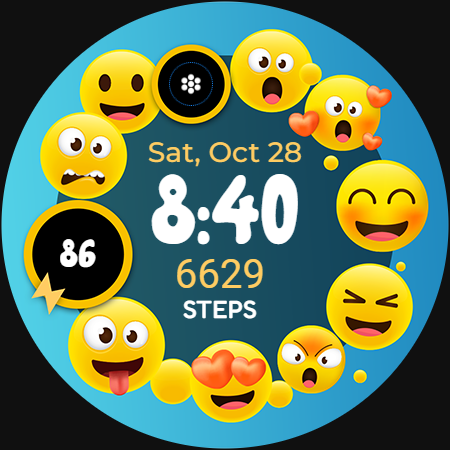
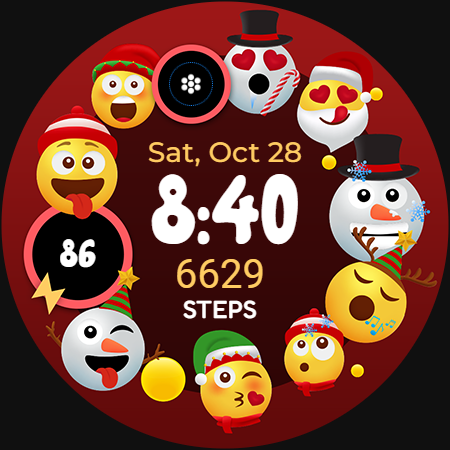
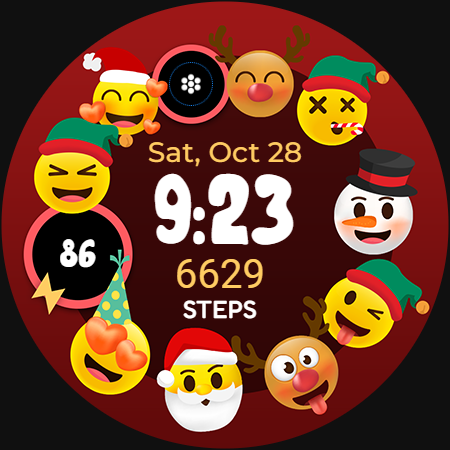
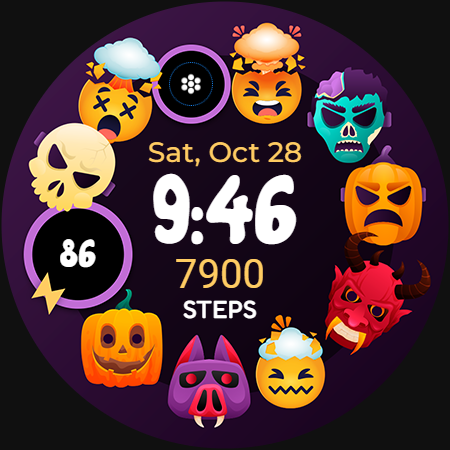
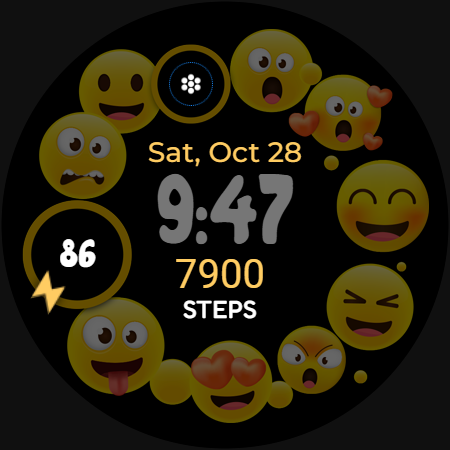
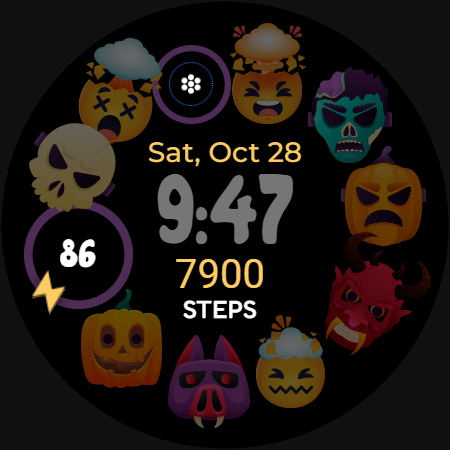
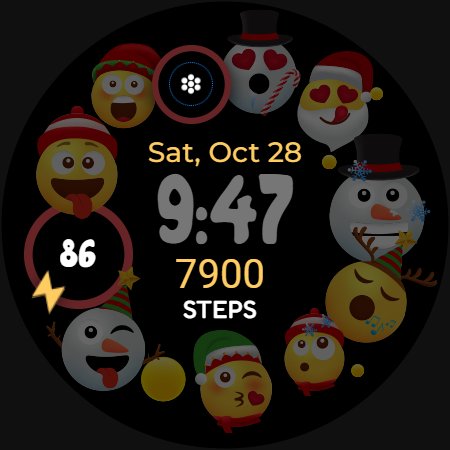
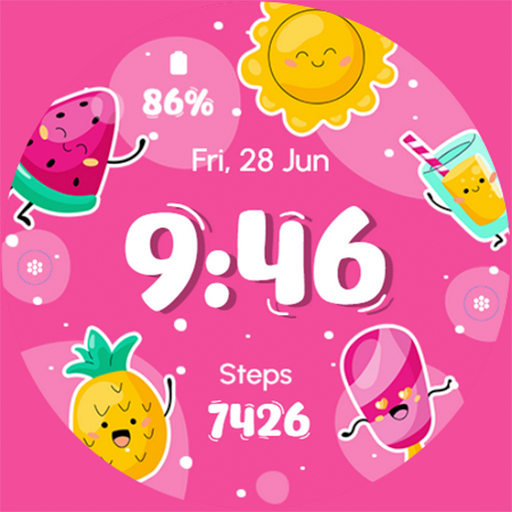
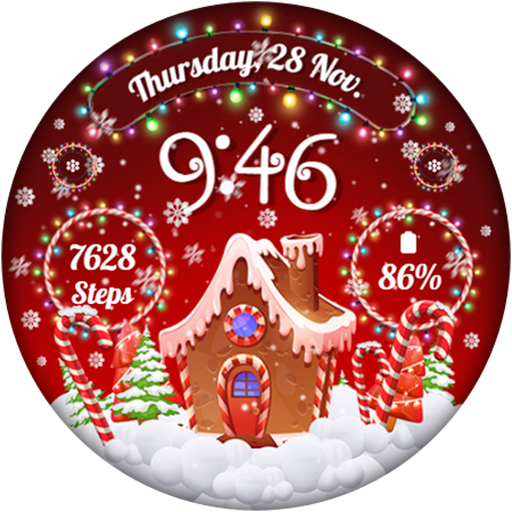
Seasonal Emoji Moods Frame - Colorful & Playful - Christmas & Winter
Powered by Watch Face Format
⚙️ Phone App Features
The phone app is simply a tool to facilitate installation and locating the watch face on your Wear OS watch. Only the mobile app contains ads.
⚙️ Watch Face Features
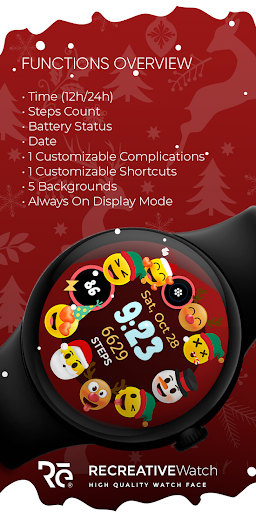
• 12/24h Digital Time
• Date
• Battery
• Steps Count
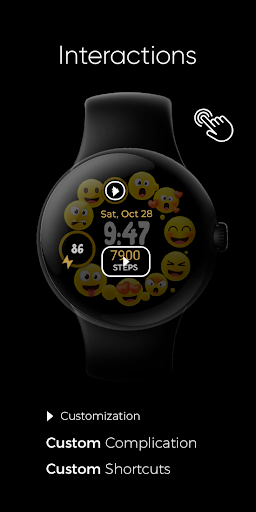
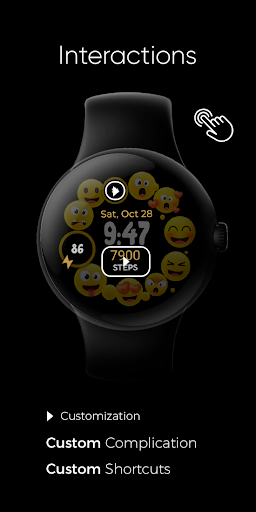
• 1 customizable Complications
• 1 customizable Shortcuts
• Multiple Color Variations
• Always ON Display supported with changeable colors and changeable modes
🎨 Customization
1 - Touch and hold display
2 - Tap on Customize option
🎨 Complications
Touch and hold display to open customization mode. You can customize the field with any data you want.
🔋 Battery
For better battery performance of the watch, we recommend disabling the "Always On Display" mode.
✅ Compatible devices include API level 33+ Google Pixel, Galaxy Watch 4, 5, 6, and other Wear OS models.
Installation and troubleshooting
Follow this link: https://www.recreative-watch.com/help/#installation-methodes
Watch faces don't automatically apply on your watch screen after the installation. That's why you must set it on your watch's screen.
💌 Write to support@recreative-watch.com for assistance.
Version Information
- Version
- -
- Downloads
- 5K+
- Updated on
- Aug 25, 2025
- Released
- Oct 6, 2023
- Requires
- Android Varies with device
Statistics
Google Play Rating History
Rating Distribution
Downloads Over Time
Emoji Frame - Moods Seasonal has been downloaded times. Over the past 30 days, it averaged downloads per day.
Shaded area shows 30-day prediction based on historical trends
Historical data collection started recently. More data points will be available over time.
Emoji Frame - Moods Seasonal users say on Google Play
 patricia fulghum
Love it . Like how I can change my screen .
ApkTrusted Ratings & Reviews
More from AstraTime
See more apps
Similar Apps
Moji Dial - Watch face
Free
Blooming Smile
Paid
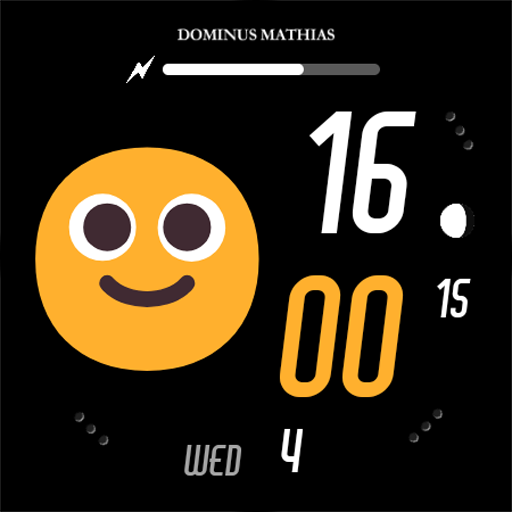
DM075 Smileys Moods Face
Paid

Mood Dial - Watch face
Free
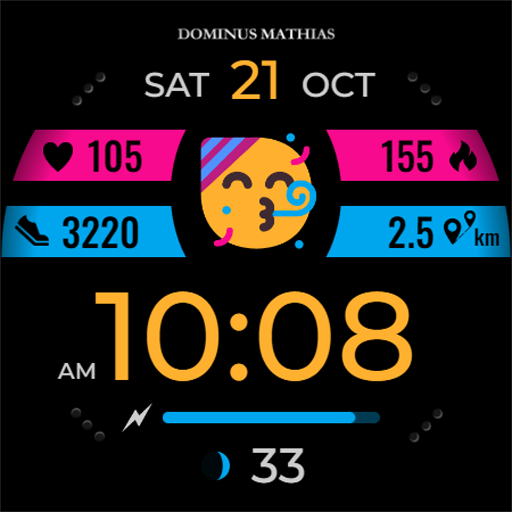
DM076 Emoji Moods Faces
Paid
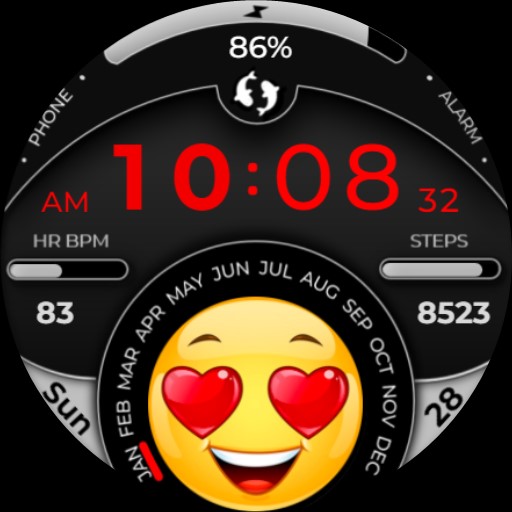
Emoji Smile Mood Cool Face
Free
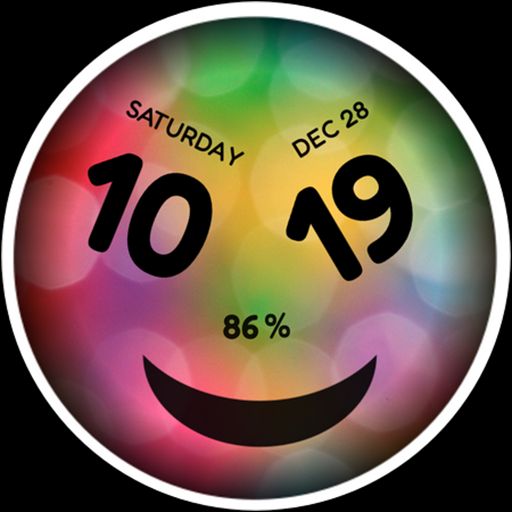
h008 Happy Colors
Paid
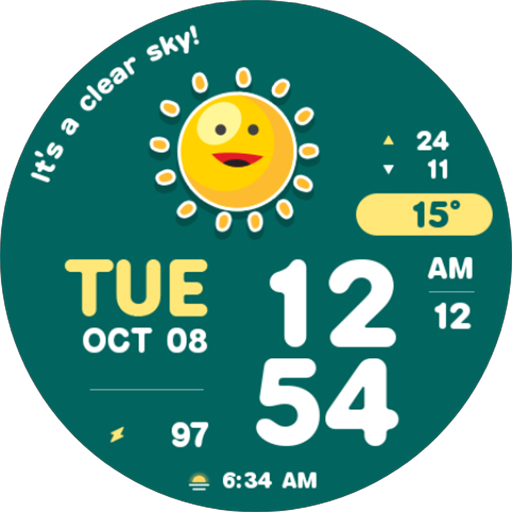
NW068: Digital watch face
Free
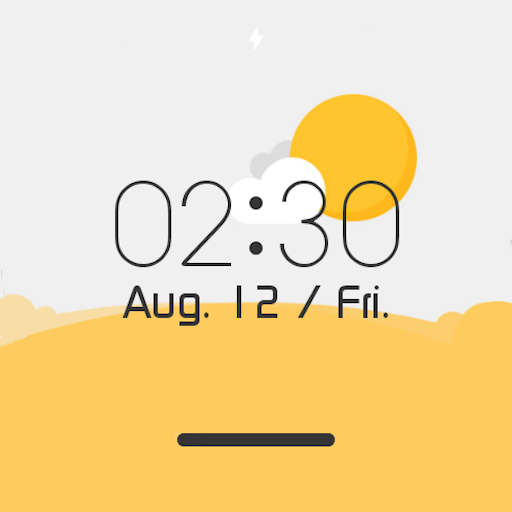
Weather Digital Watch Face
Free
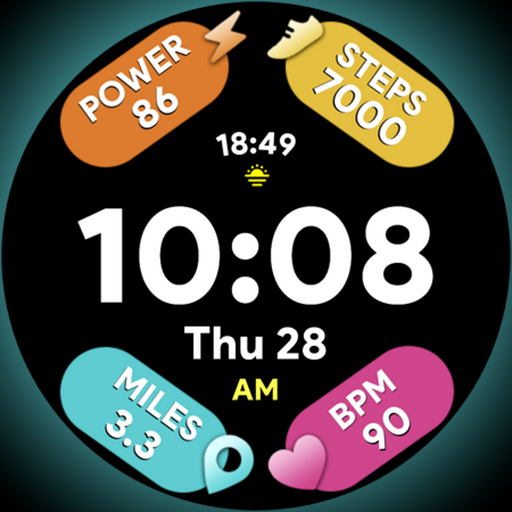
Arc Dial Two - Watch face
Paid
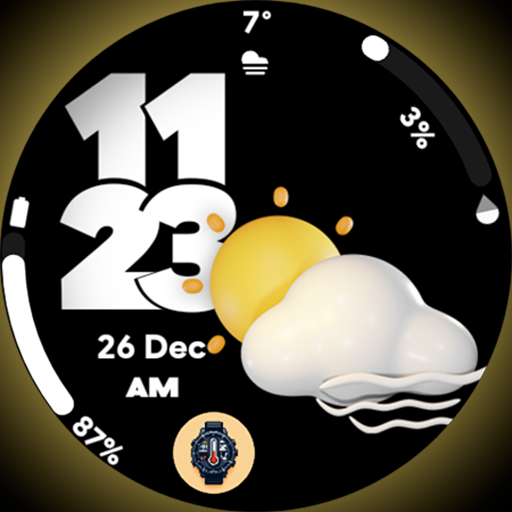
Pixel Weather 2 - Watch face
Paid

Geo Orbit Watch Face
Paid

Comics Wow
Free

SamWatch Toon C 2024
Paid

Nighty Digital 31 - watch face
Free
Emoji Clock Face
Free
Scan this QR code to download

Forwarding you to the page at Google Play market in seconds...
Open Google Play market now