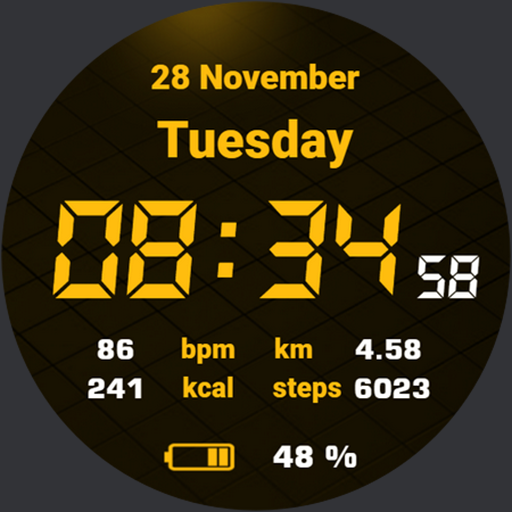
Quick Watchface AKM Wear OS vVARY
Akchim Watchfaces




About this app
The Quick Watchface AKM Wear OS app solves the problem of bland watch faces for Wear OS users by offering a minimalistic and strict digital design, which benefits users who value simplicity and elegance. This app stands out in the Personalization category due to its unique design approach, but it falls short in terms of customization options compared to other alternatives. With a good user rating of 3.8/5, it indicates that users generally appreciate its aesthetic, but may have some reservations. Overall, it's a solid choice for those seeking a clean and modern watch face design.
Pros
- The app has a strong focus on design, providing a unique and minimalistic watch face that sets it apart from more cluttered alternatives, which will appeal to users who value simplicity.
- With over 10,000 downloads, the app has a level of social proof, indicating that many users find its design appealing and functional.
- The developer, Akchim Watchfaces, has a clear vision for their design aesthetic, which is consistent across their products, making it a good choice for fans of their style.
- The app is free to download and use, with no ads or in-app purchases, which enhances the user experience and makes it more accessible to a wider audience.
- The lack of permissions required by the app is a significant advantage, as it ensures user data privacy and security, which is a major concern for many users.
Cons
- One concern is the limited customization options available, which may not appeal to users who prefer more control over their watch face design.
- The app's design, while unique, may not be to everyone's taste, and some users may find it too minimalistic or lacking in features.
- There is no clear information on the developer's update frequency or support for the app, which could be a concern for users who rely on regular updates and bug fixes.
- The app's compatibility with various Wear OS devices is not explicitly stated, which could lead to issues for users with older or less common devices.
Best for: The ideal user for the Quick Watchface AKM Wear OS app is a tech-savvy individual, likely between the ages of 25-45, who values simplicity, elegance, and ease of use in their smartwatch interface, and is looking for a unique and modern watch face design that reflects their personal style.
Developer Description
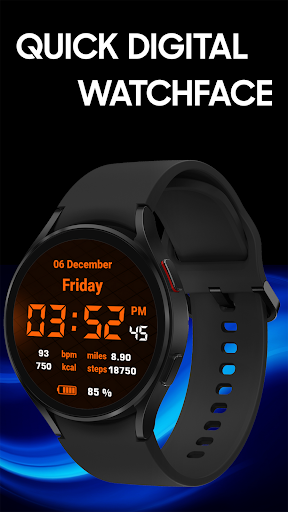
Minimalistic, strict, digital.
❗Customizable version of this watchface is now available! Check portfolio for Quick Watch AKM, or download from Companion App.❗
❗IMPORTANT NOTICE:
❗Please carefully read these instructions before and after downloading our watch face to avoid any unexpected issues.
Compatibility:
This watch face has been extensively tested on the Samsung Watch 4 Classic and Samsung Watch 5 Pro.
It is also compatible with other Wear OS 3+ devices.
However, please note that some features may vary slightly on different watch models.
⭐Installation instructions⭐
METHOD 1: COMPANION APPLICATION, PREFFERED WAY
🔹Open the Companion application on your phone (comes with the watchface).
🔹Locate the "Get from Watch" option and tap on it.
🔹Check your smartwatch for the watch face.
🔹Once the watch face appears on your smartwatch, tap the "INSTALL" button.
🔹Wait a few minutes for the watch face to be transferred to your smartwatch.
🔹Long press on the watch face, swipe left, and tap "ADD WATCH FACE" to activate it.
METHOD 2: PLAY STORE APPLICATION
❗THIS METHOD IS NOT ALWAYS SUPPORTED BY PLAY STORE❗
🔹Open the Google Play Store app on your phone.
🔹Tap the triangle icon and select the target device from the drop-down menu.
🔹Tap the "INSTALL" button on your phone and wait for the installation to complete on your watch.
🔹Long press on the watch face, swipe left, tap "ADD WATCH FACE" and select the watch face to activate it.
METHOD 3: PLAY STORE WEBSITE
🔹Access the watch face link using a web browser on your PC.
🔹Click on "Install on more devices" and select your watch from the target device list.
🔹Wait for the watch face to be transferred to your watch.
🔹Long press on the watch face, swipe left, tap "ADD WATCH FACE" and select the watch face to activate it.
REFFERING TO THE INSTALLATION GUIDE
🔹For a detailed and comprehensive installation guide, please visit this link:
https://developer.samsung.com/sdp/blog/en-us/2022/11/15/install-watch-faces-for-galaxy-watch5-and-one-ui-watch-45
❗AVOIDING DUPLICATE PAYMENTS
Please note that you will only be charged once for the watch face, even if you are prompted to pay again.
If you encounter a payment loop, try disconnecting and reconnecting your watch from your phone.
Alternatively, enable airplane mode on your watch and reactivate it after a few minutes.
Once you have installed the watchface, you may be asked to grant permissions to the sensors - be sure to approve all permissions.
❗ Please consider that any issues here are NOT developer dependent. The developer has no control over the Play Store from this side. Thank you. ❗
⭐What is inside⭐
✔ minimalistic design;
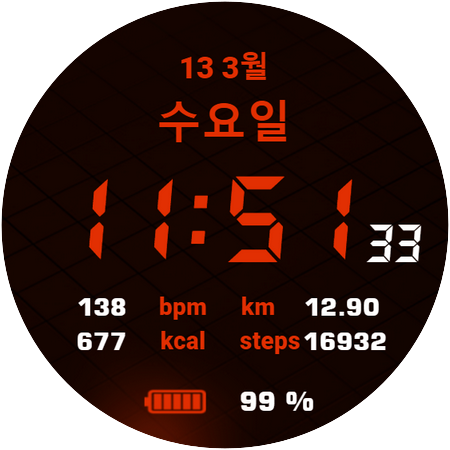
✔ 9 different color themes (change color in watchface settings);
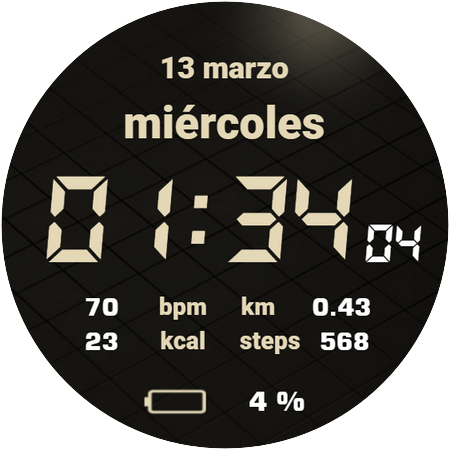
✔ multilingual (based on language phone settings);
✔ 12/24 time format;
✔ Tap zones: Alarm and Calendar;
✔ AOD mode;
❗ Dear customer
If you have any problems, please contact me first via e-mail akchimwf@gmail.com
Then I gladly will help you asap❗
Privacy
Given that the app requires no permissions, it poses minimal risk to user data and privacy, making it a safe choice for those concerned about security. However, users should still be cautious when downloading and installing apps from unknown sources. To ensure safety, it's recommended to only download the app from trusted sources, such as the Google Play Store.
Tips
To get the most out of the Quick Watchface AKM Wear OS app, users should first ensure their Wear OS device is compatible and up-to-date. They can then experiment with the app's design options to find the look that suits their style. Additionally, users can optimize the app's performance by closing unnecessary background apps and ensuring their device has sufficient storage space.
What's New
Version Information
- Version
- -
- Downloads
- 10K+
- Updated on
- Jul 27, 2025
- Released
- Nov 19, 2023
- Requires
- Android Varies with device
Statistics
Google Play Rating History
Rating Distribution
Downloads Over Time
Quick Watchface AKM Wear OS has been downloaded times. Over the past 30 days, it averaged downloads per day.
Shaded area shows 30-day prediction based on historical trends
Historical data collection started recently. More data points will be available over time.
Quick Watchface AKM Wear OS users say on Google Play
 CJ L
CJ L
Awesome
 Michael Parkes
Good watch face if you like military style.
 Daniel Britton
doesn't work
ApkTrusted Ratings & Reviews
More from Akchim Watchfaces
See more apps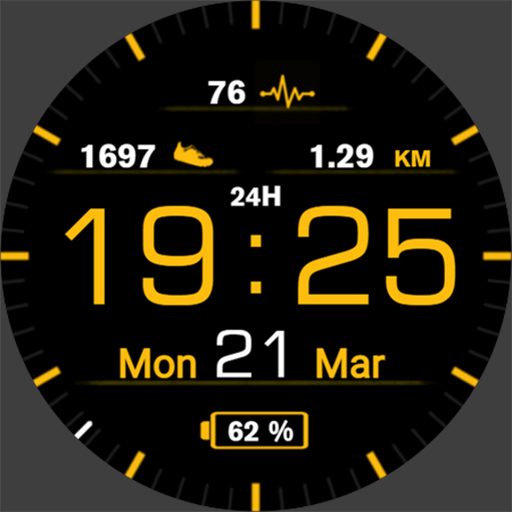
Casual Watchface AKM Wear OS
Free
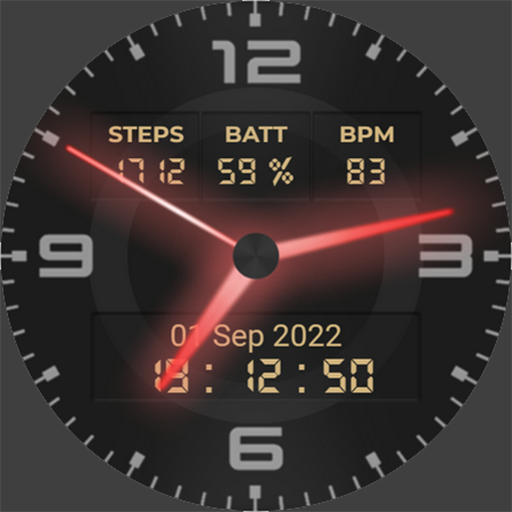
Neon Watchface AKM Wear OS
Free
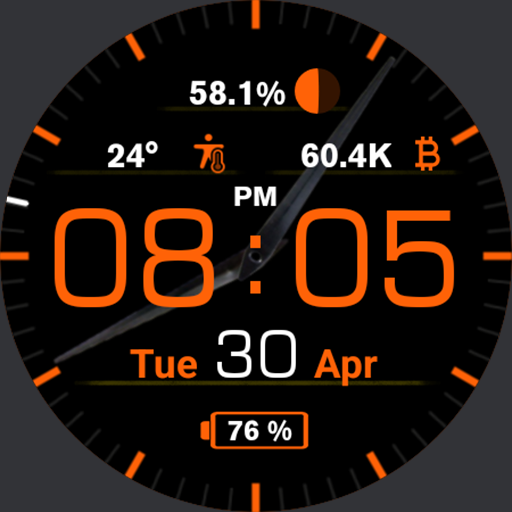
Casual Watch AKM Wear OS
Paid
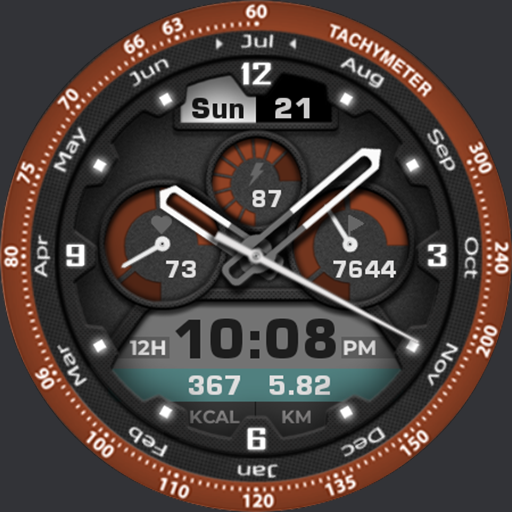
Akchim Watchface AKM Wear OS
Free
Simple Watchface AKM Wear OS
Free
Invisible Watchface AKM WearOS
Free
Akchim Watch AKM Wear OS
Free
Christmas Watchface AKM WearOS
Paid
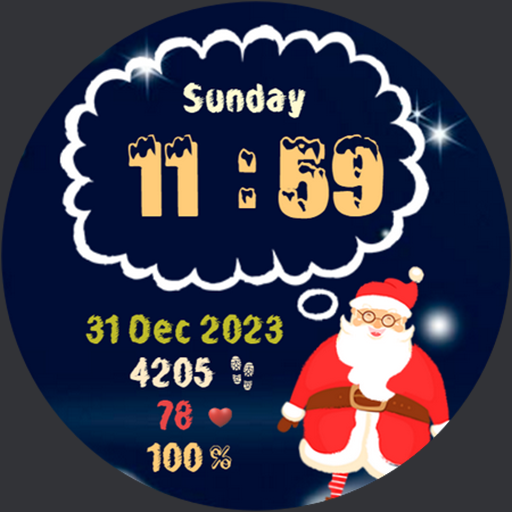
NewYear Watchface AKM Wear OS
Paid
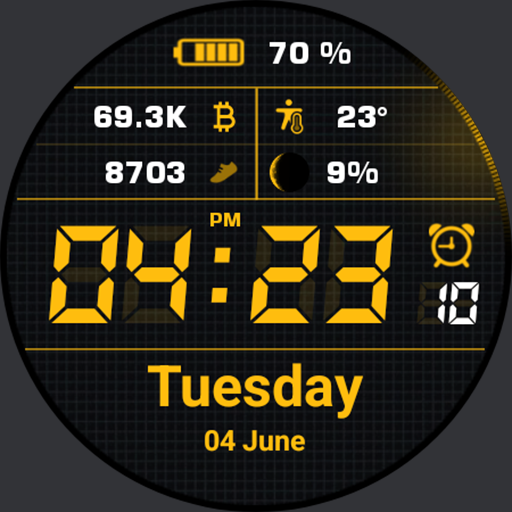
Simple Watch AKM Wear OS
Paid

Quick Watch AKM Wear OS
Paid
Similar Apps

SMZ Knights Pro E2
Paid

KZY122
Free
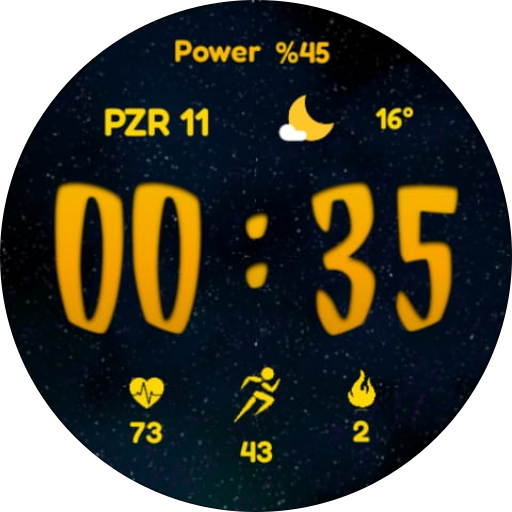
CNRwatch016
Free

Watch face CRC014
Free
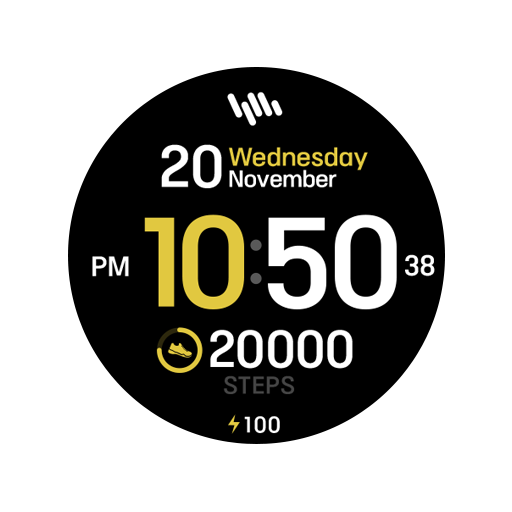
SamWatch Simple Iota
Paid

Metallic Digital
Paid

Key048 Digital Watch Face
Paid
Retro CRT
Paid

CC Bambe Watch Face
Free

OT | Funny Digital Watch Face
Paid

SamWatch Simple J 2022
Paid

Orange LED Watch Face
Paid

KZY107
Free
WES5 - Sportive Watch Face
Free
Green Glow Watch Face
Free

Key047 Digital Watch Face
Paid
Scan this QR code to download

Forwarding you to the page at Google Play market in seconds...
Open Google Play market now