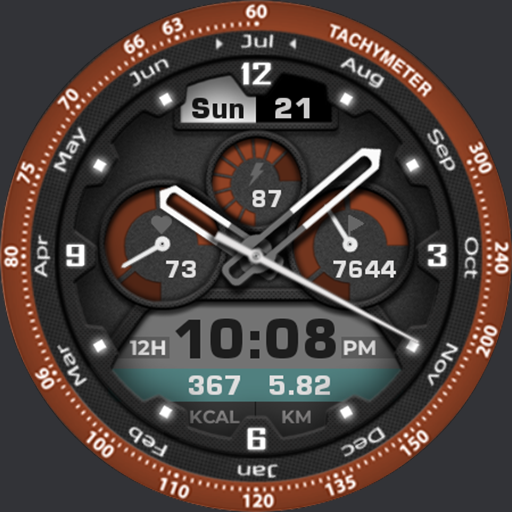
Akchim Watchface AKM Wear OS vVARY
Akchim Watchfaces

About this app
Developer Description
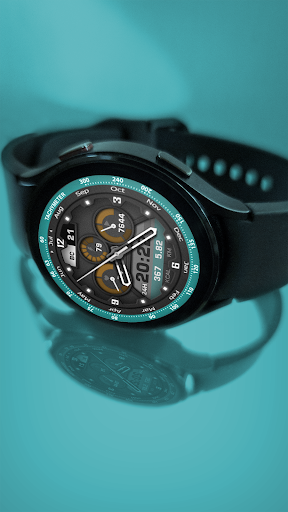
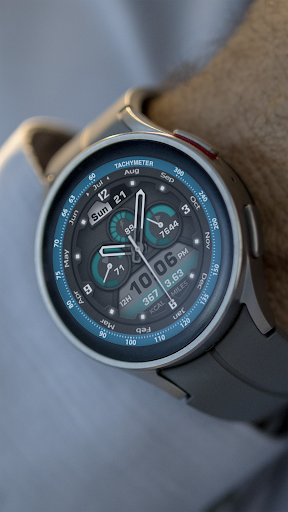
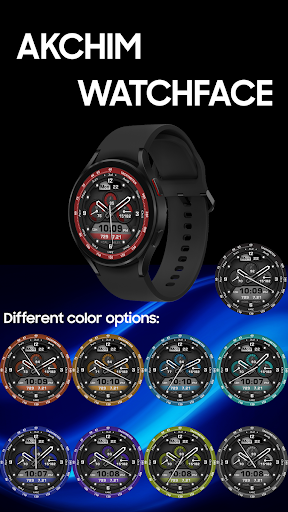
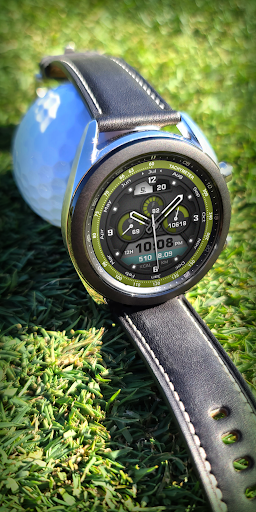
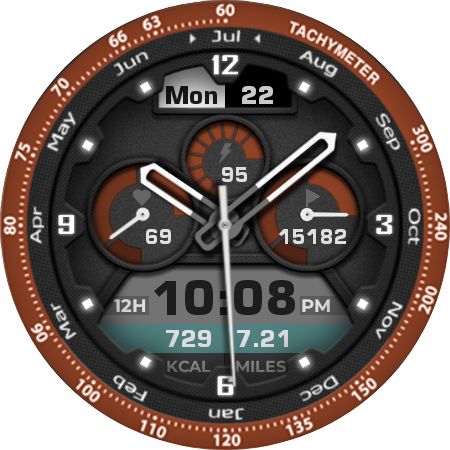
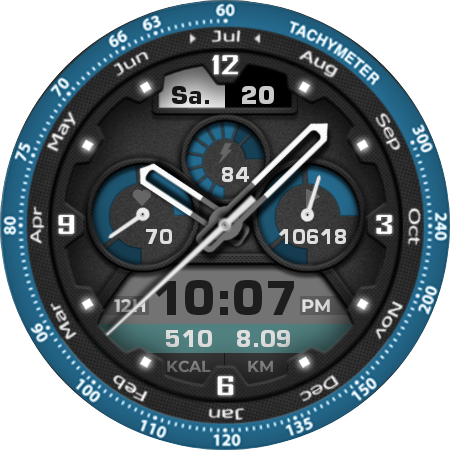
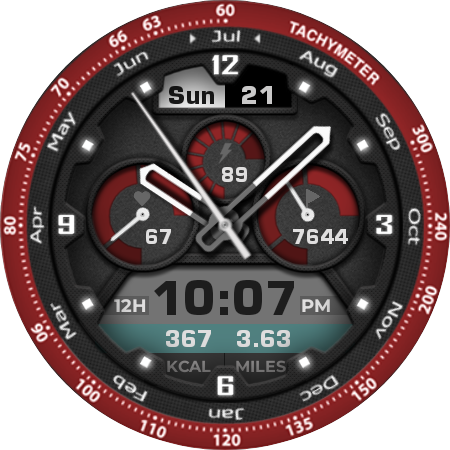
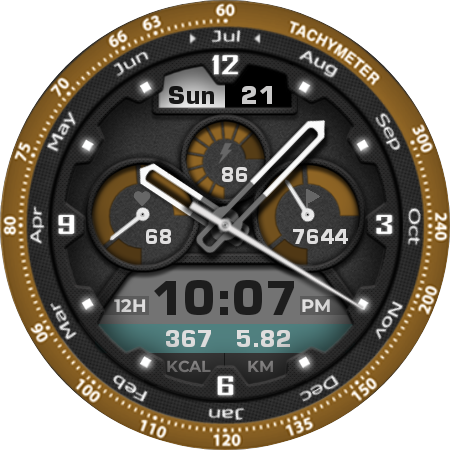
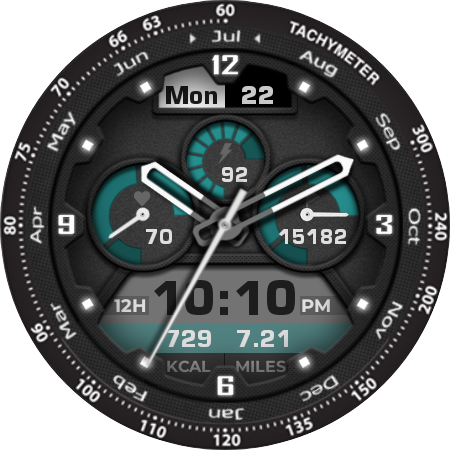
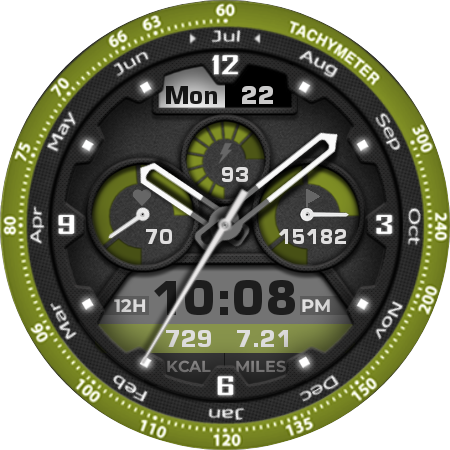
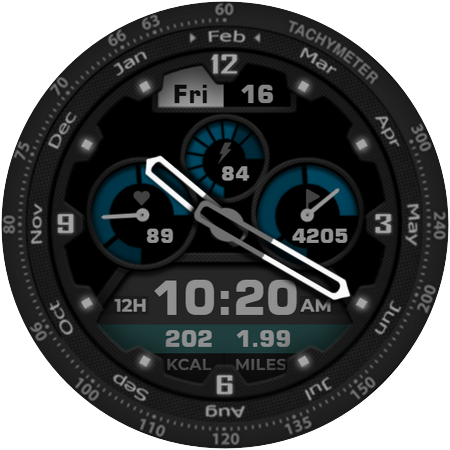
Stylish watchface in colored design.
This is new Akchim Watchface designed for all watches powered by Wear OS.
❗IMPORTANT NOTICE:
❗Please carefully read these instructions before and after downloading our watch face to avoid any unexpected issues.
⭐What is inside⭐
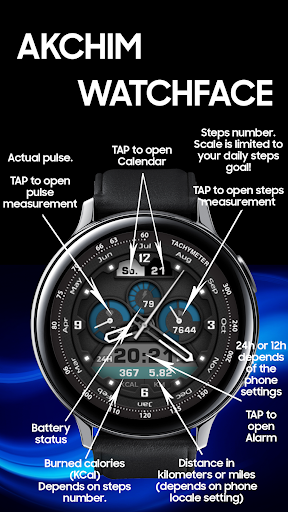
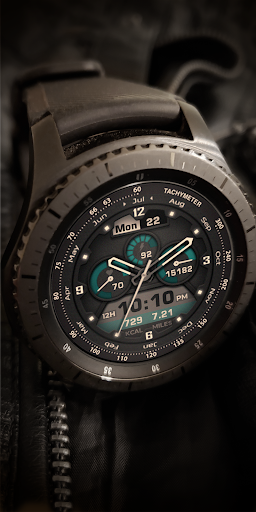
✔ pulse (progress bar range from 50 to 200 bpm);
✔ steps progress (❗progress bar range is mapped to your steps daily goal❗);
✔ calories (❗calculated based on steps progress => may differ from your default Health app❗);
✔ distance in kilometers or miles (depends of phone locale settings);
✔ 10 different color themes for cockpit and outer ring -> you can freely combine colors;
✔ multilingual for day indication (❗however, months ring is always in English❗);
✔ 12/24 time format (depends of phone locale settings);
✔ tap zones: calendar, pulse, steps progress and alarm;
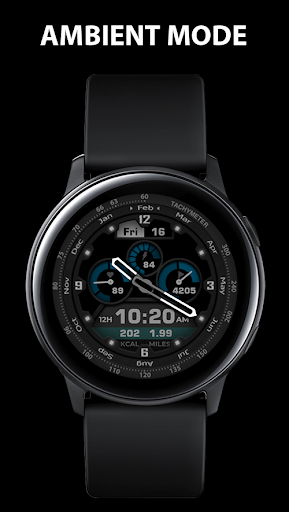
✔ AOD mode;
Compatibility:
This watch face has been extensively tested on the Samsung Watch 4 Classic and Samsung Watch 5 Pro.
It is also compatible with other Wear OS 3+ devices.
However, please note that some features may vary slightly on different watch models.
⭐Installation instructions⭐
METHOD 1: COMPANION APPLICATION, PREFFERED WAY
🔹Open the Companion application on your phone (comes with the watchface).
🔹Locate the "Get from Watch" option and tap on it.
🔹Check your smartwatch for the watch face.
🔹Once the watch face appears on your smartwatch, tap the "INSTALL" button.
🔹Wait a few minutes for the watch face to be transferred to your smartwatch.
🔹Long press on the watch face, swipe left, and tap "ADD WATCH FACE" to activate it.
METHOD 2: PLAY STORE APPLICATION
❗THIS METHOD IS NOT ALWAYS SUPPORTED BY PLAY STORE❗
🔹Open the Google Play Store app on your phone.
🔹Tap the triangle icon and select the target device from the drop-down menu.
🔹Tap the "INSTALL" button on your phone and wait for the installation to complete on your watch.
🔹Long press on the watch face, swipe left, tap "ADD WATCH FACE" and select the watch face to activate it.
METHOD 3: PLAY STORE WEBSITE
🔹Access the watch face link using a web browser on your PC.
🔹Click on "Install on more devices" and select your watch from the target device list.
🔹Wait for the watch face to be transferred to your watch.
🔹Long press on the watch face, swipe left, tap "ADD WATCH FACE" and select the watch face to activate it.
REFFERING TO THE INSTALLATION GUIDE
🔹For a detailed and comprehensive installation guide, please visit this link:
https://developer.samsung.com/sdp/blog/en-us/2022/11/15/install-watch-faces-for-galaxy-watch5-and-one-ui-watch-45
❗AVOIDING DUPLICATE PAYMENTS
Please note that you will only be charged once for the watch face, even if you are prompted to pay again.
If you encounter a payment loop, try disconnecting and reconnecting your watch from your phone.
Alternatively, enable airplane mode on your watch and reactivate it after a few minutes.
Once you have installed the watchface, you may be asked to grant permissions to the sensors - be sure to approve all permissions.
❗Please consider that any issues here are NOT developer dependent. The developer has no control over the Play Store from this side. Thank you.❗
Dear customer❗
If you have any problems, please contact me first via e-mail akchimwf@gmail.com
Then I surely will help you asap.
What's New
- small improvements
Version Information
- Version
- -
- Downloads
- 50K+
- Updated on
- Jul 27, 2025
- Released
- Jul 24, 2024
- Requires
- Android Varies with device
Statistics
Google Play Rating History
Rating Distribution
Downloads Over Time
Akchim Watchface AKM Wear OS has been downloaded times. Over the past 30 days, it averaged downloads per day.
Shaded area shows 30-day prediction based on historical trends
Historical data collection started recently. More data points will be available over time.
Akchim Watchface AKM Wear OS users say on Google Play
 Wikus Kruger
Great design. Looks realistic also. Perfect for my GW6. Can recommend it
 Colin Kirrane
Cost not made clear
ApkTrusted Ratings & Reviews
More from Akchim Watchfaces
See more apps
Casual Watchface AKM Wear OS
Free
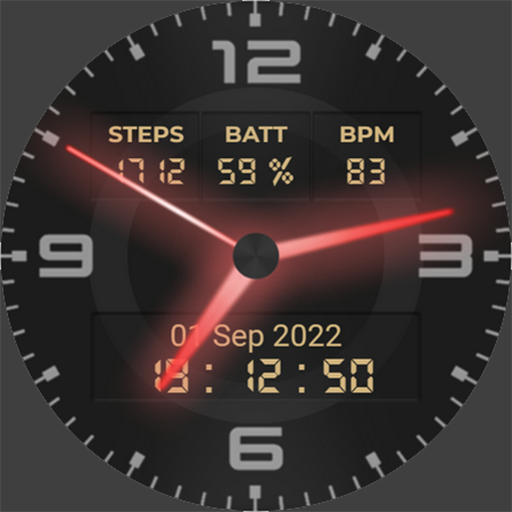
Neon Watchface AKM Wear OS
Free
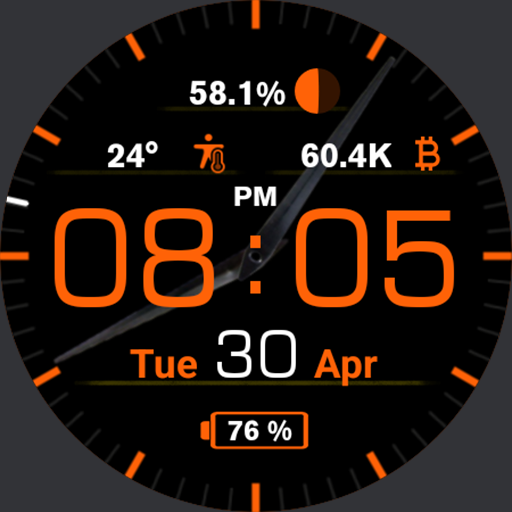
Casual Watch AKM Wear OS
Paid
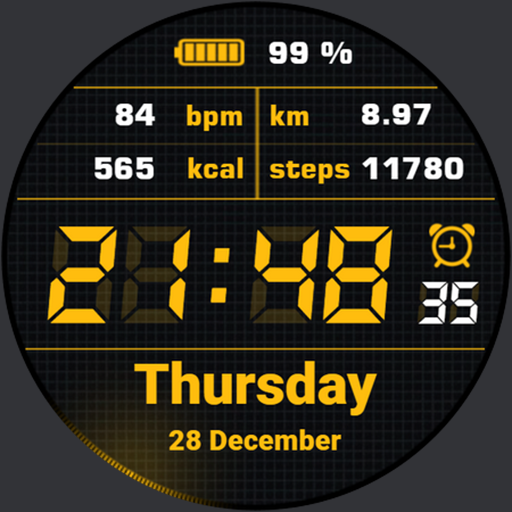
Simple Watchface AKM Wear OS
Free
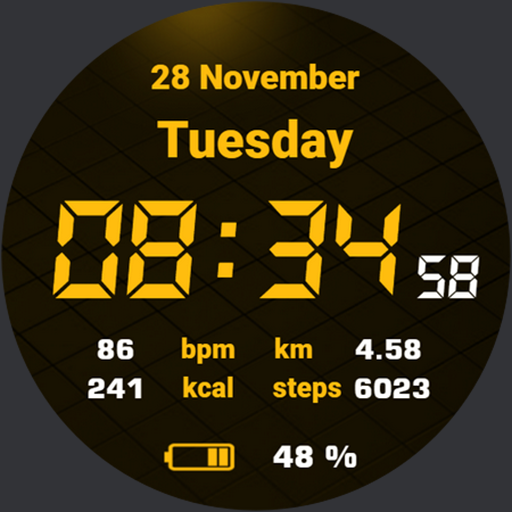
Quick Watchface AKM Wear OS
Free
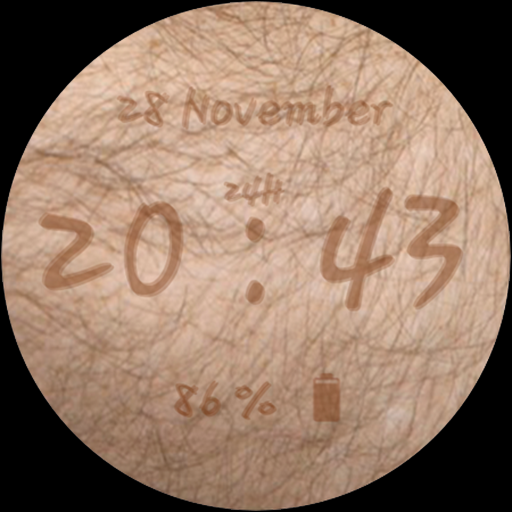
Invisible Watchface AKM WearOS
Free
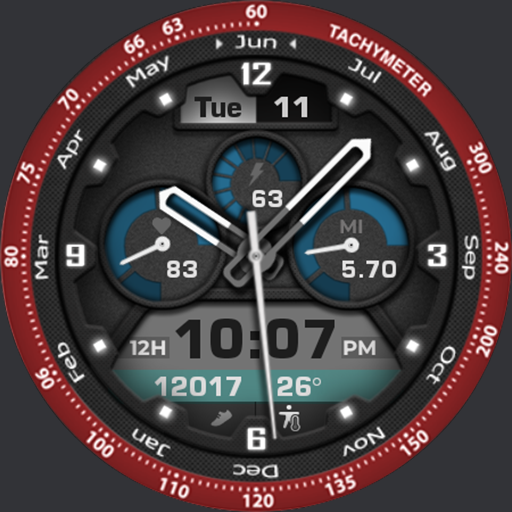
Akchim Watch AKM Wear OS
Free
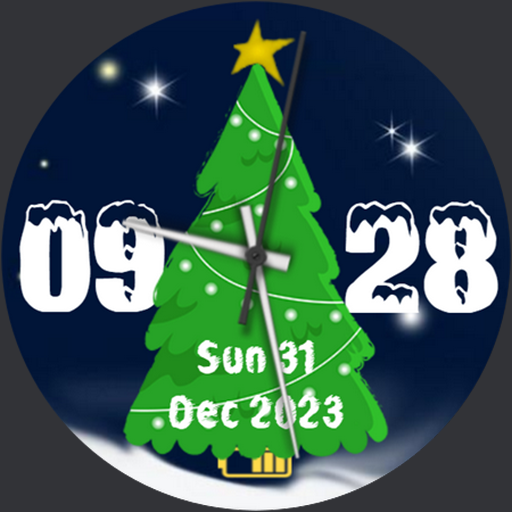
Christmas Watchface AKM WearOS
Paid
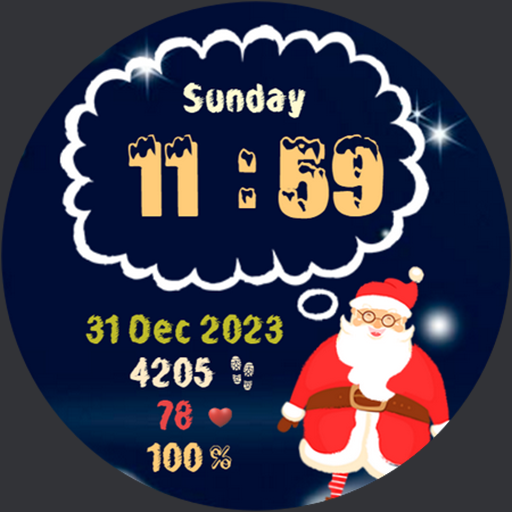
NewYear Watchface AKM Wear OS
Paid
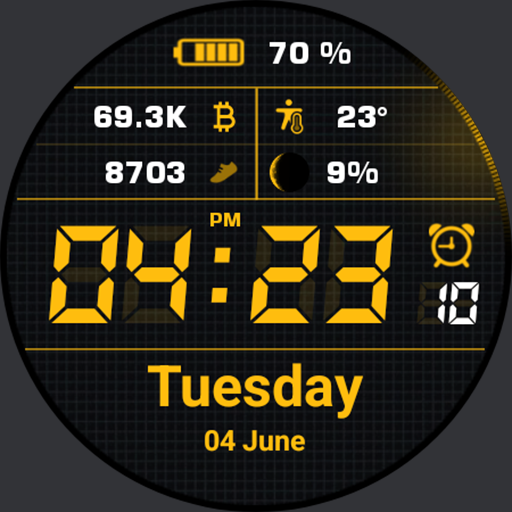
Simple Watch AKM Wear OS
Paid

Quick Watch AKM Wear OS
Paid
Similar Apps

DB048 Hybrid Watch Face
Free

Retro - Smart v2 | watch face
Free

Hybrid TITAN DW03 Watch face
Paid
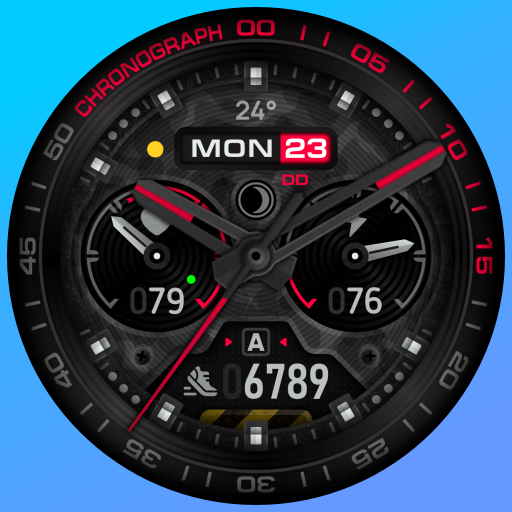
SH014 Watch Face, WearOS watch
Free

SY02 Watch Face For Wear OS
Free

BRN156 - TREZO Analog
Free

IWF ABN III | ISACWATCH
Paid

KZY045
Paid

DM153 Progressive HighTec Face
Paid

MD294 Analog watch face
Paid
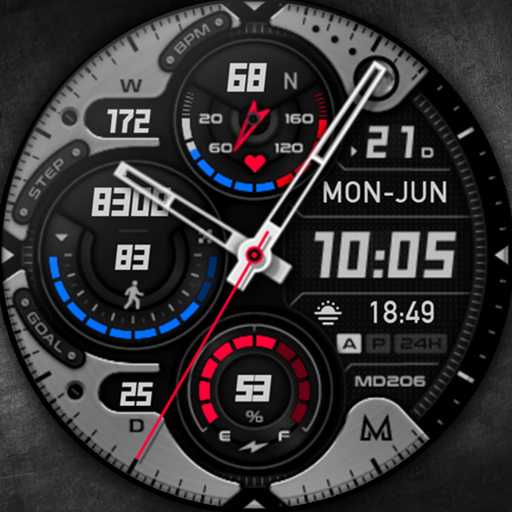
MD206 Analog watch face
Paid
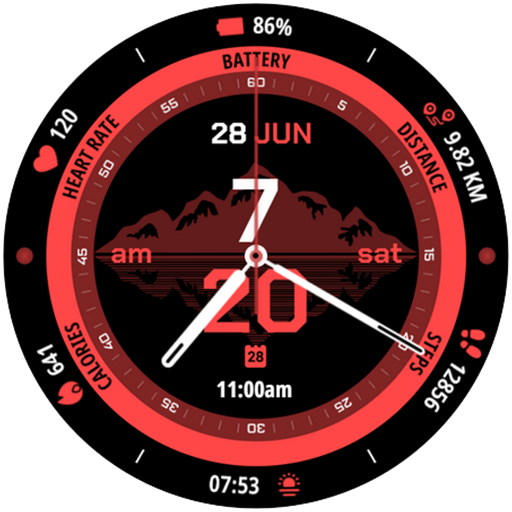
Alphys Watch Face
Paid
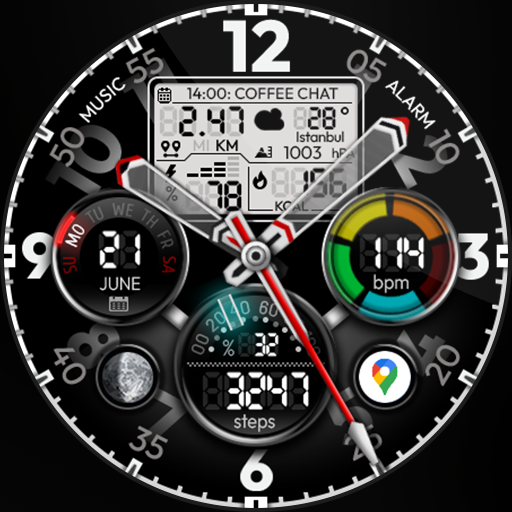
Hybrid Power - Watch Face
Free
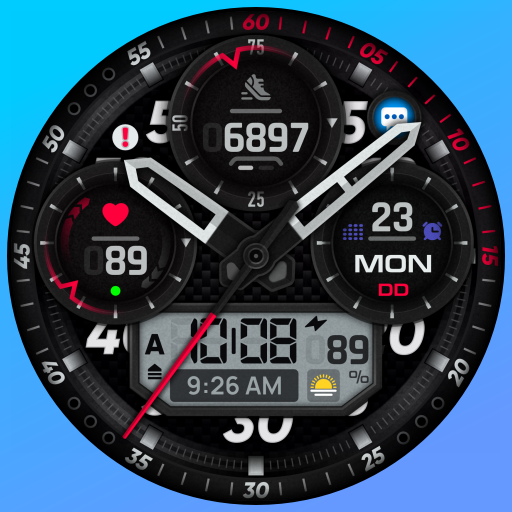
SH095 Watch Face, WearOS watch
Paid

SH025 Watch Face, WearOS watch
Paid

Phantom - Hybrid v2 Watch Face
Paid
Scan this QR code to download

Forwarding you to the page at Google Play market in seconds...
Open Google Play market now